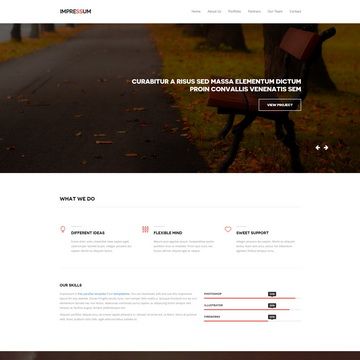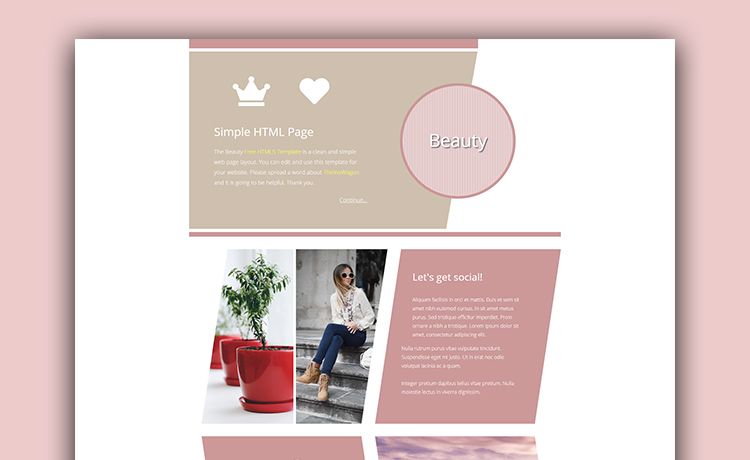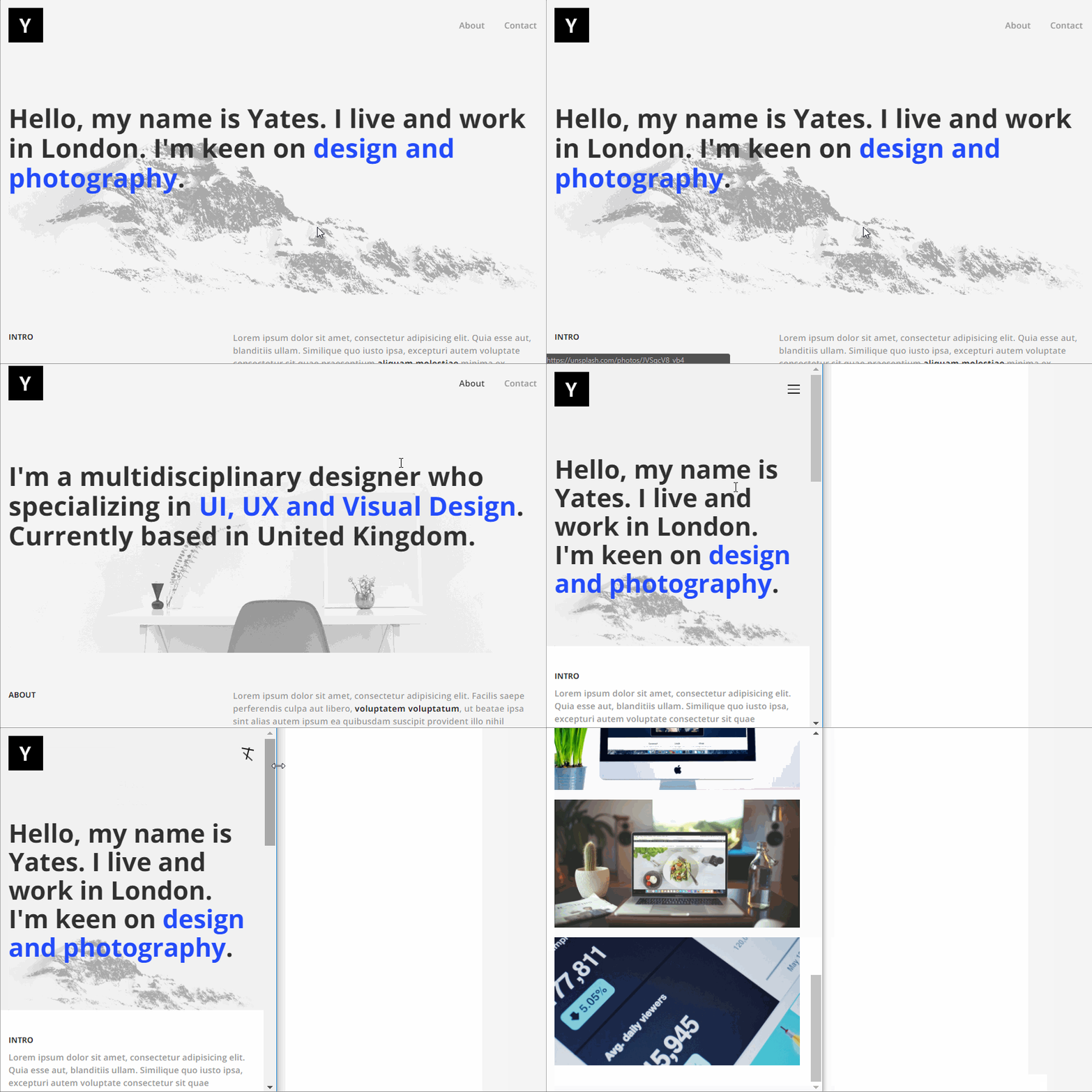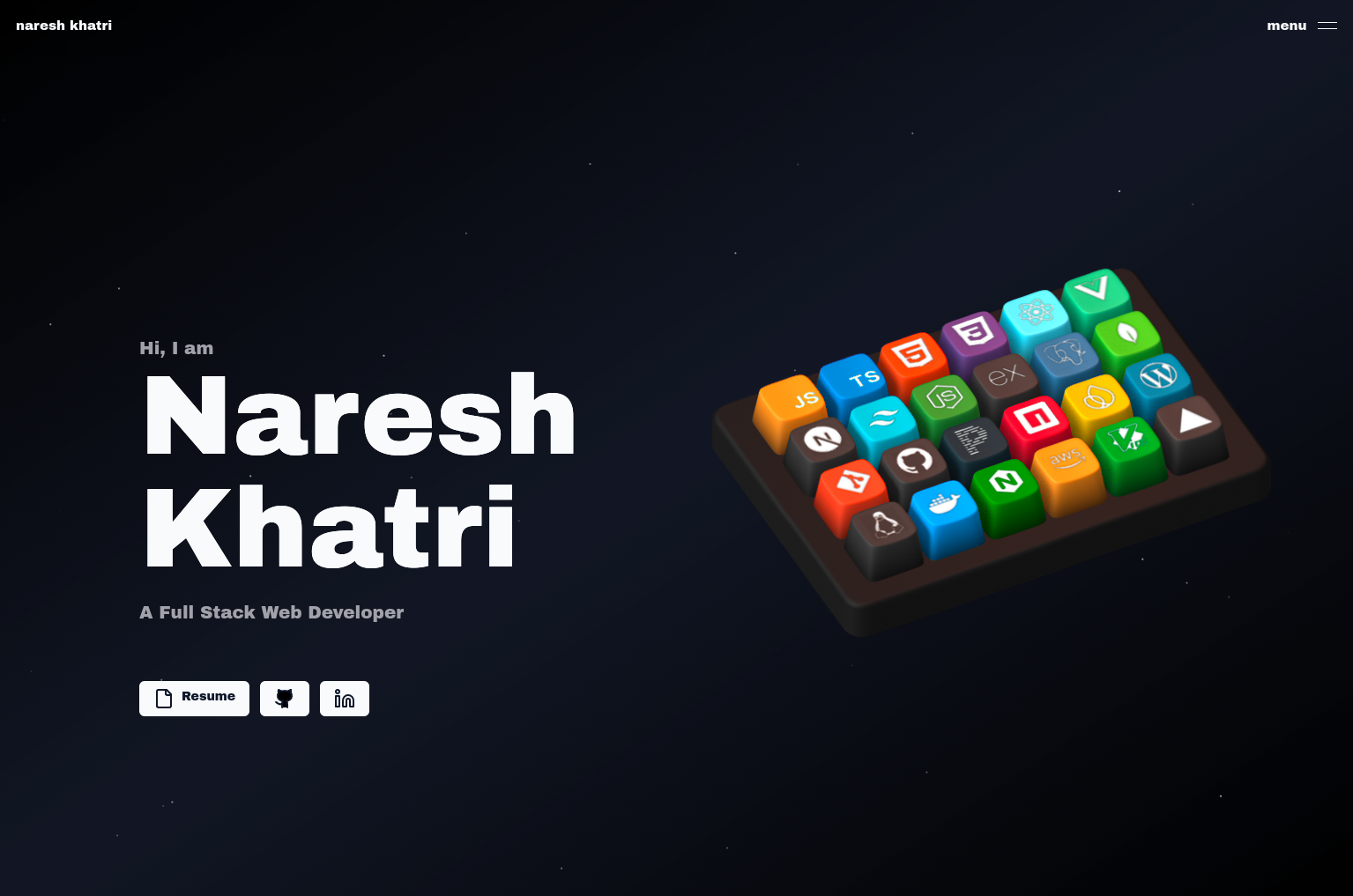
Template details
Artists Theme
A free Jekyll Theme developed by the DevTips Community
About this template
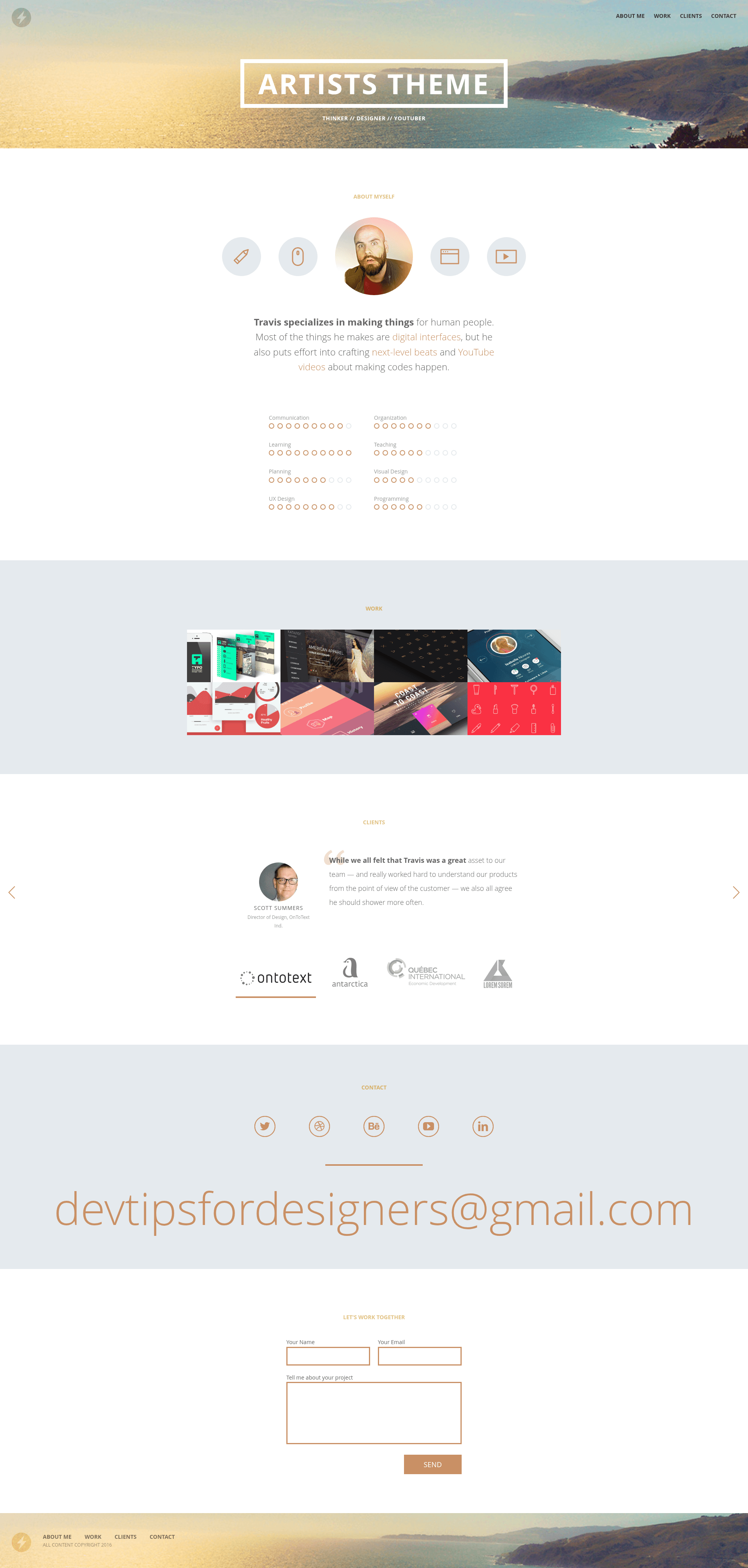
Artists Theme is a free, open-source Jekyll template for building artist portfolio websites, developed in public by the DevTips community across weekly YouTube episodes.
What is Artists Theme?
Artists Theme is a free Jekyll-powered template designed for artists to showcase their work in a portfolio format. It takes a standard Jekyll project structure and generates a static website with a dedicated "work" section, sample projects, and a clean layout. The theme runs on Ruby-based Jekyll, is maintained by the DevTips community, and is available on GitHub for anyone to clone and modify.
Key Features
- Jekyll framework — Built entirely on Jekyll, a Ruby-based static site generator; run
jekyll serve --watchto preview the site locally. - Artist portfolio "work" section — Includes a dedicated portfolio section pre-populated with eight sample projects credited to their original creators.
- Free and open source — Released for free, with the full source code on GitHub at DevTips/Artists-Theme under the DevTips community.
- Community-driven development — The theme is built one week at a time on the DevTips YouTube channel; it accepts code contributions via pull requests, with over twenty credited contributors.
- Simple installation — Install Ruby, run
gem install jekyll, clone the repo, and serve; a guide for running Jekyll on Windows is also linked. - Real-world usage — An example site, limestudios.net, is listed as using the theme.
Who is it for?
- Visual artists and designers — Use the template as a ready-made portfolio to present projects in a structured "work" section without building a site from scratch.
- Jekyll beginners — Learn static-site development by following the companion YouTube playlist, "How to build a professional website from start to finish."
- Open-source contributors — Fork the repository, submit pull requests, and become part of a community-maintained theme; the page credits over twenty code contributors.
What can you do with Artists Theme?
- Artists: Publish a portfolio site with a "work" section that displays project images and descriptions; the included sample projects can be replaced with your own.
- Jekyll learners: Follow the weekly video series to see the theme evolve from start to finish, gaining practical Jekyll skills.
- Developers: Use the theme as a baseline for client projects, customizing layouts and content to match a brand.
How does Artists Theme work?
Install Ruby, then run gem install jekyll in your terminal. Clone the repository with git clone https://github.com/DevTips/Artists-Theme.git, move into the folder, and run jekyll serve --watch to launch a local development server. The site updates automatically as you edit files.
Pricing
Artists Theme is completely free to use, as stated on the project page. There are no paid tiers or premium versions mentioned.
FAQ
Is Artists Theme free?
Yes, Artists Theme is a free Jekyll theme. The project page describes it as a "free Jekyll Theme" and the code is publicly available on GitHub.
What do I need to run Artists Theme?
You need Ruby installed on your computer and the Jekyll gem. After installing Jekyll (gem install jekyll), you clone the repository and run jekyll serve --watch to start a local server.
How do I install Artists Theme?
Open your terminal, install Ruby and Jekyll, then run git clone https://github.com/DevTips/Artists-Theme.git, cd Artists-Theme, and jekyll serve --watch. The page also provides a link to a guide for using Jekyll on Windows.
Is Artists Theme still being developed?
The theme was developed in weekly episodes on the DevTips YouTube channel, with a playlist documenting the project from start to finish. The repository also has a long list of community code contributions, indicating active maintenance.