Template details
Astro Air Bento
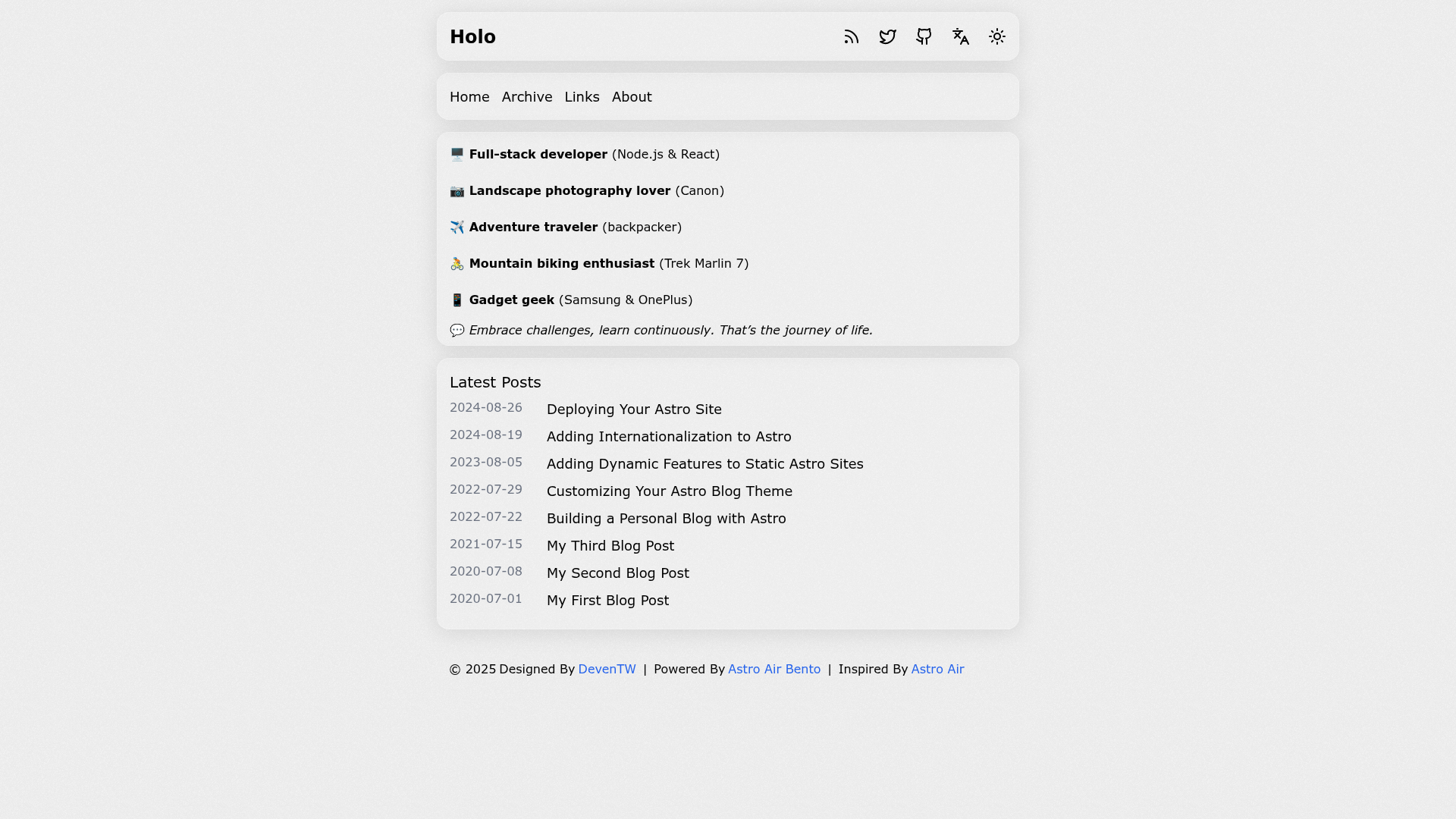
A bento-styled, minimalism, personal blog theme for Astro, inspired by Astro Air.
About this template
Astro Air Bento is a minimalist, bento-styled personal blog theme for Astro that compiles Markdown and MDX posts into a fast, SEO-friendly static site.
What is Astro Air Bento?
Astro Air Bento is a free and open-source Astro theme for personal blogs, inspired by the Astro Air theme and maintained by deventw on GitHub. It takes Markdown and MDX content you place in src/content/posts/ and generates a fully static website with dark mode, i18n for English and Chinese, social media links, RSS feed, sitemap, Google Analytics integration, and Twikoo comments. The project can be deployed to Vercel or Netlify using the one-click buttons provided in the README. A live demo is available at https://astro-air-bento.netlify.app.
Key Features
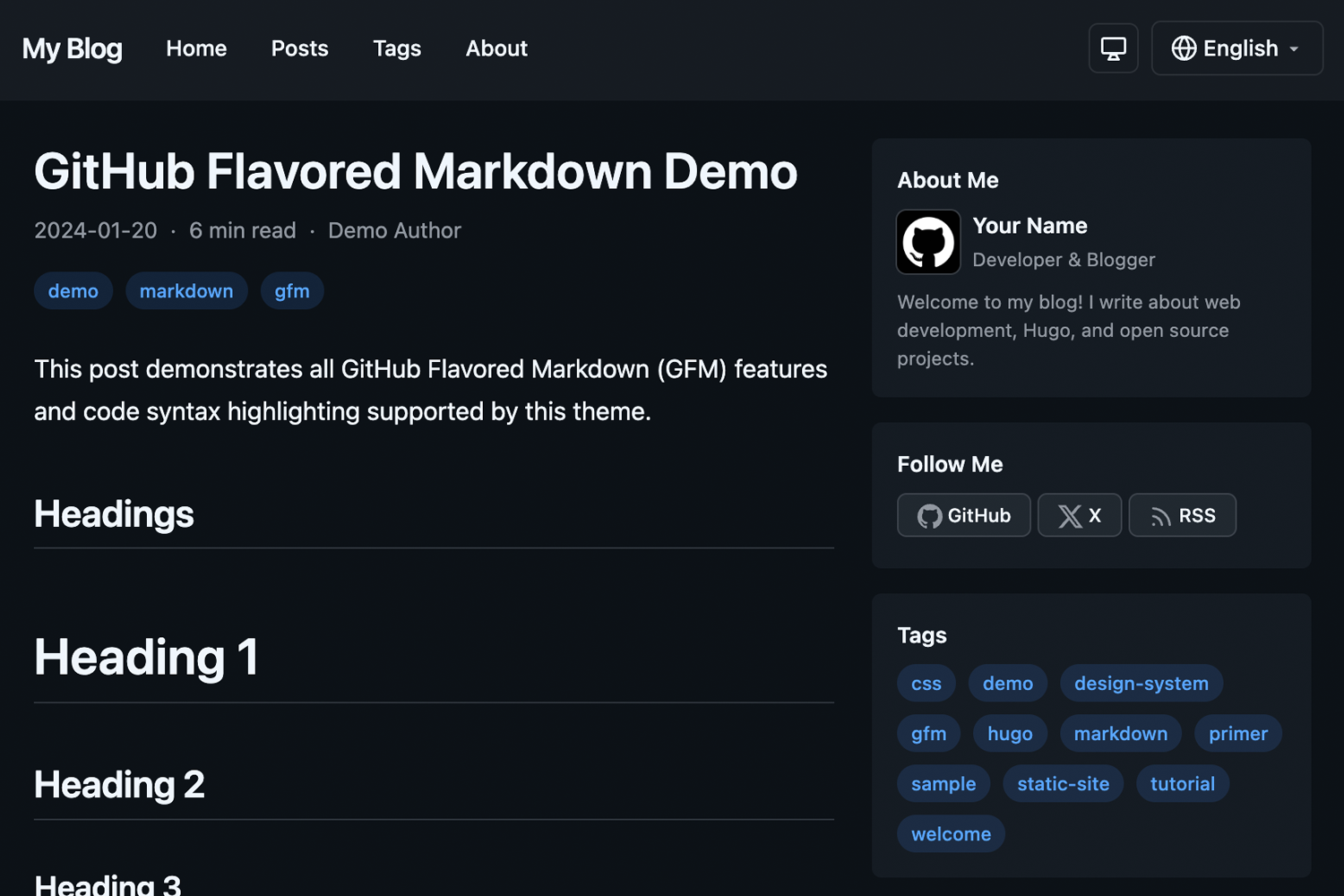
- Dark mode support — Toggle between light and dark themes; the choice is remembered as visitors browse.
- Fully device responsive — Layout adjusts to phones, tablets, and desktops without extra configuration.
- Markdown/MDX authoring — Write posts in Markdown or MDX; the frontmatter schema supports title, description, pubDate, optional updatedDate, tags, and ogImage.
- SSG static rendering — Astro builds pre-rendered HTML, improving load times and SEO.
- i18n support (EN/ZH) — First-class support for English and Chinese, with locale-specific content files under
src/config/. - Social media integration — Configure social links through
src/config/links.ts. - RSS feed & sitemap — Automatic generation of RSS and
sitemap.xmlfor syndication and search indexing. - Google Analytics integration — Add your tracking ID in
src/config/index.ts. - Twikoo commenting — Built-in integration with the Twikoo comment service.
Who is it for?
- Personal bloggers — Publish a clean, minimal site without setting up a database or CMS.
- Developers — Prefer working with Markdown files and TypeScript-based configuration over a visual editor.
- Bilingual writers — Write in both English and Chinese with the included i18n system.
- Self-hosters — Deploy for free on Vercel or Netlify with one click.
What can you do with Astro Air Bento?
- Publish posts — Drop a Markdown file in
src/content/posts/with the documented frontmatter; the theme creates the post listing and detail pages. - Deploy instantly — Use the Vercel or Netlify deploy buttons to go live from the GitHub repository.
- Customize the site — Edit
src/config/index.tsfor site-wide metadata and analytics, andsrc/config/links.tsfor social links. - Localize pages — Provide Chinese and English versions of the about, intro, and links pages using the provided locale folders.
- Engage readers — Enable Twikoo comments and Google Analytics to track and moderate interactions.
How does Astro Air Bento work?
- Clone the repository and run
bun installfollowed bybun devto start a local development server. - Configure global settings in
src/config/index.tsand links insrc/config/links.ts. - Write Markdown posts in
src/content/posts/using the supported frontmatter fields. - Deploy the resulting static site to Vercel, Netlify, or any static host.
Pricing
Astro Air Bento is free to use under the MIT License. There are no paid features or subscription plans.
Alternatives
- Astro Air — The theme this project is inspired by; it shares a minimalist design but does not use the bento layout.
FAQ
Does Astro Air Bento support dark mode?
Yes, dark mode is built in and toggled by the visitor. The preference is stored client-side.
Is Astro Air Bento free?
Yes, the theme is released under the MIT License, so it is free to use and modify for personal or commercial projects.
What content formats can I use?
You can write posts in Markdown or MDX. The required frontmatter fields are title, description, and pubDate; optional fields include updatedDate, tags, and ogImage.
Which commenting system is integrated?
Twikoo is integrated for comments. You configure the Twikoo service via src/config/index.ts.
How do I update to the latest version?
The README documents a git method: add the upstream repository, fetch, and merge the upstream/main branch with the --allow-unrelated-histories flag.