Template details
Paperesque
A lightweight Hugo theme with automated image resizing, margin-note footnotes, and draft/visibility controls for content sites.
About this template
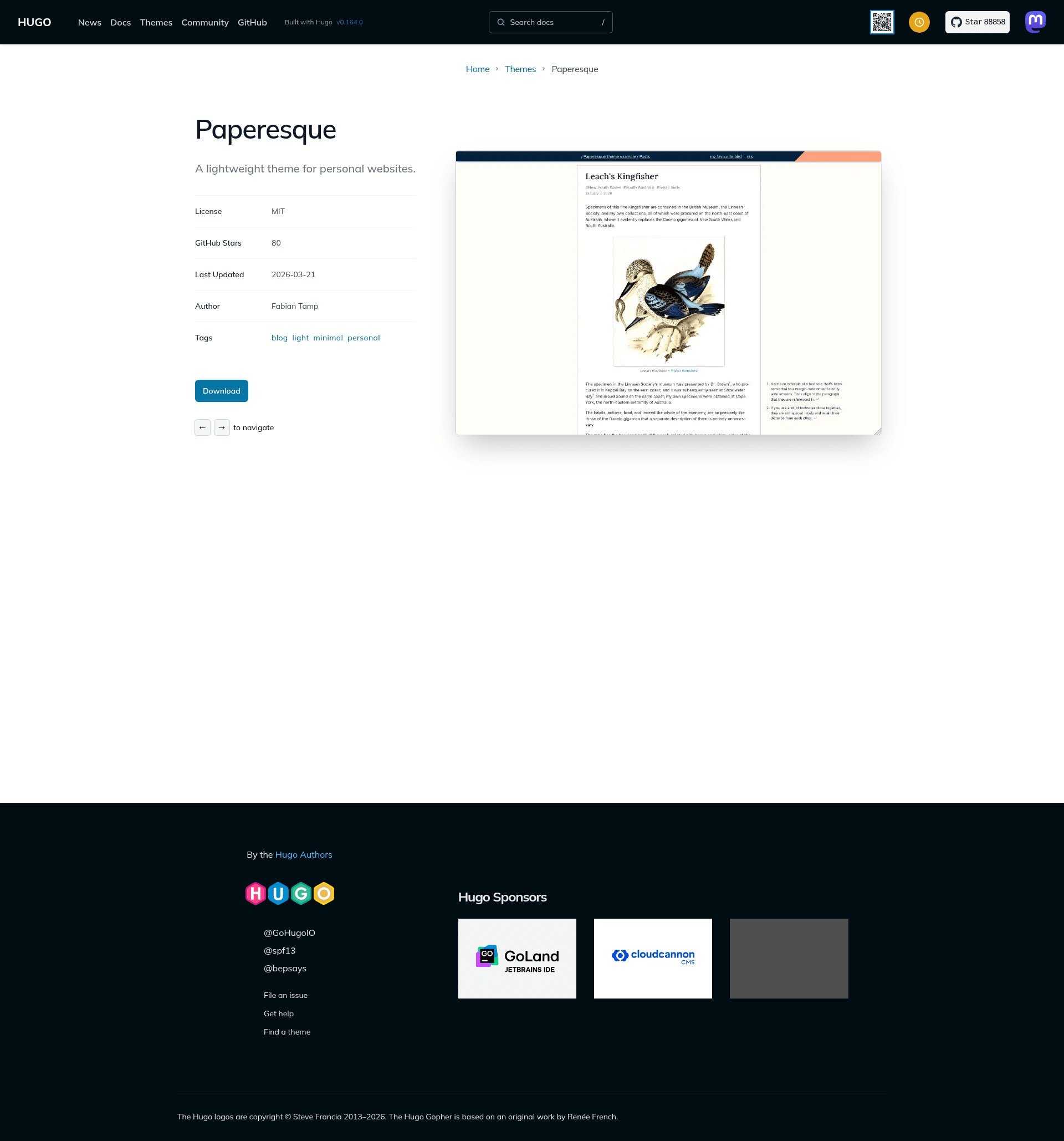
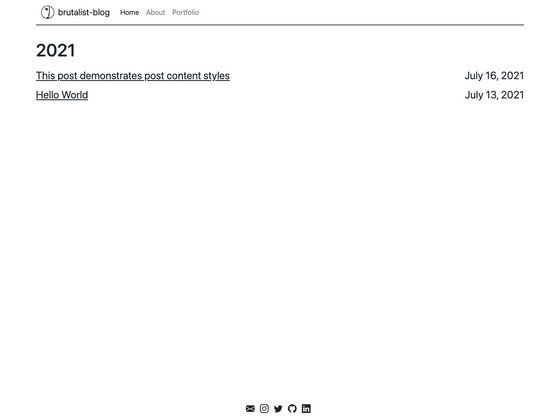
Paperesque is a lightweight Hugo theme for content-focused sites, automating image resizing with the fitfigure shortcode, turning footnotes into margin notes when space allows, and providing draft and visibility controls.
What is Paperesque?
Paperesque is a Hugo theme created by capnfabs, designed for personal blogs and content sites. It takes a Hugo site's content and configuration, then renders static HTML output with features like responsive images, margin-note footnotes, and draft styling. The theme is open-source and available on GitHub, with 79 stars. It runs on the Hugo static site generator (gohugo.io) and is selected by setting the theme field in config.toml.
Key Features
fitfigureshortcode — a drop-in replacement for Hugo'sfigureshortcode that resizes images to fit the container and generates 1x/2x DPI versions.- Automatic image cleanup — a build script (
drop-resources.py) removes original images from the output after resizing, leaving only the resized versions. - Margin note footnotes — footnotes are rendered as margin notes when there's enough horizontal space; can be disabled site-wide via
disableMarginNotesor per page. - Visual draft differentiation — draft pages get an orange striped background so they're easy to spot.
- Mostly hidden pages — pages can be excluded from lists and sitemaps (requires Hugo 0.125.0+ for sitemap disable) while still being accessible by URL.
- Configurable top menu — links in the top-right corner are defined via
[[params.topmenu]]entries inconfig.toml. - Two homepage layouts — either a custom list of links or a section with custom sidebar content, each with a worked example in the repo.
Who is it for?
- Bloggers and personal site owners — the theme's draft styling and footnote options suit long-form writing.
- Technical writers — they can use the image-resize shortcode and build-script integration to keep page weights down.
- Hugo users who want fine control over publication — the mostlyHidden front-matter lets them share pages only with people who have the URL.
What can you do with Paperesque?
- Publish a personal blog with responsive images — use
fitfigureto auto-generate 1x/2x images and rundrop-resources.pyto strip originals frompublic/. - Create a content site with a custom homepage — either maintain a hand-picked link list or pair a section listing with sidebar content, as shown in the two example sites in the repo.
- Share draft or embargoed pages — mark drafts with the theme's built-in orange striping for visual separation, or set
mostlyHidden: truefor pages that should not appear in lists or sitemaps.
How does Paperesque work?
To install, either copy the theme into your project with git subtree add --prefix themes/paperesque https://github.com/capnfabs/paperesque mainline --squash or add it as a git submodule, then set the theme field to paperesque in config.toml. For image cleanup, add page = ["HTML", "droplist"] to [outputs] and run ./themes/paperesque/buildscripts/drop-resources.py on your Hugo output directory. The JavaScript in assets/js/main.js is built from the ./js/ source using Parcel via npx parcel build --no-source-maps.
FAQ
Is Paperesque free?
Yes, the theme is open-source on GitHub under the capnfabs repository; there is no paid version mentioned.
Can I disable margin notes?
Yes, add disableMarginNotes = true to the [params] section in config.toml for the whole site, or set the same key to true in a page's front matter for that page only.
Does the theme remove original images automatically?
No, image removal is off by default. You must explicitly add a droplist output format and run the provided drop-resources.py build script to delete originals from the generated public directory.
What Hugo version is required?
The sitemap.disable front matter option for mostly-hidden pages requires Hugo 0.125.0 or later; other features work in earlier versions.
Can I customize the top menu?
Yes, top-right links are defined in config.toml using an array of entries with name and url fields under [[params.topmenu]].