Template details
Astro Minimal Starter
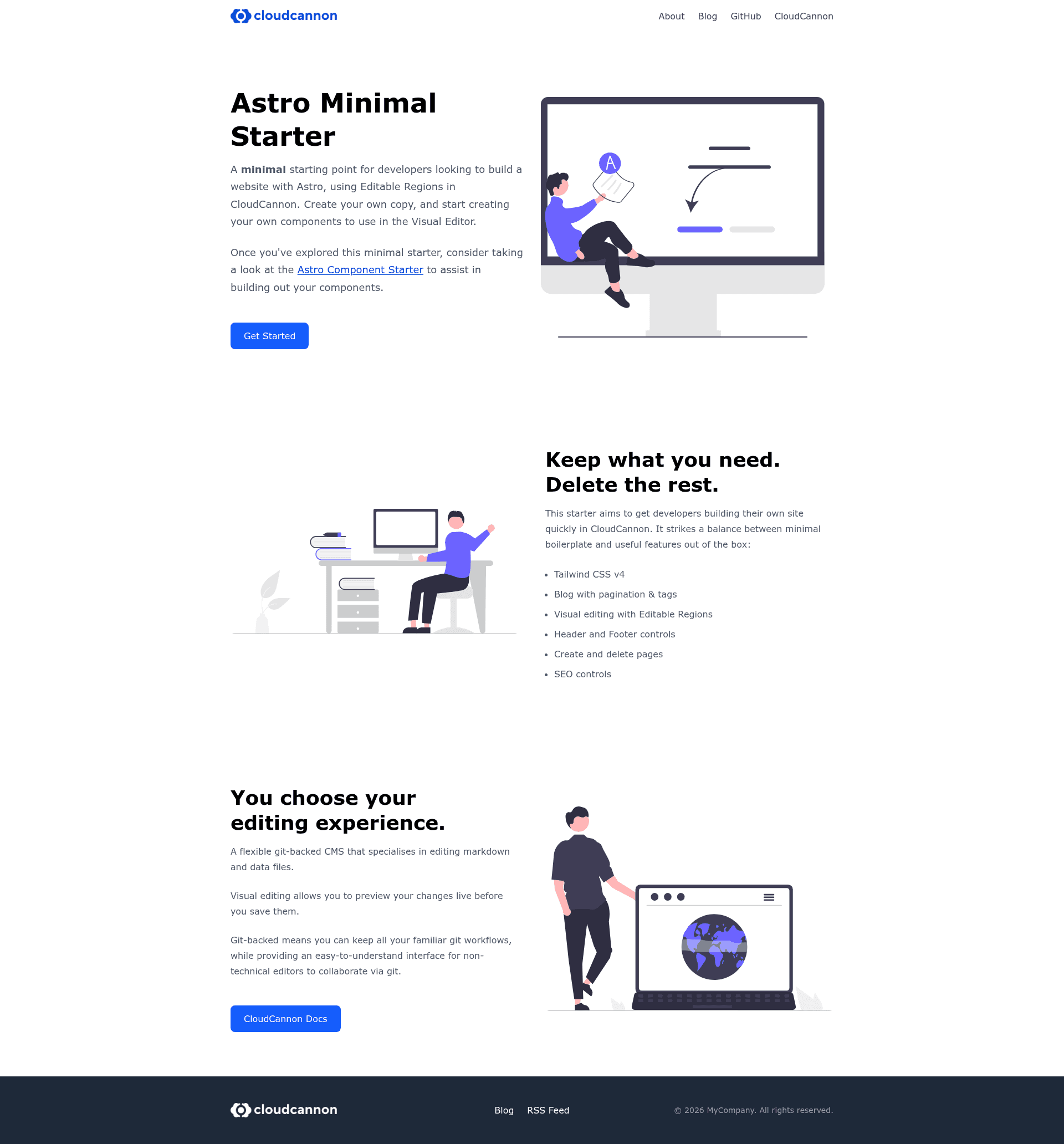
A minimal Astro starter preconfigured for CloudCannon visual editing with Editable Regions, blog, and Tailwind CSS v4.
About this template
Astro Minimal Starter is a minimal boilerplate template that combines the Astro framework with CloudCannon's CMS, giving developers a preconfigured starting point where content is edited visually through Editable Regions.
What is Astro Minimal Starter?
Astro Minimal Starter is a starter repository for building static Astro sites that integrate with CloudCannon. It takes a GitHub repository as its input and produces a configurable, static site with a blog, component-based page building, and CloudCannon's visual editing already wired up. The template runs on Astro, uses Tailwind CSS v4 for styling, and is preconfigured for CloudCannon deployment via the configuration files in the repository.
Key Features
- Editable Regions — Supports five types of visual editing regions: text, image, array, source, and component, each controlled by attributes like
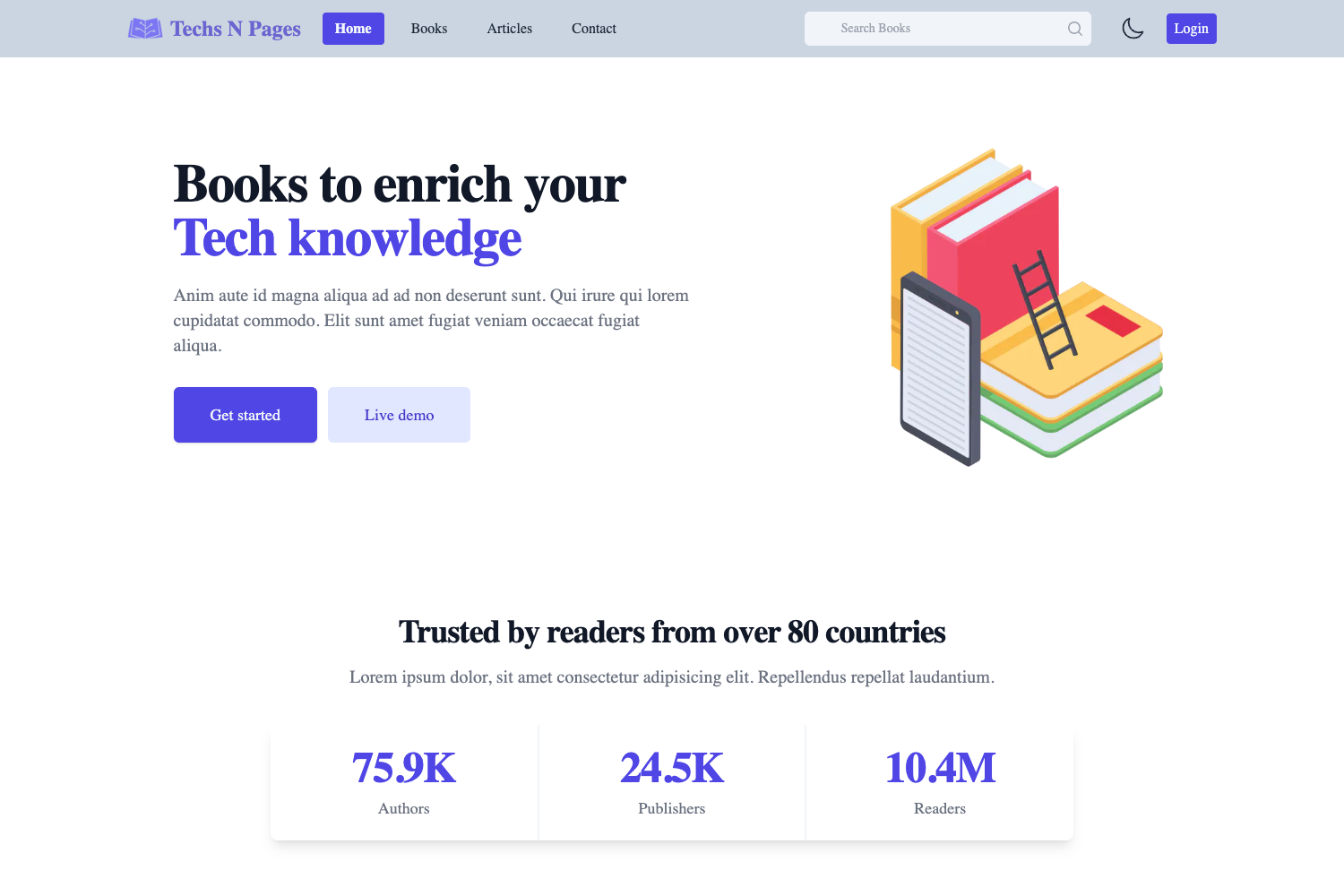
data-editable="text". - Component-based page building — Includes three reusable components (Hero, LeftRight, and TextBlock) that editors can add and reorder on pages.
- Blog with pagination and tags — Blog posts are stored as MDX files in
src/content/blog/, with pagination and tag-based filtering built in. - Tailwind CSS v4 — Uses the latest Tailwind version with CSS-first configuration, defined in
src/styles/. - SEO controls — Built-in SEO settings are included for pages and posts.
- Pagefind search — Static search is integrated through Pagefind.
- Source editables — A standalone page pattern for
.astrofiles where content lives directly in the template, demonstrated on the About page.
Who is it for?
- Developers starting an Astro site who want a CMS that allows non-technical editors to update content visually. The template provides the plumbing to connect Astro with CloudCannon.
- Agencies that build client sites and need an editing interface for their clients — the CloudCannon visual editor lets clients edit text, images, and page components without touching code.
- Content editors who work in CloudCannon and want to manage a blog and pages with pagination, tags, and search without writing Markdown.
What can you do with it?
- Marketers: build a landing page by composing Hero, LeftRight, and TextBlock components, then publish changes from CloudCannon's visual editor.
- Bloggers: publish MDX posts with tags and have pagination and Pagefind search automatically available to readers.
- Developers: create a custom standalone page like About or Contact using source editables, keeping full control over the markup while still allowing visual editing in CloudCannon.
How does it work?
After clicking "Use this template" to copy the repository, you clone it locally and run npm install and npm run dev to start the development server. On CloudCannon, connecting the repository automatically detects the configuration in .cloudcannon/initial-site-settings.json and builds the site. Editing behavior is defined in cloudcannon.config.yml, and components that need live re-rendering are registered in src/scripts/register-components.ts.
FAQ
How do I start a new project with this template?
Click the "Use this template" button on the repository page to create your own copy, then clone it locally. Run npm install and npm run dev to see the site in development.
What is the difference between standard pages and source editables?
Standard pages live in src/content/pages/ as Markdown with front matter and use a component-based workflow. Source editables, like the About page, place content directly in a standalone .astro file and use data-editable="source" for CloudCannon to write changes back to that file. No Markdown file is needed.
What editable region types are available?
The starter demonstrates text, image, array, source, and component regions. Text and image edit front matter values, array enables reorderable content blocks, source edits content written in an Astro file, and component regions support live re-rendering of registered Astro components.
Does the template include a blog?
Yes. Blog posts are stored in src/content/blog/ as MDX files, and the template comes with pagination and tag support.
Project Structure
The repository organizes configuration and source files clearly: .cloudcannon/ holds schemas, cloudcannon.config.yml manages editor setup, data/ contains site-wide data like navigation, public/ holds static assets, and src/ contains components, content collections, layouts, pages, scripts, and Tailwind styles.