Template details
Pixel Bootstrap 5 UI Kit
Free and open source Bootstrap 5 UI Kit without jQuery
About this template
Pixel Bootstrap 5 UI Kit is a free, open-source UI kit from Themesberg, built on Bootstrap 5, that provides a library of responsive components and five example pages for building professional websites without jQuery.
What is Pixel Bootstrap 5 UI Kit?
Pixel Bootstrap 5 UI Kit is a front-end UI kit based on the Bootstrap 5 framework, created and maintained by Themesberg (Crafty Dwarf LLC). It takes standard Bootstrap components and adds a set of premium extras—pricing cards, profile cards, timelines, datepicker and input slider plugins—that Bootstrap does not include by default. The kit is distributed as source files with HTML, Sass, and JavaScript, and can be compiled with Gulp into a production-ready static website. The current version is 4.0.0 and the project is licensed under the MIT License, with the repository hosting over 550 stars on GitHub.
Key Features
- Bootstrap 5 without jQuery — All components are built on Bootstrap 5 and the kit contains no jQuery dependency, keeping the front-end lighter.
- Gulp workflow with Sass — The project uses Gulp as its task runner and Sass as the CSS preprocessor; running
gulpserves the site with BrowserSync and live-injects compiled CSS. - Extra components and plugins — Includes pricing cards, profile cards, timelines, and additional plugins for datepickers and input sliders that are not part of vanilla Bootstrap.
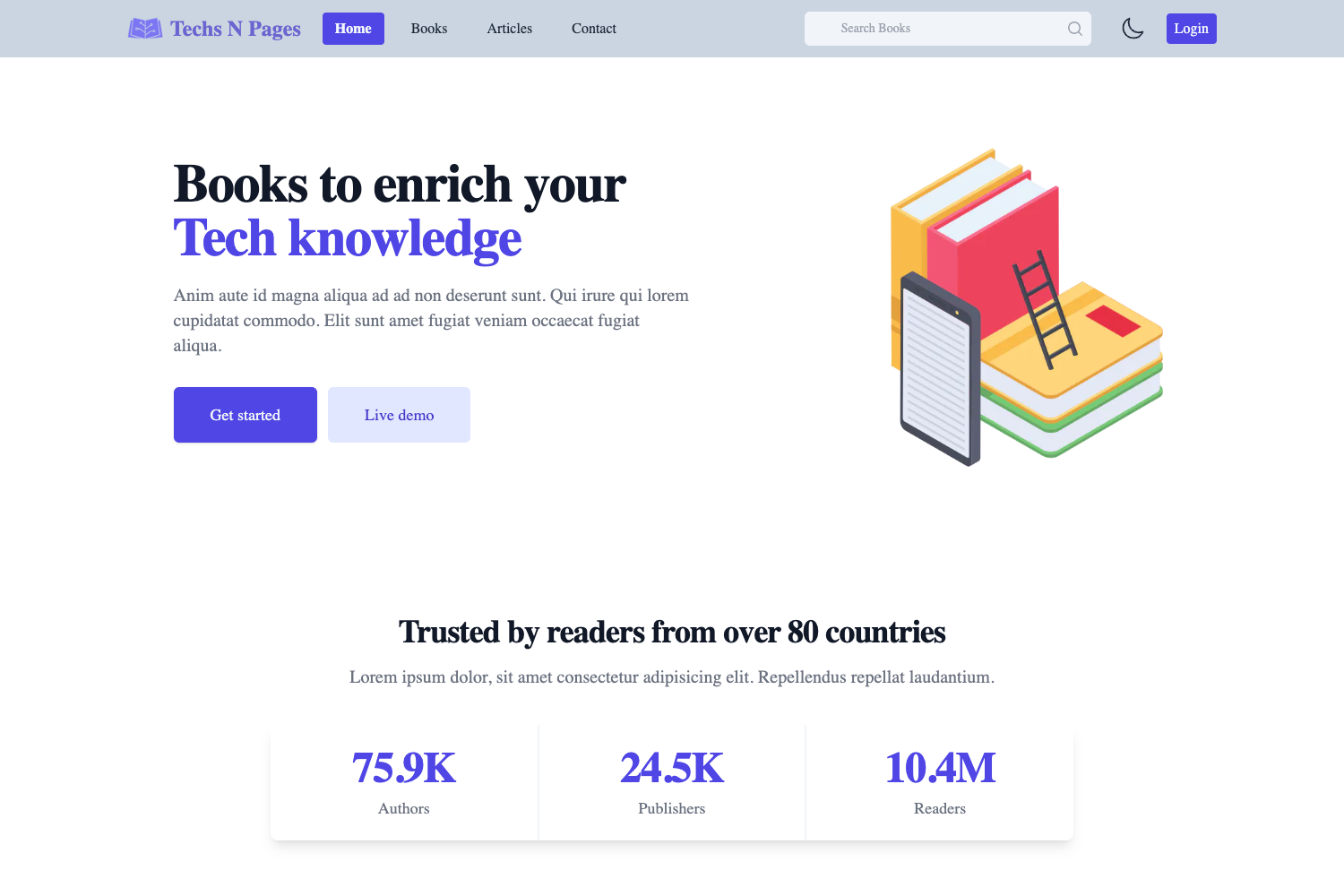
- Five example pages — Comes with ready-to-use pages for pricing, contact, login, and register (plus additional demonstration pages such as about and freelancer), all viewable in the live demo.
- Full documentation — Each component, plugin, and the general workflow is documented in the online documentation at themesberg.com/docs.
- Non-Sass build option — Running
gulp build:devgenerates anhtml&cssfolder with unminified HTML/CSS/JS, andgulp build:distgenerates a minifieddistfolder, so the kit can be used without Node, Gulp, or Sass. - Cross-browser support — Officially supports the last two versions of Chrome, Firefox, Edge, Safari, and Opera.
Who is it for?
Pixel Bootstrap 5 UI Kit is aimed at front-end developers who want to quickly prototype marketing sites, landing pages, or small business websites using Bootstrap 5. Freelancers can use the example pages (login, register, contact, pricing) as starting points for client projects, and designers can reference the components and documentation to build consistent UI without writing custom CSS from scratch.
What can you do with Pixel Bootstrap 5 UI Kit?
- Freelance web designers: build a portfolio landing page with the included freelancer page template and customize it via Sass variables.
- Startups: assemble a pricing page using the pricing cards component and pair it with the login/register pages to create a SaaS site signup flow.
- Agencies: use the contact page and documentation to deliver a polished multi-page static site for a small business client.
How does Pixel Bootstrap 5 UI Kit work?
The quick start requires Node.js and the Gulp CLI. After downloading the project zip, you run npm install in the pixel folder to fetch dependencies, then gulp to start a local server with BrowserSync. For a one-off build, gulp build:dev outputs an html&css folder with unminified assets, while gulp build:dist outputs a minified dist folder.
Pricing
Pixel Bootstrap 5 UI Kit is free and open source, distributed under the MIT License. There are paid "Pro" upgrades offered by Themesberg on their website, but the core kit on GitHub is free to use.
FAQ
Is Pixel Bootstrap UI Kit free?
Yes, the kit is free and open source under the MIT License. You can use it in personal and commercial projects without paying licensing fees, and the source is available on GitHub.
Does Pixel Bootstrap 5 UI Kit require jQuery?
No, the kit is built on Bootstrap 5 and explicitly does not use jQuery. This reduces the amount of JavaScript you need to load compared to older Bootstrap 4 themes.
How do I get a version of Pixel without Sass or Gulp?
Run gulp build:dev to generate an html&css folder that contains unminified HTML, CSS, and JavaScript. This version can be edited without installing Node, Gulp, or Sass.
Which browsers are supported?
The official browser support targets the last two versions of Chrome, Firefox, Edge, Safari, and Opera. This is the standard support matrix stated in the project README.
What components are included beyond Bootstrap's defaults?
Pixel adds pricing cards, profile cards, timelines, a datepicker plugin, and an input slider plugin—none of which are part of vanilla Bootstrap 5. These components are also showcased on the live demo page.