Template details
Astro Modern Company Theme
A visually stunning theme perfect for businesses seeking a modern and responsive online presence.
About this template
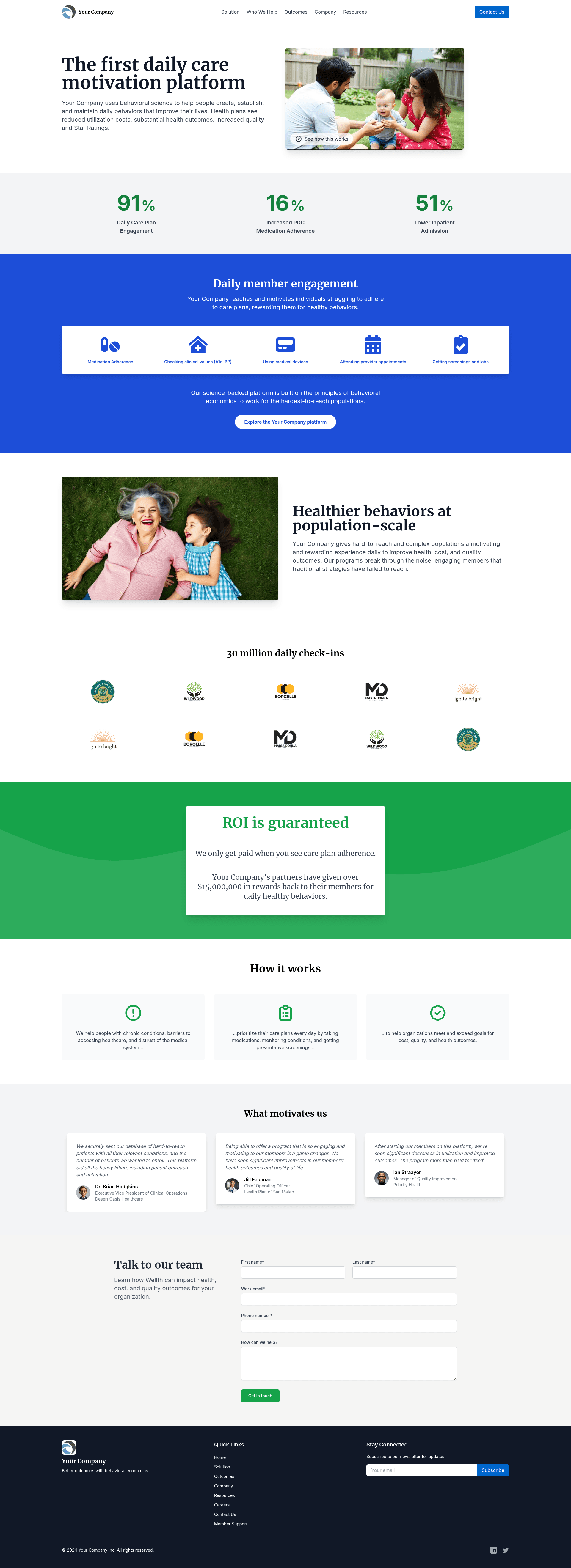
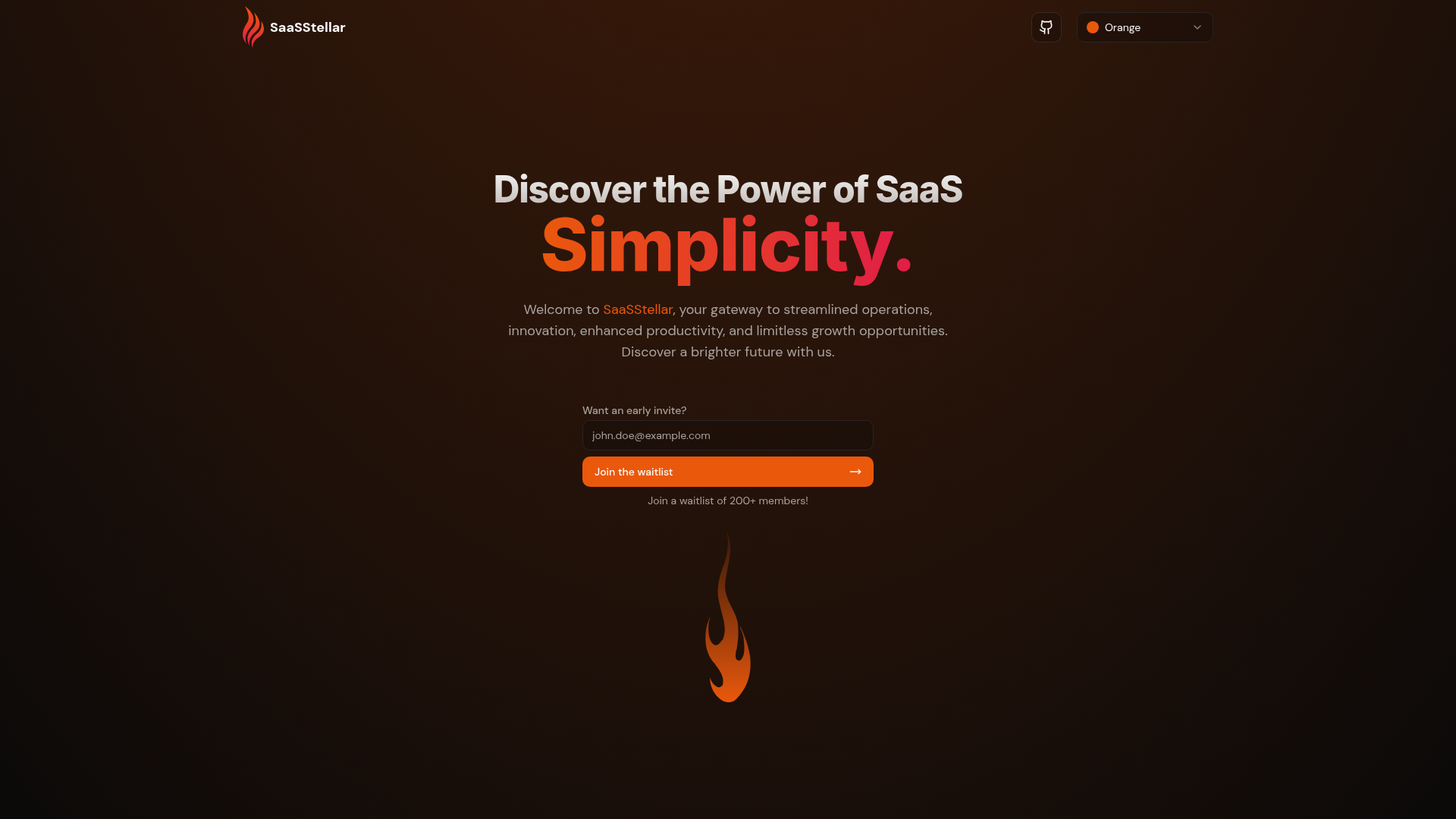
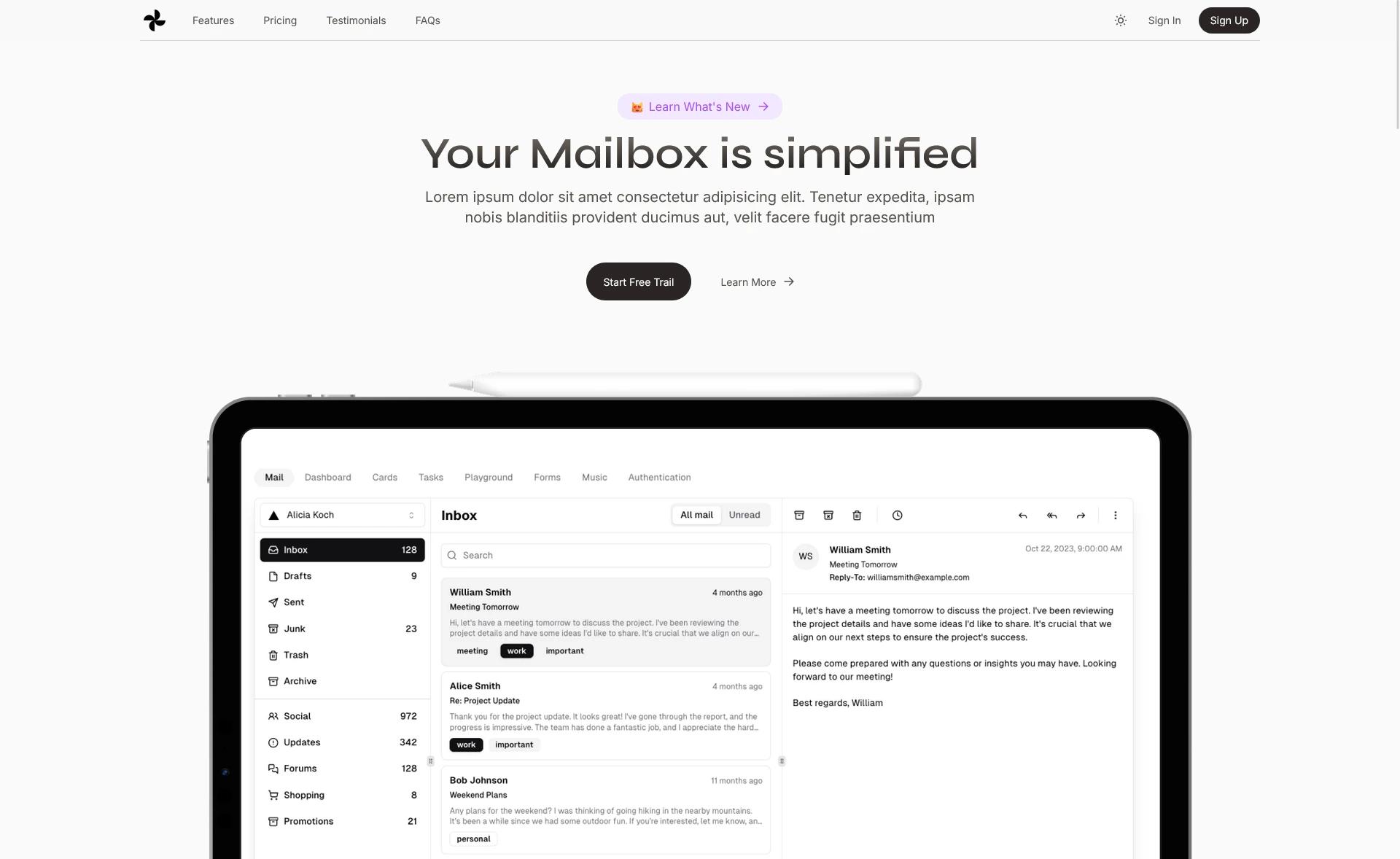
Astro Modern Company Theme is a single-page business landing template built with the Astro framework and styled with Tailwind CSS, designed to showcase a company's hero, features, testimonials, partners, and contact section in one responsive page.
What is the Astro Modern Company Theme?
Astro Modern Company Theme is a free, open-source landing page template for businesses, built on the Astro static site generator and Tailwind CSS. It takes a project scaffold with pre-built components and produces a production-ready static HTML site in the dist/ folder after running the build command. The repository is publicly available on GitHub with a live preview hosted at modern.corytrimm.com, and its design is heavily inspired by the Wellth App website.
Key Features
- Astro framework — Uses Astro's component-based static site generation; the entire site compiles to plain HTML, CSS, and JavaScript with no client-side JavaScript required for the initial render.
- Tailwind CSS — Utility-first styling is configured in
tailwind.config.js, allowing layout and visual changes through Tailwind utility classes rather than custom CSS files. - Eight reusable components — The
src/components/folder includes Header, Footer, Hero, Features, Testimonials, Partners, CallToAction, and ContactForm, each editable as.astrofiles. - Single-page layout — The only route is
src/pages/index.astro, wrapped bysrc/layouts/Layout.astro, making this a one-page marketing site by default. - Simple local workflow — After cloning, run
npm installandnpm run devto start a development server athttp://localhost:4321with hot reload. - Production build command —
npm run buildgenerates a staticdist/directory that can be deployed to any static hosting service. - Deployment flexibility — The README lists Netlify, Vercel, GitHub Pages, and AWS S3 as supported hosting targets for the built output.
Who is it for?
Astro Modern Company Theme targets businesses and startups that need a clean, modern landing page without building one from scratch. Business owners can clone the template and replace the placeholder content in each component with their own product details, testimonials, and contact information. Front-end developers can use it as a starting point to practice or extend Astro and Tailwind, since all components are plain .astro files with familiar HTML markup and scoped styling. Agencies can quickly spin up a client-facing marketing page by customizing the Hero, Features, and CallToAction sections.
What can you do with Astro Modern Company Theme?
- Company websites: Present your organization with a Hero section, feature highlights, customer testimonials, partner logos, a call-to-action band, and a contact form on a single page.
- Product launches: Use the Features section to list product differentiators and the CallToAction to drive sign-ups, then replace the testimonial cards with early adopter quotes.
- Agency marketing pages: The built-in Partners and Testimonials components give an agency page social proof without additional setup.
How does Astro Modern Company Theme work?
The workflow is documented in the README: clone the repository, run npm install to fetch dependencies, then npm run dev to launch the development server at port 4321. Edit the .astro files under src/components/ to customize markup and styles; changes appear automatically in the browser. When ready, npm run build outputs the finished static site into dist/, which you can upload to a static host.
FAQ
Is Astro Modern Company Theme free to use?
The repository is publicly hosted on GitHub with no license restrictions mentioned in the README, so you can freely clone, modify, and deploy it. There is no pricing page or paid tier referenced anywhere in the documentation.
What tech stack does the template use?
It is built with Astro as the static site framework and Tailwind CSS for styling. The project includes astro.config.mjs for build settings, tailwind.config.js for Tailwind customization, and package.json for dependencies and scripts.
Does the theme include a blog or multiple pages?
No. The src/pages/ directory contains only index.astro, so the template is a single-page site by default. To add pages, you would create additional .astro files in the pages folder and chain them from the Header component.
Can I deploy the built site to Netlify?
Yes. The README explicitly lists Netlify, along with Vercel, GitHub Pages, and AWS S3, as hosting options. After running npm run build, upload the generated dist/ folder to your host of choice.
Is a contact form backend included?
No backend is included. The ContactForm component provides the front-end form markup, but you would need to connect it to a form service or API yourself to handle submissions.