Template details
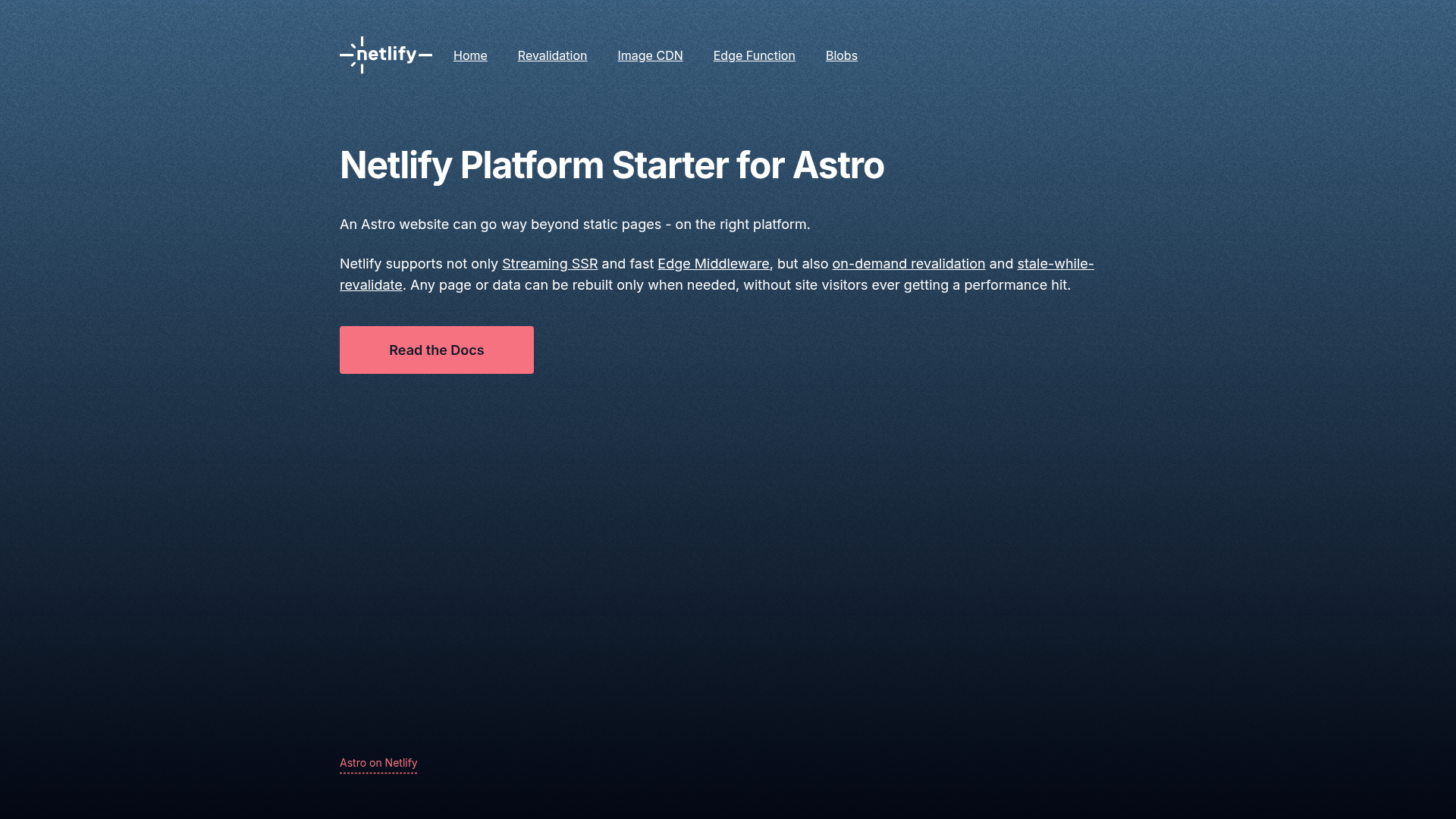
Astro on Netlify Platform Starter
Starter template combining Astro.js, Tailwind CSS v4, and Netlify Core Primitives (Edge Functions, Image CDN, Blobs) for quick Netlify deployments.
About this template
The Astro on Netlify Platform Starter is a boilerplate template that pairs the Astro.js static-site framework with Tailwind CSS v4 and Netlify Core Primitives to give you a ready-to-deploy project on Netlify.
What is the Astro on Netlify Platform Starter?
This open-source starter template scaffolds a new Astro.js project with Tailwind CSS v4 for styling and built-in configuration for Netlify Core Primitives. It takes your source content and components as input and produces a static production build in ./dist/ via npm run build, ready to deploy to Netlify. The template includes a live demo at astro-platform-starter.netlify.app and a one-click Deploy to Netlify button that spins up a new project from the GitHub repository.
Key features
- Astro.js framework — Uses Astro.js as the site builder; the standard commands are included, such as npm run dev for a local dev server on localhost:4321 and npm run build to generate a production build in ./dist/.
- Tailwind CSS v4 — Ships with Tailwind CSS v4 pre-configured (as confirmed by the repository topics), so utility classes work immediately without extra setup.
- Netlify Core Primitives — Includes integration for Edge Functions, the Image CDN, and Blob Store, letting you add serverless logic, optimized images, and persistent key-value storage to a static site.
- One-click deployment — A Deploy to Netlify button links to app.netlify.com/start/deploy and initializes a new Netlify project directly from the template repository.
- Netlify CLI integration — The setup recommends running netlify link locally to connect your repository to a Netlify project, ensuring the same runtime version in development and production.
- Full Astro CLI support — The npm run astro command exposes the entire Astro CLI, including astro add and astro check, for extending the project.
- Live demo and documentation — A working example is hosted at astro-platform-starter.netlify.app, and the README documents all commands and local development steps.
Who should use this template?
- Astro developers — Get a head start with a fully configured project instead of setting up Astro, Tailwind, and Netlify primitives from scratch.
- Netlify users — If you plan to deploy on Netlify, this starter shows you how Edge Functions, Image CDN, and Blobs can be combined with Astro.
- Developers learning Astro — The documented workflow and live demo make it easy to explore how Astro projects are built and deployed.
- Freelancers and agencies — Use it as a foundation for client marketing sites or portfolios, replacing the demo content with your own.
How does the template work?
- Clone the repository and run npm install to install dependencies.
- Recommended: run netlify link to link the local folder to a Netlify project.
- Run npm run dev to start the Astro dev server at localhost:4321.
- For production, run npm run build to generate the static output in ./dist/, then deploy to Netlify via the CLI, Git integration, or the one-click deploy button.
Use cases
- Marketing and content sites: Scaffold a new Astro.js site with Tailwind styling and deploy it to Netlify with minimal setup.
- Prototyping Netlify features: Use the included Edge Functions and Blob Store setup to experiment with dynamic functionality on a static frontend.
- Learning the Astro + Netlify stack: Explore the live demo and the template code to understand how Astro builds and Netlify deploys.
Pros and cons
- Pros — Pre-configured Tailwind CSS v4; all Astro commands documented; direct integration with Netlify Edge Functions, Image CDN, and Blob Store; one-click deploy button.
- Cons — The Netlify Core Primitives parts are tied to the Netlify platform, so if you plan to deploy elsewhere you will need to remove or replace them.
FAQ
What Node.js version do I need?
Node.js v18.20.8 or newer is required to work with this starter. The repository recommends optionally using nvm for Node version management.
How do I start the development server?
After cloning the repository, run npm install, then run npm run dev. The Astro development server will be available at localhost:4321.
What is included in the starter?
The template includes an Astro.js site with Tailwind CSS v4 styling and integrations for Netlify Core Primitives: Edge Functions, Image CDN, and Blob Store. It also provides README documentation for all commands.
Does this starter work outside of Netlify?
The core Astro site can be built and hosted anywhere, but the Netlify Core Primitives (Edge Functions, Image CDN, Blobs) rely on Netlify platform features and will need alternative solutions if you deploy to another host.