Template details
iNdra GitHub Page Template for Research Papers
Zero-code, YAML-driven GitHub Pages template for research papers — edit data.yaml to publish a responsive academic website.
About this template
iNdra GitHub Page Template for Research Papers is a free, zero-code website template that turns a single YAML file into a responsive research-paper page hosted on GitHub Pages.
What is iNdra GitHub Page Template for Research Papers?
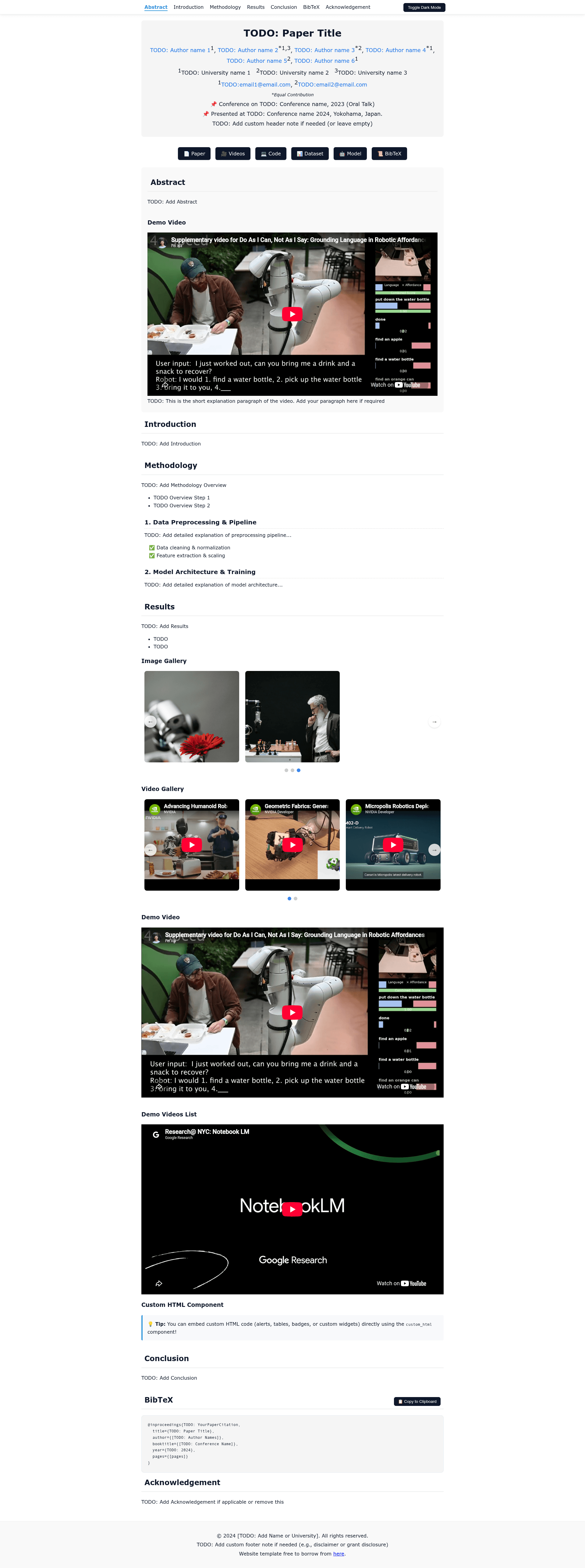
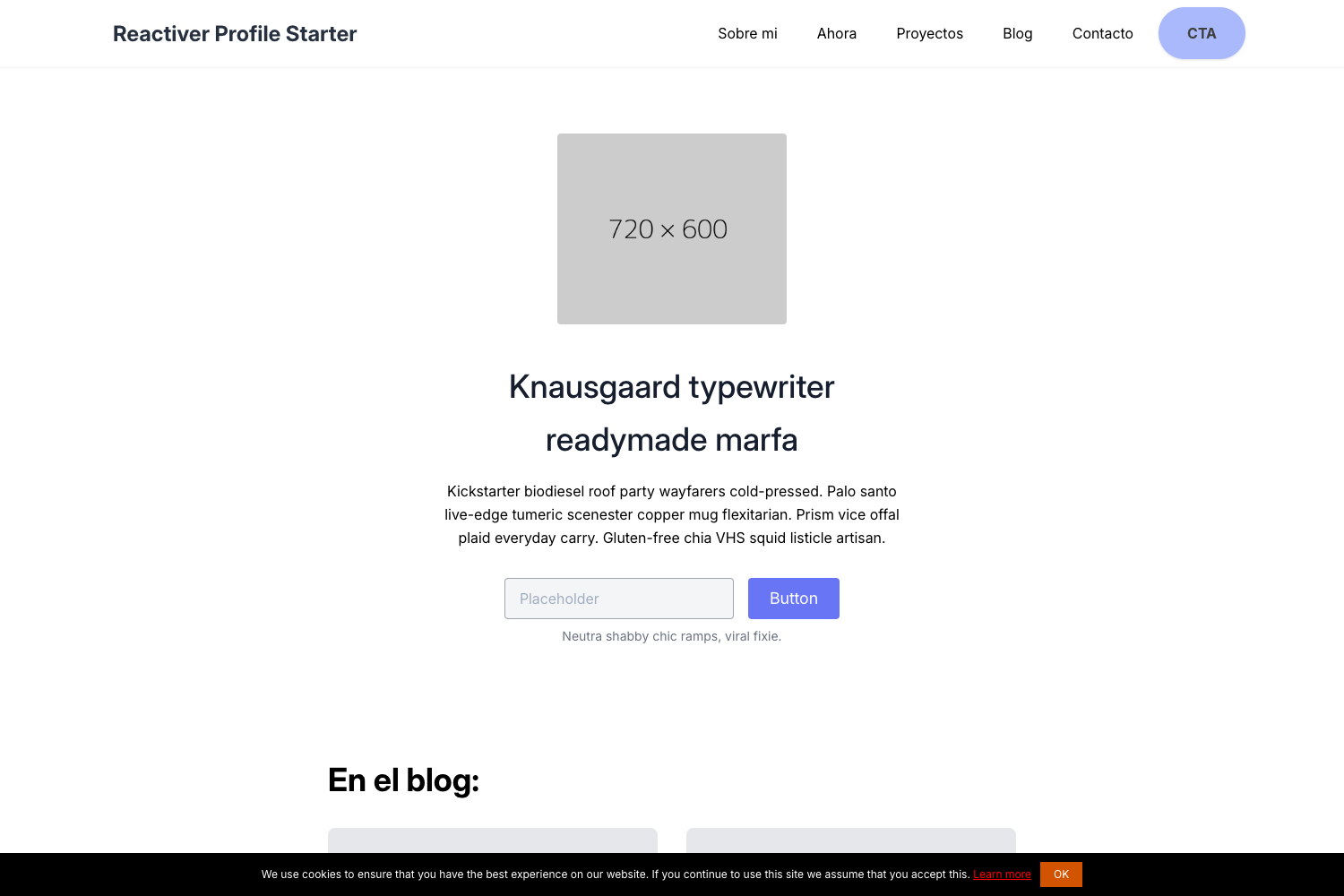
iNdra GitHub Page Template for Research Papers is a static-site template for publishing academic papers, project pages, and conference artifacts. It takes a YAML configuration file named data.yaml as input and produces a full responsive webpage with paper title, authors, affiliations, conference badges, resource buttons, abstract, sections, subsections, image and video carousels, YouTube embeds, and a BibTeX copy button. The template is built with plain HTML, CSS, and JavaScript, runs on GitHub Pages, and is developed by Indramal; version 2 is the current release.
Key Features
- Zero-Code YAML Configuration — Edit
data.yamlto change text, authors, buttons, affiliations, and entire sections without touching HTML, CSS, or JavaScript files. - Skeleton Loading — The page shows shimmer placeholders while data loads.
- Modular Components — Add image carousels, video carousels, single YouTube video embeds, YouTube playlist embeds, custom lists with eight bullet styles, and raw HTML blocks inside any section or subsection.
- Subsections — Break down sections into sub-headings, each with its own content, lists, and components.
- Customizable UI Settings — Configure page width, navigation shadow, scroll-highlight color, theme toggle text, and BibTeX button visibility directly in YAML.
- One-Click BibTeX Copy — Readers copy the paper citation to their clipboard with a single click.
- Full-Width Responsive Layout — Sticky top navigation and edge-to-edge footer adapt to any screen size.
- Dual Editing Mode — Set
USE_YAML_DATAtofalseinindex.htmlto switch back to static HTML editing.
Who is it for?
- Academic researchers who want to publish a paper project page without learning web development.
- PhD students building a lab or thesis project page with figures, demo videos, and citation export.
- Conference presenters at CVPR, ICML, NeurIPS, and similar venues who need a quick online artifact page with a BibTeX button.
- Non-technical authors who prefer editing a text file over HTML, but also want to embed YouTube videos, image galleries, and custom HTML widgets.
What can you do with it?
- Conference paper authors: publish a paper page with abstract, resource buttons for PDF and code, and a BibTeX copy button in minutes.
- Lab or research group: create a project showcase with an image carousel, video gallery, and subsections for methodology and results.
- Course or tutorial creators: embed a YouTube demo video and playlist directly into the page, plus styled checkmark lists for key findings.
- Technical users: bypass YAML and edit the included static HTML directly by toggling
USE_YAML_DATAtofalse.
How does it work?
- Fork or download the repository from GitHub.
- Edit
data.yamlin any text editor to fill in the paper title, authors, affiliations, buttons, abstract, and sections. - Enable GitHub Pages in the repository settings by selecting "Deploy from a branch" and choosing the
mainbranch with the root folder. GitHub builds and publishes the page automatically.
FAQ
Do I need to know HTML or CSS to use this template?
No. In YAML mode you only edit data.yaml; the template's JavaScript reads that file and renders the page. All styling and layout are handled by the included CSS. If you later want full control, you can switch to static HTML mode by changing USE_YAML_DATA to false.
Is this template free to use?
Yes. The repository is free and open to fork, download, and modify for personal or academic use. The only cost is a GitHub account to host the page on GitHub Pages.
Can I embed YouTube videos and image galleries?
Yes. The template includes modular components for a single YouTube video, a YouTube playlist, an auto-sliding image carousel, and a video carousel. Add them under any section or subsection in data.yaml.
Does the YAML mode affect SEO?
Search engine crawlers read HTML metadata from index.html, not from data.yaml. The README recommends updating the <title>, <meta name="description">, and <meta property="og:title"> tags in index.html for optimal SEO and social media link previews.
Can I customize colors and layout?
Yes. The settings block in data.yaml allows you to set the page max_width, enable nav_shadow, nav_scroll_highlight, choose a nav_highlight_color, and even change the button colors and label texts.