Template details
Page UI
Landing page UI components & templates for React and Next.js, built on Tailwind CSS.
About this template
Page UI is an open-source collection of landing page components and copy-paste templates for React and Next.js, styled with Tailwind CSS and inspired by Shadcn UI.
What is Page UI?
Page UI is a free, MIT-licensed library of landing page UI components and full-page templates that developers copy directly into their own React or Next.js projects. It takes a Next.js app with Tailwind CSS as its input and produces ready-to-paste TypeScript components, CSS utilities, and design tokens for building marketing pages. The project was created by the developer behind Shipixen and Page AI, and is distributed through npm as the @page-ui/wizard CLI plus demo pages on pageui.dev and shipixen.com.
What makes Page UI stand out?
- Copy-paste workflow — Components and templates are designed to be copied and pasted into your existing app rather than installed as a dependency, following the same approach as Shadcn UI.
- CLI initialization — After creating a Next.js app with
create-next-app, runningnpx @page-ui/wizard@latest initsets up the required files and config. - Tailwind CSS v3 theming — Ships CSS variables and utilities in
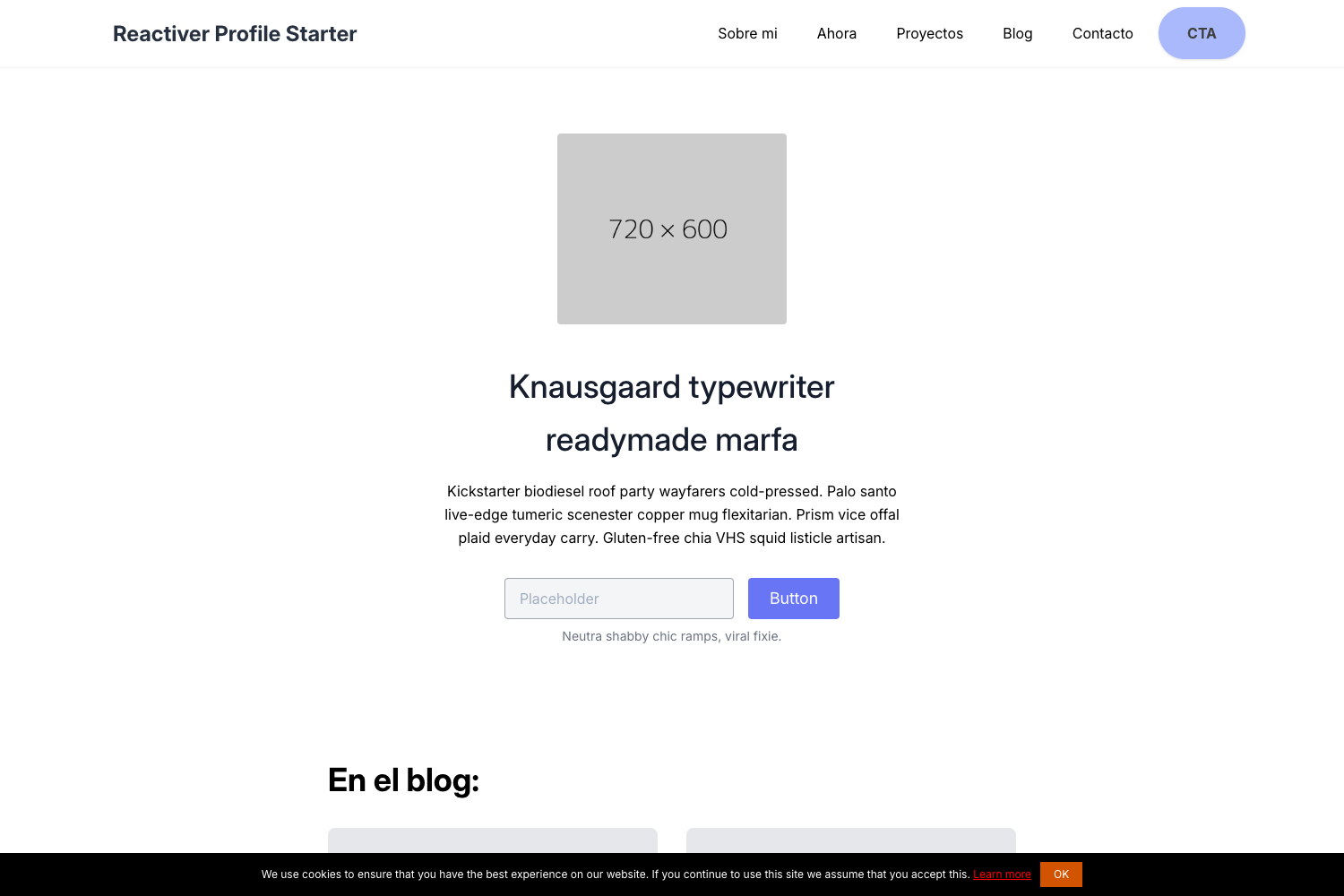
global.css, including hard-shadow effects, left/right perspective transforms for screenshots, and container widths likecontainer-narrow,container-wide, andcontainer-ultrawide. - Named landing page templates — At least four full templates are available: Specta (creator platform with marquee and showcase), Gnomie AI (B2C AI SaaS with carousel and product tours), Minimum Via (minimal text-based product page), and ScreenshotTwo (developer tool with inline testimonials and a two-column screenshot layout).
- Dependency list included — The README specifies the exact packages to install:
@radix-ui/react-accordion,lucide-react,class-variance-authority,tailwind-merge,@tailwindcss/forms,@tailwindcss/typography, andtailwindcss-animate. - Inspired by Shadcn UI — Uses a similar copy-paste distribution model and provides Shadcn-compatible design tokens for light and dark mode.
Who should use Page UI?
- Next.js developers building a landing page from scratch can install the wizard, add the CSS, and copy a template instead of starting from a blank canvas.
- SaaS founders and indie hackers launching a marketing site can use the Gnomie AI or Specta templates to set up a polished hero, marquee, showcase, and product-tour sections quickly.
- Shadcn UI users who already maintain an app can drop Page UI components in because the design tokens and copy-paste model match their existing workflow.
- Agencies building client sites can use Minimum Via for a minimal, text-driven layout or ScreenshotTwo for a developer-tool-focused two-column layout.
What can you do with Page UI?
- Build a creator-platform landing page using Specta, which includes a marquee section and a showcase section out of the box.
- Launch a B2C AI SaaS landing page with Gnomie AI, which demonstrates carousel examples and product tours.
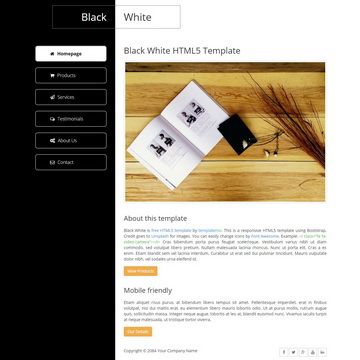
- Create a clean, minimal marketing page with Minimum Via, which relies on text and restrained colors rather than heavy graphics.
- Present a developer tool with ScreenshotTwo, which pairs inline testimonials with a two-column screenshot layout.
How does Page UI work?
The README documents a four-step setup: create a new Next.js app with create-next-app, run the Page UI CLI initializer, install the listed npm dependencies, and add the provided CSS to global.css. After that, you visit the template demo pages, copy the section or page you want, and paste it into your project.
Pros and cons
- Pros — Free and open source under the MIT license; works with Tailwind CSS and Shadcn-style design tokens; includes several full templates plus a large set of component examples; accompanied by a CLI that simplifies setup.
- Cons — Currently only supports Tailwind v3; the README notes that Tailwind v4 support is still in progress. Setup requires manual installation of dependencies and CSS rather than a single command.
Pricing
Page UI is free. The templates and components are released under the MIT license, and the CLI is available through npm.
Alternatives
- Shadcn UI — the component library that inspired Page UI's copy-paste approach, focused broadly on application UI rather than landing-page-specific sections.
FAQ
Is Page UI free?
Yes, Page UI is free and open source. All templates and components are released under the MIT license, and the CLI is published on npm. The project's README describes the collection as "free templates, components and examples."
Does Page UI work with Tailwind v4?
Not yet. The README contains a warning that Page UI currently works with Tailwind v3 and that support for v4 is being worked on. If your project uses Tailwind v4, you should wait for the update or pin the project to v3.
How do I install Page UI?
Create a new Next.js app with TypeScript and Tailwind, run npx @page-ui/wizard@latest init, install the dependency list from the README, and add the provided CSS variables and utilities to your global.css. Then copy templates from the demos at shipixen.com.
What is the difference between Page UI and Shipixen?
Page UI is a free open-source collection of landing page components and templates. Shipixen is a related product in the same ecosystem that creates a personalized blog and landing page in minutes; the README suggests using Shipixen to skip the manual Page UI setup.