Template details
Astro Plain
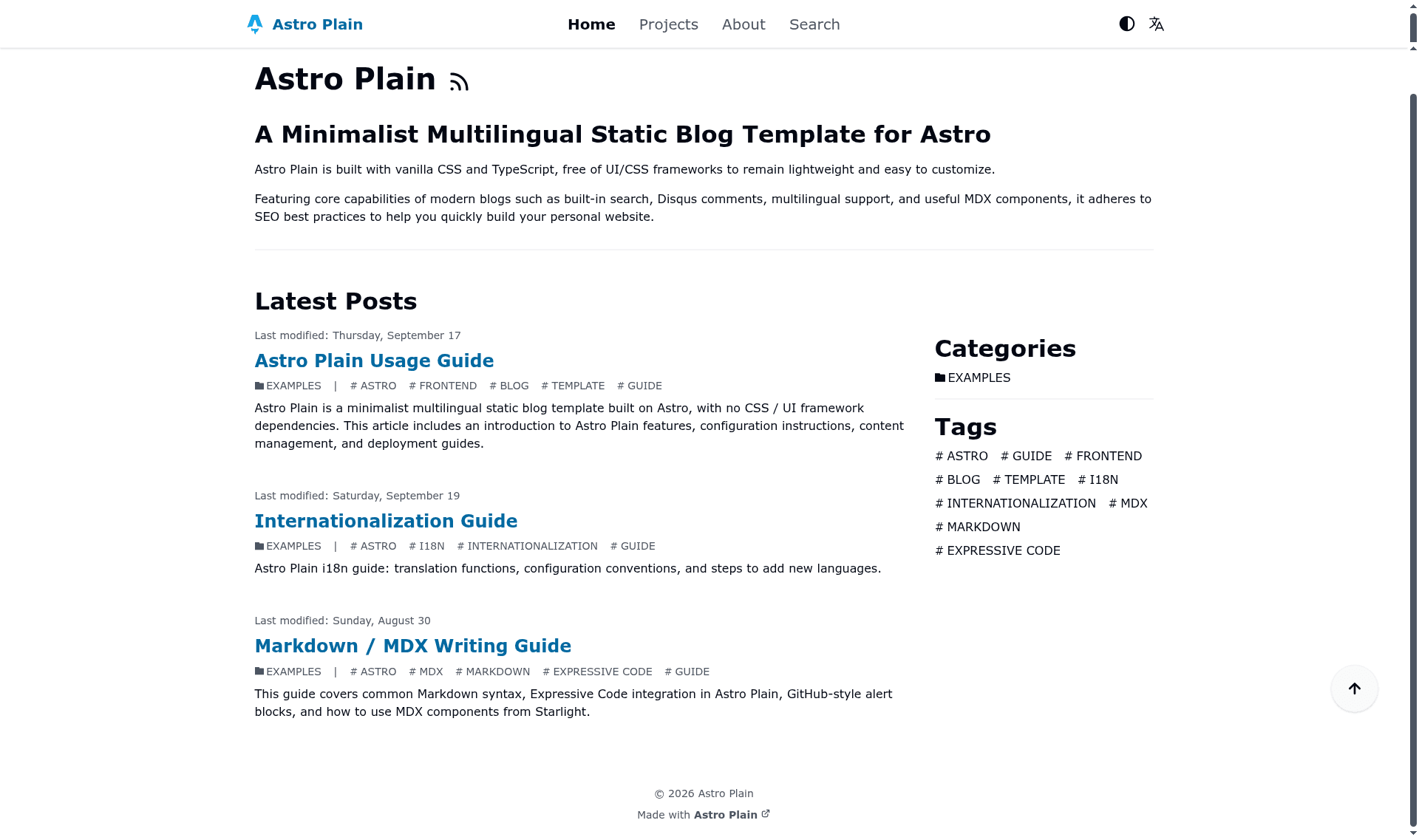
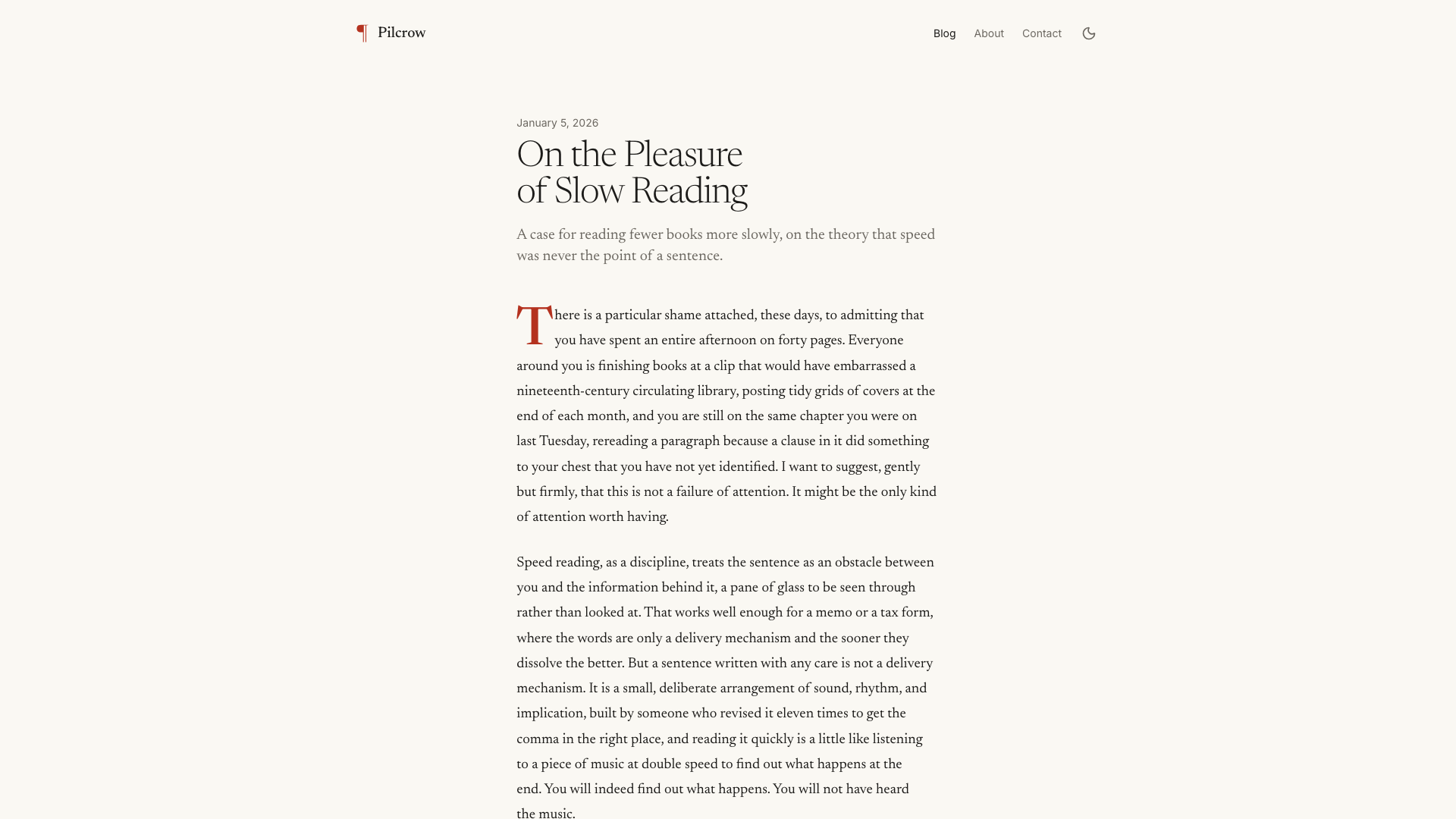
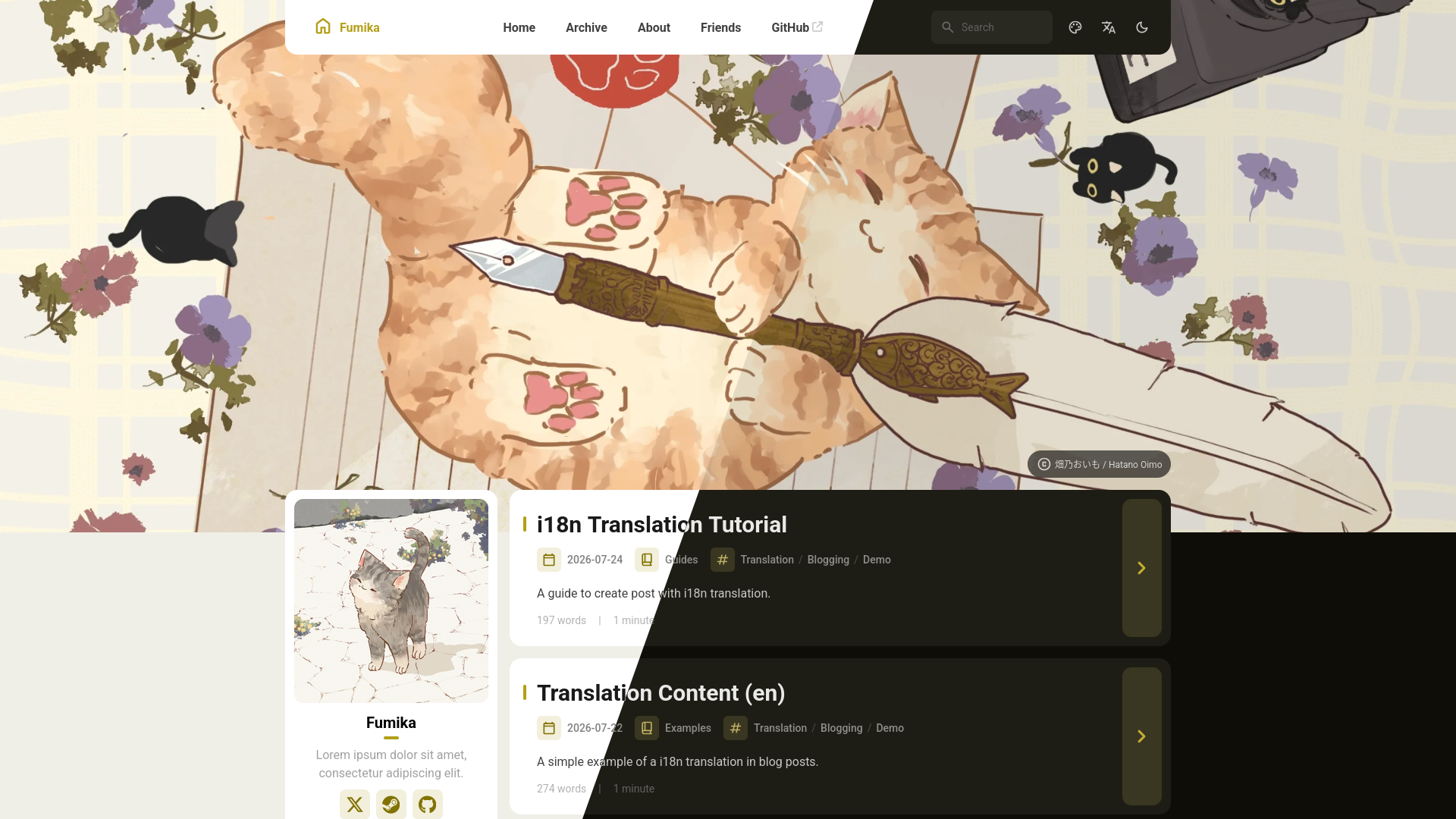
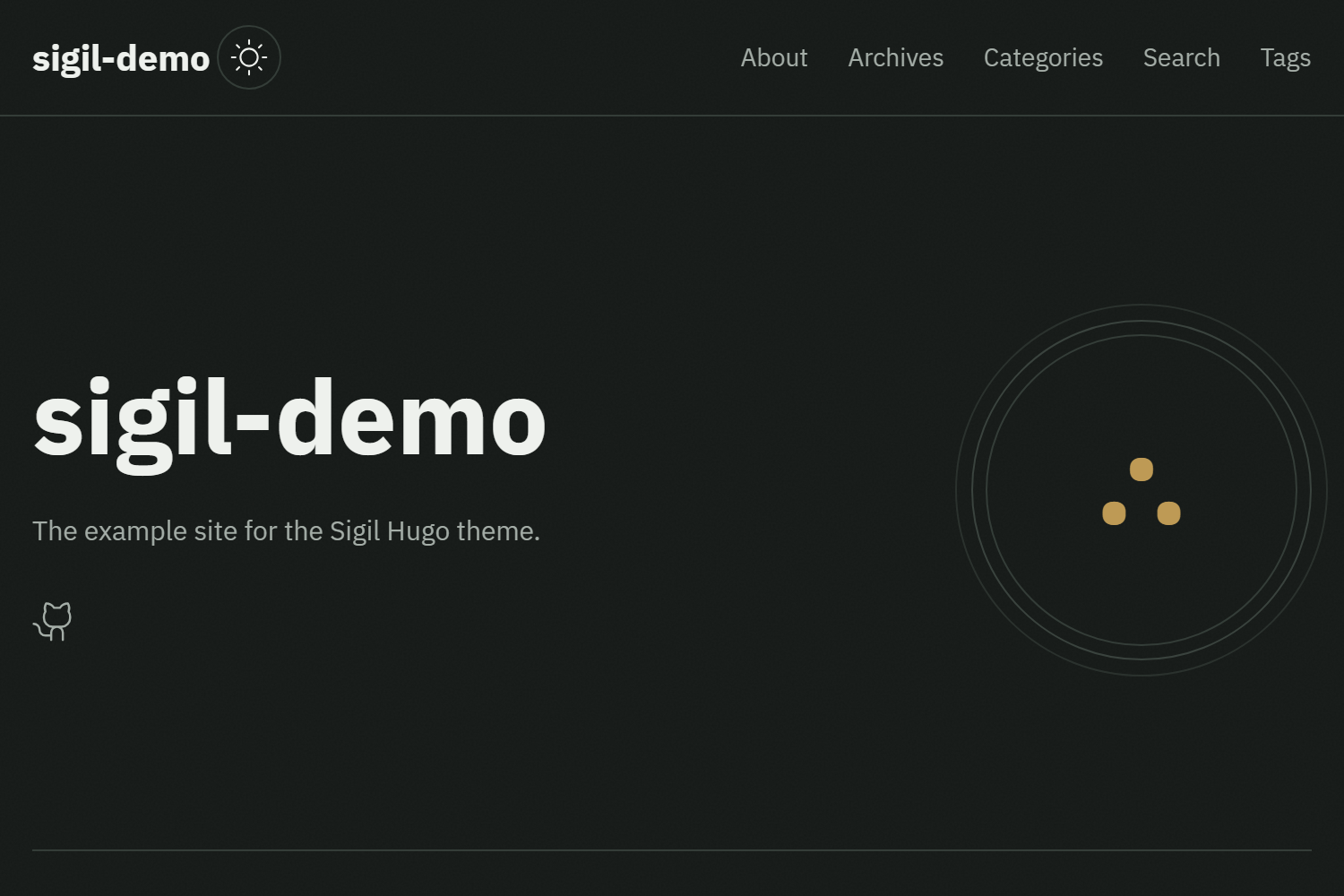
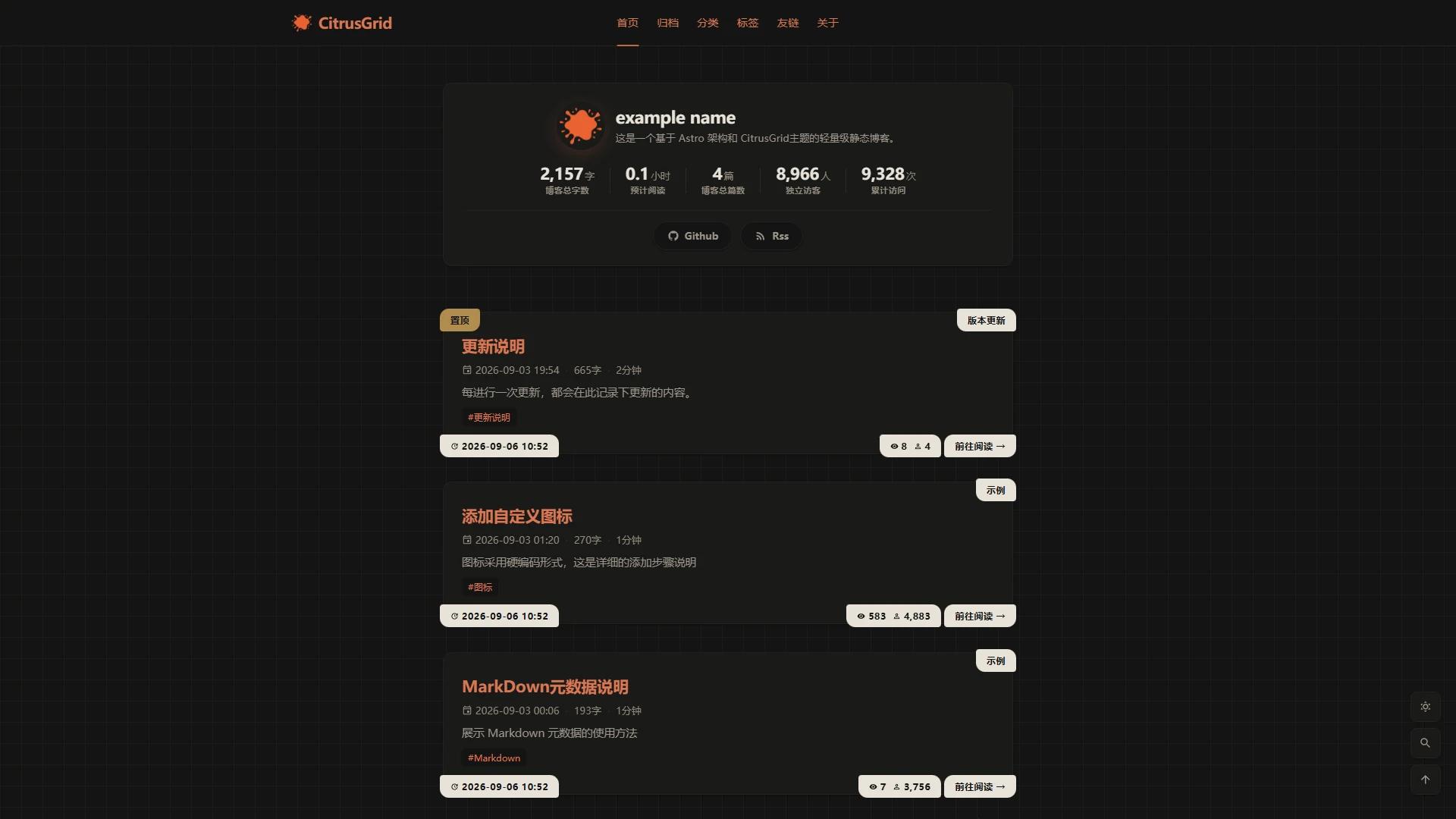
A minimalist multilingual static blog template built on Astro with no CSS or UI framework dependencies.
About this template
Astro Plain is an open-source Astro static blog template that generates a multilingual, framework-free static site from Markdown and MDX content. Published by Aaakul under the MIT License, it ships with Simplified Chinese, English, and Japanese translations and targets a 100/100 Lighthouse score by avoiding any CSS or UI framework dependency.
What is Astro Plain?
Astro Plain is a static blog template built on Astro's static site generation that carries no CSS or UI framework dependencies. It takes Markdown and MDX posts from src/content/blog, plus per-language hero, author, and project entries, and builds a pure static site into a dist directory that can be hosted on any static host. The template is authored by Aaakul and released under the MIT License, with a live demo and a PageSpeed Insights 100/100 report linked from the README.
What makes Astro Plain stand out?
- Astro SSG with zero CSS framework — the template installs no CSS or UI library; the build emits plain static files into
dist, and the demo reports a 100/100 Lighthouse score across all categories. - Built-in i18n for three languages — Simplified Chinese (
zh-Hans), English (en-US), and Japanese (ja-JP) ship as translation dictionaries powered byts-intl-astro, with subpath routing such as/zh-Hans/and/ja-JP/. - Automatic language selection and SEO tags — a language-preference cookie or the browser language redirects visitors, and the build generates
hreflang,x-default, and Open Graph tags per language. - Generated sitemap, robots.txt, and RSS — the template produces a sitemap, a robots file, and separate RSS feeds for each language without manual wiring.
- Offline full-text search with Pagefind — Pagefind builds a static search index with zero configuration; the index depends on a completed build, so you must run a build once before using search in the dev server.
- Typed content collections — schemas for blog posts, authors, and projects are defined with Zod on top of the Astro Content Layer in
src/content.config.ts. - MDX utility components — FileTree, Steps, Tabs, and GitHub-style alert blockquotes via
remark-github-blockquote-alert, with syntax highlighting from Expressive Code. - Disqus and Microsoft Clarity integrations — comments and analytics are configured through
site.config.tsor environment variables and are disabled by default. - Central
site.config.ts— options includedefaultLanguage(defaultzh-Hans),siteUrl,basePath,languageNameMap,postsPerPage(default 5),navLinks,ogImagesized 1200x630, andallowRobots.
Who should use Astro Plain?
- Multilingual bloggers: writers who publish the same article in Chinese, English, and Japanese and want
translationKeyto link versions across languages automatically. - Developers who dislike CSS tooling: anyone who wants a blog without Tailwind, styled-components, or a UI kit to maintain, and who is comfortable editing plain CSS in the repository.
- Static-host deployers: teams deploying to Cloudflare Pages, since the README documents the build command (
npm run build), thedistoutput directory, and theSITE_URLenvironment variable. - SEO-focused site owners: people who want hreflang tags, sitemaps, and per-language RSS generated at build time rather than assembled by hand.
What can you do with Astro Plain?
- Publish a multilingual blog: write posts in Markdown or MDX with
title,translationKey,language, anddatefrontmatter, and get language switcher links plus hreflang tags generated per post. - Run a personal site with an author page: add an author MDX file under
src/content/author/<language-code>/with name, avatar, occupation, company, email, and social links. - Show off side projects: the
src/content/project/collection renders project cards with a name, website, preview image, and GitHub link. - Search without a backend: Pagefind serves full-text search from a static index, so the site needs no search server.
How does Astro Plain work?
The template is cloned from GitHub, dependencies are installed with npm, pnpm, or bun, and npm run dev starts a development server on http://127.0.0.1:4321. Content lives in src/content/ and configuration in site.config.ts; running the build command produces static output in dist. Deployment to Cloudflare Pages connects a forked repository, sets the build command and output directory, and pushes to main trigger rebuilds.
Pros and cons
- Pro: no CSS or UI framework to learn or maintain, and a documented 100/100 Lighthouse result.
- Pro: i18n, RSS, sitemap, and hreflang generation are built in rather than bolted on.
- Pro: static output works on any host that serves files.
- Con: only three languages are pre-translated, and adding another requires editing
languageNameMap, creating a dictionary ini18n/messages/, registering it increateI18n, and adding an author file. - Con: the Pagefind search index is not regenerated by the dev server, so new or edited posts are not searchable until a rebuild.
Pricing
Astro Plain is free and open source under the MIT License, with no paid tiers.
Alternatives
AstroPaper is another Astro-based blog template worth comparing if you want a more widely adopted starting point.
FAQ
Is Astro Plain free?
Yes. Astro Plain is released under the MIT License, so you can use, modify, and redistribute it, including commercially, as long as the license terms are met. There are no paid tiers or feature gates.
Does Astro Plain support multiple languages?
Yes. It ships with Simplified Chinese, English, and Japanese dictionaries and uses subpath routing such as /zh-Hans/ and /ja-JP/. Language-specific sitemaps, RSS feeds, and hreflang tags are generated during the build.
How do I add a new language to Astro Plain?
Add the language code to languageNameMap in site.config.ts, create a matching dictionary file under i18n/messages/, register it in createI18n inside i18n/index.ts, and add at least a default.mdx author file under src/content/author/<language-code>/.
Does Astro Plain have full-text search?
Yes. Pagefind provides offline full-text search with no backend. Its index is built from static output, so you must run a build at least once before using search in the dev server, and edited posts are not re-indexed automatically during development.
Where can I deploy an Astro Plain site?
The build produces static files in dist, so any static host works. The README walks through Cloudflare Pages, covering the npm run build command, the dist output directory, and setting SITE_URL for the deployed domain.