Template details
Fumika
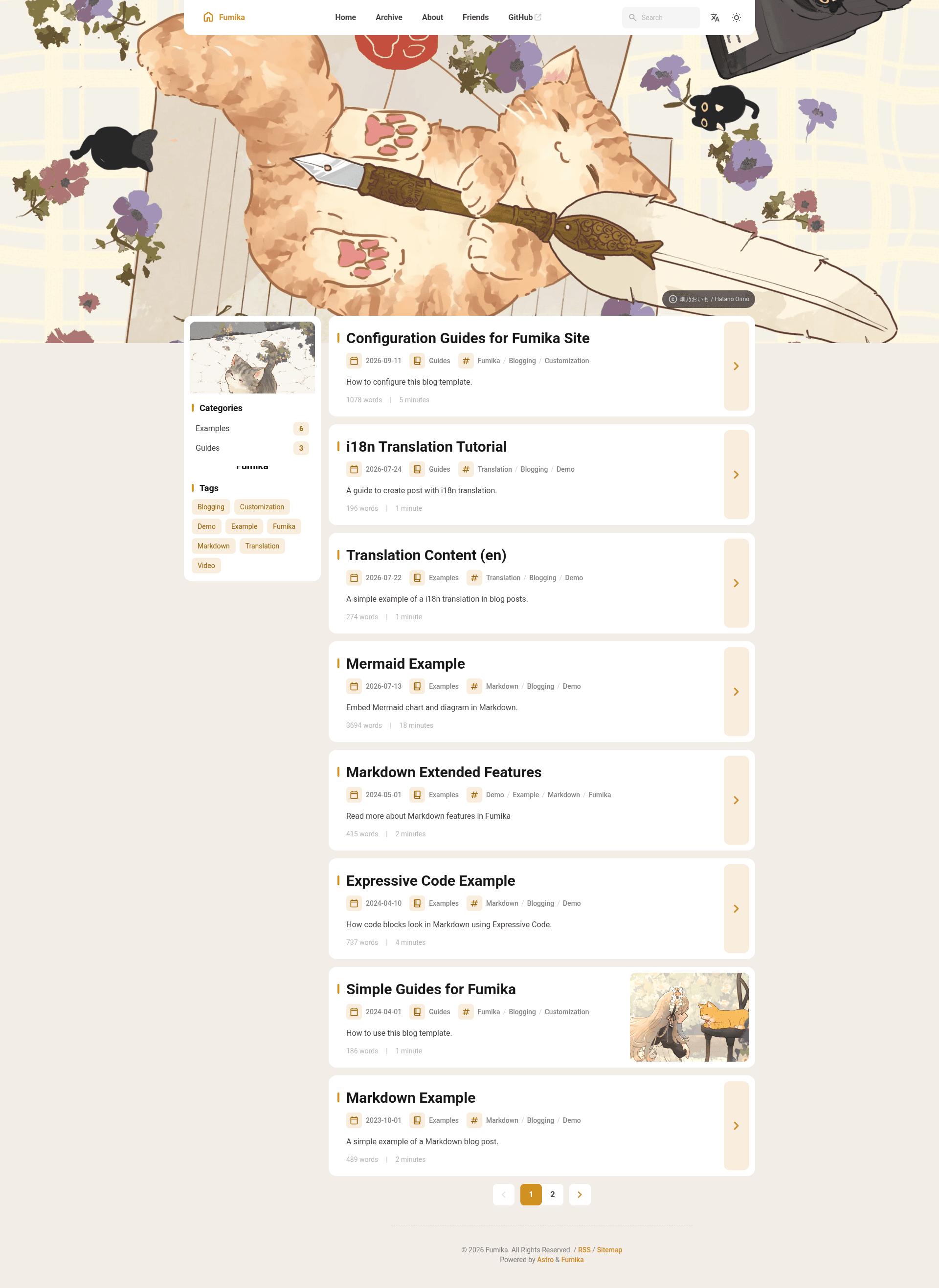
A clean, minimalist static blog template built with Astro, Svelte, and Tailwind CSS, heavily modified from the Fuwari theme.
About this template
Fumika is an Astro-based static blog template that turns Markdown posts into a prerendered, deployable blog site, distributed free under the MIT License and heavily modified from the Fuwari theme.
What is Fumika?
Fumika is a static blog template built with Astro that takes Markdown files as input and outputs a prerendered blog site deployable to Netlify, GitHub Pages, or any other static host. Posts live in src/content/posts/ with YAML frontmatter fields including title, published date, description, image, tags, category, ogImage, and draft status, while site-wide options are edited in src/config.ts and deployment settings in astro.config.mjs. It is maintained by GitHub user iyanarmanda, ships under the MIT License (with a FOSSA license badge in the README), requires Node.js 20 or newer plus pnpm 9 or newer, and has a public live demo at fumika-demo.netlify.app.
Key Features
- Astro v7 with Svelte v5 components — pages render as static HTML, with Svelte used for the interactive parts of the theme.
- Tailwind CSS v4 and SCSS — styling is split between utility classes from Tailwind and SCSS for theme-level rules.
- Pagefind search — a static, client-side search index built over the generated post content, with no external search service required.
- Light and dark mode — both color schemes ship out of the box, as shown in the README preview screenshots.
- Giscus comments — post comments are powered by Giscus, the GitHub Discussions-based commenting system, rather than a hosted third-party widget.
- Google Analytics via Partytown — analytics scripts are moved off the main thread using Partytown to keep page execution lighter.
- Extended Markdown syntax — on top of GitHub Flavored Markdown, the template adds admonitions, GitHub repository cards, Expressive Code code blocks, Mermaid diagrams, and typography features.
- Blog essentials included — table of contents, RSS feed, meta and Open Graph tags, i18n translation support, and responsive layout with page transitions.
Who is it for?
Developer bloggers: publish a personal technical blog from Markdown files with code blocks, Mermaid diagrams, and GitHub repository cards without building a theme from scratch. Astro users: start a project that already wires up Tailwind, Svelte, Pagefind, and Giscus so the setup work is done. Writers on free hosting: deploy the static output to Netlify or GitHub Pages at no hosting cost using the instructions already in the README.
What can you do with Fumika?
- Start a personal blog: generate a repository from the template or fork it, run pnpm install, edit
src/config.ts, and publish posts withpnpm new-postand a filename. - Write documentation-style posts: use the extended Markdown syntax for callouts, diagrams, and code samples that need syntax highlighting.
- Localize an existing blog: the built-in i18n support covers multi-language post output, and the theme, banner, and components are customizable.
How does Fumika work?
- Generate a new repository from the template or fork the repo, then clone it and run
pnpm install(install pnpm first withnpm install -g pnpmif needed). - Edit
src/config.tsto set blog options, and runpnpm new-postwith a filename to create a post to edit insrc/content/posts/. - Edit the site configuration in
astro.config.mjs, then deploy the build output to Netlify, GitHub Pages, or another static host.
Development commands include pnpm dev for a local server at localhost:4321, pnpm build for production output in ./dist/, pnpm preview, pnpm check, pnpm lint and pnpm format via Biome, and pnpm test for Vitest unit tests.
Pricing
Fumika is free and open source under the MIT License. There is no paid tier or hosted service — hosting costs depend only on where you deploy the static output.
Alternatives
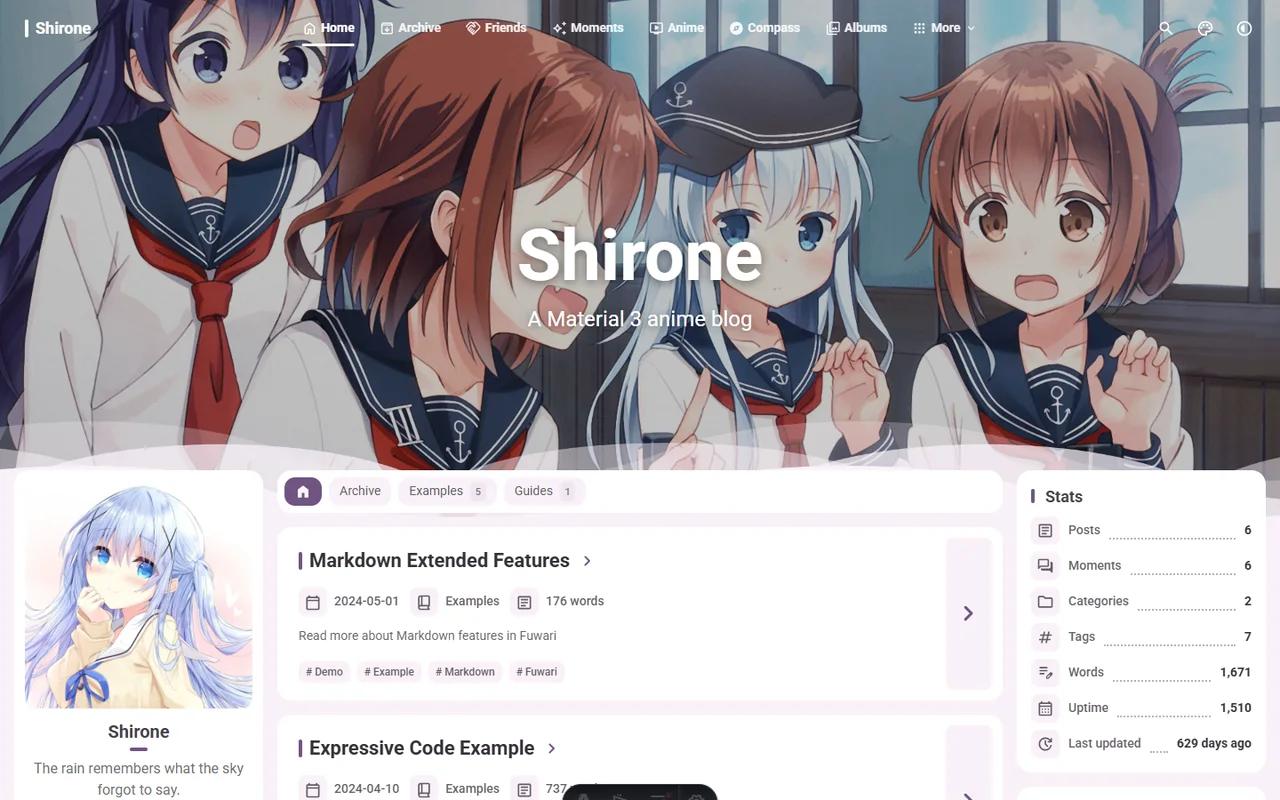
Fuwari, the Astro blog theme that Fumika is heavily modified from, is the closest starting point; Fumika changes it with Svelte v5, Tailwind CSS v4, Pagefind search, and Giscus comments.
FAQ
Is Fumika free to use?
Yes. Fumika is released under the MIT License, so you can use, modify, and redistribute it, including for commercial blogs. There is no paid plan, and the only costs are optional hosting or domain fees from whichever static host you choose.
What is Fumika built with?
Fumika runs on Astro v7 and uses Svelte v5 components, Tailwind CSS v4, and SCSS for styling. Search is handled by Pagefind, comments by Giscus, and Google Analytics is loaded through Partytown. It requires Node.js 20 or newer and pnpm 9 or newer.
Does Fumika include search and comments?
Yes. Pagefind provides client-side search over your posts, and Giscus adds comments backed by GitHub Discussions. Both are listed as built-in features in the README, so you configure them rather than wiring them up from scratch.
What Markdown features does Fumika add?
Beyond GitHub Flavored Markdown, Fumika supports admonitions, GitHub repository cards, Expressive Code blocks, Mermaid diagrams, and typography features. The live demo includes preview pages for each of these extended syntax elements.
Do I need the create command to start a blog?
The npm, yarn, pnpm, bun, and deno create commands shown in the README are marked as coming soon. For now you start by generating a new repository from the template or forking it, then installing dependencies with pnpm and editing the config file.