Template details
Dashboard Windows
A Windows-inspired portfolio template built with Next.js and Tailwind CSS, featuring a music player, project showcase, and personal info pages.
About this template
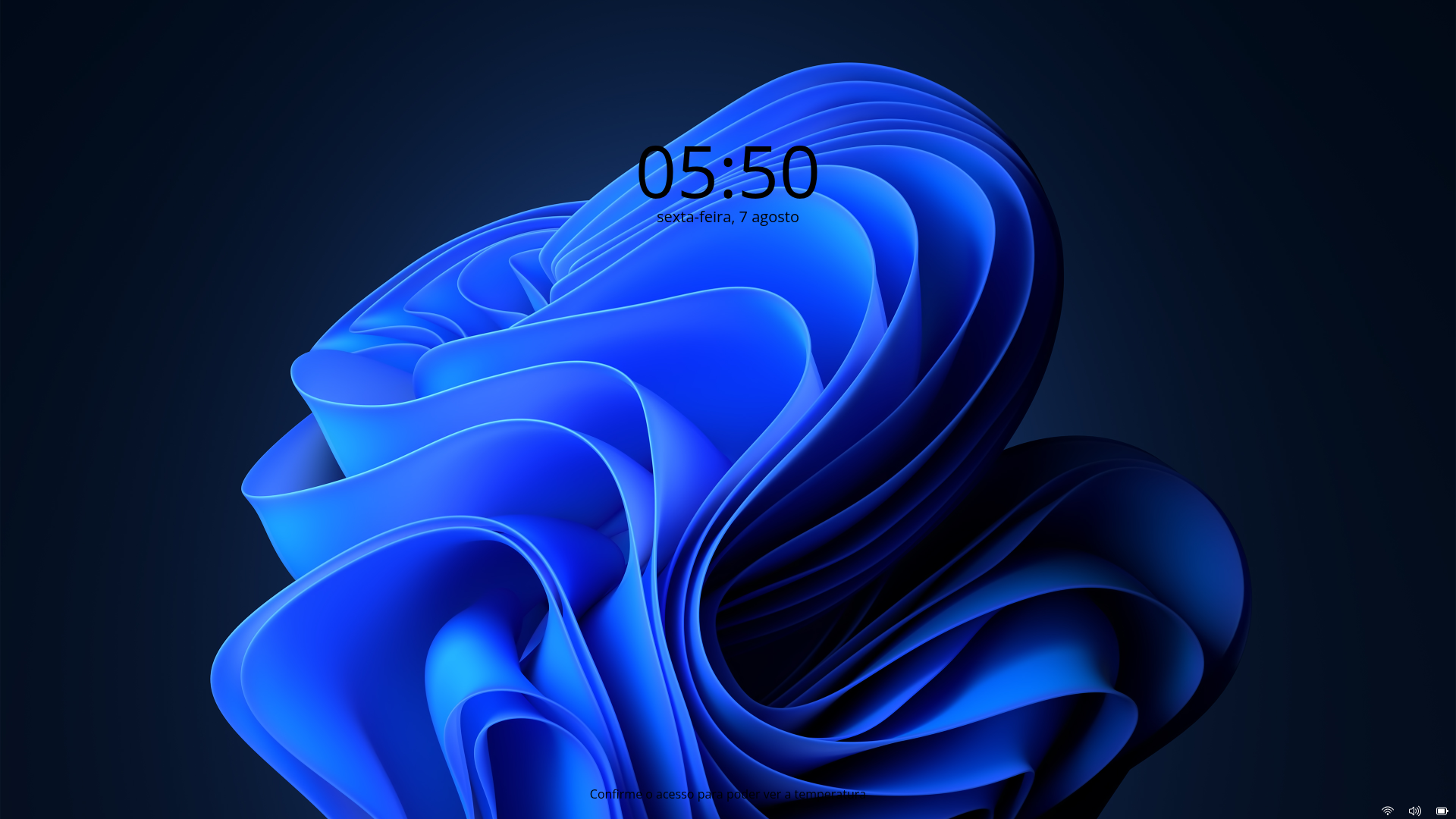
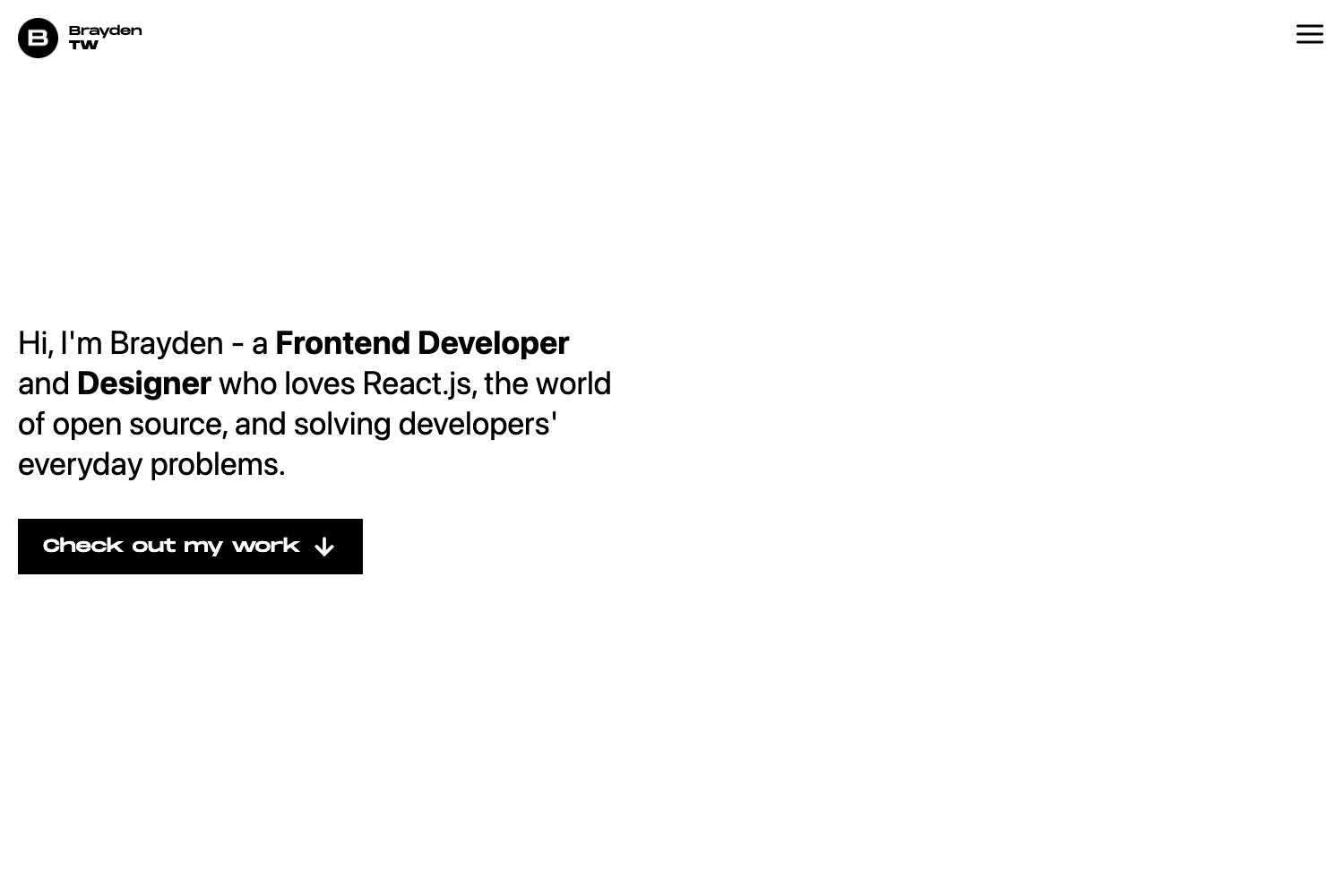
Dashboard Windows is a portfolio template that recreates the Windows desktop interface as a personal website, built with Next.js and Tailwind CSS. It turns a developer's projects, personal information, and music into a desktop-like dashboard where visitors navigate through windows, a taskbar, and app-style pages.
What is Dashboard Windows?
Dashboard Windows (also referenced as Portifolio-Windows) is an open-source portfolio project that simulates the Windows operating system's graphical interface inside the browser. It takes content such as project descriptions, personal details, and a music playlist as input and renders it as a desktop environment with interactive pages. The project runs on Next.js and is deployed live at dashboard-windows.vercel.app. It was created by GitHub user pablokaliel.
Key Features
- Next.js framework — The entire interface is built as a Next.js application, enabling server-side rendering and React-based routing for each desktop window and page.
- Tailwind CSS styling — All layout and window styling rely on TailwindCSS utility classes, making the Windows desktop look fully responsive and customizable without writing custom CSS.
- React-Player music playback — Music pages integrate React-Player to embed and play audio tracks, letting visitors listen to samples directly in the portfolio.
- Axios data fetching — Axios is used for HTTP requests to load project or music data from APIs into the interface.
- Phosphor Icons — The UI uses Phosphor-Icons for window controls and app icons, giving a consistent icon set across the desktop and taskbar.
- Clsx utility — Clsx is included for conditionally combining class names in React components, simplifying dynamic styling of windows and elements.
- Date-FNS formatting — Date-FNS handles date manipulation and formatting, useful for displaying timestamps or project update dates in the portfolio.
Who is it for?
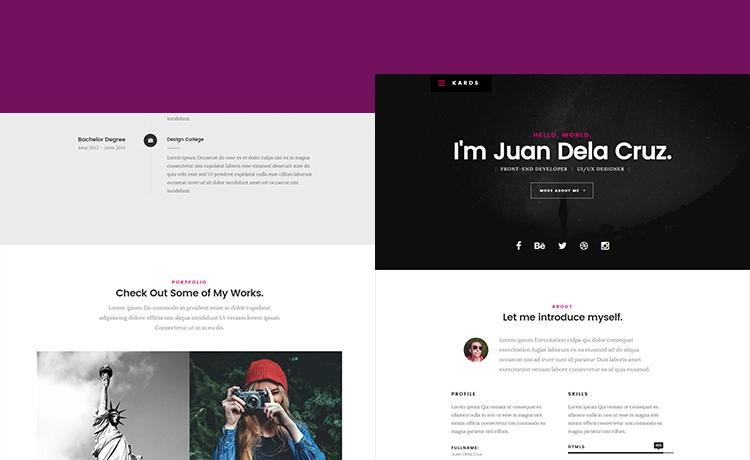
- Front-end developers — who want a distinctive portfolio that stands out by mimicking a full operating system desktop rather than a conventional scrollable page.
- Musicians and audio creators — who need an embedded player to showcase tracks alongside their projects and personal bio, powered by React-Player.
- Design engineers — interested in a Windows 95 or modern Windows aesthetic will find a working example of how to structure a desktop-like UI with overlapping windows and a taskbar.
What can you do with Dashboard Windows?
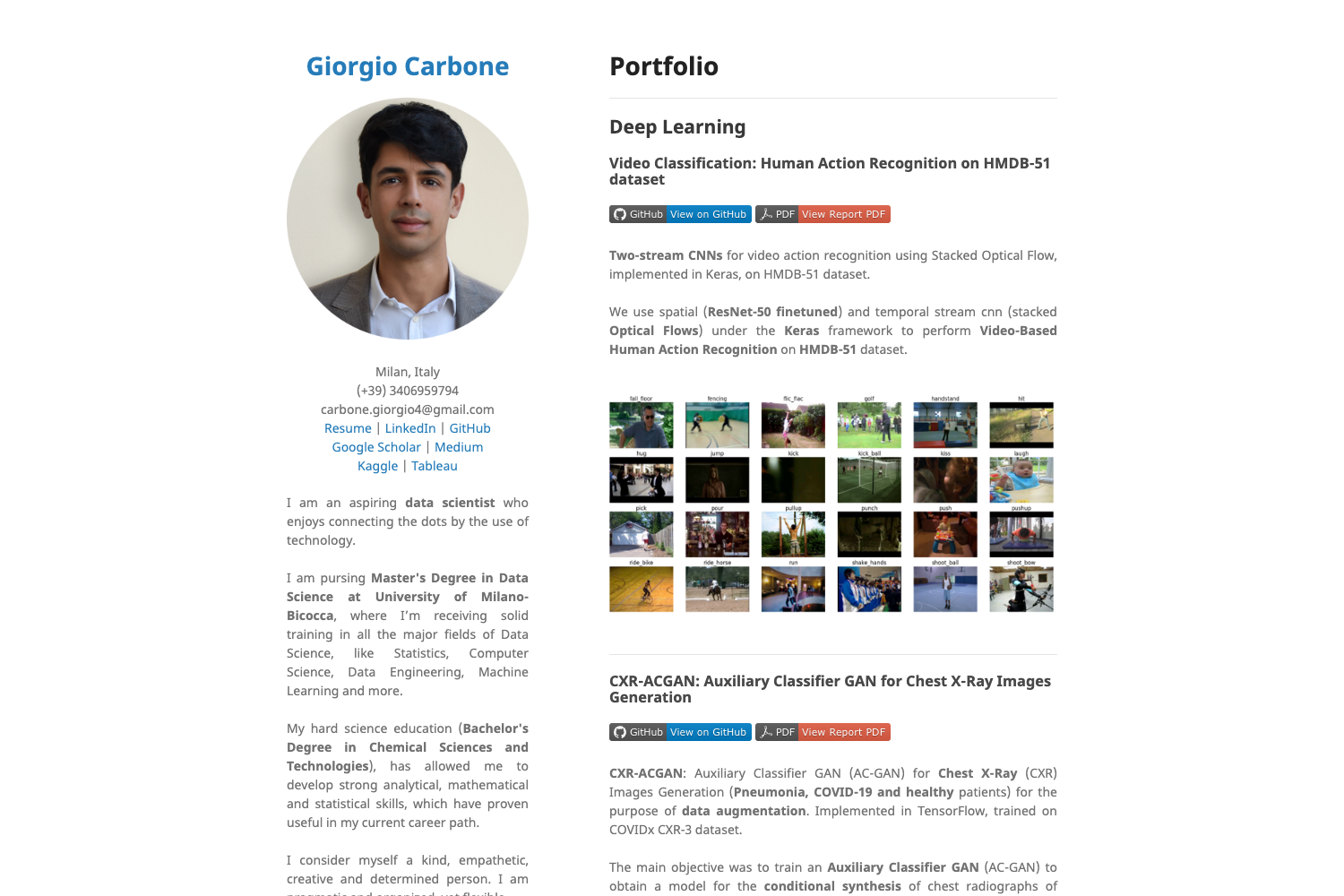
- Showcase personal projects: organize project cards into a Windows Explorer-style window, with each project opening like an application.
- Play music samples: use the dedicated music page with React-Player to let visitors play songs without leaving the portfolio.
- Present personal information: display about-me details in a My Computer or Control Panel style window, covering basic and personal information about the author.
FAQ
Is Dashboard Windows free to use?
The project is publicly available on GitHub under the repository pablokaliel/Dashboard-Windows, so you can view, fork, and modify the source code freely for your own use.
What technologies power the Windows interface?
The project uses Next.js as the framework, TailwindCSS for styling, Phosphor-Icons, Axios, Clsx, Date-FNS, and React-Player for media playback. All dependencies are listed in the README.
Does the template work on mobile devices?
The README does not state specific mobile behavior, but because it is built with Tailwind CSS and Next.js, the layout can adapt; however, a desktop-like experience is best viewed on larger screens.
Where can I see a live demo?
A live deployment is available at dashboard-windows.vercel.app, which shows the current progress of the project.