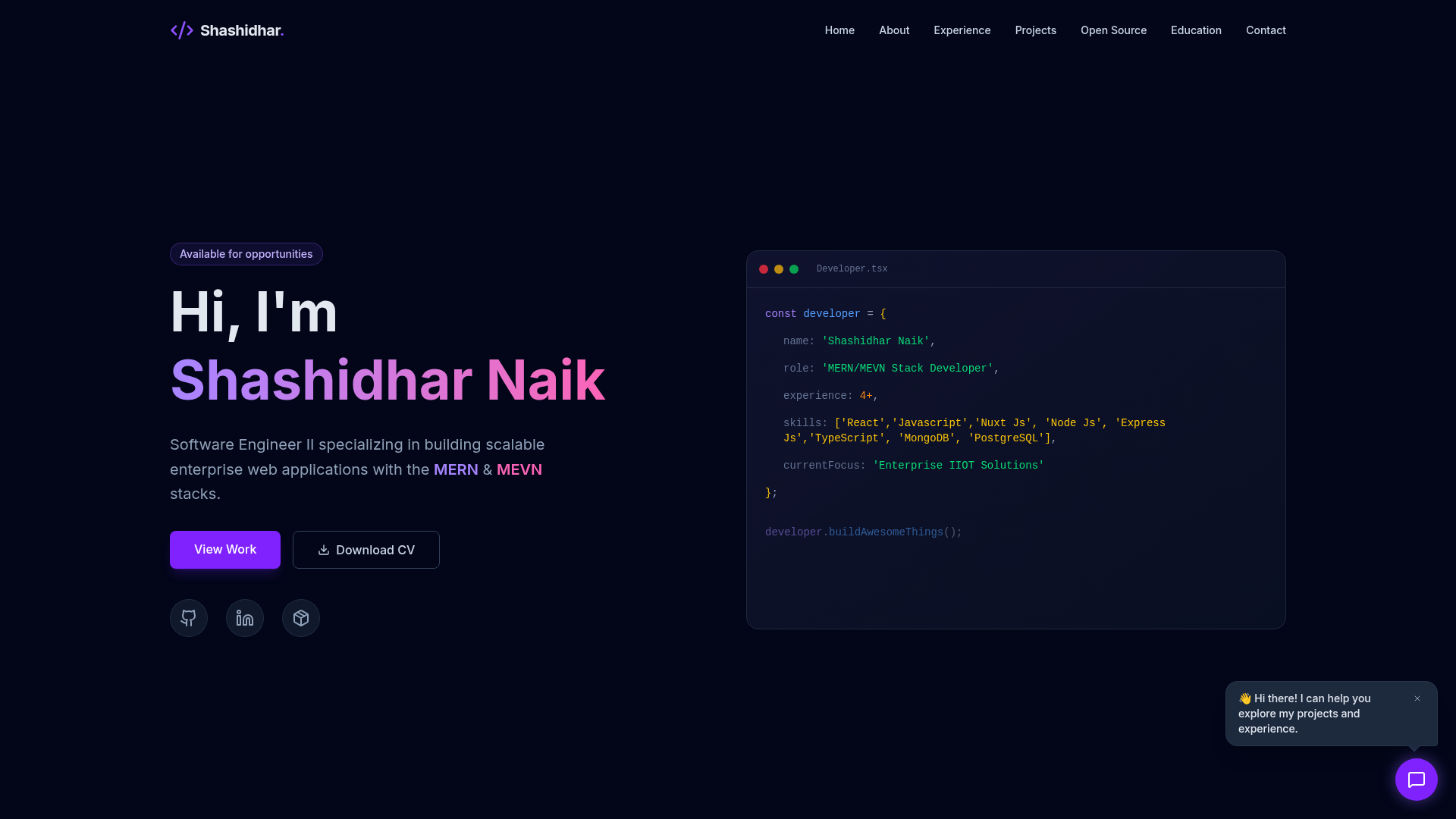
Template details
Astro Portfolio Template
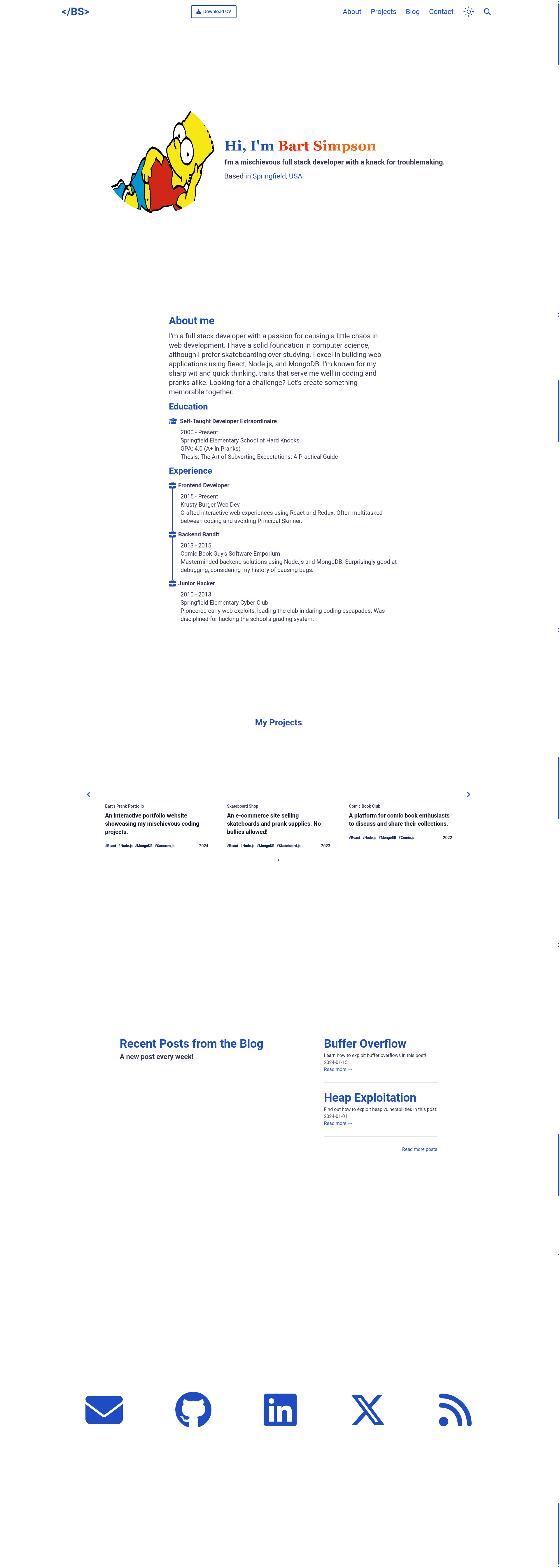
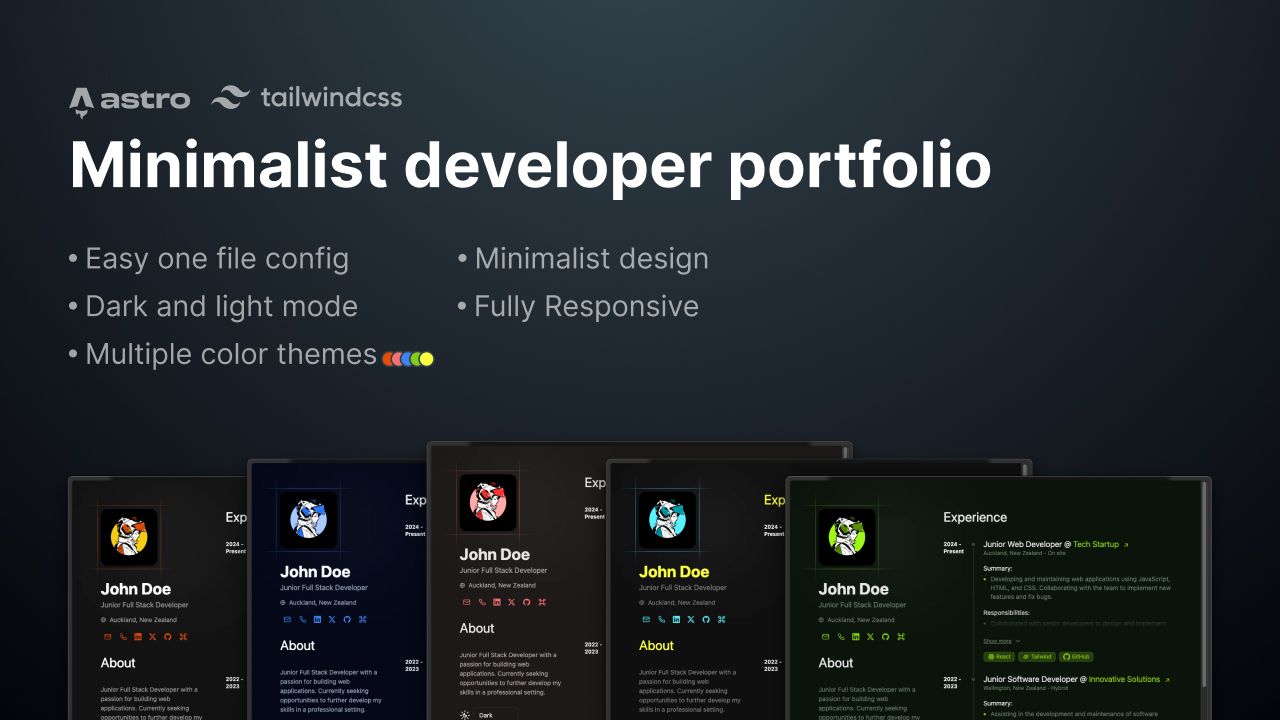
A free Astro portfolio template with blog, dark mode, fuzzy search, RSS feed, and SEO-friendly structure.
About this template
Astro Portfolio Template is a free, MIT-licensed portfolio starter built with Astro, React, and Tailwind CSS that gives developers a personal site with a blog, dark mode, fuzzy search, RSS feed, and SEO-friendly output. This template is maintained on GitHub by the user gio-del and can be opened directly in StackBlitz, CodeSandbox, or Codeanywhere from the repository readme.
What is the Astro Portfolio Template?
The Astro Portfolio Template is a static site generator–based portfolio that takes your personal data from a single TypeScript file and outputs a responsive multi-section website: about, experience, education, projects, contact, and a blog. It runs on the Astro framework with React components for interactive parts, and it uses Tailwind CSS for styling. The template is designed for easy customization: you edit the src/data/info.ts file to update your information, and the included project structure separates data from view components.
Key Features
- Dark mode toggle — A
ToggleDarkMode.jsxcomponent switches between light and dark themes, stored in the user's preference. - Fuzzy search for blog posts — The
Search.tsxcomponent uses Fuse.js to provide client-side fuzzy matching across posts, so readers can find content without a server. - SEO friendly — The template includes
robots.txtandsitemap.xmlin the public folder, and theBaseLayout.astrohead section is meant to be edited for site metadata. - RSS feed — An
rss.xml.jspage in thepagesdirectory generates an RSS feed using theastro-plugin-feedpackage; you set the site URL inastro.config.mjs. - Responsive design — The navbar uses a
Hamburger.jsxcomponent for mobile navigation, and layout components adapt across screen sizes. - Project carousel — The projects section includes a
ProjectCarousel.tsxcomponent to display portfolio projects in a scrollable format. - Easy data customization — Personal details live in
src/data/info.ts; for the contact section, changes there must be mirrored inContact.tsxto keep data separate from view. - Preconfigured commands —
npm run devstarts a local server at localhost:4321, andnpm run buildoutputs a production site to./dist/.
Who is it for?
- Developers starting a personal site — Use the template's ready-made structure to launch a portfolio in minutes instead of building the layout and blog from scratch.
- Job seekers and freelancers — Fill in the about, experience, and education sections with your resume details and link a downloadable PDF from the public folder to present a clean professional profile.
- Tech bloggers — Publish Markdown posts in
src/pages/posts/your-post-title.mdand get a styled blog with fuzzy search and RSS without configuring a CMS. - Astro learners — Study the project structure to see how Astro pages, React islands, TypeScript data files, and Tailwind CSS work together in a real template.
What can you do with it?
- Launch a personal portfolio — Replace the sample data in
src/data/info.tswith your name, bio, links, and project details to produce a complete personal site. - Publish a blog — Add Markdown files to the posts directory; the
Blog.astroandPost.astrocomponents render the index and individual posts, and Fuse.js powers the search. - Generate an RSS feed — After updating the site URL in
astro.config.mjsand therss.xml.jspage, readers can subscribe to your posts. - Preview and deploy — Use
npm run buildthennpm run previewto test the production build locally before deploying thedistoutput to any static host.
How does the template work?
The onboarding flow follows a standard Astro workflow: click the "Use this template" button on GitHub, create a new repo, clone it, run npm install to install dependencies, and then npm run dev to start the dev server at localhost:4321. After that, editing src/data/info.ts updates the site content, and changes to the contact section also require updating src/components/contact_section/Contact.tsx. Styling is controlled through tailwind.config.mjs in the project root.
FAQ
Is the Astro Portfolio Template free?
Yes, the template is open source and licensed under the MIT License, so you can use, modify, and distribute it freely, including for commercial projects. The full license text is in the LICENSE file in the repository.
How do I change the colors and styles?
This template uses Tailwind CSS. To modify the color palette, edit the tailwind.config.mjs file at the root of the project. Global styles are in src/styles/global.css.
Does the template have a blog with search?
Yes, there is a blog section under src/pages/posts/. Posts are written as Markdown files, and the search feature in Search.tsx uses Fuse.js to provide fuzzy matching across post content without a backend.
What does the template produce?
Running npm run build outputs a production-ready static site to the ./dist folder. Because Astro generates static HTML, the output can be deployed to any static hosting service like Netlify, Vercel, or GitHub Pages.
Is internationalization supported?
Not yet. The "What's next" section in the readme lists internationalization (i18n) and a projects collection as planned features, and contributions are welcome via pull request.