Template details
Astro Rang
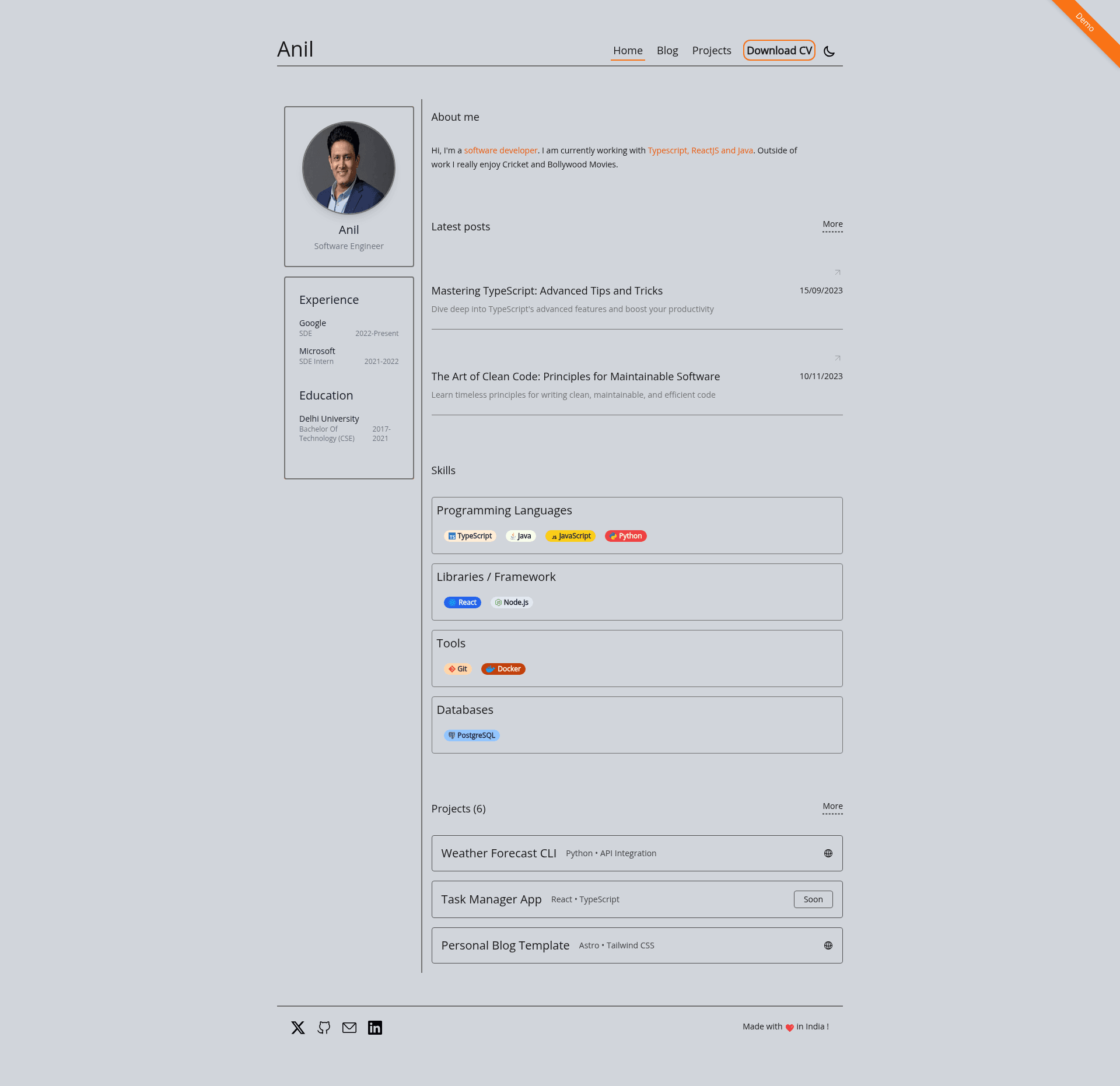
A minimalist, responsive, and customizable portfolio template built with Astro and Tailwind CSS.
About this template
Astro Rang Portfolio Template is a minimalist, open-source portfolio template in the Portfolio category, built with the Astro static site generator, Tailwind CSS, and TypeScript, that lets you publish a personal website with a blog, project showcase, skills, and experience timeline from data files.
What is Astro Rang?
Astro Rang is a portfolio template for the Astro framework that generates a static website from your personal data and Markdown blog posts. It takes content from structured TypeScript files in src/data and Markdown files in src/content/blogs, and produces a fast, responsive site with sections for projects, skills, and a work experience timeline. The template is open source under the MIT License and maintained on GitHub by the user chaturrved.
Key Features
- Fast static output — Every page is pre-rendered by Astro as static HTML, so the site loads quickly without a heavy JavaScript runtime.
- Fully responsive design — Tailwind CSS utility classes adapt the layout to mobile, tablet, and desktop screens.
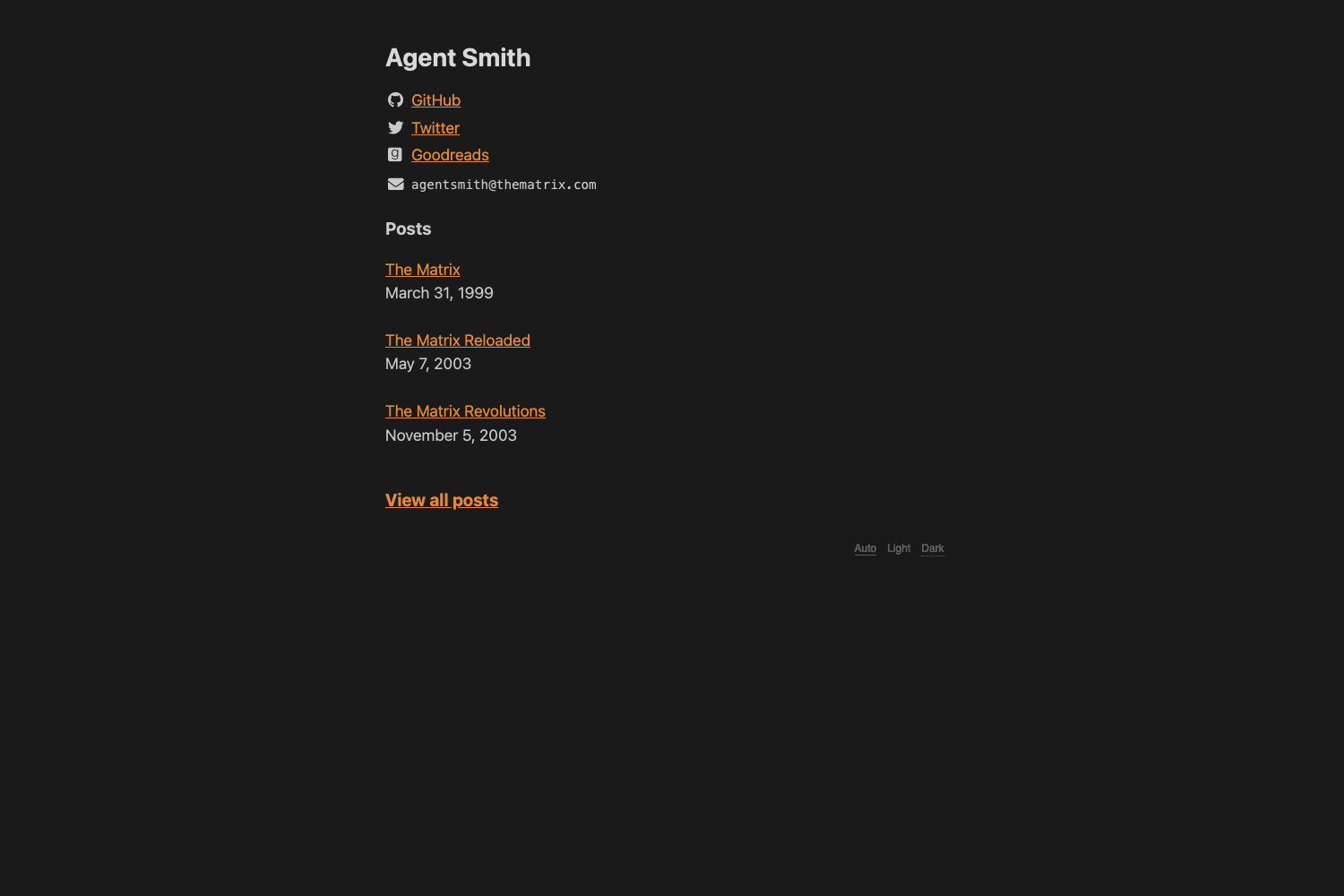
- Dark and light mode — Includes a theme toggle so visitors can switch between color schemes.
- Markdown blog — Blog posts are stored as
.mdfiles insrc/content/blogsand are automatically rendered into the blog section. - SEO-friendly — Astro generates clean meta tags and semantic HTML, helping search engines index your profile and posts.
- Data-driven customization — Personal info, projects, skills, and experience live in separate TypeScript files:
presentation.ts,projects.ts,skills.ts, andexperience.ts. - Project and skill sections — Dedicated components display your portfolio items and a visual list of your technical skills.
- Experience timeline — A chronological timeline component presents your work history in a scannable format.
Who is it for?
- Front-end developers — who want a fast, minimal portfolio without hand-building a site; they can clone the repository, install dependencies, and edit TypeScript data files.
- Designers — who need a clean, responsive site to show case studies and projects; they can adjust styles through Tailwind utility classes.
- Technical writers — who want to combine a portfolio with a blog; they can write posts in Markdown and drop them into the
src/content/blogsfolder.
What can you do with Astro Rang?
- Showcase your projects — Add projects to
src/data/projects.tsto generate a project grid with descriptions and links. - Publish blog posts — Create Markdown files in
src/content/blogsto publish articles; the template renders them as blog entries automatically. - Present your experience — Edit
src/data/experience.tsto build a timeline of your jobs and education.
How does Astro Rang work?
To get started, clone the repository, run yarn to install dependencies, and start the dev server with yarn dev at http://localhost:3000.
Pricing
Astro Rang is free and open source under the MIT License.
FAQ
Is Astro Rang free to use?
Yes, the template is released under the MIT License, so you can use it for personal or commercial projects without paying anything.
How do I customize the content?
Edit the data files in src/data: presentation.ts for personal information, projects.ts for projects, skills.ts for skills, and experience.ts for experience. Blog posts go in src/content/blogs as Markdown.
What technologies does Astro Rang use?
The template is built with the Astro static site generator, Tailwind CSS for styling, and TypeScript for type-safe data and components.
How do I preview the site locally?
Clone the repository, run yarn to install dependencies, then run yarn dev and open http://localhost:3000 in your browser.
Where are blog posts stored?
Blog posts are stored as Markdown files in the src/content/blogs directory. Each file becomes a separate blog post on the site.