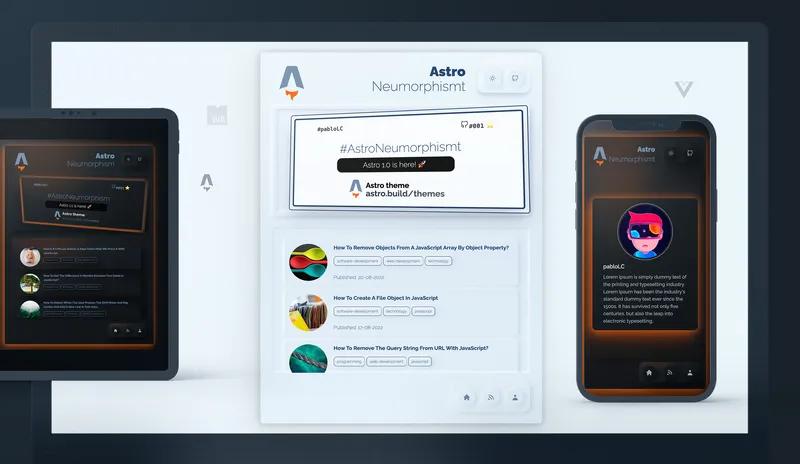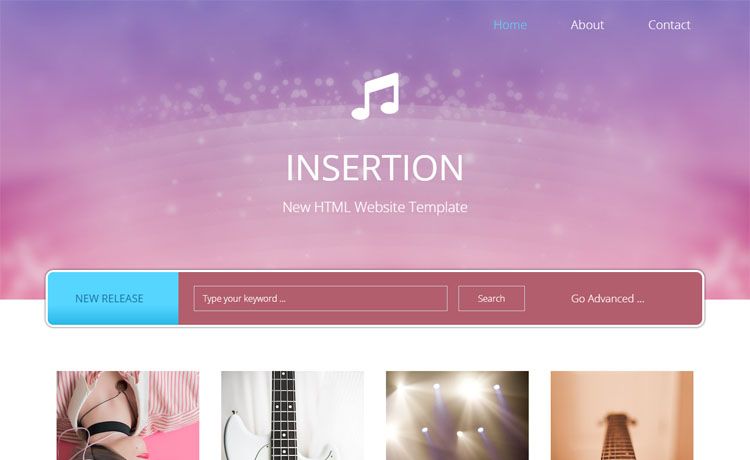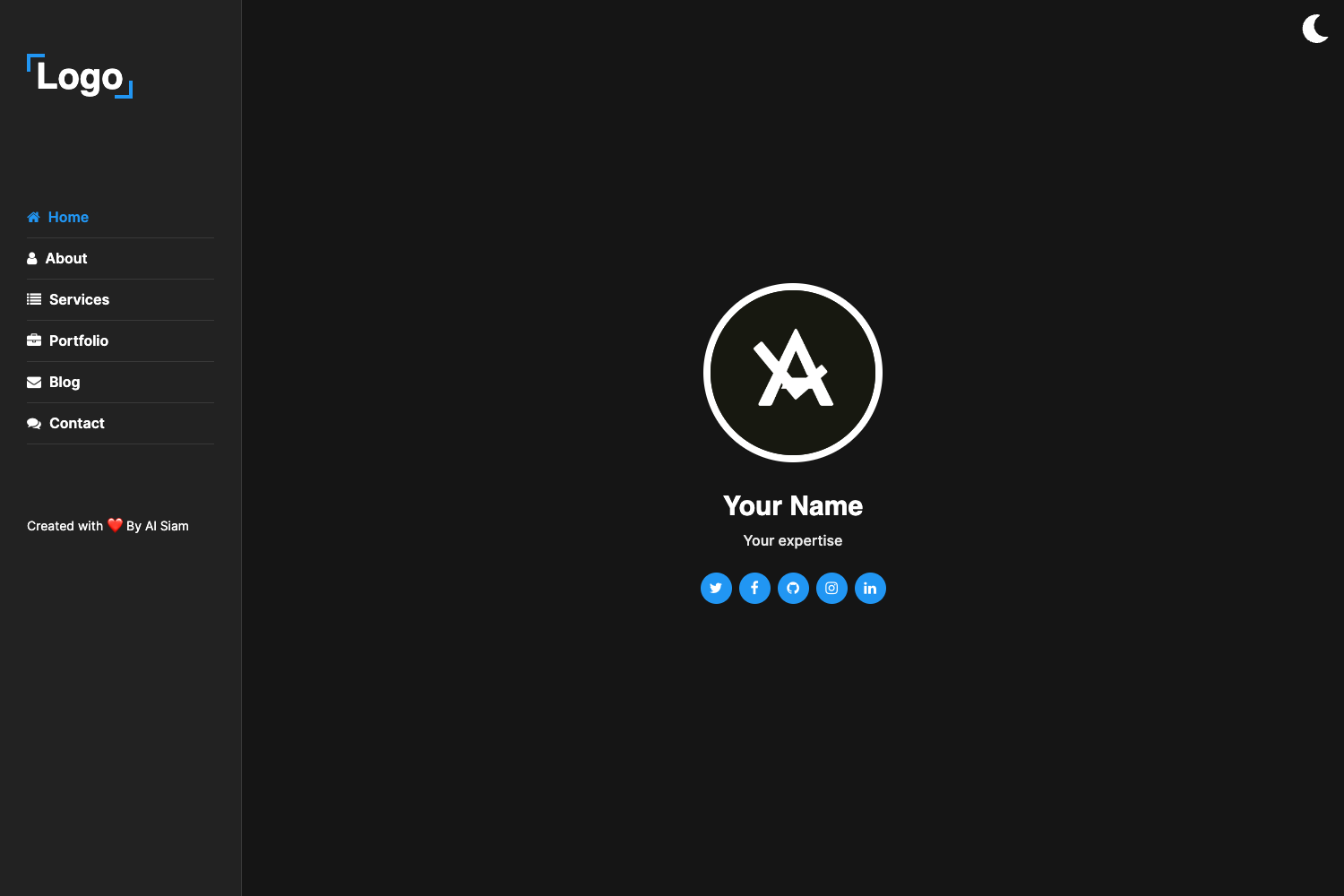
Template details
Astro Scholar
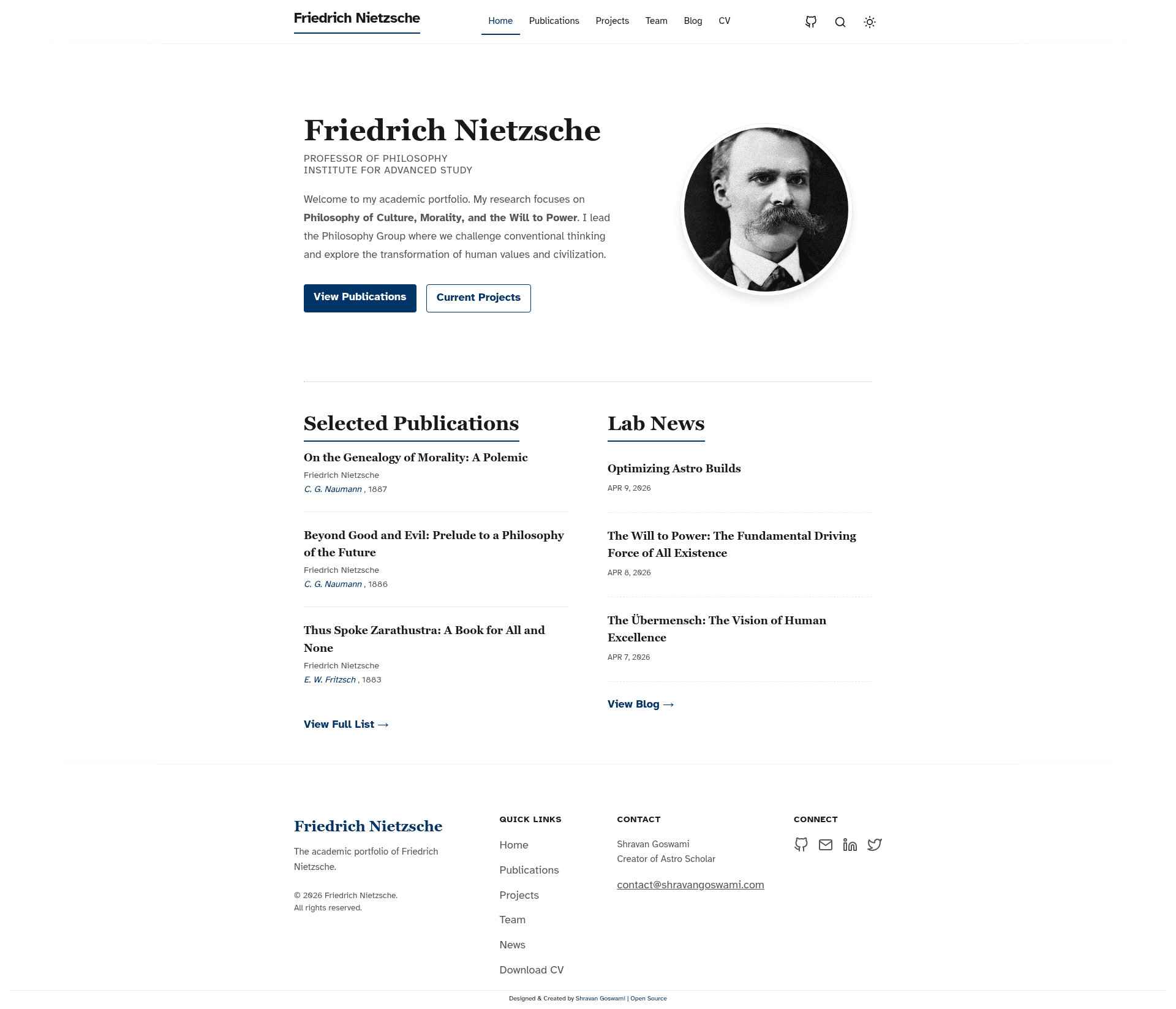
A clean, modern Astro portfolio template for researchers, professors, students, and academic teams.
About this template
Astro Scholar is a free, open-source Astro portfolio template for researchers, professors, students, and academic teams to publish a static academic website with blog posts, projects, publications, and team profiles.
What is Astro Scholar?
Astro Scholar is a static site template built with the Astro framework and MDX, taking content from Markdown files and structured data in JSON and BibTeX to generate a complete academic portfolio site. It outputs a static site with blog, projects, publications, team pages, RSS feed, and sitemap, ready to deploy to GitHub Pages or any static host. The template is authored by Shravan Goswami and licensed under the MIT License.
Key Features
The template bundles the following features out of the box:
- Astro + MDX content workflow — Blog posts are written in Markdown or MDX and rendered with a table of contents and reading-friendly article layout.
- Publications from BibTeX — Manage your reference list in a single
publications.bibfile and the site builds a publications page automatically. - Team and author profiles — Author data lives in
src/data/authors.jsonand powers blog bylines plus a dedicated team page. - Pagefind search indexing — Full-text search over blog and project content is generated at build time by Pagefind, with no external search service required.
- RSS feed and sitemap generation — Syndication and SEO outputs are built automatically from the content collections.
- GitHub Pages deployment workflows — The
mainbranch deploys viawebsite-deploy.yml; pull requests get preview sites viapreview.yml, with the PR number included in the deployment path. - Optional Umami analytics — Privacy-friendly analytics is built in but disabled by default; enable it by setting the
PUBLIC_UMAMI_WEBSITE_IDenvironment variable, or override the script URL withPUBLIC_UMAMI_SRC. - Lighthouse 100 — The repository includes a Lighthouse score report showing 100 across all performance, accessibility, best practices, and SEO categories.
Who is it for?
The template is designed for the following roles:
- Researchers — Publish a personal academic portfolio with a publications list generated from BibTeX and blog posts about ongoing work.
- Professors and academic teams — Create a lab or department site that includes team profiles, project pages, and course-related essays.
- Graduate students — Build a professional online presence for the job market, combining research projects, writing samples, and a blog.
- Scholars in the humanities — Use the blog-first design to share essays and notes with a clean, reading-focused layout and table of contents.
Use cases
Here are concrete things you can build with Astro Scholar:
- Job market candidates: Assemble a portfolio with publications, projects, and writing samples to share with hiring committees in one static URL.
- Research labs: Maintain a team page with author profiles and an up-to-date projects list, plus a blog for lab announcements.
- Course instructors: Publish lecture notes as blog posts with table of contents and easy navigation for students.
- Independent scholars: Host a personal site with searchable essays and a BibTeX-based bibliography without touching HTML.
How does Astro Scholar work?
After cloning the repository, run npm install and npm run dev to start the local dev server at http://localhost:4321/astro-scholar. Content is added by editing src/content/blog/*.md for posts, src/data/projects.json for projects, src/data/authors.json for authors, and src/data/publications.bib for references. Site-wide settings like the title live in src/consts.ts, and global theme and typography are in src/styles/global.css.
FAQ
Find quick answers to common questions about Astro Scholar:
Is Astro Scholar free?
Yes. Astro Scholar is open source under the MIT License, so you can use, modify, and redistribute it freely for personal or academic projects. The repository includes a LICENSE file and a copyright notice from 2026.
What framework does Astro Scholar use?
It is built with Astro and MDX. Blog content is authored in Markdown or MDX, and the site is built as a static output, which keeps pages fast and allows deployment to any static host.
How do I add my publications?
Edit the file src/data/publications.bib and add BibTeX entries. The publications page is generated automatically from this file during the build, so there is no need to create separate HTML pages for each reference.
How do I enable analytics?
Set the environment variable PUBLIC_UMAMI_WEBSITE_ID to your Umami website ID. For local development, add it to a .env file; for GitHub Pages, store it as an Actions secret so it is passed to the build workflow. Leave it unset to keep analytics disabled.
Can I deploy to GitHub Pages?
Yes. The repository includes a GitHub Actions workflow that deploys the main branch automatically, plus a separate workflow that creates preview deployments for pull requests. The default base path is /astro-scholar and is configured in astro.config.mjs.