Template details
Sleek Portfolio
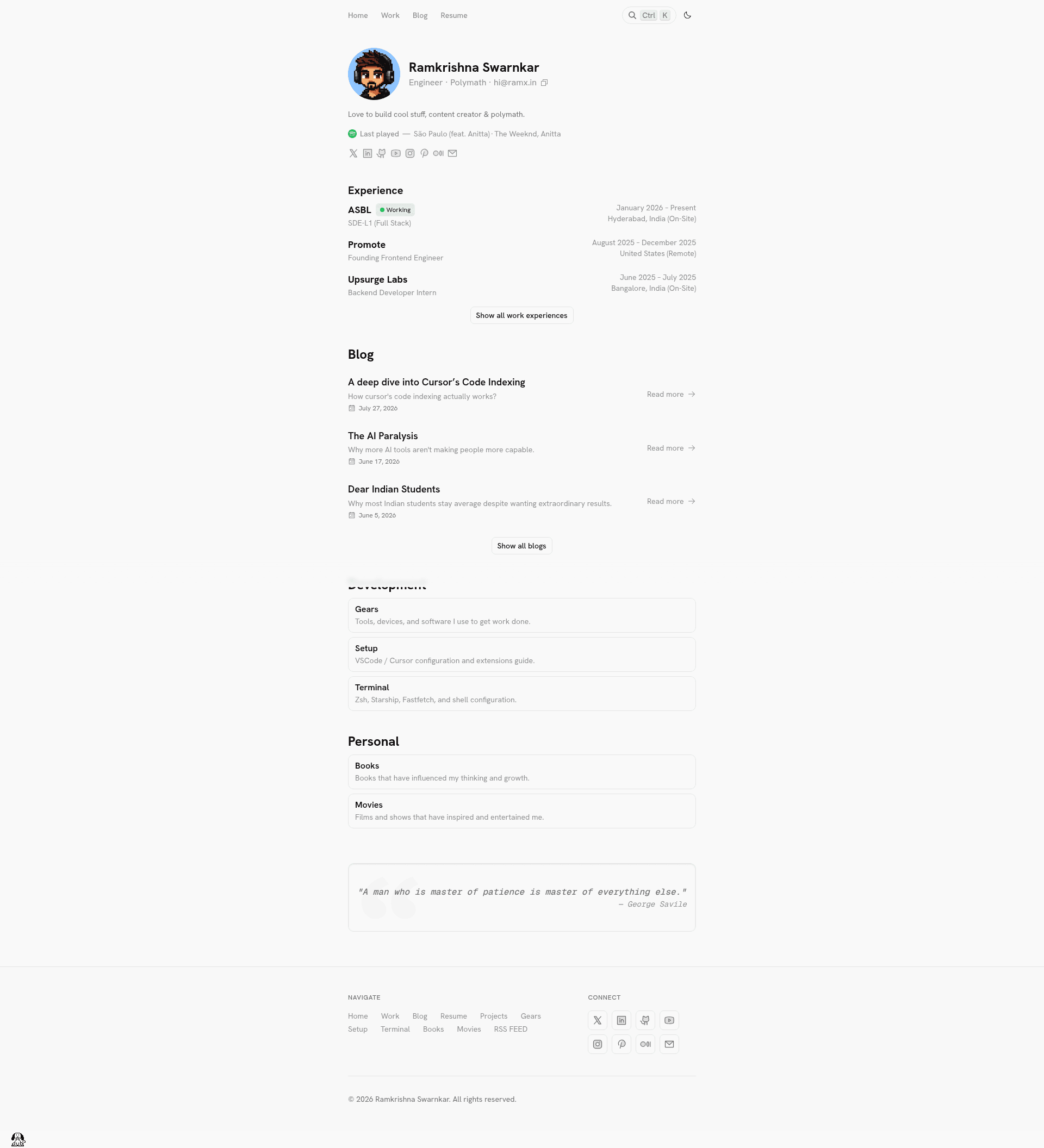
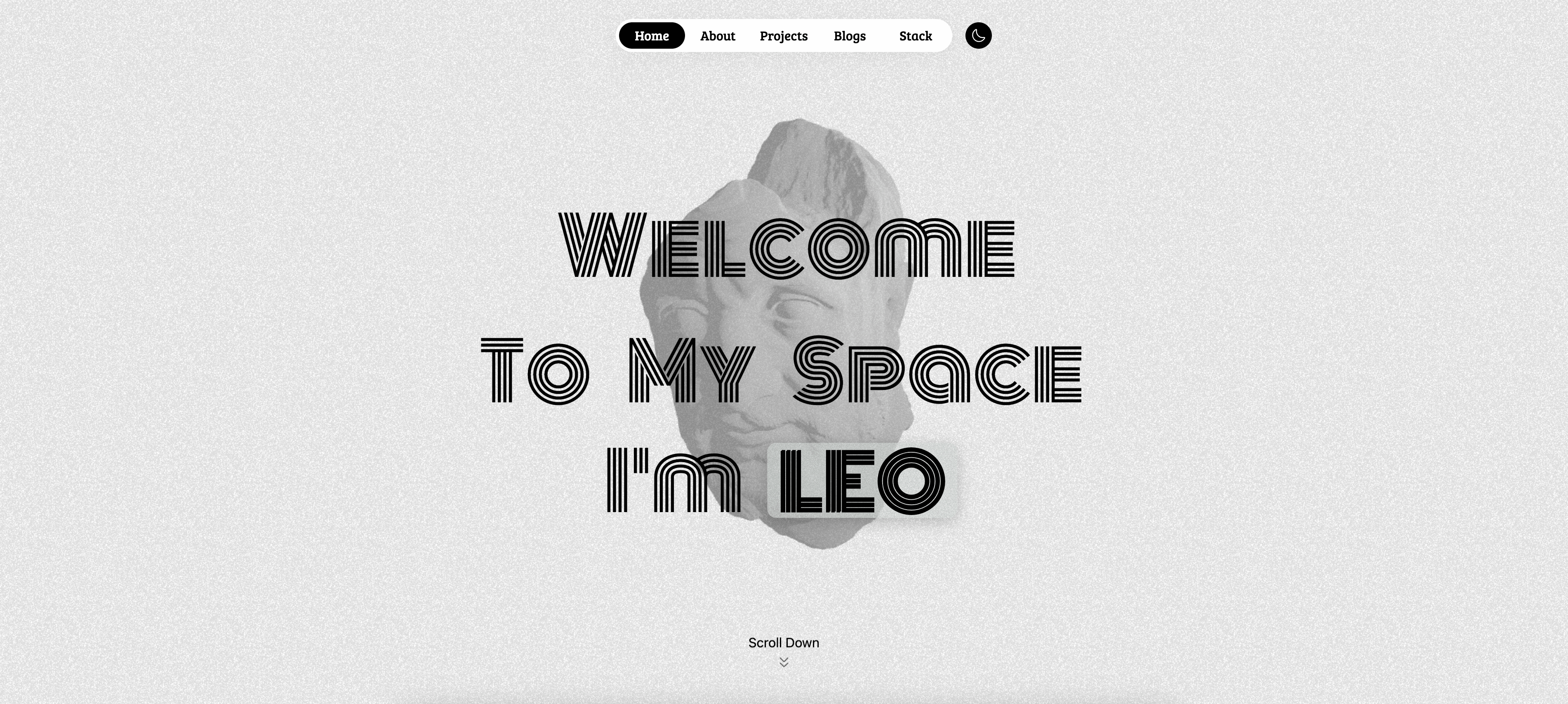
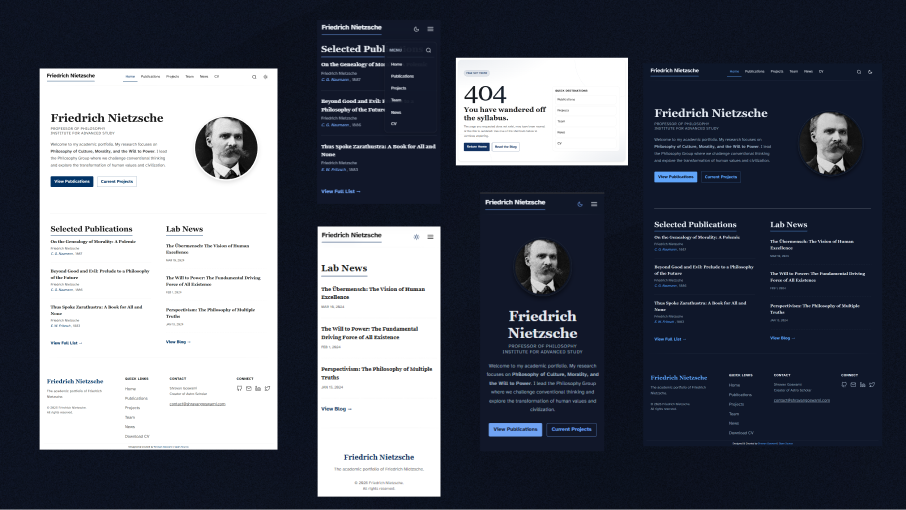
A responsive portfolio template built with Next.js 15, TypeScript, Tailwind CSS, and Shadcn UI, with blog, projects, and Telegram contact.
About this template
Sleek Portfolio is a free, MIT-licensed portfolio website template for developers, built with Next.js 15, TypeScript, Tailwind CSS, and Shadcn UI, that outputs a fully responsive site with a blog, project showcase, and Telegram-powered contact form.
What is Sleek Portfolio?
Sleek Portfolio is a modern, responsive portfolio template created by ramxcodes. It takes a developer's content (about, experience, projects, blog posts) and produces a fully functional Next.js website with type-safe TypeScript and reusable Shadcn UI components. The template runs on any Node.js environment (v18 or higher) and can be deployed with one click to Vercel.
Key Features
- Next.js 15 with App Router — Uses the latest App Router architecture for file-based routing and server components.
- Tailwind CSS styling — Utility-first CSS framework for custom, responsive designs with dark/light mode support.
- Shadcn UI components — Copy-paste React components for consistent UI elements like buttons, cards, and dialogs.
- MDX content system — Blog posts and project details are written in MDX files stored in
src/data/blogandsrc/data/projects, allowing embedded JSX in markdown. - Telegram contact form — Contact submissions are forwarded to a Telegram bot using a bot token and chat ID set via environment variables.
- Umami Analytics integration — Privacy-focused web analytics that can be self-hosted or used via Umami Cloud, configured through
NEXT_PUBLIC_UMAMI_SRCandNEXT_PUBLIC_UMAMI_ID. - SEO optimized — Metadata configuration through
src/config/Meta.tsxfor search engine visibility. - Easy content configuration — Site sections (About, Hero, Experience, Projects, Navbar, Footer, Resume, etc.) are managed through separate files in
src/config.
Who is it for?
- Developers who want a ready-made portfolio with minimal setup, just add their content and deploy.
- Job seekers in tech who need a clean, professional site to showcase projects, work experience, and a blog.
- Freelancers who want a contact form that forwards leads directly to their Telegram without a backend.
- Open-source contributors who prefer a free, MIT-licensed template they can fork and customize.
What can you do with it?
- Publish blog posts — Create MDX files in
src/data/blog/, add a thumbnail inpublic/blog/, and they appear on the site. - Showcase projects — Add MDX files in
src/data/projects/with metadata and thumbnail images to display your work. - Customize the site content — Edit files like
About.tsx,Experience.tsx, andGears.tsxinsrc/configto update text without touching component code. - Deploy instantly — Use the Vercel Deploy button to clone and launch the site with environment variables preset.
How does it work?
Sleek Portfolio is set up by cloning the repository, installing dependencies with Bun or npm, and running bun dev (or npm run dev) for local development. To connect Telegram, you create a bot with BotFather, get a chat ID via the included test-telegram script, and set the environment variables. Content is edited in MDX files and config files, then deployed to production with Vercel.
FAQ
Is Sleek Portfolio free?
Yes, Sleek Portfolio is open source under the MIT License, and the repository is tagged as a free portfolio template. You can clone, modify, and deploy it without paying a license fee.
What version of Next.js does it use?
It uses Next.js 15 with the App Router, along with TypeScript for type safety, Tailwind CSS for styling, and Shadcn UI for components.
How do I set up the Telegram contact form?
You create a Telegram bot with BotFather, copy the bot token, send a message to the bot, and run bun run test-telegram to retrieve your chat ID. Then set both values as environment variables TELEGRAM_BOT_TOKEN and TELEGRAM_CHAT_ID.
Does the template support blog posts?
Yes, blog posts are written as MDX files in src/data/blog/ and use a thumbnail stored in public/blog/. The template renders them with MDX, allowing embedded components in markdown.