Template details
Astro Shopify Sanity
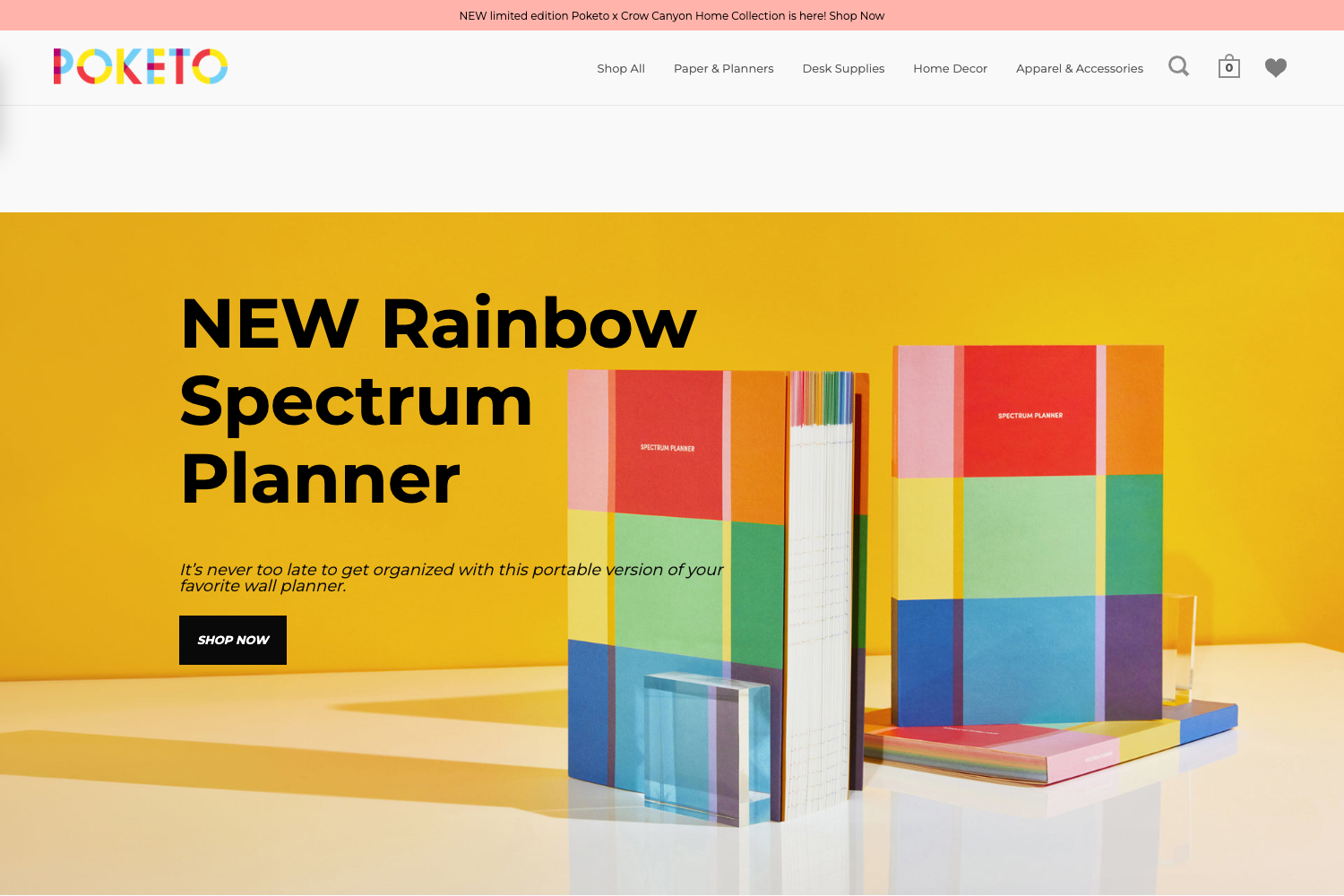
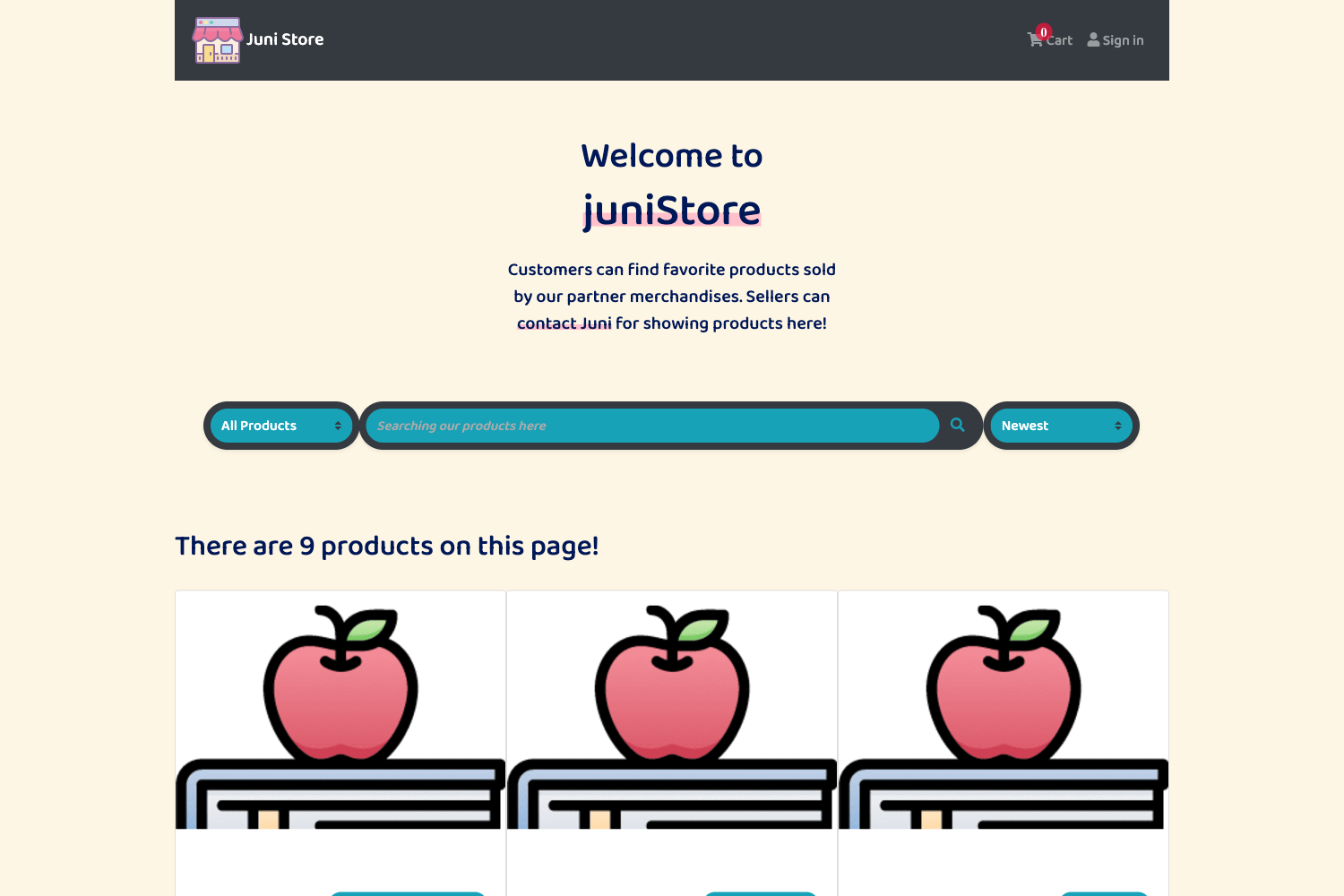
A headless ecommerce theme for Shopify storefronts built with Astro and managed via Sanity CMS.
About this template
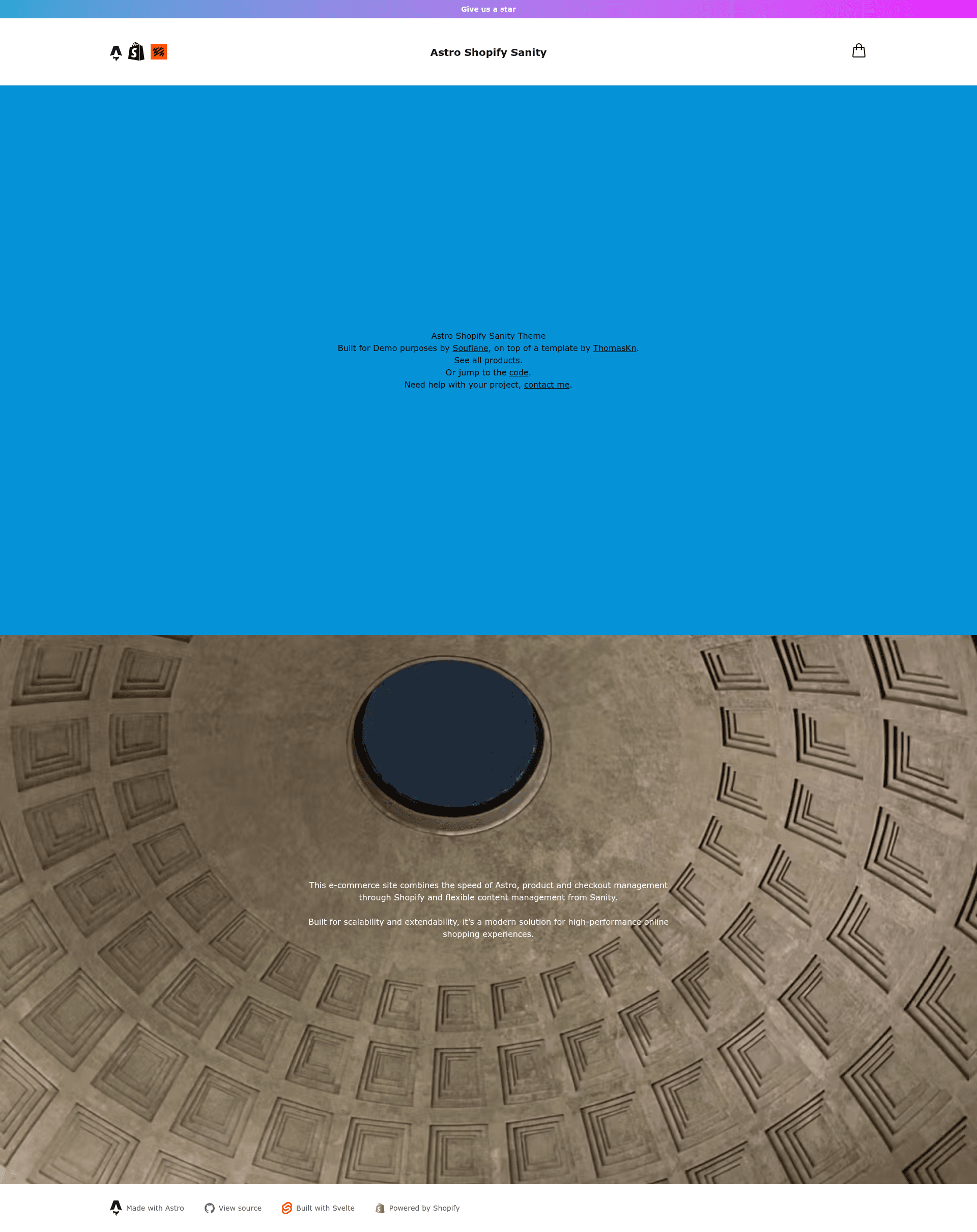
Astro Shopify Sanity is a headless ecommerce starter theme that combines an Astro storefront with a Sanity CMS studio synced to Shopify, adding editorial control and product variant selection to the original Astro Shopify theme by Thomas Kn.
What is Astro Shopify Sanity?
Astro Shopify Sanity is an open-source starter theme for building headless Shopify storefronts with content managed entirely in Sanity CMS. It takes Shopify store credentials and a Sanity project as input, configured through a .env file, and produces a server-side-rendered ecommerce site with product pages, a cart drawer, dynamic pages, and a Sanity Studio at /studio. The theme extends Thomas Kn's Astro Shopify repository by adding a Sanity studio, live preview, and variant selection on product pages. It is built with Astro and Svelte components, styled with Tailwind CSS 4, and runs on Astro's server-side rendering capabilities.
Key Features
- Sanity CMS Integration — A full content management system with custom schema types for products, collections, pages, and global settings, accessible via /studio.
- Visual Editing and Live Preview — Sanity's presentation tool provides real-time preview of content changes, with in-context editing support.
- Page Builder — Flexible content blocks with rich text, images, and color backgrounds, letting editors compose pages without code.
- Enhanced Product Management — Shopify products are synced into Sanity and enriched with editorial content; variant selection is built into product pages.
- Server-Side Rendering — Built with Astro SSR for performance and SEO-friendly output.
- Framework-Agnostic Components — Components are written in Svelte, but Astro supports Vue, Solid, Preact, and other frameworks as needed.
- Tailwind CSS 4 — Modern utility-first styling with a design system that can be customized.
- Project Structure — Clean separation of data layers for Sanity and Shopify, including a cart store in Svelte and reusable components like Header.astro, ProductCard.astro, and CartDrawer.svelte.
Who is it for?
- Developers who want a ready-made headless Shopify storefront with a CMS backend; they can follow the step-by-step setup and customize the Astro/Svelte components.
- Ecommerce teams that need to manage product content, collections, and pages in Sanity Studio without writing code, while keeping Shopify as the source of truth for inventory.
- Agencies and freelancers building custom Shopify headless sites who need a starting point with visual editing and page builder capabilities.
- Content editors who rely on live preview to see changes before publishing.
What can you do with Astro Shopify Sanity?
- Developers: Set up a complete headless storefront by creating a .env file, configuring the Shopify Headless channel and Sanity project, and running npm run dev — then access the Studio at /studio.
- Content editors: Use the Page Builder in Sanity to compose landing pages with rich text, images, and color backgrounds, seeing changes in real time via live preview.
- Merchants: Manage products synced from Shopify and add editorial descriptions, while retaining variant selection on the storefront.
- Store owners: Extend the theme with Astro's framework-agnostic component model, adding Vue or Solid components as needed.
How does Astro Shopify Sanity work?
The theme runs on Astro with server-side rendering. You configure environment variables for Shopify public and private access tokens (from the Shopify Headless channel storefront) and a Sanity project ID plus read token. After installing dependencies with npm install, npm run dev starts the dev server at localhost:4321. The storefront fetches product listings via the Shopify Storefront API and pulls editorial content from Sanity, with the studio served at /studio.
FAQ
What Shopify access scopes do I need?
The Storefront API requires unauthenticated_read_product_listings and unauthenticated_read_product_inventory to get started. Add further scopes only if your storefront needs additional permissions.
Why do I get a 401 error from Shopify?
A 401 usually means the access tokens or scopes are misconfigured, or you are using the Admin API instead of the Storefront API. Ensure you copied the public and private tokens from the Shopify Headless channel's storefront and that at least one test product exists.
How do I enable visual editing in Sanity?
Set PUBLIC_SANITY_VISUAL_EDITING_ENABLED to "true" in your .env file. If the studio does not load, verify the PUBLIC_SANITY_STUDIO_PROJECT_ID and that your dataset (default "production") exists.
Where is the Sanity Studio?
After running npm run dev, visit /studio on your local server (localhost:4321) to open the Sanity Studio for content management. The studio is auto-generated from sanity.config.ts.
Why is my checkout sidebar empty?
If the cart drawer or checkout sidebar is empty after adding a product, add an image to your test product in Shopify; the theme expects product images for the checkout flow to populate correctly.