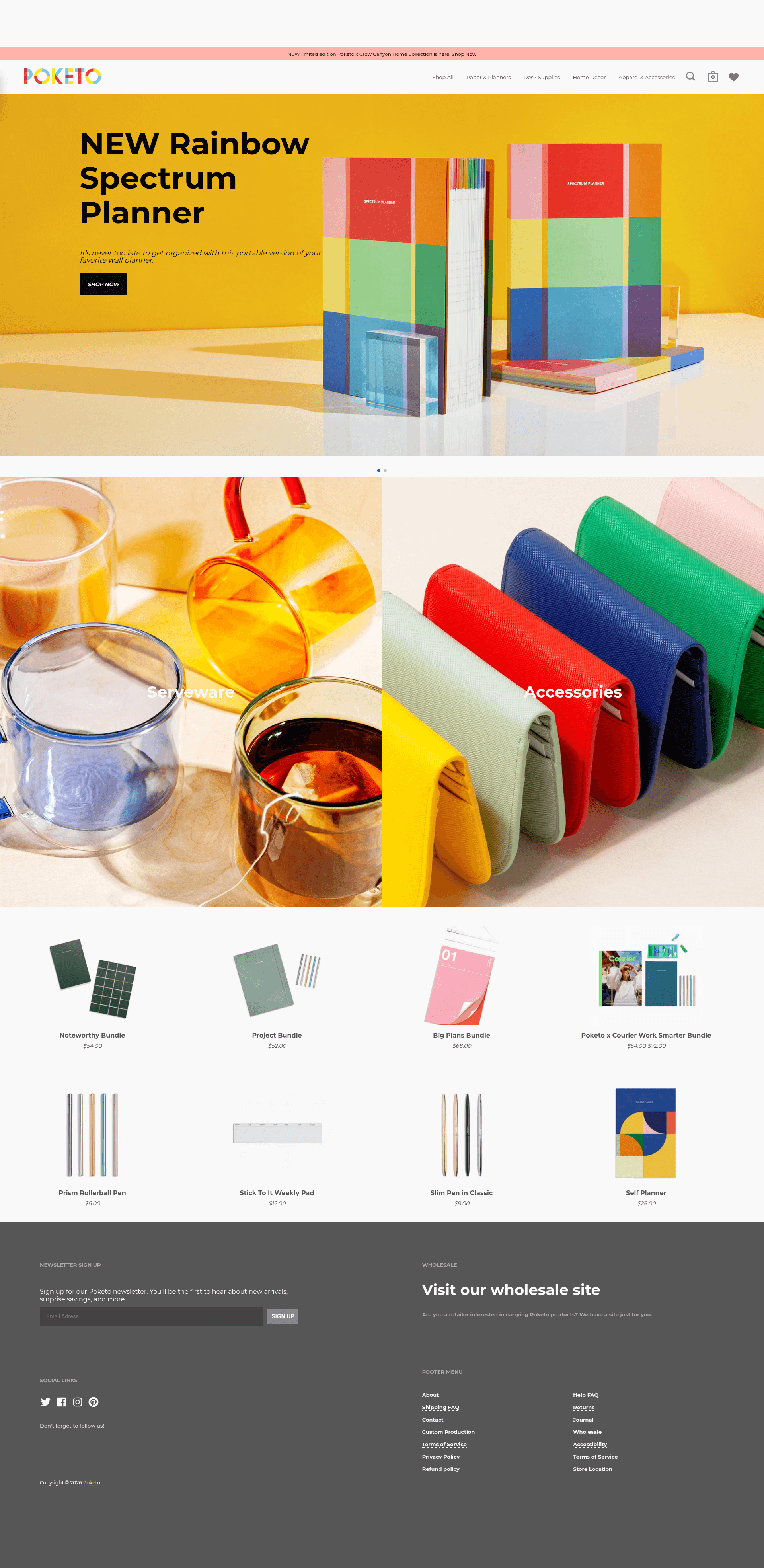
Template details
Ecommerce Stationery NextJs
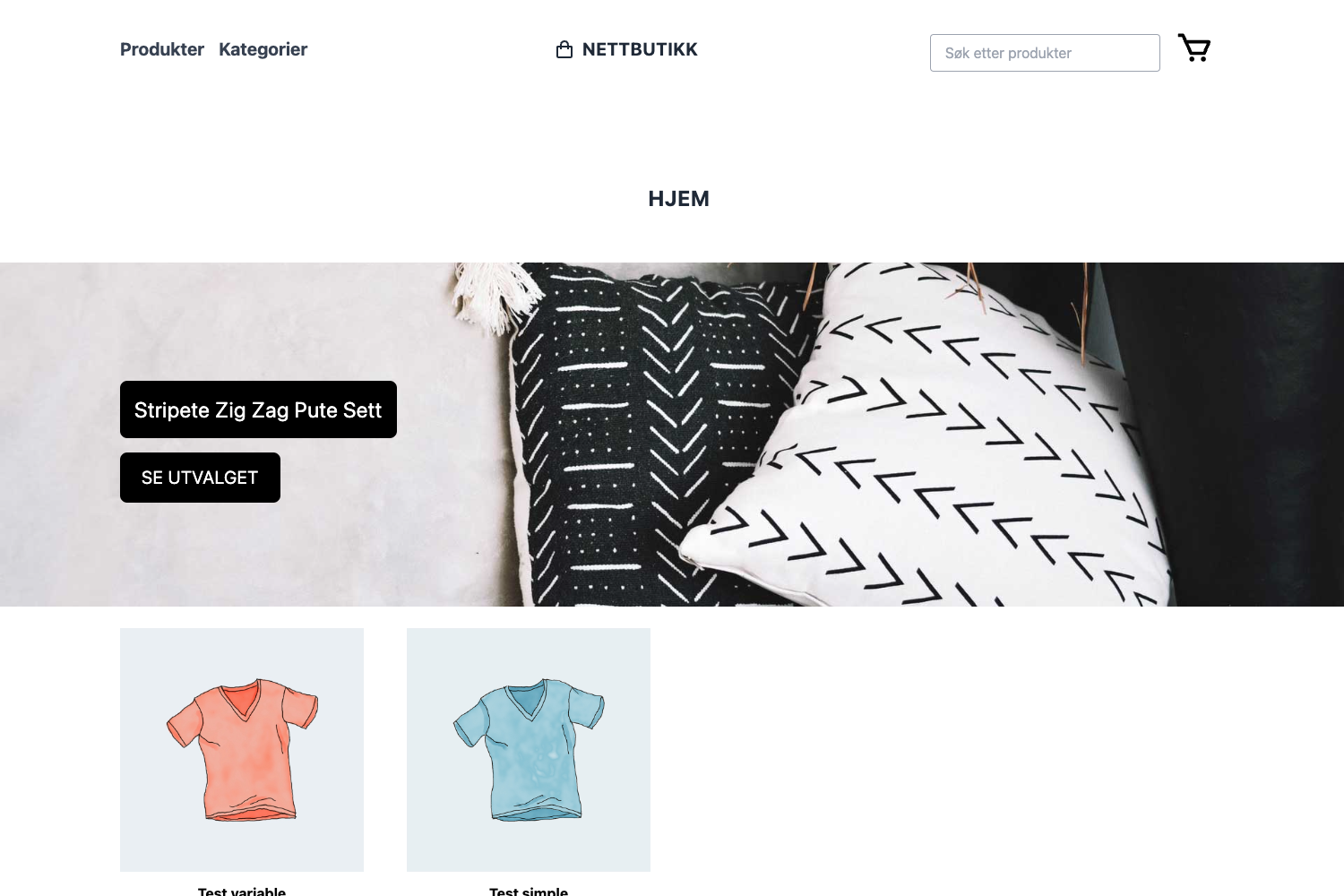
Next.js ecommerce starter for a stationery store, with TypeScript, React, Sass, and a Vercel preview.
About this template
Ecommerce Stationery NextJs is a Next.js starter for an online stationery store, bootstrapped with create-next-app and hosted for preview on Vercel. The repository targets ecommerce with TypeScript, React, JavaScript, and Sass in the stack, though the README itself is the standard create-next-app text rather than a custom product guide.
What is Ecommerce Stationery NextJs?
Ecommerce Stationery NextJs is a web template for building a stationery webshop with the Next.js framework. It takes the source code in this repository and produces a web app that auto-updates during development, with a production build that can be deployed to Vercel. The project is named in the repository description as "Ecommerce Stationery NextJs" and its topics list ecommerce, reactjs, javascript, typescript, and sass.
Key Features
- create-next-app scaffolding — The project was bootstrapped with create-next-app (as stated in the README), giving the standard Next.js App Router folder structure with app/page.js as the home page.
- Font optimization — Uses the built-in next/font module to automatically optimize and load Inter, a custom Google Font.
- Multi-package manager support — Development server commands are documented for npm run dev, yarn dev, and pnpm dev, each opening http://localhost:3000.
- Live preview deployment — A hosted preview is available at https://ecommerce-stationery-next-js.vercel.app/.
- Hot reload editing — Editing app/page.js updates the page automatically in the browser during development.
- Sass and TypeScript topics — The repository metadata lists sass and typescript as project topics, indicating the styling and typing approach used in the codebase.
- Vercel deployment path — The README links directly to the Vercel Platform and Next.js deployment documentation for publishing the app.
Who is it for?
Ecommerce Stationery NextJs is for developers who want a Next.js foundation for a stationery store without starting from an empty directory. Use the documented npm/yarn/pnpm commands to run a local dev server and modify app/page.js to build out the storefront. It also suits freelancers who want a quick Vercel-deployable ecommerce base, and learners who want to study a create-next-app project with TypeScript, React, and Sass in the same repo.
What can you do with Ecommerce Stationery NextJs?
- Developers launching a stationery storefront — clone the repo, run npm run dev, and turn app/page.js into the shop home while relying on the auto-reloading dev loop.
- Next.js learners — practice the App Router structure by editing the Inter-optimized home page and deploying to Vercel through the linked template flow.
How does it work?
The README describes the standard Next.js workflow. First, install dependencies and run the development server using npm run dev, yarn dev, or pnpm dev. Then open http://localhost:3000 in a browser; editing app/page.js triggers an automatic page update in the browser.
FAQ
How do I start the development server for this project?
Run npm run dev (or yarn dev, or pnpm dev) from the project root after installing dependencies, then open http://localhost:3000. The command is documented in the README's Getting Started section.
What file do I edit to change the home page?
The README states that you can start editing the page by modifying app/page.js, and the page auto-updates as you edit the file.
How do I deploy Ecommerce Stationery NextJs?
The README recommends the Vercel Platform from the creators of Next.js and links to the Next.js deployment documentation. The repository already has a live preview at the Vercel-hosted URL.
What font does the template use?
The project uses next/font to automatically optimize and load Inter, a custom Google Font, as stated in the README's font optimization note.