Template details
Astro Tailwind Flowbite Template
An Astro static-site starter that pulls content from a JSON file and styles with Tailwind and Flowbite UI.
About this template
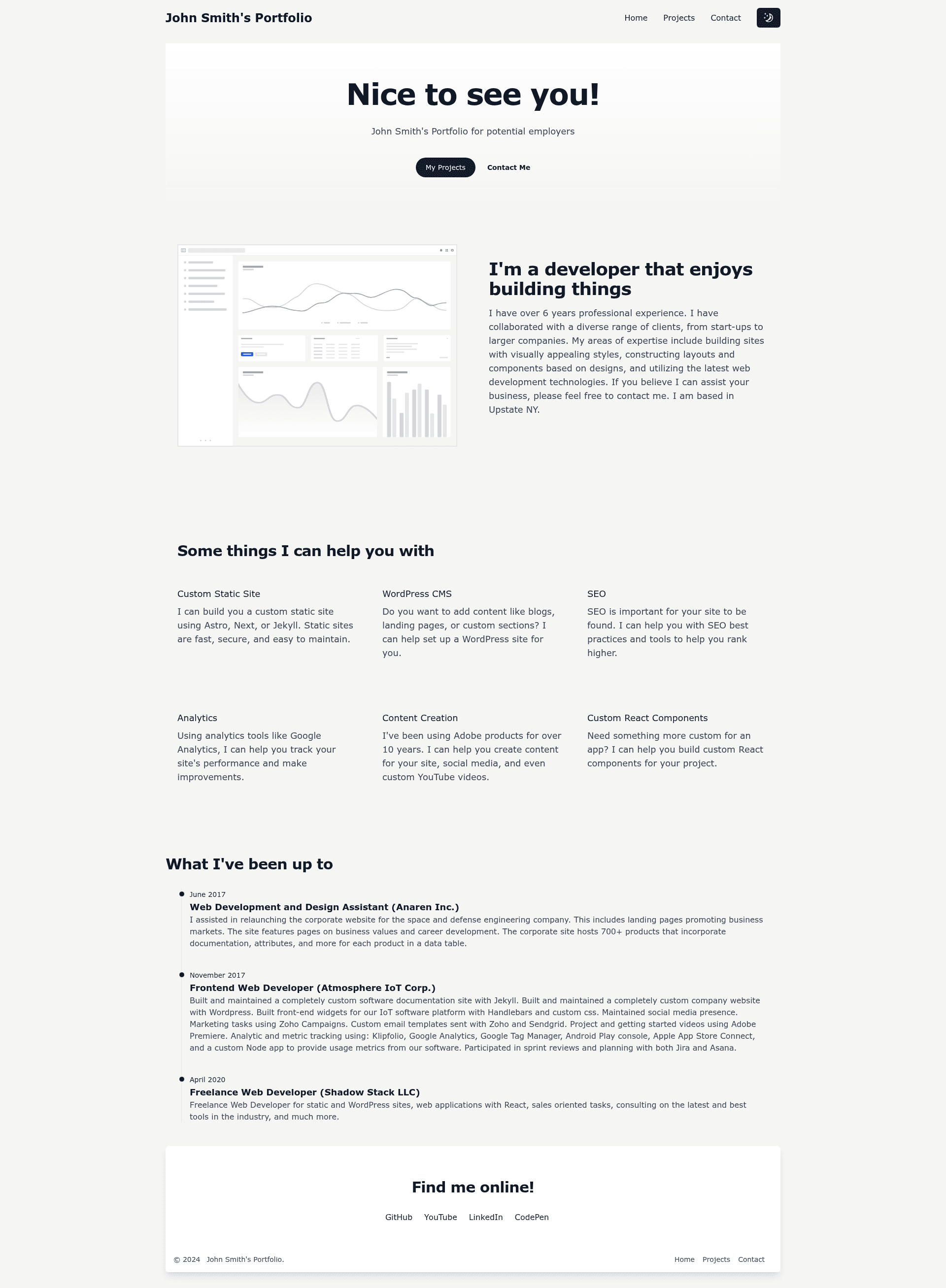
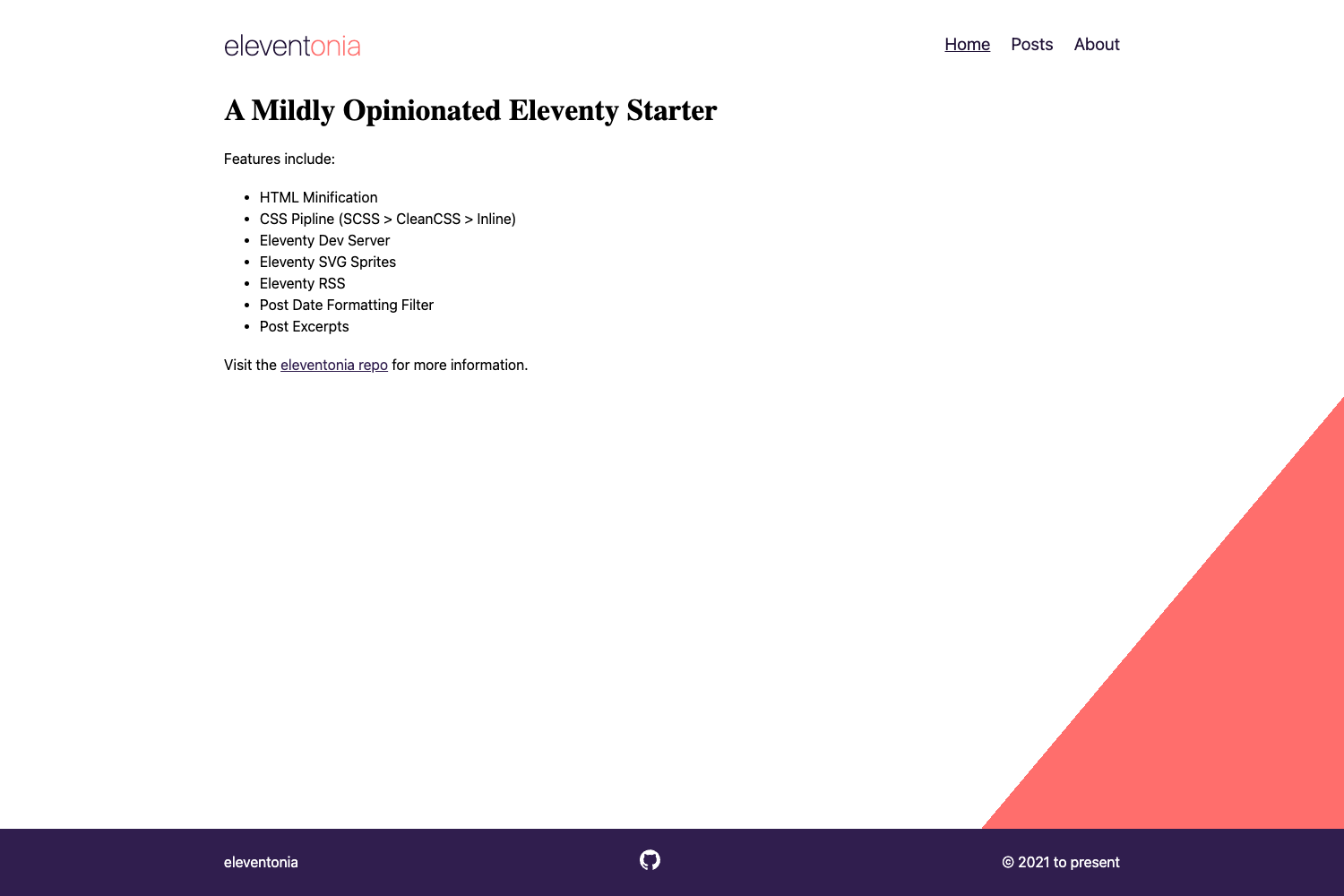
The Astro Tailwind Flowbite Template is an MIT-licensed static website starter that combines the Astro framework, Tailwind CSS, and Flowbite UI components to produce JSON-driven static sites for small projects like friend or small-business websites.
What is the Astro Tailwind Flowbite Template?
It takes site content from a single JSON file at src/data/site.json and generates a static site using Astro, with Tailwind CSS and the Flowbite UI component library handling styling and UI elements. The template runs on Node.js 22.12 or newer (the included .nvmrc sets the version) and its package.json pins the build runtime to Node 22.x for Vercel deployments. It is a work-in-progress open-source project that accepts pull requests, and it uses Astro's features such as the View Transitions API, automatic asset optimization, and improved build output.
Key Features
- Astro framework — Uses the latest Astro with View Transitions API support, automatic asset optimization, and better build output for static sites.
- Tailwind CSS and Flowbite UI — Styling is wired through src/styles/global.css and tailwind.config.cjs; Flowbite UI components are imported from src/components and can be added from the Flowbite documentation.
- JSON-driven site data — Edit src/data/site.json to change the site title, description, social media links, navigation pages, and theme mode without touching HTML.
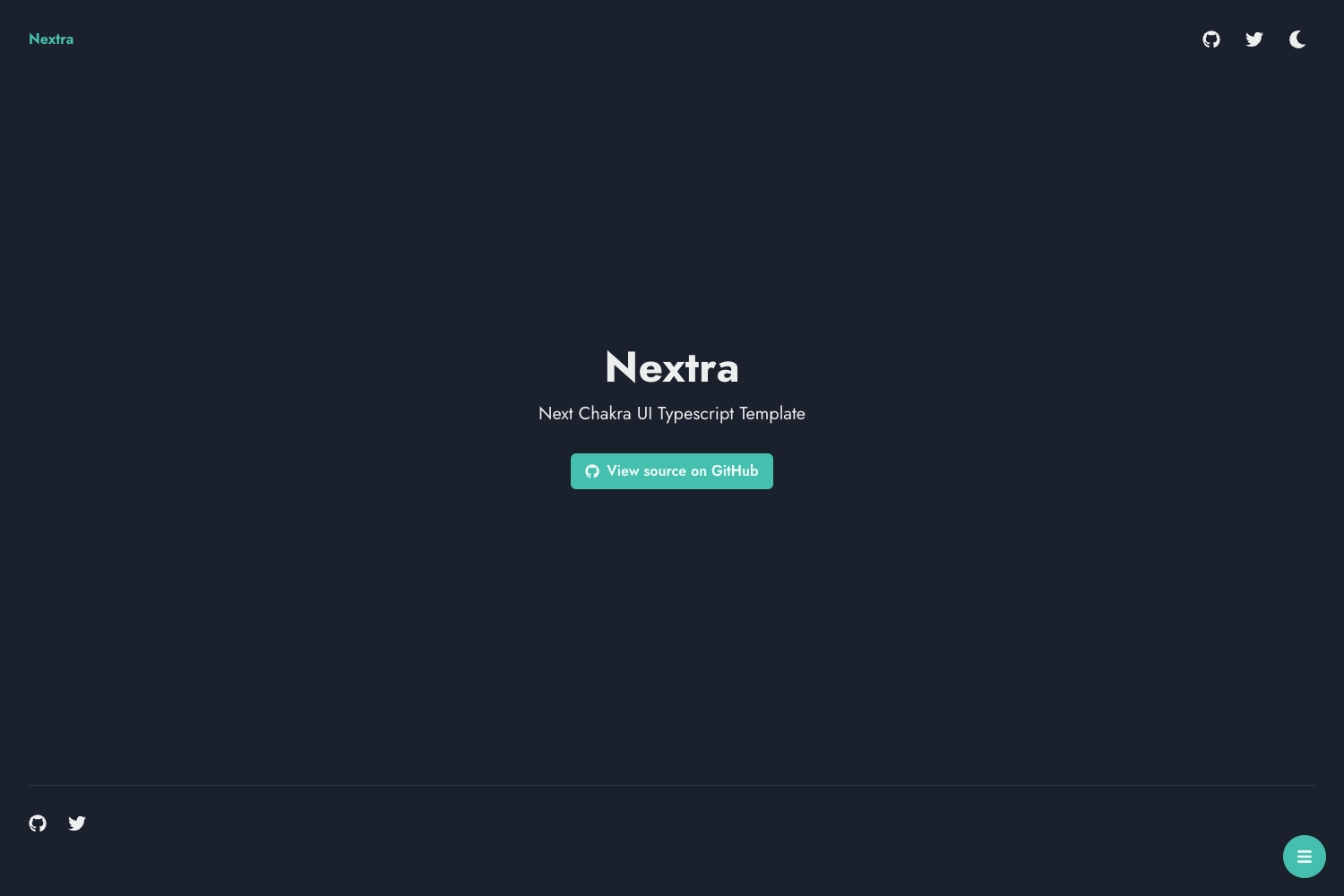
- Configurable theme modes — Set theme.mode to toggle, light, or dark in site.json; toggle shows a light/dark switch in the navigation, while light and dark force a single mode and remove the button.
- Simple page creation — Add a new page by creating a pagename.astro file under src/pages, importing the Layout and HeaderSmall components, and optionally listing the page in the site.json pages array for navigation.
- Customizable branding — Replace src/assets/logo.png for the site logo (adjust width/height in Nav.astro line 55 if not square) and public/favicon.svg for the favicon.
- Deployment-ready — Works with Vercel, Cloudflare, or Netlify; for Vercel the template pins the runtime to Node 22.x to match Astro 6's requirement.
Who is it for?
- Developers building small client sites: Quickly scaffold a fast static site for a small business or friend without creating everything from scratch.
- Astro learners: Use the ready-made components and JSON data pattern to see how Astro, Tailwind, and Flowbite fit together.
- Hobbyist project starters: Keep the template as a personal foundation for future side projects that need simple pages and minimal maintenance.
What can you do with the Astro Tailwind Flowbite Template?
- Small business sites: Publish a multi-page static site with contact pages and navigation, with content managed via site.json.
- Personal projects: Set up light/dark mode toggle and custom colors by editing tailwind.config.cjs.
- Experimentation: Add Flowbite UI components (accordion, forms, etc.) by creating Astro components in src/components and importing them into pages.
How does the template work?
Clone or fork the repo, use Node 22.12+ (nvm use reads the .nvmrc), run npm install, then npm run dev to start a local server at localhost:4321. Site content lives in src/data/site.json; add pages as .astro files under src/pages and deploy to Vercel, Cloudflare, or Netlify through their dashboards.
Pricing
The template is free and open source under the MIT License.
FAQ
Is the Astro Tailwind Flowbite Template free?
Yes, the project is licensed under the MIT License, so you can use, modify, and distribute it freely.
What Node.js version do I need?
Node 22.12+ is required; the repo includes an .nvmrc file so running nvm use will select the correct version. Vercel deployments pin the build runtime to Node 22.x.
Does the template support dark mode?
Yes. By default theme.mode is set to toggle, which shows a light/dark switch in the navigation. Changing theme.mode to light or dark forces a single mode and removes the toggle.
How do I add a new page?
Create a file named pagename.astro inside src/pages, import the Layout and HeaderSmall components, and add your content. To show the page in the navigation, also add it to the pages array in src/data/site.json.
Can I deploy this anywhere?
The template is a static site, so it works with Vercel, Cloudflare, or Netlify. For Vercel specifically, the package.json pins the build runtime to Node 22.x to match Astro 6.