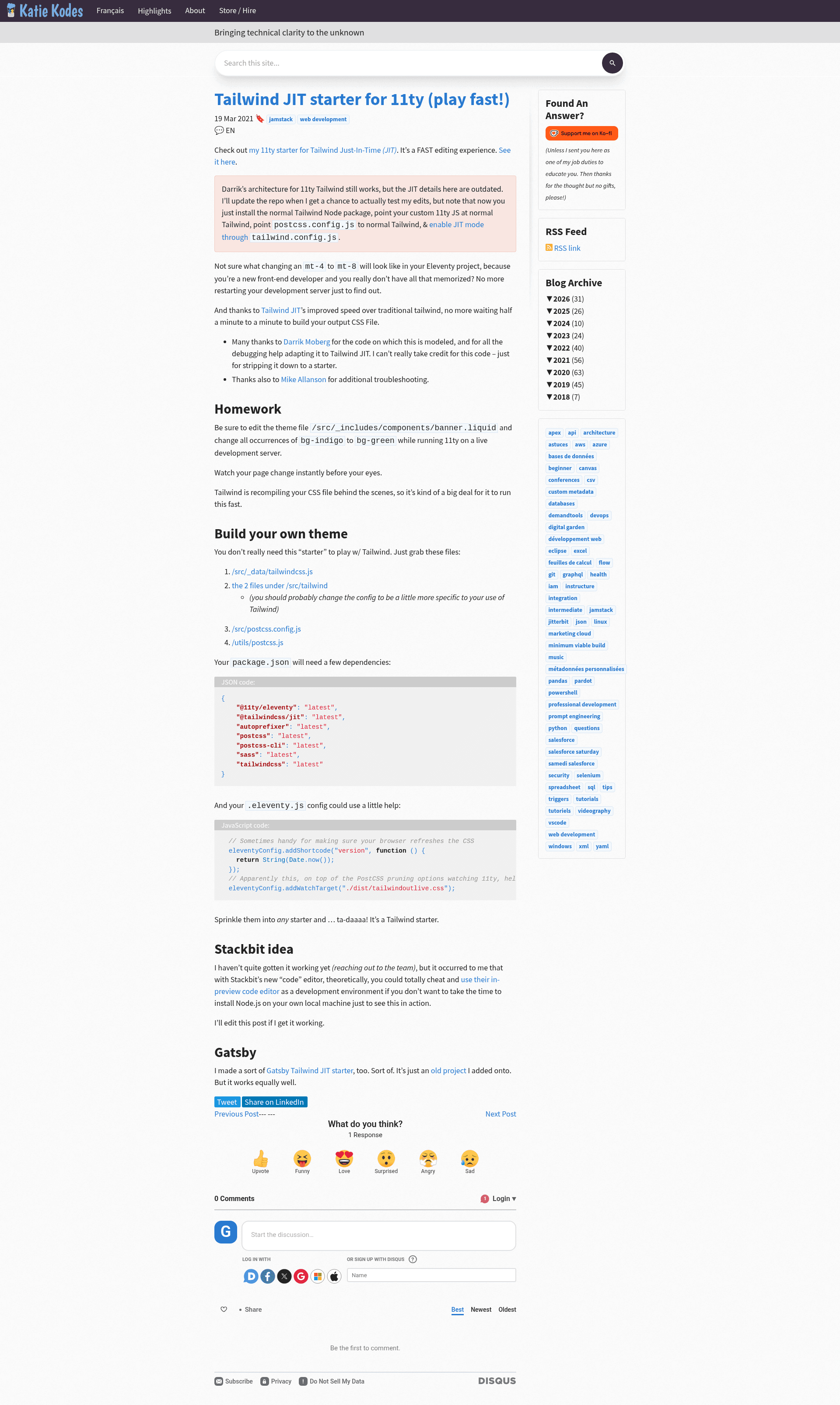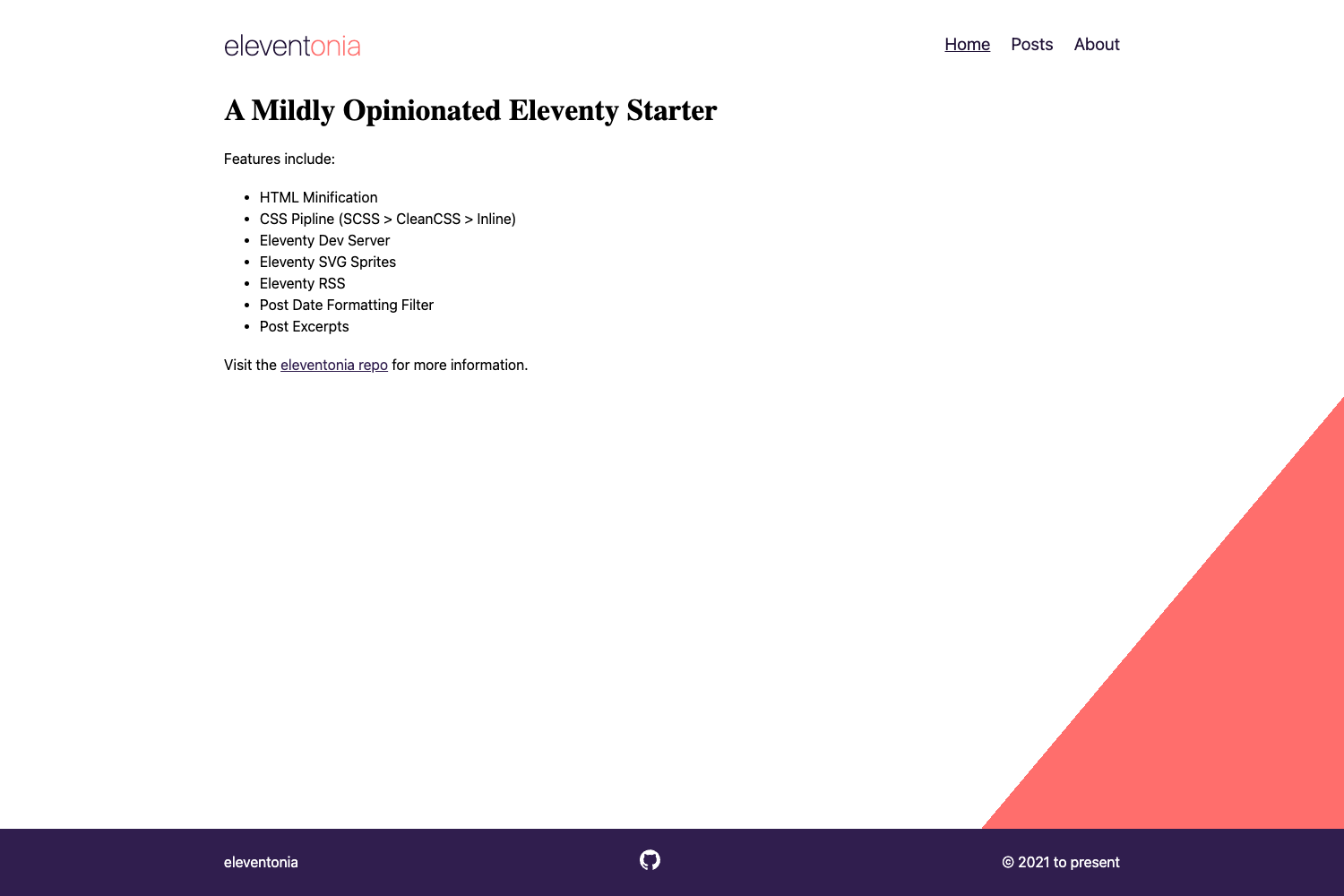
Template details
11ty Tailwind JIT Starter
An Eleventy starter with Tailwind CSS JIT for instant CSS rebuilds as you edit templates.
About this template
11ty Tailwind JIT is a free, open-source starter template that pairs the Eleventy static site generator with Tailwind CSS's Just-In-Time engine to rebuild your CSS instantly as you edit templates.
What is the 11ty Tailwind JIT starter?
This starter is a minimal Eleventy project preconfigured with Tailwind CSS JIT so that editing a class like mx-2 to mx-4 in your templates triggers an immediate CSS rebuild served to the browser. It takes plain Eleventy templates (Nunjucks, Markdown, or 11ty.js) as input and outputs a static site with a generated CSS file at dist/tailwindoutlive.css. The template was created by GitHub user kkgthb, modeled on code by Darrik Moberg, with debugging help from Mike Allanson. A live demo is hosted on Netlify at https://11tytailwindjit.netlify.app/.
Key Features
- Instant JIT rebuilds — Tailwind JIT compiles only the utility classes you actually use, so CSS output updates in milliseconds while you type.
- Minimal file footprint — The starter works by copying just four files: src/_data/tailwindcss.js, the two files under src/tailwind, src/postcss.config.js, and utils/postcss.js.
- Cache-busting shortcode — The .eleventy.js config adds a version shortcode that returns the current timestamp, helping the browser refresh the new CSS.
- Watch target for live CSS — The Eleventy config sets a watch target on dist/tailwindoutlive.css so changes propagate to the dev server automatically.
- Dependency list is explicit — package.json requires @11ty/eleventy, @tailwindcss/jit, autoprefixer, cross-env, postcss, postcss-cli, and tailwindcss, all at the latest version.
- Drop into any starter — The author notes you can sprinkle these files and dependencies into any existing Eleventy starter to add Tailwind JIT.
- Cross-platform build commands — The recommendation is to use cross-env to set NODE_ENV consistently across Windows and Linux environments.
Who is the 11ty Tailwind JIT starter for?
- Eleventy users — Developers who build static sites with Eleventy and want to add Tailwind CSS without switching to a different framework.
- Tailwind beginners — People learning Tailwind utility classes who benefit from seeing the effects of class changes live in the browser as they type.
- Indie web developers — Anyone who wants a minimal, no-frills setup that can be copied into an existing project rather than a full-featured theme.
- Netlify deployers — The live demo runs on Netlify, and the author personally prefers using the Netlify CLI for environment-variable injection during builds.
What can you do with the 11ty Tailwind JIT starter?
- Prototype a static site — Start from a bare Eleventy project and use Tailwind JIT to rapidly iterate on layout and styling without waiting for a full CSS build.
- Learn Tailwind classes — Type mx-2, mx-4, or other utilities into your templates and watch the rendered page change instantly, making it easier to memorize the class system.
- Customize Tailwind config — Edit src/tailwind/tailwind.config.js to add custom colors, fonts, or plugins, and the JIT engine will pick them up on the next rebuild.
- Deploy to Netlify — Push the starter to a repository, connect it to Netlify, and use the CLI or netlify.toml to manage environment variables for NODE_ENV.
How does the 11ty Tailwind JIT starter work?
The starter wires Eleventy's watch mode to PostCSS. When you run the dev server, Eleventy watches your templates and the Tailwind config. On save, Tailwind JIT scans your template files for used utility classes, generates a fresh CSS file at dist/tailwindoutlive.css, and Eleventy's watch target triggers a browser reload. The package.json scripts use cross-env to set NODE_ENV appropriately for development and production builds.
Pros and cons
- Pros:
- Fast CSS rebuilds because Tailwind JIT only generates the utilities you actually use.
- Minimal setup: just four files and a few dependencies.
- Works as a starter or as a bolt-on to an existing Eleventy project.
- Cons:
- Known issue: under heavy load (many plugins or a large template codebase), changes may stop appearing; restarting the server once or twice fixes it.
- Known issue: Tailwind JIT can be sensitive to NODE_ENV; you must ensure it is set to "production" or "development", not null.
Pricing
This is a free, open-source starter hosted on GitHub. There is no paid tier or license fee; you can use it for personal or commercial projects.
FAQ
Is the 11ty Tailwind JIT starter free?
Yes. The repository is public and open source, and it is described as a starter that strips down another project. No payment or account is required to use or copy the code.
What dependencies do I need to run it?
The package.json lists seven dependencies at latest versions: @11ty/eleventy, @tailwindcss/jit, autoprefixer, cross-env, postcss, postcss-cli, and tailwindcss. You also need Node.js to run Eleventy commands such as eleventy --serve.
Does it support .11ty.js templates?
Yes, but you may need to edit src/tailwind/tailwind.config.js to add .11ty.js template files to the "watched" files list, as the author notes in a parenthetical remark.
What known issues does it have?
Two known issues are documented. First, the dev server may stop writing fresh CSS if you overwhelm Tailwind JIT with many plugins or a large codebase — restarting the server typically resolves it. Second, Tailwind JIT is sensitive to NODE_ENV, so your build process must set it to production or development.
Where can I see a live example?
The page links to a live demo hosted on Netlify at https://11tytailwindjit.netlify.app/, and the repository is available on GitHub under the username kkgthb.