Template details
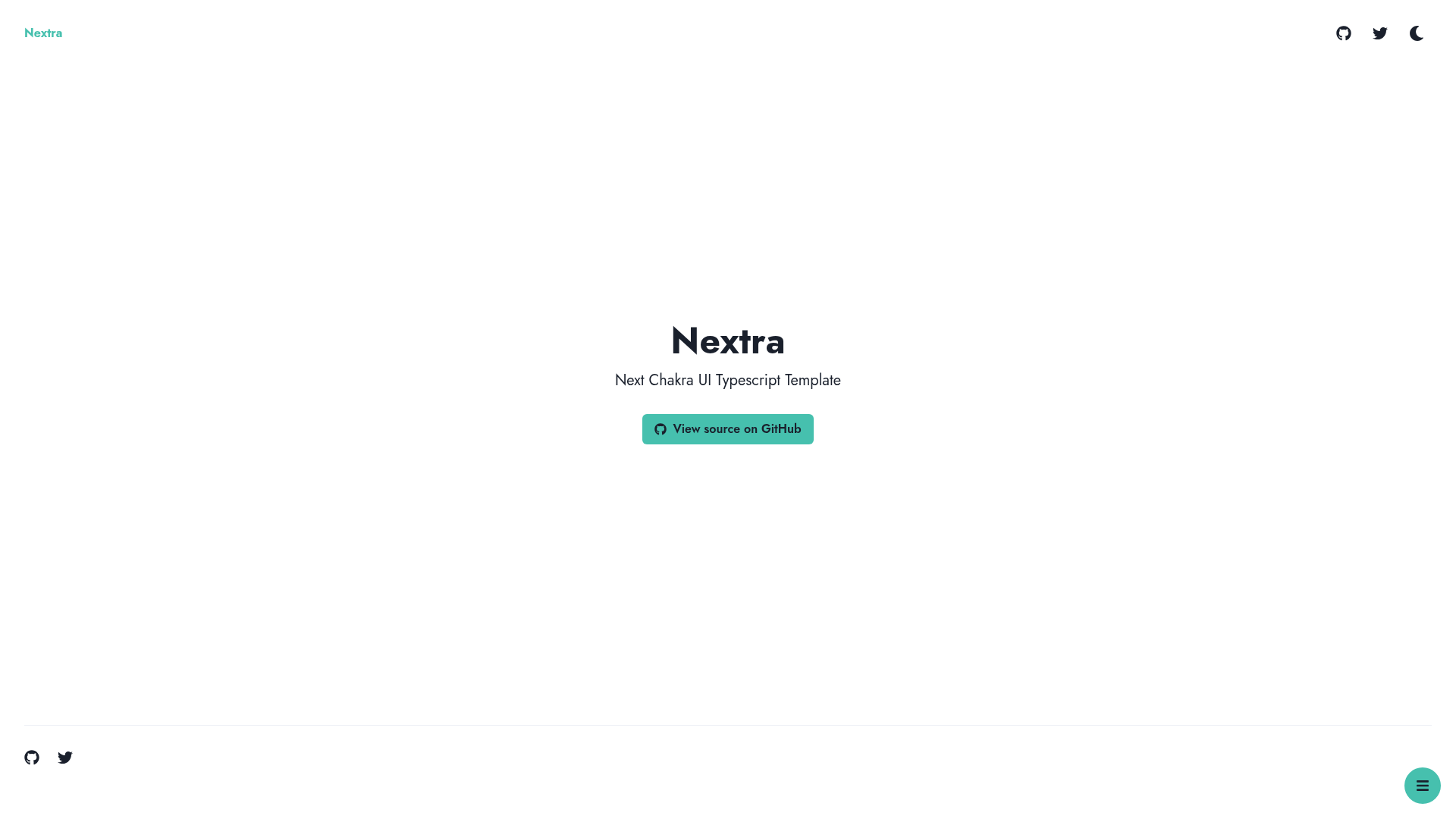
Nextra
Minimal Next.js Chakra UI Typescript Template
About this template
Nextra is a minimal Next.js and TypeScript template that pairs Chakra UI with a preconfigured CI/CD pipeline, built as a fork of Nextplate.
What is Nextra?
Nextra is a minimal Next.js TypeScript template that uses Chakra UI as its component library and styling system. It is maintained as a fork of Nextplate and is designed to give developers a clean, atomic-design-based starting point for new web projects. The template includes a GitHub Actions continuous integration workflow and Vercel continuous deployment, plus built-in sitemap and PWA publishing support. Running pnpm dev starts a local development server, and the repository can be cloned or copied via GitHub's "Use this template" button.
Key Features
- Next.js with TypeScript — Built on the Next.js React framework with TypeScript, as stated in the template name.
- Chakra UI — Chakra UI is listed as the only UI module in the template.
- Prettier — Prettier is included as a development tool.
- GitHub Actions CI — The CI/CD section lists GitHub Action - CI.
- Vercel CD — The CI/CD section lists Vercel as the CD, with a live demo at https://nextra-ts.vercel.app.
- Sitemap — The Publish section lists sitemap.
- PWA — The Publish section lists PWA.
- Atomic Design Pattern — The Philosophy section lists Atomic Design Pattern.
- Minimalism — The Philosophy section lists Minimalism.
Who is it for?
- Frontend developers who want to start a new Next.js project with TypeScript and Chakra UI without manually setting up formatting, CI, or deployment.
- Developers who use pnpm because the provided commands (
pnpm i,pnpm dev) assume pnpm as the package manager. - Startup teams deploying to Vercel who need a template that already has a GitHub Actions workflow and Vercel deployment configured.
- Design-system-minded developers who prefer an atomic design component structure and minimal dependencies.
What can you do with Nextra?
- Scaffold a new site: Use the GitHub "Use this template" button to create a new repository, clone it, and run
pnpm devto get a local development server. - Deploy to production: Push to GitHub and rely on the included GitHub Actions and Vercel setup to build and deploy the site automatically.
- Build a PWA: Use the built-in PWA support to turn your Next.js site into a progressive web app with sitemap generation for SEO.
How does Nextra work?
To get started, either click "Use this template" on GitHub or clone the repository. Then install dependencies with pnpm i and start the development server with pnpm dev. The repository includes a GitHub Actions workflow for continuous integration and is configured to deploy to Vercel for continuous delivery.
Pricing
Nextra is free and open source. Anyone can clone the repository or use the GitHub template feature to create their own projects without paying a license fee.
FAQ
Is Nextra free?
Yes, Nextra is an open-source template hosted on GitHub. You can clone it or use the "Use this template" button to create a new repository for free.
What package manager does Nextra use?
The commands documented in the template use pnpm. You run pnpm i to install dependencies and pnpm dev to start the development server.
Does Nextra include a CI/CD pipeline?
Yes, the template lists GitHub Actions for CI and Vercel for CD. A live demo of the template is deployed at https://nextra-ts.vercel.app.
What is the difference between Nextra and Nextplate?
Nextra is a fork of Nextplate. The template's philosophy emphasizes minimalism and atomic design, and it includes Chakra UI alongside Next.js and TypeScript.