Template details
Astro With Clerk Auth
Community Astro SDK and starter template for adding Clerk authentication to Astro projects.
About this template
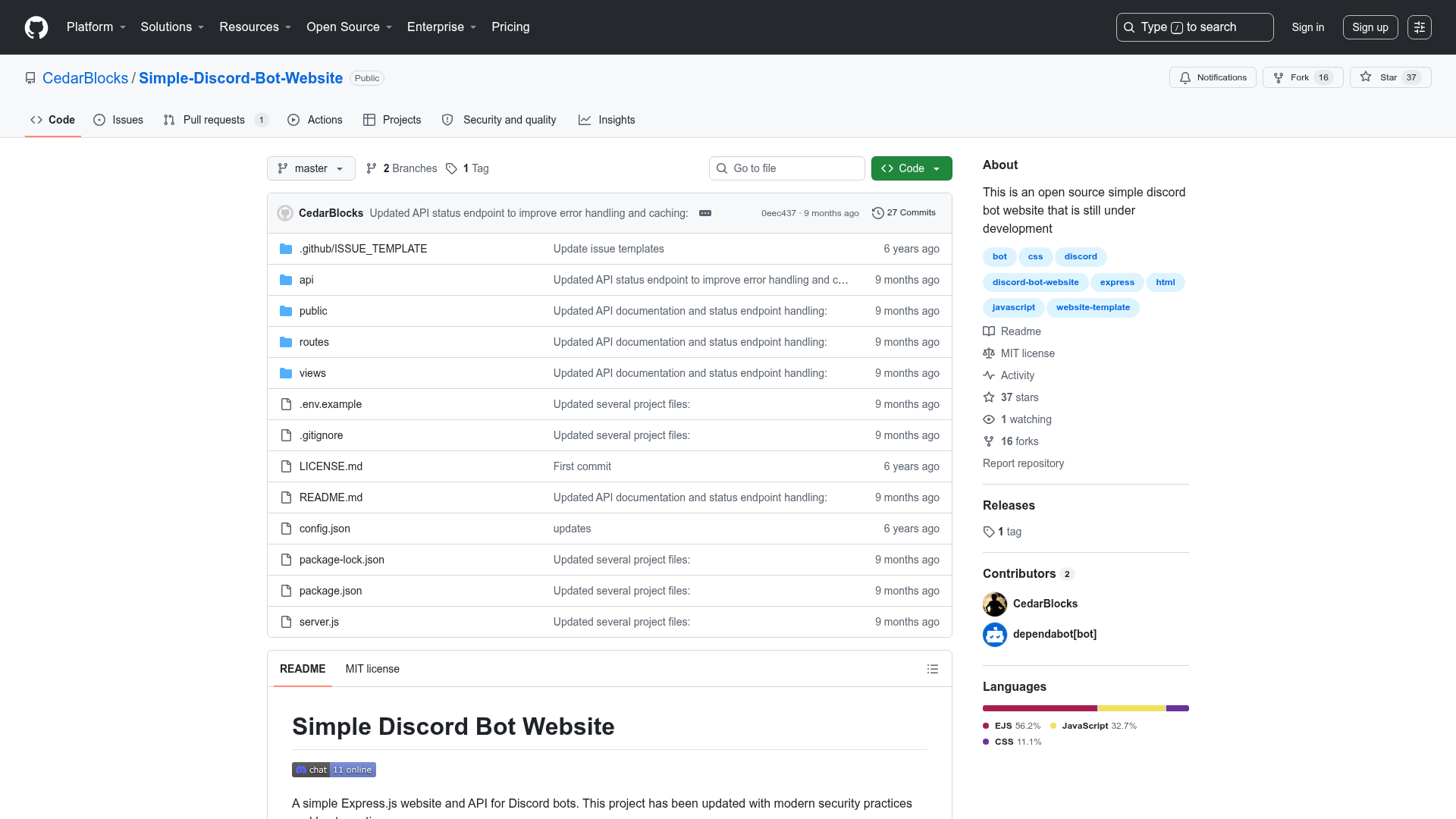
Astro With Clerk Auth is a community-built starter and SDK for adding Clerk authentication to Astro projects, delivered as a Turborepo monorepo with the astro-clerk-auth package and two example apps. The project now indicates that it has graduated to an official Clerk SDK, making this repository a reference for migration rather than a long-term dependency.
What is Astro With Clerk Auth?
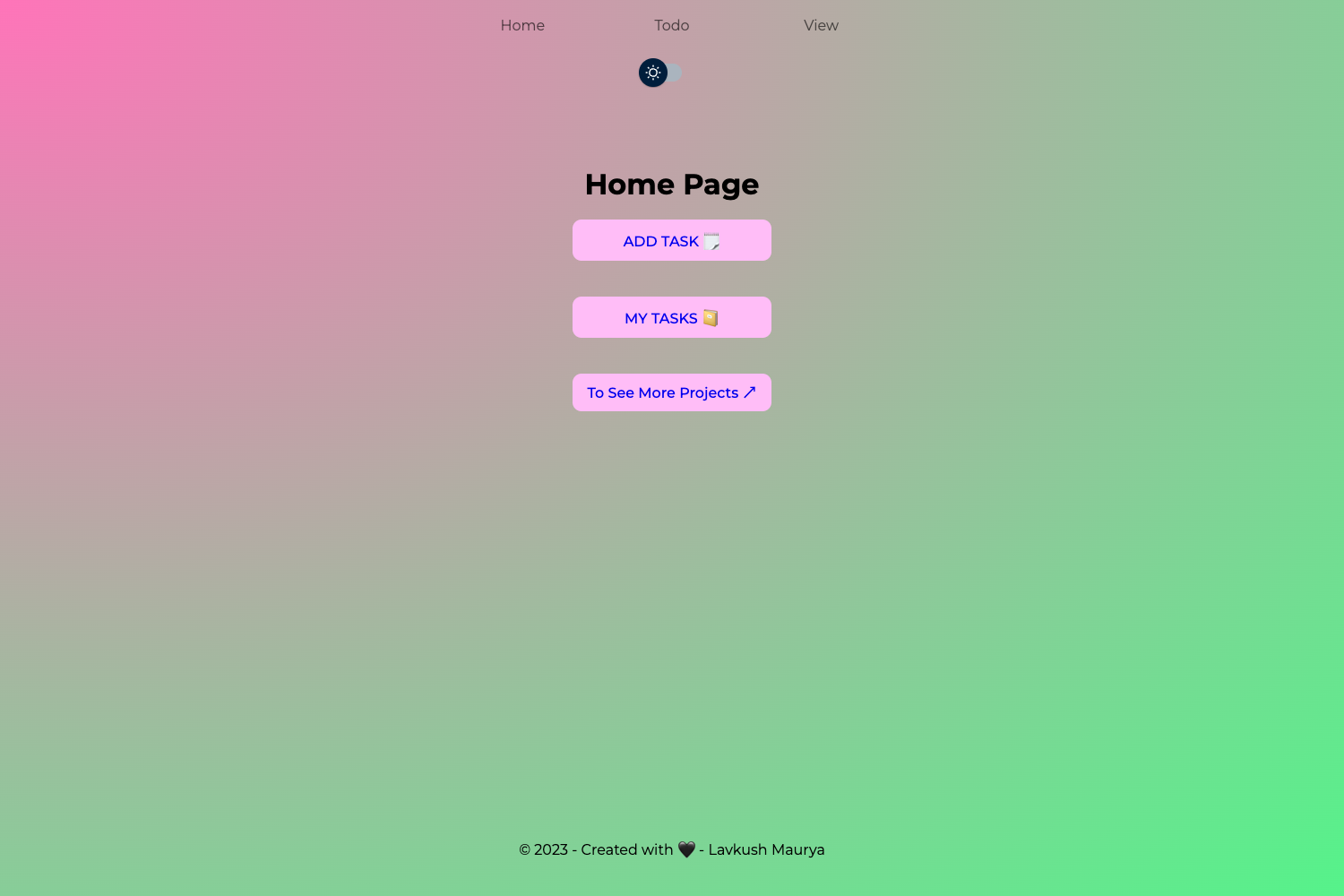
Astro With Clerk Auth is an open-source community SDK and starter template that supports integration between Clerk and Astro. It takes an Astro project as its base and provides the astro-clerk-auth package, which bridges Clerk's authentication services into the Astro framework. The repository also includes two playground apps — a personal website at elef.codes and a more up-to-date demo at astro-clerk.elef.codes — that show the integration in working code. The project is maintained by the community, and as of July 2024 it has graduated to an official SDK with migration instructions available.
Key Features
- Astro integration package —
astro-clerk-authis a private package for supporting integration between Clerk and Astro, documented in the package-level README. - Two example apps — The repo ships a personal website playground and a most-up-to-date playground named
playgroud-with-package, giving concrete usage examples. - Turborepo monorepo structure — Uses npm as the package manager;
npm run buildbuilds all apps and packages from the root, andnpm run devstarts the development environment. - Migration guidance — A clear notice directs users to the official Clerk Astro SDK and provides migration instructions from the community SDK.
- Documentation — The package's own readme provides details on how to use
astro-clerk-auth.
Who is it for?
- Astro developers who want to add authentication to their static or server-rendered Astro sites using Clerk as the auth provider.
- Starter-template users looking for a working example of Clerk + Astro that they can study or copy into their own project.
- Existing users of the community SDK who need a migration path to the official Clerk Astro SDK, as the project now recommends moving away.
What can you do with Astro With Clerk Auth?
- Add authentication to an Astro site: Use the
astro-clerk-authpackage to integrate Clerk's sign-in, sign-up, and user-management features into your Astro pages. - Study a working integration: Review the code in the two playground apps to see how the community SDK is wired into real Astro projects.
- Migrate to the official SDK: Follow the provided migration instructions (linked from the project's changelog) to replace the community SDK with Clerk's official Astro package.
How does it work?
The project is structured as a Turborepo with npm as the package manager. After cloning the repository, you run npm run build from the root to build all apps and packages, or npm run dev to start the development environment. The astro-clerk-auth package lives under packages/, and the two playground apps live under apps/.
Pros and cons
- Pro: Includes real-world example apps that demonstrate the integration.
- Pro: Provides official migration instructions, so current users can move to a maintained SDK.
- Con: The project has graduated to an official Clerk SDK, meaning the community SDK is no longer the recommended path for new projects.
Alternatives
- Clerk's official Astro SDK — the successor to this community project, with migration instructions linked in the repository.
FAQ
Is Astro With Clerk Auth still maintained?
The project has graduated to an official SDK as of July 2024. The repository now recommends proceeding to the official Clerk Astro SDK and provides migration instructions, so new projects should use that instead.
What does the starter include?
The starter includes the astro-clerk-auth package and two example applications: a personal website and a more up-to-date playground named playgroud-with-package.
How do I build the project?
From the root directory of the astro-with-clerk-auth repository, run npm run build to build all apps and packages, or npm run dev for development.
Where can I find the documentation?
The package documentation is located in packages/astro-clerk-auth/README.md, and the main repository provides links to the migration guide and the official SDK changelog.