Template details
AstroKit Content
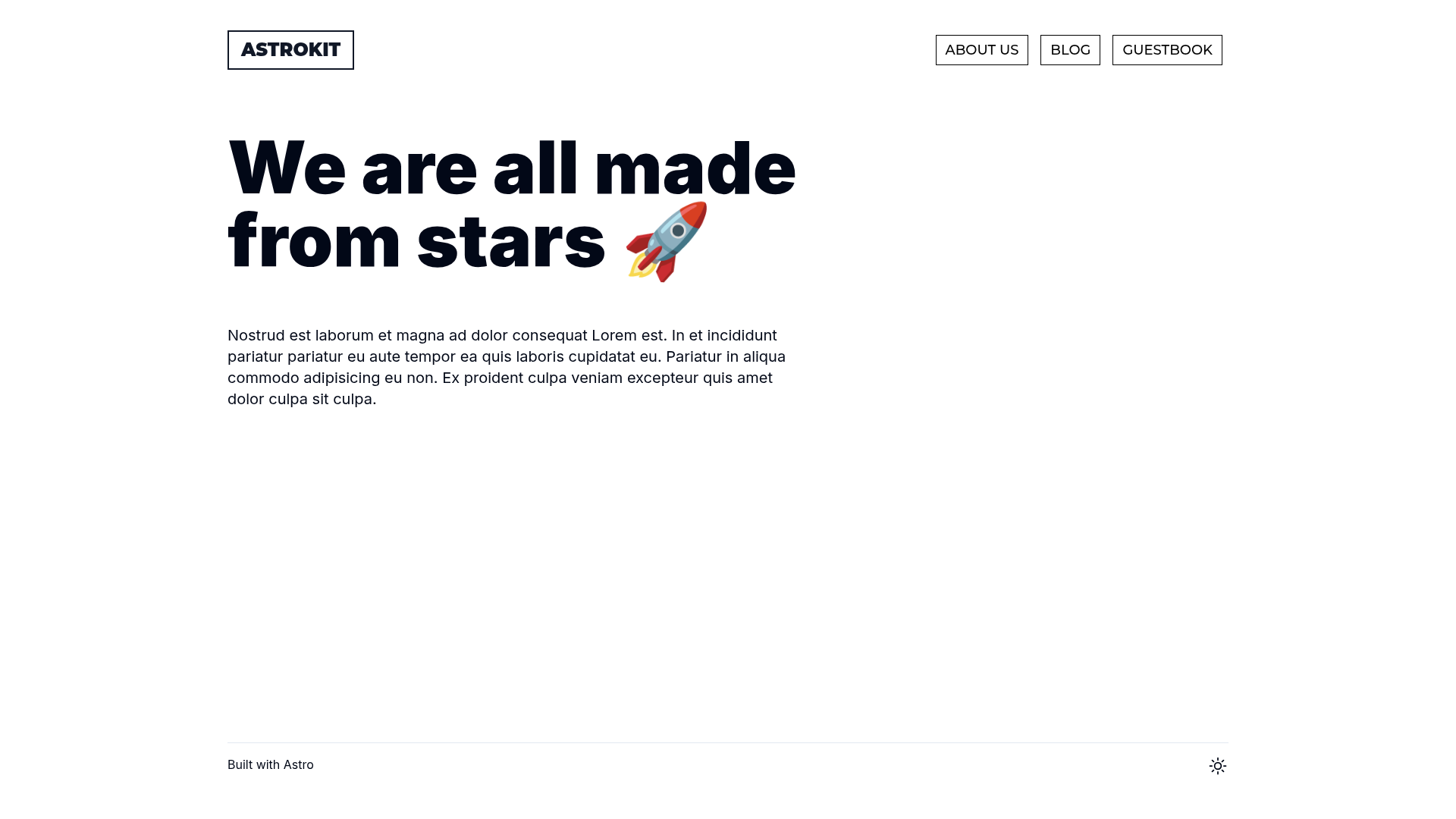
Astro starter template with content collections, Tailwind CSS, MDX, React, and SEO/sitemap/analytics pre-configured.
About this template
AstroKit Content is an Astro starter template for building content-driven static sites, with content collections, Tailwind CSS, and MDX already wired together. It scaffolds a complete Astro project where pages are written as .astro or .md files, each automatically exposed as a route based on its filename, and static assets like images live in the public/ directory. The template is distributed on GitHub under the repository jllahi/astrokit-content, and new projects are created with the command pnpm create astro@latest -- --template jllahi/astrokit-content. Its purpose is to skip the repetitive setup of a content site and jump directly into writing content.
What is AstroKit Content?
AstroKit Content is a boilerplate project scaffolded with the Astro framework, designed to serve as the foundation for a content-focused website. It takes the standard Astro project structure — src/pages/ for .astro and .md files, public/ for static assets — and pre-configures Tailwind CSS, MDX support, React integration, SEO metadata, sitemap generation, robots.txt, and Vercel Analytics. The template’s core function is to give developers a ready-made starting point for content sites where each file in src/pages/ becomes a route. It is created via the command shown above and uses pnpm as its package manager.
Key Features
- Tailwind CSS — Tailwind CSS is pre-configured, so you can style components and pages with utility classes immediately without adding a separate styling setup.
- MDX support — The project includes MDX, allowing you to combine Markdown content with interactive React components inside the same file.
- React integration — React is pre-installed, so you can build interactive islands (e.g., a search widget or image gallery) within otherwise static Astro pages.
- SEO metadata — SEO metadata handling is included, letting each page define its title, description, and social sharing tags.
- Sitemap generation — A sitemap integration is present, which automatically generates a
sitemap.xmlfor your built site, helping search engines index your content. - robots.txt — A robots.txt file is configured to guide crawlers on which parts of the site to index.
- Vercel Analytics — Vercel Analytics is integrated, giving you traffic insights when you deploy the site to Vercel.
- Responsive mobile menu — A mobile menu is implemented in the template, and the layout includes mobile height 100% for full-screen sections on small devices.
- Clickable card images — Card images are made clickable, which is a small but useful UX pattern for content previews that link to detail pages.
Who is it for?
- Content site developers — who want a ready-made Astro setup that supports Markdown/MDX content collections without configuring Tailwind, SEO, and analytics themselves.
- Indie hackers and bloggers — who need a fast static site with a clean structure and one-command deployment to platforms like Vercel.
- Agency or freelance developers — who build content-heavy marketing or documentation sites for clients and can use the built-in SEO and sitemap features to ship quickly.
What can you do with AstroKit Content?
- Create a blog or documentation site — Write posts or docs as
.mdor.mdxfiles insrc/pages/, and Astro turns each file into a URL based on the filename. - Add interactive components — With React and MDX, you can embed interactive elements like a search widget, photo gallery, or subscription form inside content pages. Note the template’s own TODO list shows search, photo gallery, subscribe form, and contact form are not yet implemented, so those still need to be added.
- Deploy to Vercel with analytics — Since Vercel Analytics is pre-configured, you can deploy the project to Vercel and start viewing traffic data immediately after the first deployment.
FAQ
How do I start using AstroKit Content?
Run pnpm create astro@latest -- --template jllahi/astrokit-content to scaffold a new project. Then run pnpm install and pnpm run dev to start the local development server at localhost:4321.
What commands are available?
The project includes standard Astro commands: pnpm run dev for the development server, pnpm run build to build the production site to ./dist/, pnpm run preview to preview the build locally, and pnpm run astro to run CLI commands like adding integrations or checking the project.
Does the template include Tailwind CSS?
Yes, Tailwind CSS is already configured, along with MDX, React, SEO metadata, sitemap, robots.txt, and Vercel Analytics. You can start using utility classes in your components immediately.
Is there anything not yet implemented?
The template’s TODO list indicates that prefers-color-scheme support, removing astro-embed, search functionality, a photo gallery, a subscribe form, and a contact form are not yet implemented. If your project needs these features, you will need to add them yourself.