Template details
AstroLingo
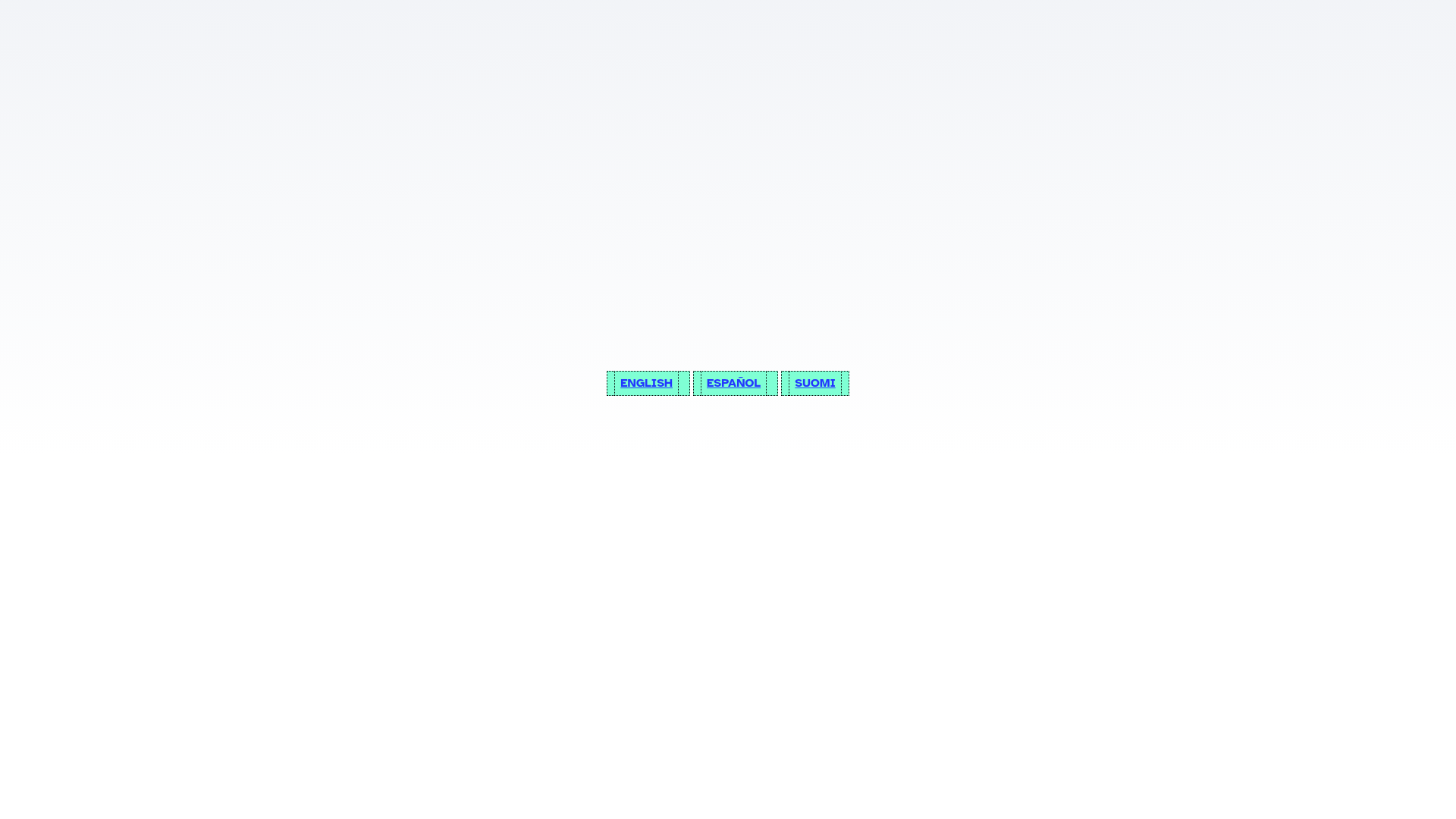
Minimalistic Astro blog template with robust multilingual (i18n) support.
About this template
AstroLingo is a minimalistic Astro blog template whose core function is adding robust multilingual (i18n) support to a personal blog, portfolio, or simple website.
What is AstroLingo?
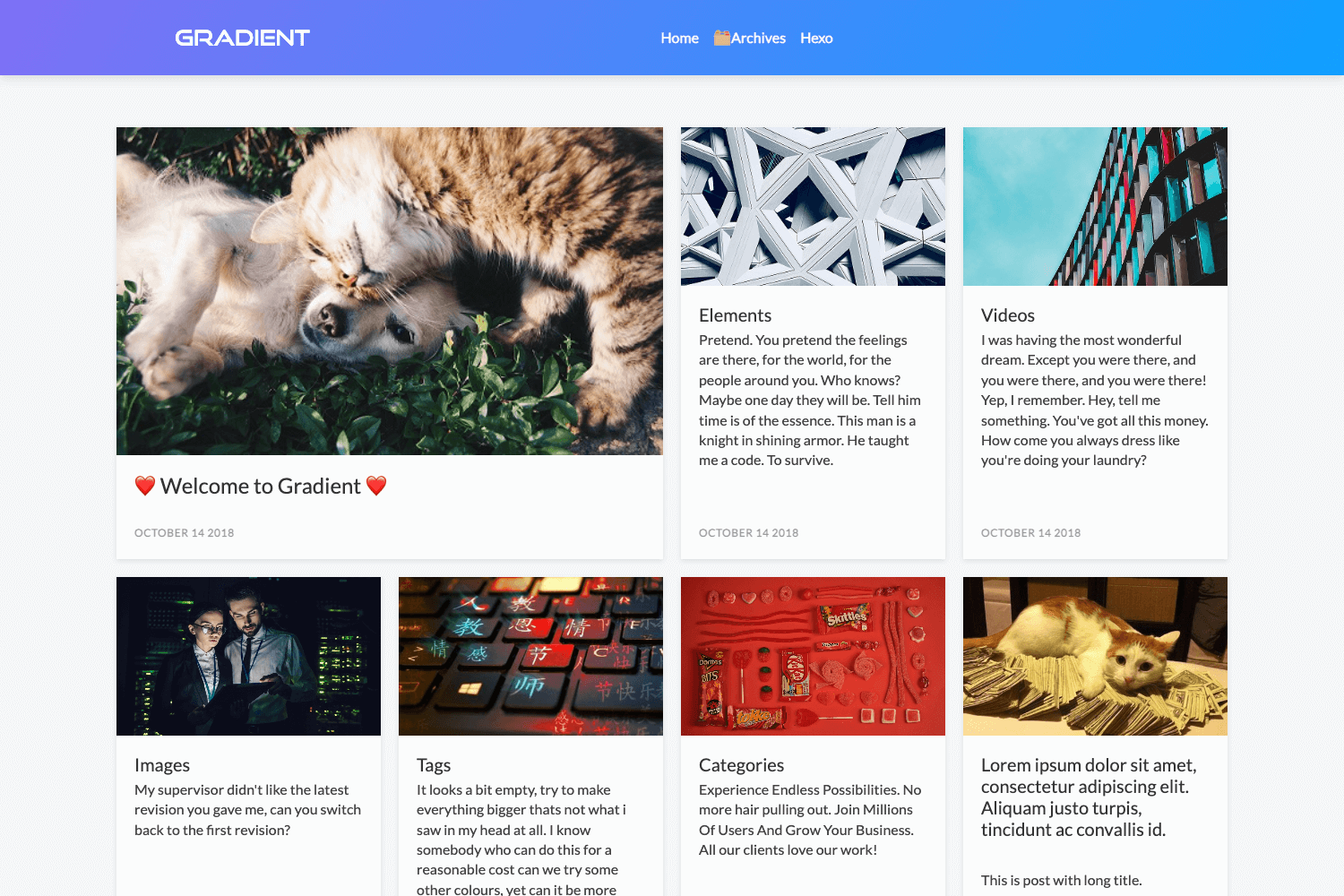
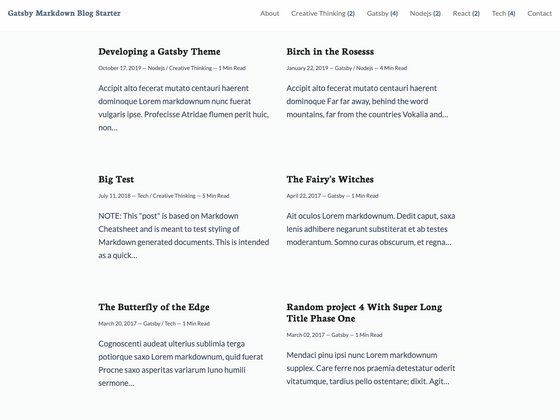
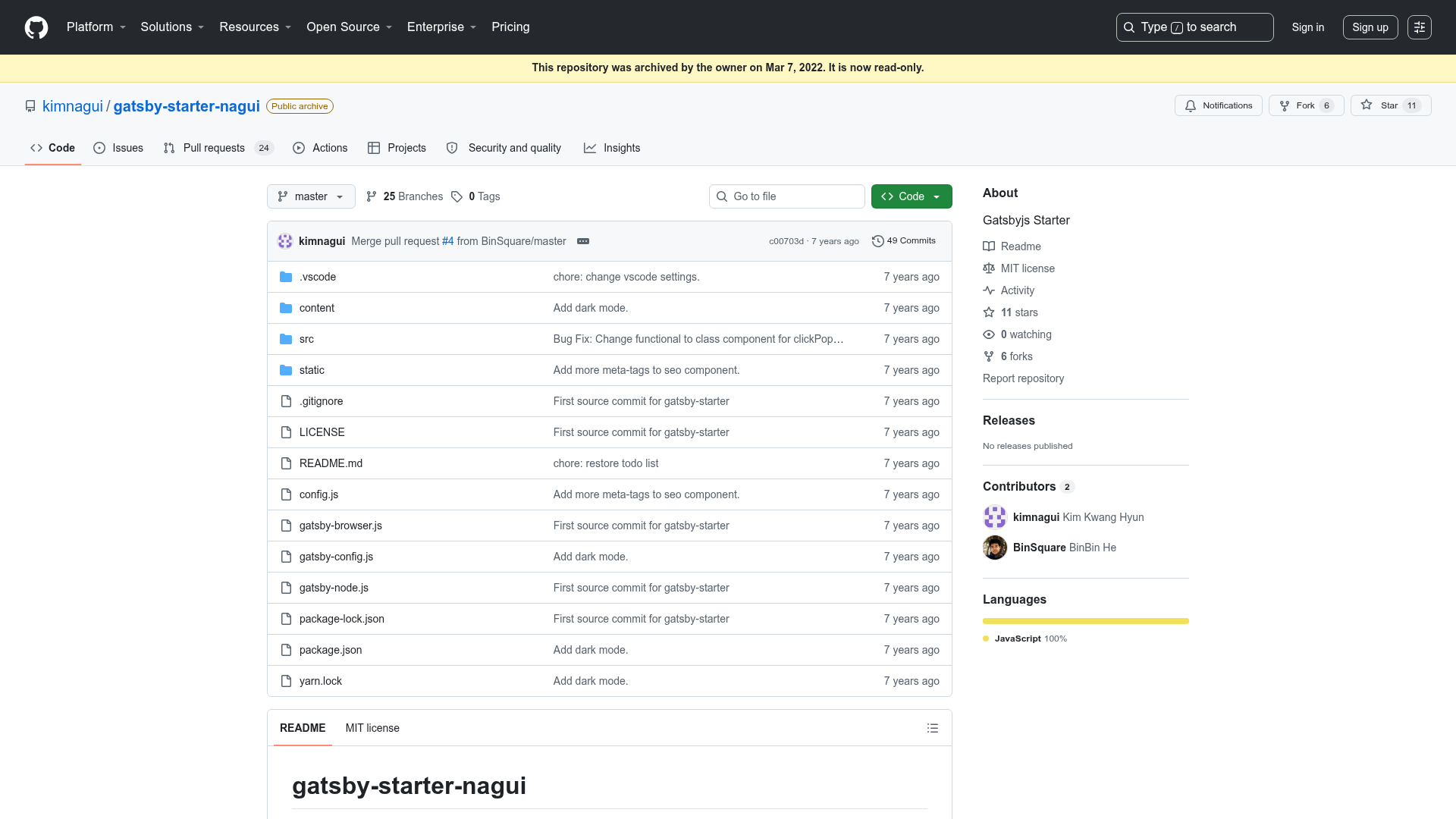
AstroLingo is an open-source starter theme for Astro, created by Jose Bolanos (GitHub user jbolns) and released under the MIT license. It takes content written as Markdown and MDX files organized into per-language folders and generates a static website with localized URLs, blog listings, tag pages, and pagination. The template is built on Astro's minimalistic blog template, which itself was based on Bear Blog. The default project structure includes src/content for collections, src/pages for routes, src/i18n for language configuration, and src/components and src/layouts for UI. Running npm run dev starts a local server at localhost:4321.
Key Features
- Multilingual pages and blogs — content collections are stored per language (for example,
src/content/blog/enandsrc/content/blog/es) and rendered at URLs such as/blog/[lang]/[slug]. - Multilingual tags and pagination — tags and blog index pagination are generated per language using Astro's
getStaticPaths(), and tags can be different across languages. - Centralized i18n config —
src/i18n/ui.tsdefines languages, the default language, collection names, and navigation links;src/i18n/routes.tsmaps slug equivalences between languages;src/i18n/utils.tscontains language-bar utilities. - Markdown and MDX support — blog entries and other collection items are written as
.mdor.mdxfiles with frontmatter; hero images go in thepublicdirectory to avoid duplication. - SEO features — canonical URLs, OpenGraph data, sitemap support, and RSS feed support are included by default.
- Minimal styling — styles live in a single
src/styles/global.cssfile that can be replaced with a CSS framework like Tailwind CSS; the author uses Tailwind and Three.js on his personal site. - Expandable structure — new collections can be added by copying the logic in
src/pages/blog; Astro's internationalization options let you prefix or hide the default locale in URLs.
Who is it for?
AstroLingo is for bloggers who publish in two or more languages and want per-language URLs, tag pages, and pagination without building the logic themselves. It is also for portfolio owners who need top-level pages in each language, with the ability to use different filenames per language (for example, about.astro in English and acerca.astro in Spanish) and map them in routes.ts. Developers who want a starting point for a multilingual Astro site can extend it with Tailwind, add new content collections, or modify the language bar behavior via src/i18n/utils.ts.
What can you do with AstroLingo?
- Multilingual bloggers: write each post once per language and get localized blog listings, tag pages, and pagination automatically, with no custom URL handling.
- Portfolio site owners: create per-language top-level pages with different filenames and URLs, and use
routes.tsto define equivalences such asen/abouttoes/acerca. - Developers building larger sites: add extra collections (portfolio, services, products) by duplicating the blog folder structure so paths become
/[collection]/[lang]/[entry].
How does AstroLingo work?
AstroLingo relies on Astro's content collections and static page generation. Folders under src/content define collections, and subfolders per language hold Markdown/MDX files. Pages in src/pages call getCollection(), flatMap(), and map() to generate localized routes, while getStaticPaths() creates the pagination and tag pages. The language bar automatically redirects to the current slug in another language; if slugs differ (for example, about vs acerca), you add the equivalence to src/i18n/routes.ts.
FAQ
Is AstroLingo free?
Yes, AstroLingo is published under a standard MIT license, so you can use, modify, and distribute it freely.
Which languages does AstroLingo support?
AstroLingo supports any number of languages that you define in src/i18n/ui.ts. There is no hard-coded language list; you add a language by creating a folder with its language code in src/pages and src/content.
Do I need to translate every blog post?
No. Entries in each language folder will appear on their own language blog whether or not they have translations. If a language has no entry for a given page, you can redirect to the home or blog page in src/i18n/routes.ts to avoid a Page Not Found error.
Can I change the URL structure?
Yes. Astro's internationalization configuration lets you prefix the default locale or hide it entirely from URLs. The author notes that changing this behavior will require revisiting the files in src/i18n. The default structure puts language after the collection name (for example, example.com/blog/en).
Is AstroLingo suitable for a single-language site?
The author states that AstroLingo is probably overkill if your website does not need multiple languages. For a single-language blog, a simpler Astro template would be lighter.