Template details
Gradient
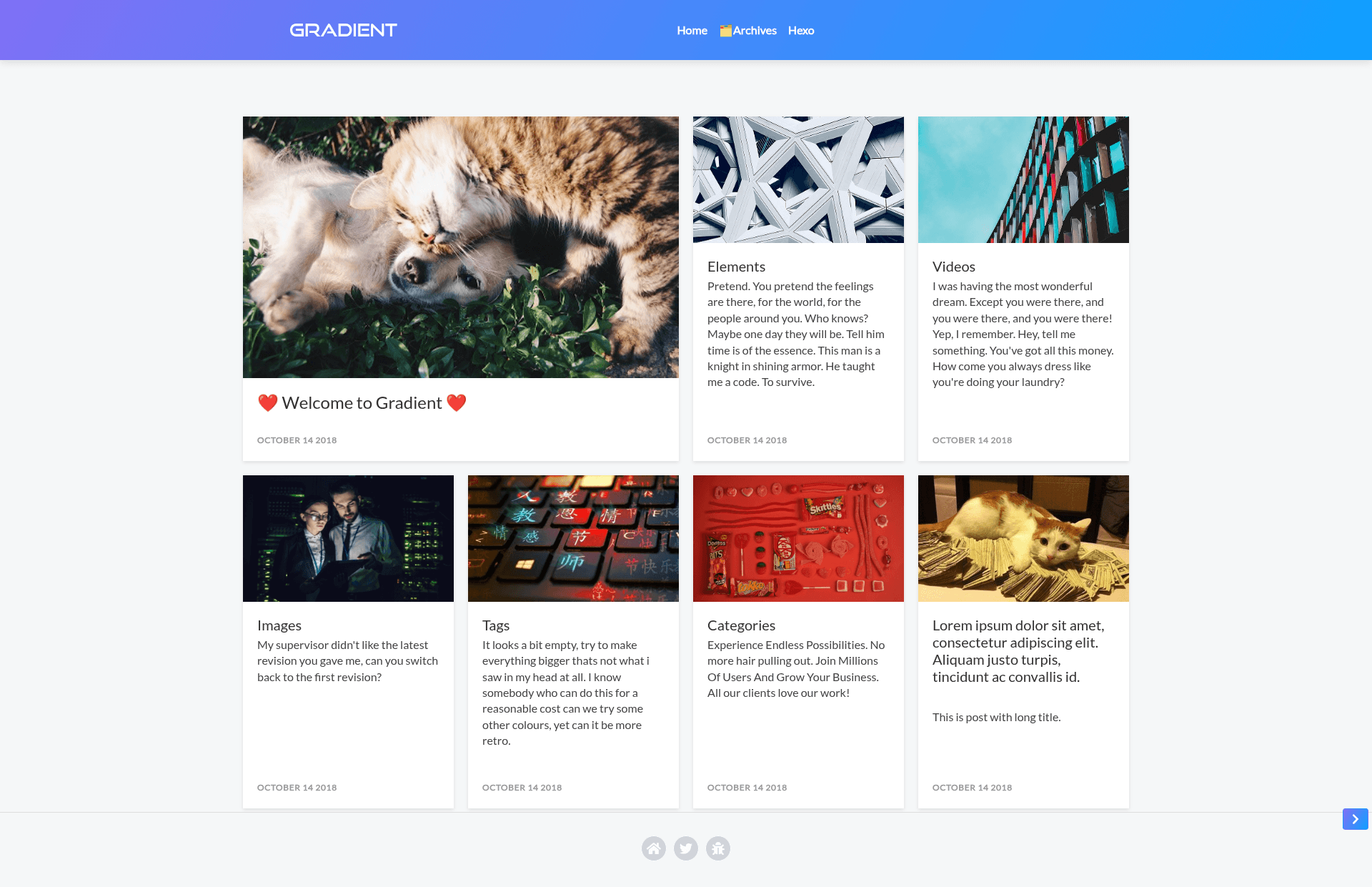
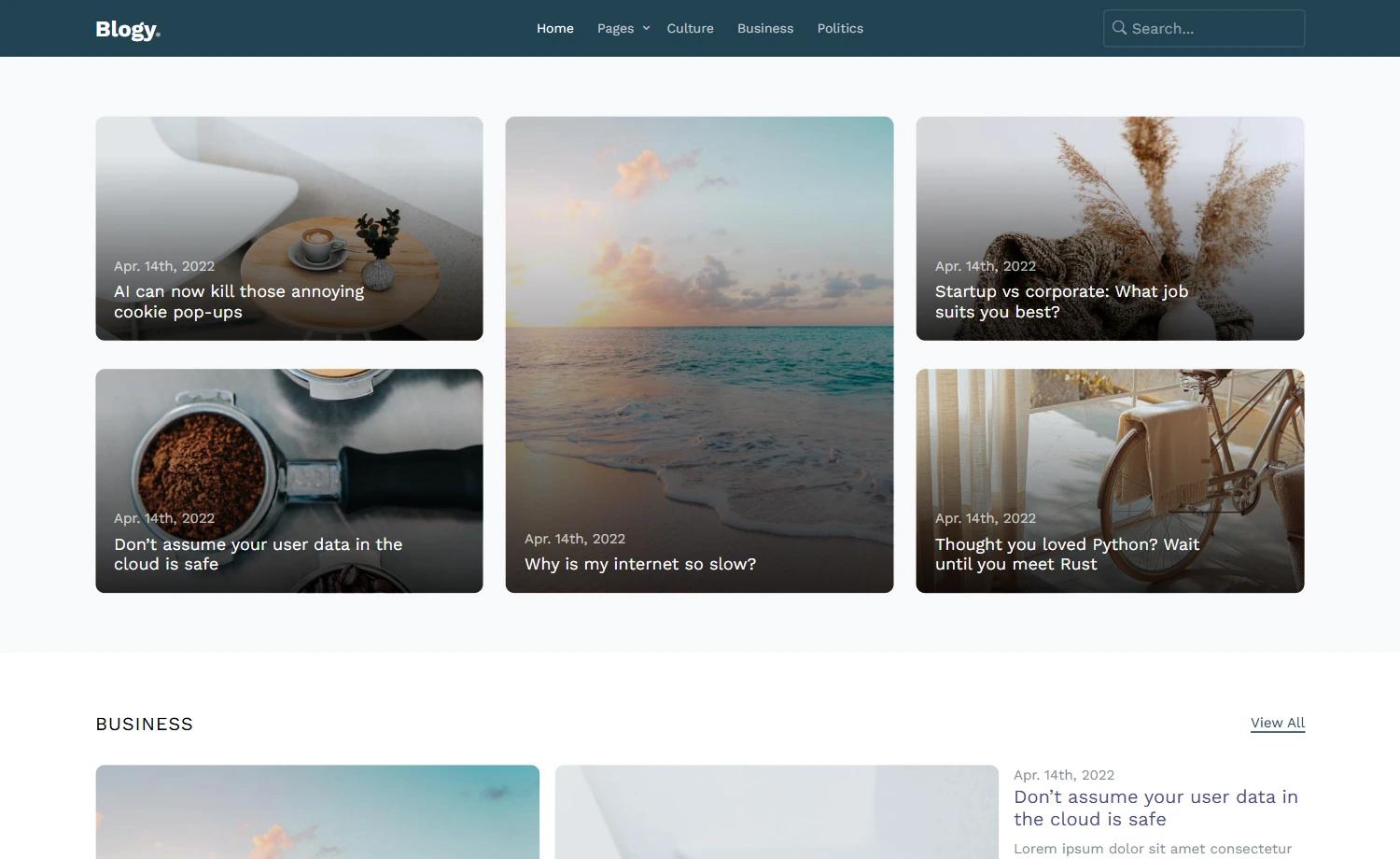
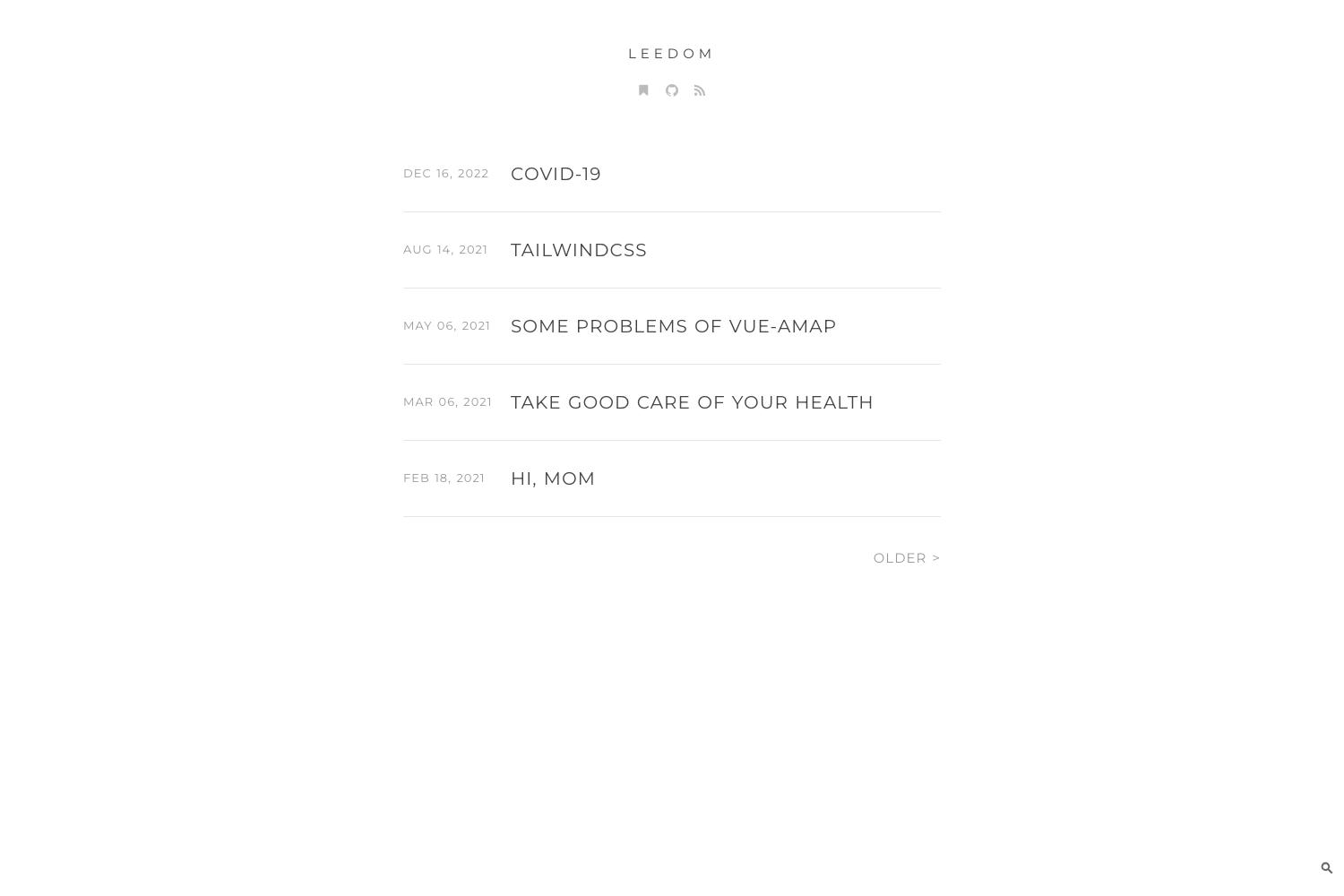
Gradient is a clean and modern Hexo theme with responsive design, featured images, charts, and a Twitter widget.
About this template
Gradient is a clean and modern Hexo blog theme that renders responsive post pages with featured images, chart support, and an optional Twitter sidebar widget.
What is Gradient?
Gradient is a theme for the Hexo static site generator, built for blogs and content-focused sites. It takes Markdown posts written in Hexo and generates a responsive, static website styled with Bootstrap 4, Popper.js, jQuery, and Font Awesome. The theme is maintained by the DeepSpaceHarbor GitHub organization and is installed by cloning the repository and updating your site's _config.yml file. Version 1.4 is the latest release, adding Open Graph support, a new default featured image, and special keywords for Twitter and Open Graph preview images.
Key Features
- Responsive layout — The theme adapts to mobile and desktop screens using the Bootstrap 4 grid system.
- Featured images — Posts can display a large featured image at the top of the page, with a default image included since version 1.4.
- Chart support — Since version 1.3, charts are rendered with amCharts; earlier versions used charts.js.
- Twitter widget — An optional Twitter timeline can be placed in the sidebar and fully disabled via configuration (added in version 1.3).
- Sidebar widgets — The sidebar supports a tl;dr (about) widget plus multiple blocks of text or HTML (added in version 1.2).
- SEO and social media — Open Graph and Twitter preview image keywords are supported, with minor SEO improvements in versions 1.3 and 1.4.
- Menu hover design — A new hover style for the navigation menu introduced in version 1.2.
Who is it for?
- Bloggers — Publish Markdown posts with a clean layout and optional social sharing.
- Developers — Write technical articles or changelogs and embed interactive charts using amCharts.
- Twitter-savvy authors — Display a live Twitter timeline in the sidebar without building a custom integration.
Use cases
- Personal bloggers: Create a minimal, modern blog with post featured images and a sidebar about widget.
- Tech writers: Add interactive data visualization to posts via amCharts' JavaScript charts.
- Open-source maintainers: Use the theme for a project blog that links back to a GitHub repository.
How does Gradient work?
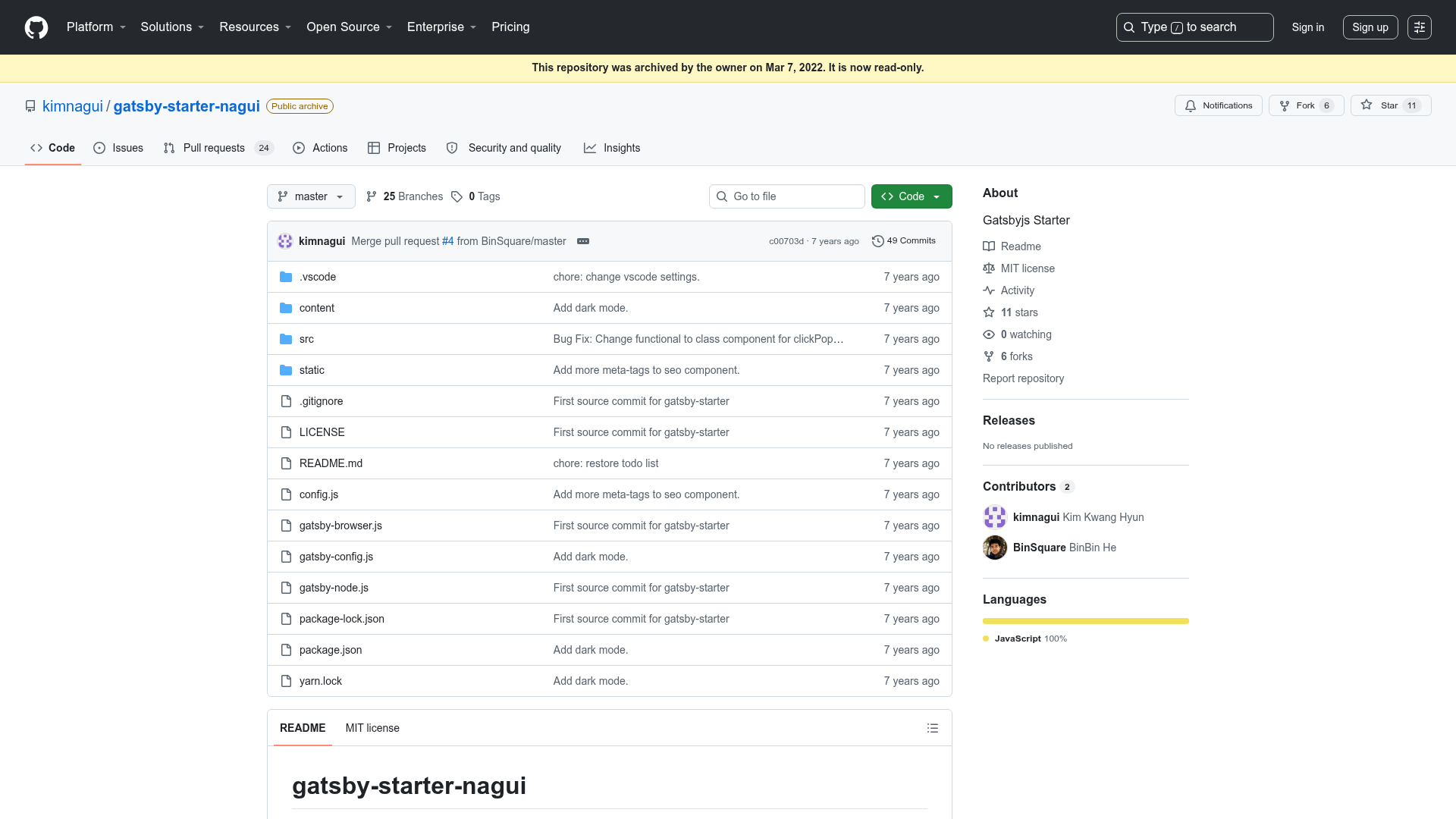
Install the theme by running git clone https://github.com/DeepSpaceHarbor/Gradient.git inside your Hexo site directory. Then edit your site's _config.yml to set the theme to "gradient". Full configuration details are documented on the project's GitHub wiki page.
Pricing
Gradient is free and open source. It is distributed on GitHub and can be cloned and used without payment.
Alternatives
- NexT
FAQ
Is Gradient free?
Yes. Gradient is hosted on GitHub and can be cloned and used at no cost. No license or paid tier is mentioned in the repository.
How do I install Gradient?
Clone the repository into your Hexo site's themes directory with git clone https://github.com/DeepSpaceHarbor/Gradient.git, then set the theme name to "gradient" in your site's _config.yml.
Does Gradient support charts?
Yes. Since version 1.1 the theme has supported charts, and version 1.3 replaced the rendering library with amCharts. This lets you embed JavaScript-based charts into your posts.
Can I remove the Twitter widget?
Yes. The Twitter timeline is optional; version 1.3 added a configuration option to disable it entirely. You can also replace it with other sidebar content.
What libraries does Gradient use?
The theme bundles Bootstrap 4 (with Popper.js and jQuery), Font Awesome icons, and amCharts for chart rendering.