Template details
Gatsby Markdown Blog Starter
A Gatsby v2 starter for building markdown blogs with SEO, social sharing, PWA, and configurable bio.
About this template
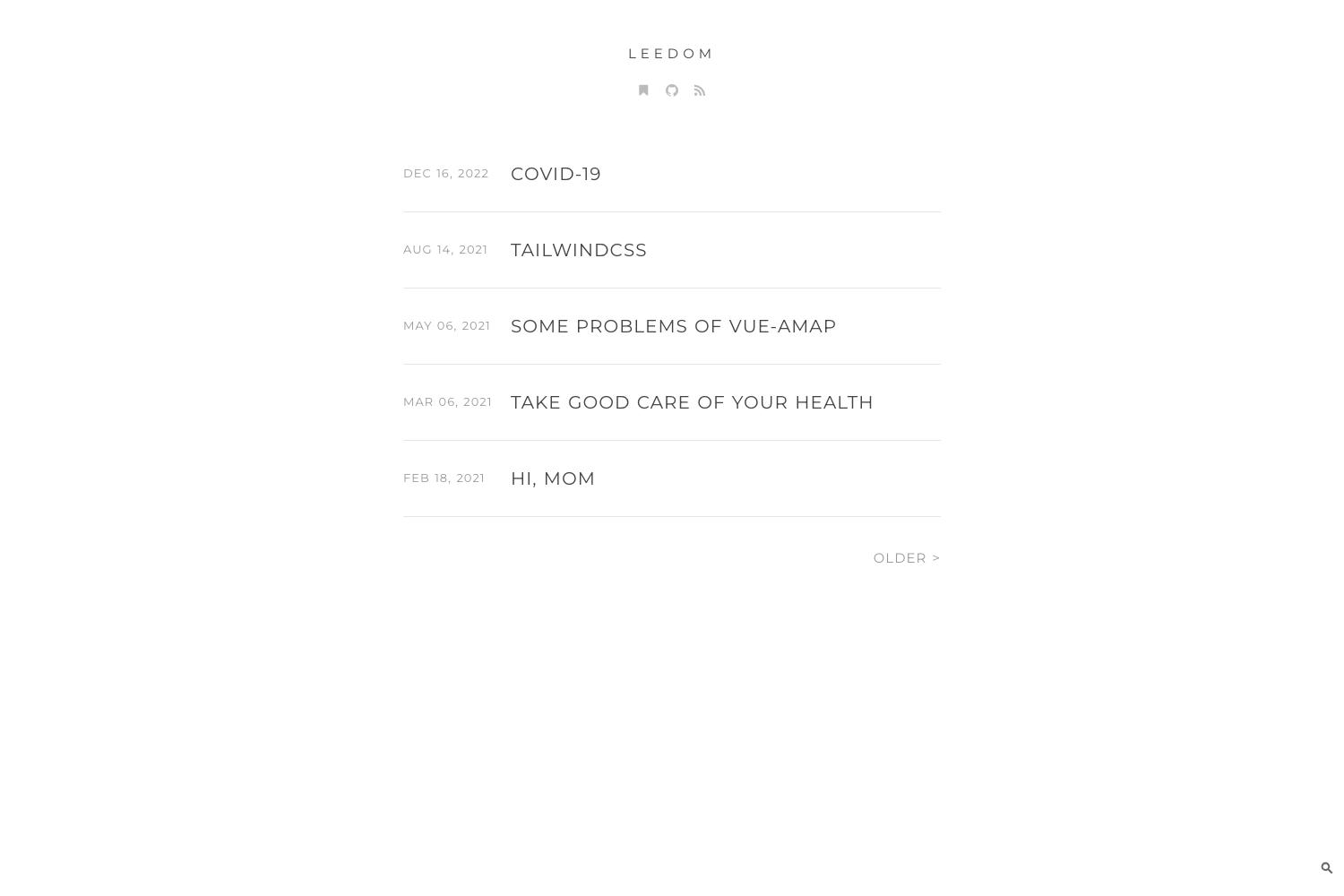
Gatsby Markdown Blog Starter is an open-source Gatsby v2 boilerplate for turning Markdown posts into a static, pre-rendered blog with SEO, social sharing, and PWA features.
What is Gatsby Markdown Blog Starter?
Gatsby Markdown Blog Starter is a developed version of the Gatsby Advanced Starter by Vagr9K. It provides a minimal base for building advanced GatsbyJS powered Markdown blogs, using the typography-theme-stow-lake design theme. The starter takes Markdown files and a central site configuration file as inputs and outputs a static blog with pre-rendered HTML and automatic JavaScript chunk loading, suitable for deployment to Netlify, GitHub Pages, or Apache servers.
Key Features
- Gatsby v2 foundation — Built on Gatsby v2, the starter pre-renders HTML for fast initial loads and automatically chunks JavaScript for subsequent pages.
- Markdown authoring — Write posts in Markdown; the starter adds Prism code syntax highlighting, YouTube video embeds, and Tweet embeds inside posts.
- Built-in SEO — Includes sitemap generation, robots.txt, general meta description tags, Schema.org JSON-LD for rich snippets, OpenGraph tags, and Twitter Card tags.
- Social sharing buttons — Each post gets Twitter, Facebook, Reddit, LinkedIn, Telegram, and Google+ share buttons with share counts where supported.
- Tags and categories — Automatically generates a separate page for every tag and category you assign in post frontmatter.
- PWA and offline support — Ships with Web App Manifest support, offline support, and a loading progress bar for slow networks.
- Configurable bio section — Edit
data/SiteConfigto set your name, location, description, avatar, social links, and an optional "Follow Me" button. - Deployment tooling — Includes Netlify deploy configuration, npm scripts for GitHub Pages (via gh-pages), and an htaccess-ready setup for Apache servers.
Who is it for?
Gatsby Markdown Blog Starter is aimed at newcomers to Gatsby who want to study a working implementation of common blog features, developers who need a minimal and fast static site foundation, and bloggers who want to publish from Markdown without building their own tooling. It is also useful for anyone who wants to learn how to integrate Google Analytics, RSS feeds, and social sharing into a Gatsby site.
What can you do with it?
- New Gatsby developers — Use the starter to see how tags, categories, SEO tags, and social buttons are implemented in a real project, then customize them.
- Indie bloggers — Write posts in Markdown, assign tags and categories, and automatically get an RSS feed, sitemap, and social sharing buttons.
- Front-end developers — Deploy to Netlify with the provided configuration or to GitHub Pages with the included npm scripts, and track visitors with Google Analytics by adding a tracking ID.
How does it work?
The starter is installed with gatsby new or by cloning the repository. After npm install, you run npm run develop to start a local server. Site-wide settings live in data/SiteConfig, where you edit fields like siteTitle, siteUrl, googleAnalyticsID, and userName. Markdown posts go into the content folder, and the starter processes them at build time to generate pages, tags, categories, RSS, and the sitemap.
FAQ
Is this starter free?
Yes, the starter is freely available as an open-source project on GitHub.
Does it support Gatsby v2?
Yes, the project explicitly lists Gatsby v2 support in its features.
Can I deploy to Netlify?
Yes, it comes with Netlify deploy configuration, and the demo site runs on Netlify.
Does it include Google Analytics?
Yes, you can set the googleAnalyticsID field in data/SiteConfig and the starter will wire up the tracking code.
Does it create tag and category pages?
Yes, it automatically generates a separate page for each tag and category used in your Markdown posts.