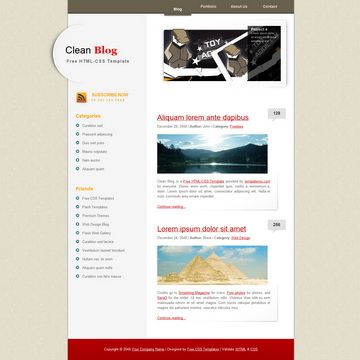
Template details
Codinfox-Lanyon
A Jekyll blog theme extending Lanyon with color choices, configurable sidebar, and FontAwesome, MathJax, Disqus, and Google Analytics integrations.
About this template
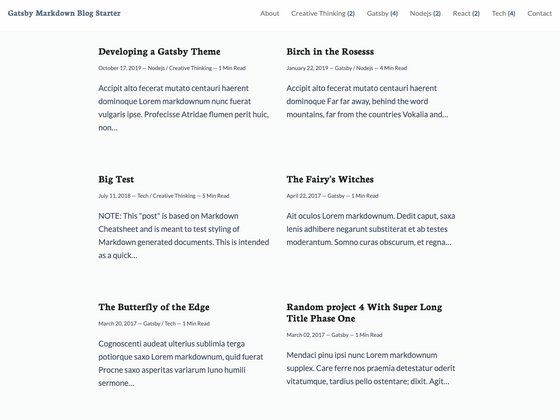
Codinfox-Lanyon is a Jekyll blog theme based on the Lanyon design by Poole that places content first with a hidden navigation drawer, and adds theme colors, sidebar position options, FontAwesome, MathJax, Disqus, and Google Analytics integrations.
What is Codinfox-Lanyon?
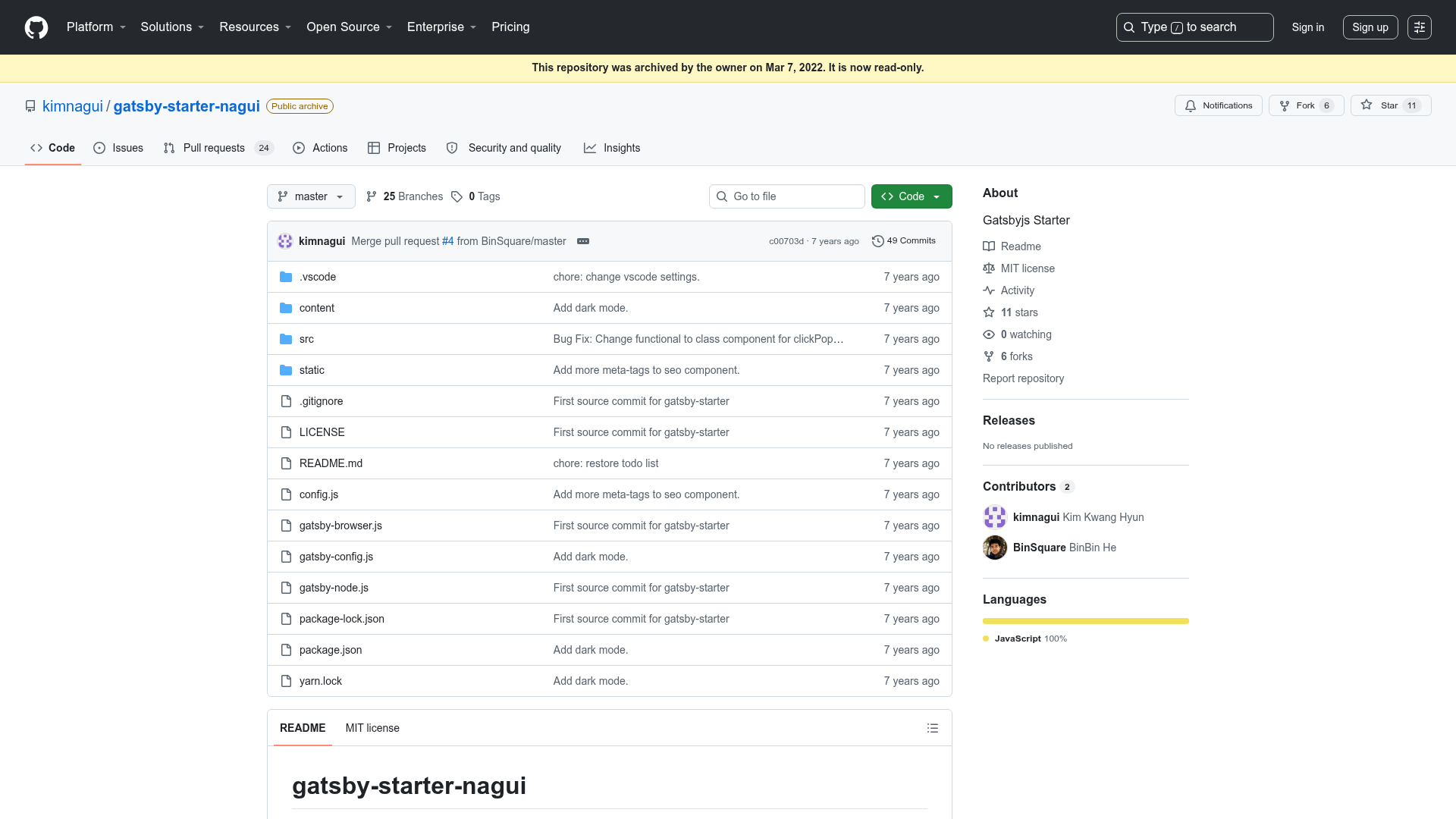
Codinfox-Lanyon is an open-source Jekyll template that takes Lanyon, a theme by Poole, and extends it with additional features. It takes Jekyll site content—such as Markdown posts and configuration files—and produces a static website with a content-first layout and a hidden sidebar drawer. The project is hosted on GitHub under the MIT license and has 381 stars. According to the author, all configurations are inside either _config.yml or _config.scss.
Key Features
- Theme colors: Choose your favorite theme color, configured in
_config.scss. - Changeable sidebar locations: Adjust the position of the hidden sidebar, as the theme supports configurable sidebar locations.
- FontAwesome integration: Use FontAwesome icons directly in your posts and pages.
- MathJax integration: Render mathematical equations and formulas with MathJax.
- Disqus integration: Enable reader comments on your blog with Disqus.
- Google Analytics integration: Track site traffic through Google Analytics.
- Numerous improvements over Lanyon: The theme includes many enhancements over the original Lanyon, as noted in the project description.
- Straightforward configuration: The options are described as fairly straightforward, and all live in the two configuration files.
Who should use Codinfox-Lanyon?
Bloggers who want a minimal, content-first Jekyll site with built-in comments and analytics. Technical writers or academics who need to display mathematical equations will benefit from the MathJax integration. Developers who appreciate the Lanyon theme but want FontAwesome icons and more configuration options will find Codinfox-Lanyon a convenient starting point.
What can you do with Codinfox-Lanyon?
- Bloggers: Publish Markdown posts and engage readers with Disqus comments while tracking traffic with Google Analytics.
- Technical writers: Write tutorials or documentation that include formulas rendered by MathJax.
- Developers: Customize the theme color and sidebar location through
_config.scssto match a personal brand. - Jekyll learners: Explore a small codebase where most settings are centralized in just two files.
How does Codinfox-Lanyon work?
Codinfox-Lanyon operates as a standard Jekyll theme. You edit settings in _config.yml for site-wide options and _config.scss for styling variables, then run Jekyll to build a static site. The generated output includes the responsive layout, hidden drawer, and the enabled integrations.
Pricing
Codinfox-Lanyon is free and open source under the MIT license, so it can be used for personal or commercial projects without purchase.
Alternatives
The original Lanyon theme, which this project is based on, has a more basic feature set without the added integrations. Poole is the underlying Jekyll butler framework that Lanyon builds upon and that Codinfox-Lanyon inherits.
FAQ
Is Codinfox-Lanyon free?
Yes, Codinfox-Lanyon is released under the MIT license, meaning it is free to use, modify, and redistribute, including in commercial projects.
What static site generator does Codinfox-Lanyon use?
It uses Jekyll, a static site generator that converts Markdown and Liquid templates into plain HTML. The site can be hosted on GitHub Pages or any static file server.
How do I change the theme color?
Edit the color variables in the _config.scss file. The theme lets you choose your favorite theme color by modifying these styling values, then rebuild the site with Jekyll.
What integrations are included?
The theme integrates FontAwesome for icons, MathJax for math typesetting, Disqus for comments, and Google Analytics for traffic tracking. All of these are configured in _config.yml or _config.scss.
Where do I configure the site?
Site configuration is done in two files: _config.yml for general settings and _config.scss for styling. The author states that all configurations are inside these two files.