Template details
AstroLinkHub
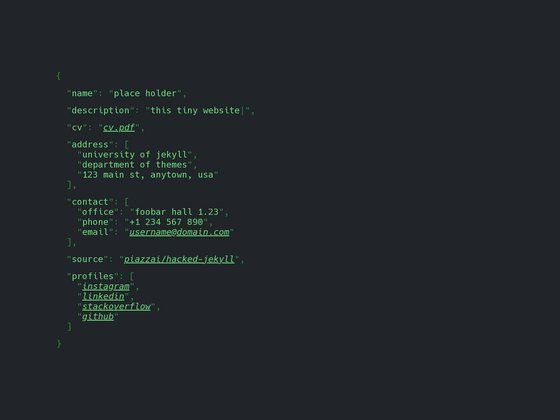
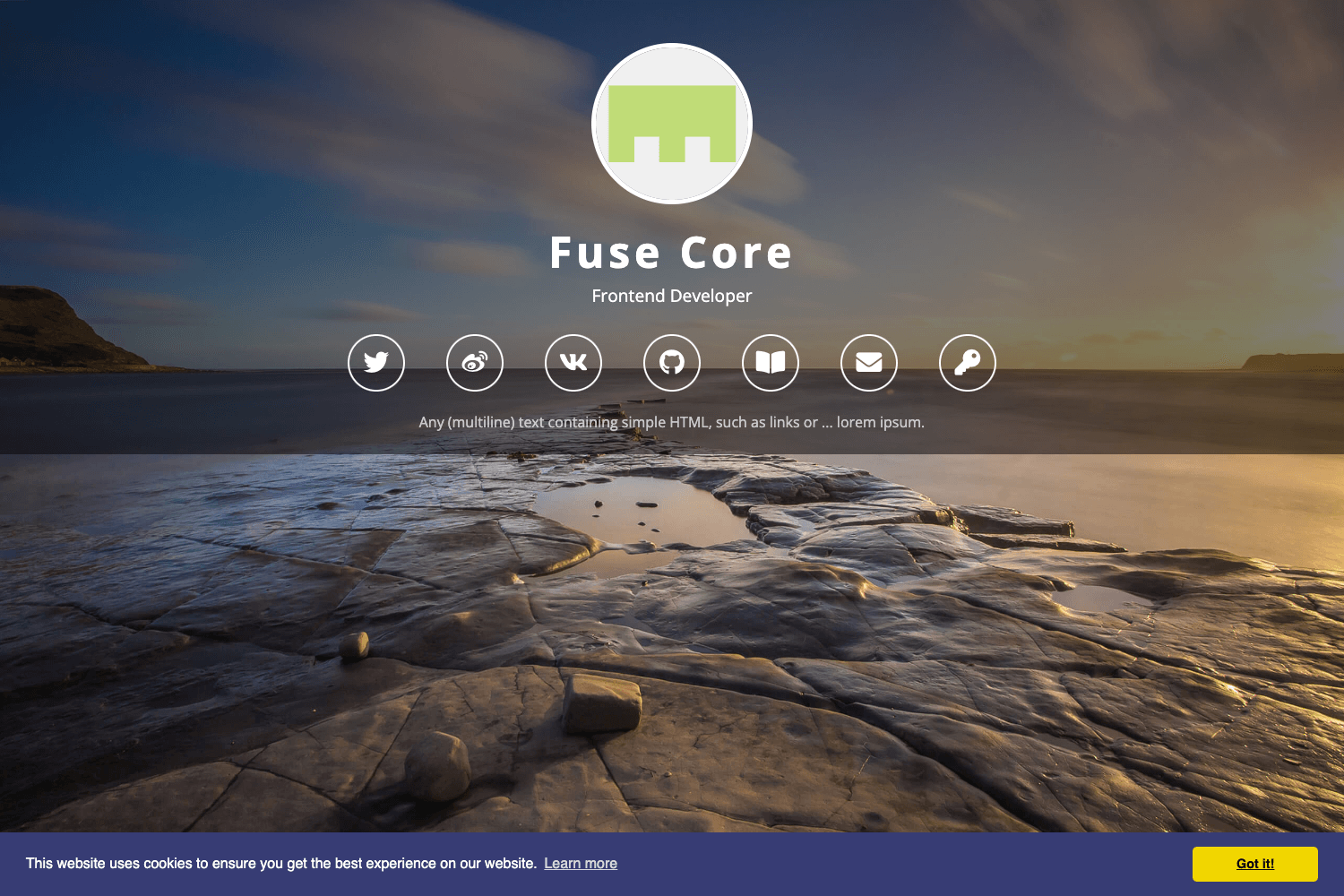
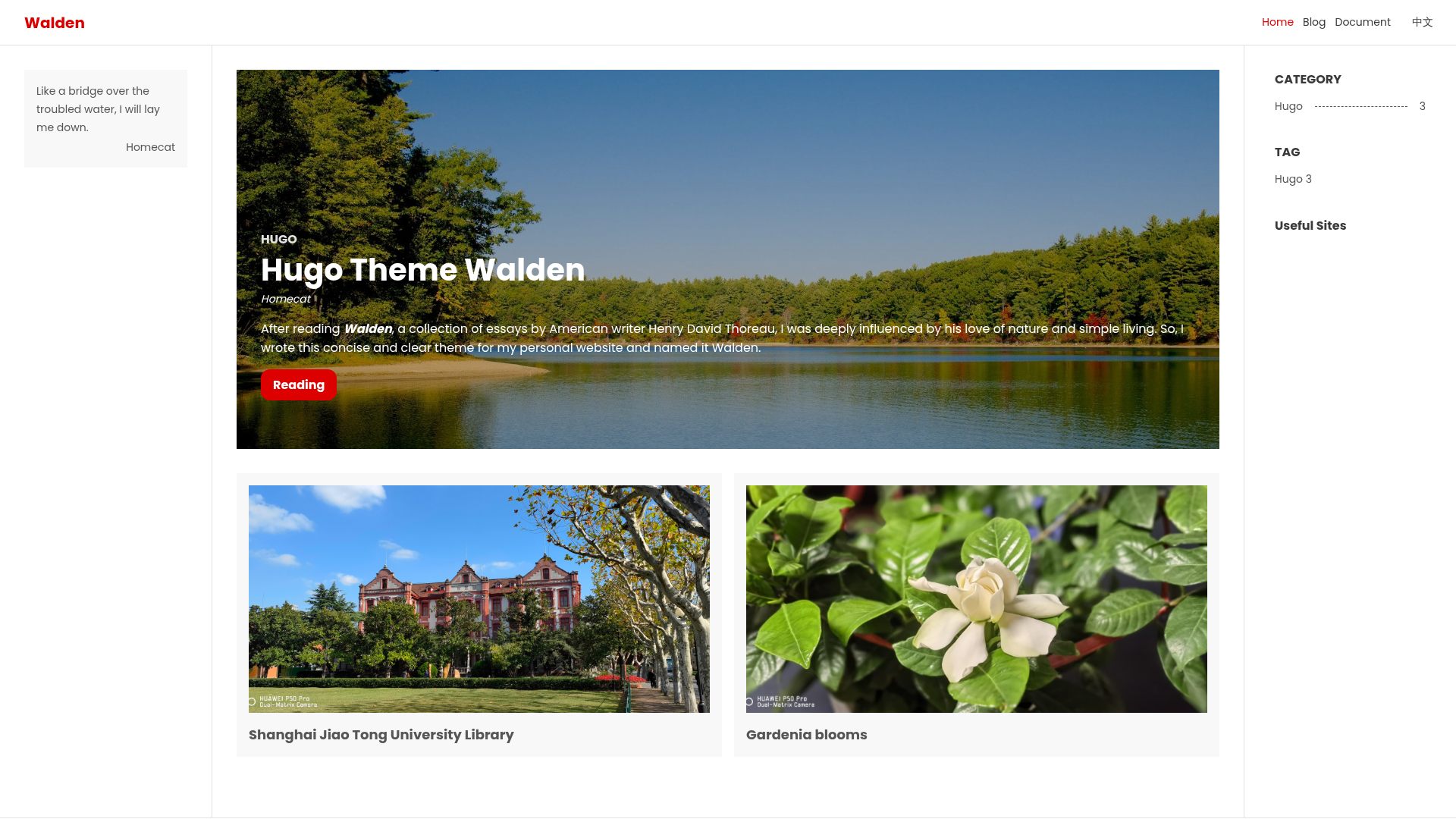
Open source links page, customizable via JSON. Made with Astro 4.
About this template
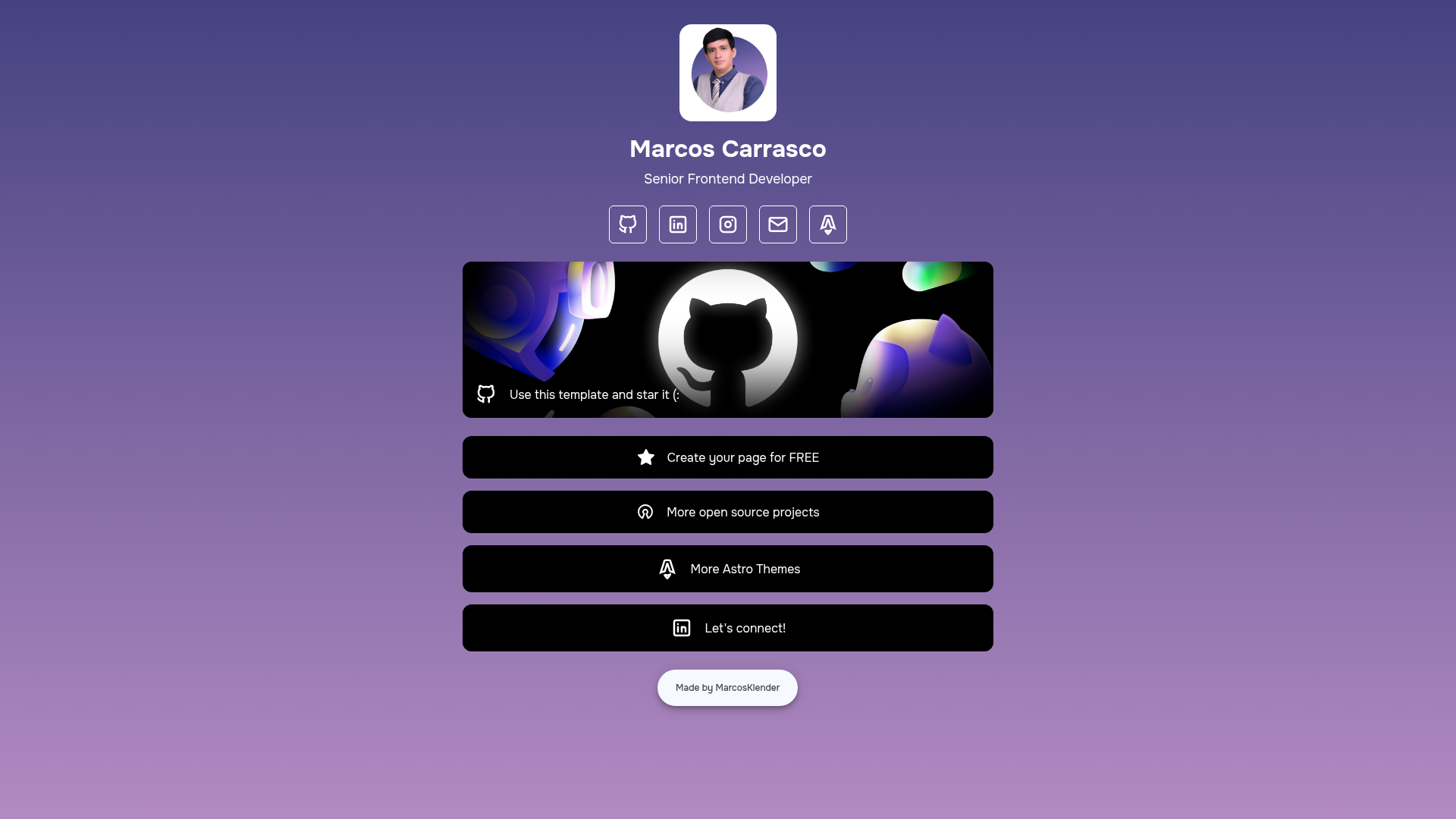
AstroLinkHub is an open-source, JSON-driven links page template built with Astro 4 that creates a self-hosted alternative to commercial link-in-bio services. It takes a single index.json file as input and renders a static, customizable landing page that aggregates a header, social icons, featured links, and buttons into one hub. The template is created by Marcos Klender and listed on the official Astro Themes directory, so you can install it directly from there.
What is AstroLinkHub?
AstroLinkHub is an open-source links page template built with Astro 4, styled with CSS3, and enhanced with vanilla JavaScript. It reads a single index.json file and outputs a fully static website that displays a header, social media icons, featured links, and buttons. Because the output is static, it runs on any static host such as Netlify without a backend or database. The project is MIT licensed and available on Astro Themes.
Key Features
- JSON-driven configuration — All site content lives in
index.json; edit it to change the page's HTML metadata, background colors, header image and description, socials, featured links, buttons, and footer. - Gradient or solid backgrounds — Supply the same color twice for a solid background or two different colors for a CSS gradient, all configured through JSON.
- 18 built-in social networks — Icons for AstroLogo, Discord, Facebook, GitHub, Instagram, LinkedIn, Mail, Map, Medium, OpenSource, SoundCloud, Spotify, Star, TikTok, Twitch, WhatsApp, X, and YouTube are available by setting the
networkkey. - Featured link highlighting — The
featuredsection lets you emphasize links with a background image or color, matching the button styling. - Open-source and MIT licensed — The full source code is available to modify and reuse; contributions are encouraged via pull requests or issues.
- Astro Themes catalog listing — The template is listed in the official Astro Themes directory, making it discoverable and easy to install.
- Static hosting ready — Because the output is static, it deploys to Netlify (and similar hosts) without server configuration; the README specifically calls out Netlify.
Who should use AstroLinkHub?
- Content creators and influencers — Use it as a free, self-branded link-in-bio page to collect all social profiles in one place without third-party ads.
- Developers — Fork the repo to build a JSON-serializable links page and fully control the design; requires Node.js v22.0.0+ and familiarity with pnpm.
- Businesses and freelancers — Deploy a professional links hub that promotes only your own content, avoiding the self-promotion that free commercial link services insert into user pages.
What can you do with AstroLinkHub?
- Social media managers: consolidate Instagram, TikTok, YouTube, WhatsApp, and other channels into a single, branded URL that changes when you edit the JSON.
- Indie makers: highlight a featured item (e.g., a product or article) with a background image or color to draw attention, while keeping the rest of the page minimal.
- Event speakers: publish a simple page linking to slides, recordings, socials, and contact information, configurable in minutes through JSON.
How does AstroLinkHub work?
Clone the repository, run pnpm install, and start the development server with pnpm dev. Then edit index.json to customize every section; the site rebuilds as a static page ready for deployment. Prerequisites are Node.js v22.0.0 or higher and optionally the official Astro extension for Visual Studio Code.
Pricing
AstroLinkHub is free and open source under the MIT license. There are no subscription tiers or hidden costs.
Alternatives
- Linktree — a hosted link-in-bio service that offers a free tier but includes its own branding on pages.
FAQ
Is AstroLinkHub free?
Yes — the template is open source (MIT) and free to download, modify, and deploy. There are no paid plans.
How do I customize my AstroLinkHub page?
Edit the index.json file in the project root. It contains sections for html, background, header, socials, featured, buttons, and footer, so you can change text, colors, links, and icons without touching code.
What Node.js version do I need?
The README asks for Node.js v22.0.0 or higher to run the Astro development server. It also recommends the official Astro extension for Visual Studio Code.
Can I add custom icons?
Yes — the config uses a network key that must match one of the 18 predefined names, but you can also import additional open-source icons from Tabler Icons and reference them in the project.
Does AstroLinkHub require a backend?
No. The build outputs a static site, so it runs on any static host (like Netlify) without a server or database.