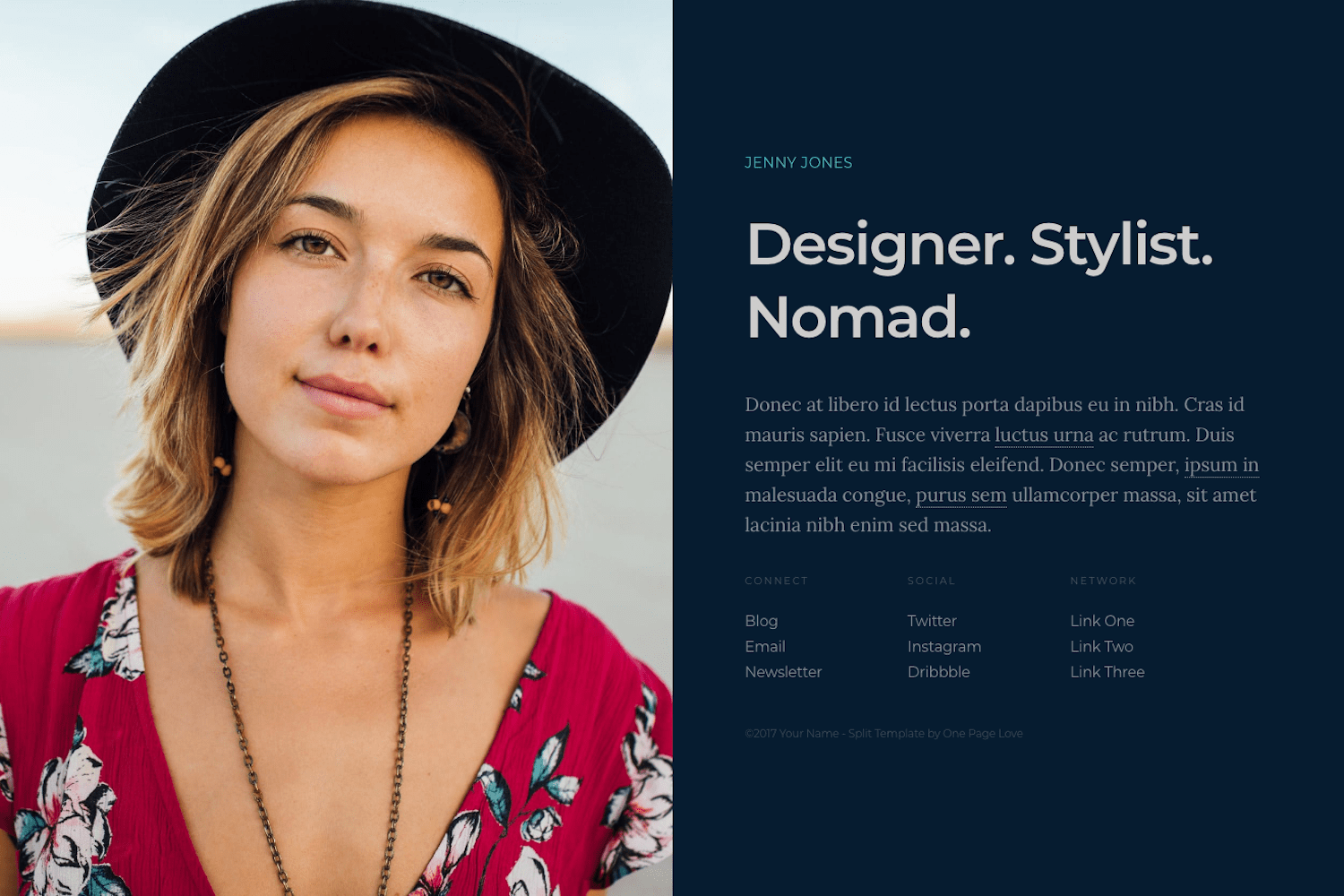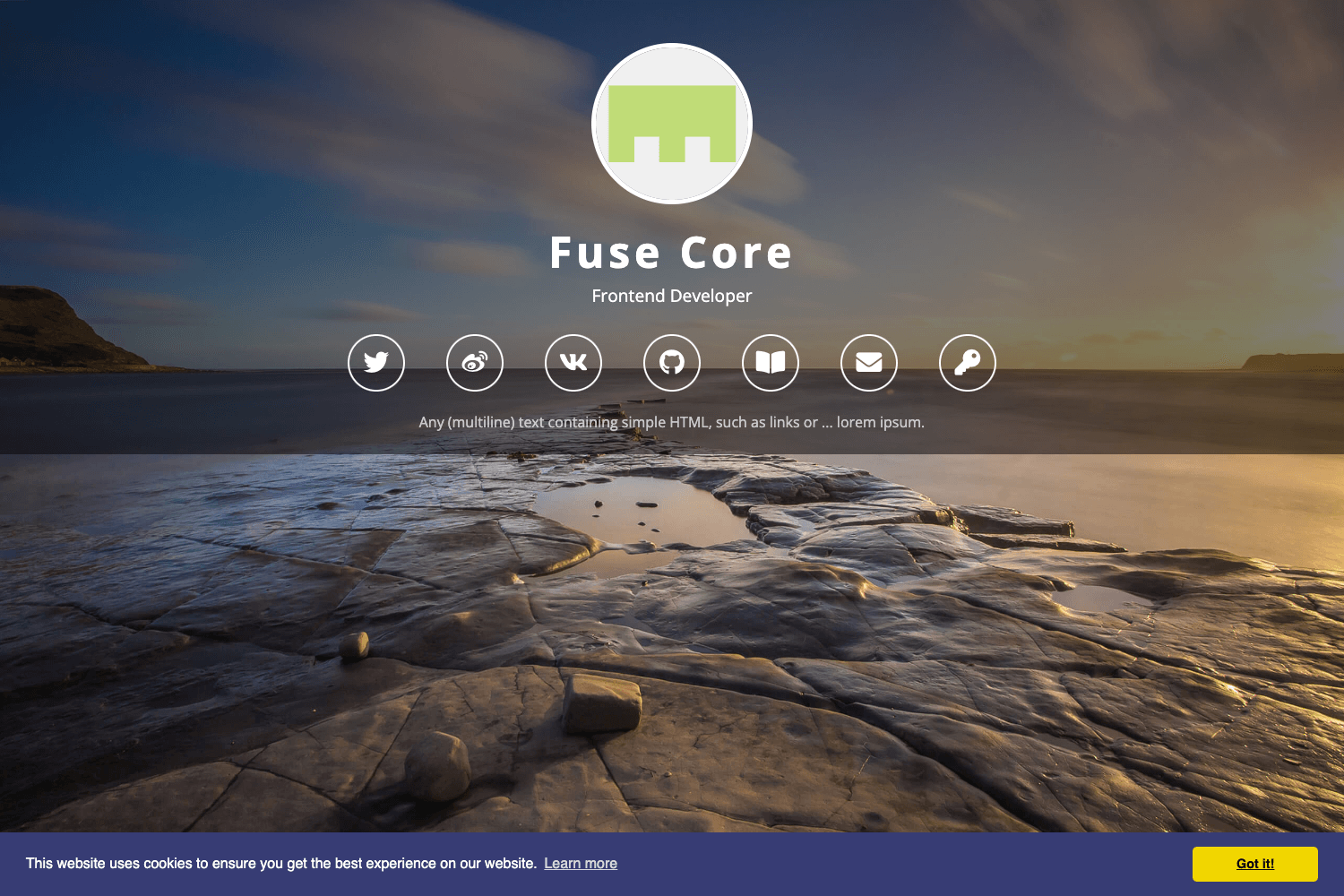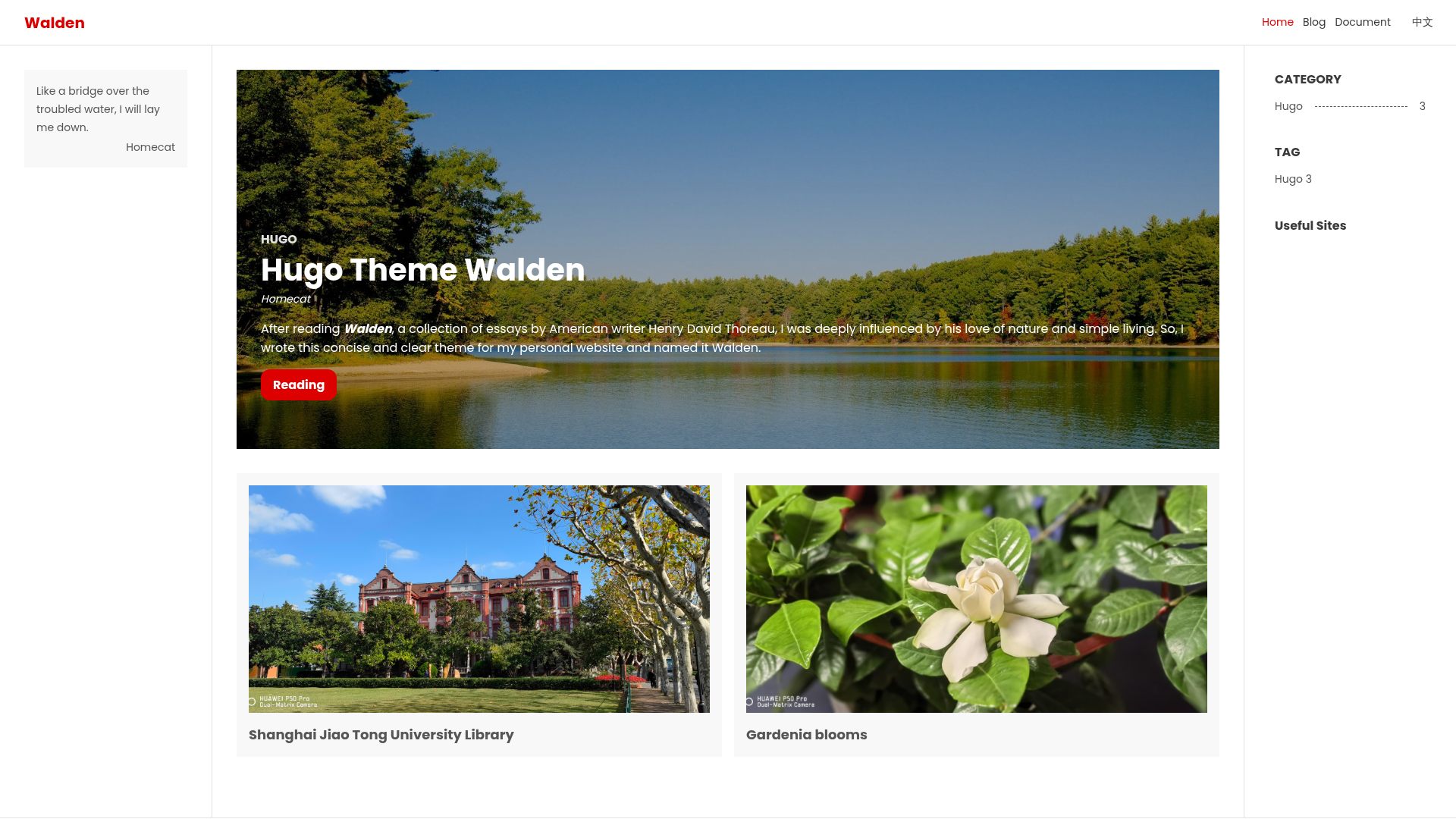
Template details
Ticky Tacky Dark
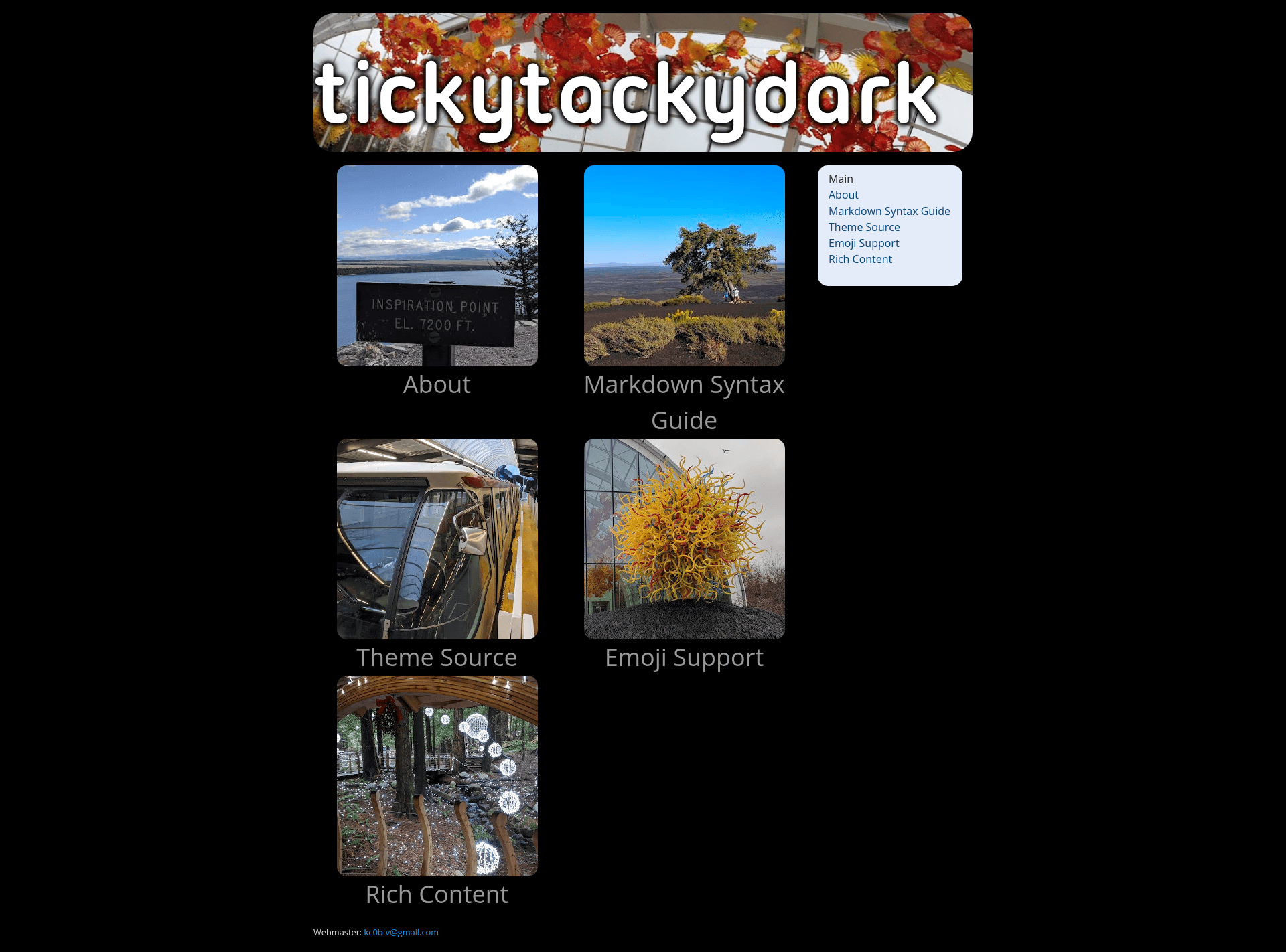
A multi-page Hugo theme in dark colors where the front page is a grid of image buttons linking to your sub-pages.
About this template
Ticky Tacky Dark is a multi-page Hugo theme with a dark color scheme whose list page displays a set of image buttons linking to your sub-pages.
What is Ticky Tacky Dark?
Ticky Tacky Dark is an open-source theme for the Hugo static site generator. It produces a multi-page website where the front page is a grid of image buttons, each representing a sub-page. The theme uses dark colors throughout and passes the WAVE web accessibility evaluation tool tests, making it a solid choice for accessible sites. The theme's code is hosted on GitHub under the kc0bfv/ticky_tacky_dark repository, and a live preview is available at kc0bfv.github.io/ticky_tacky_dark.
Key Features
- Image-button navigation — The list page displays buttons for each sub-page; optimal button size is 300x300 pixels, specified via the
buttonimagefront matter field. - Randomized header images — Site-wide header images (optimally 950x200 pixels) are configured as a list and randomly selected on each page load.
- Per-page sidebar images — Sub-pages can have one or more left sidebar images (about 300x500 pixels at full size) that are randomly chosen when the page loads.
- Customizable metadata — The theme supports front matter parameters for favicon, description, header images, header text, and site verification tags (MS and Google).
- Dropdown shortcode — A built-in shortcode creates an HTML details element that expands to show hidden text when clicked.
- Weight-based ordering — Use the
weightfield in front matter to control the order of buttons and navbar items, from lowest to highest weight. - Accessibility tested — The theme passes the WAVE accessibility evaluation, covering common WCAG success criteria.
Who is it for?
Ticky Tacky Dark suits Hugo developers and site owners who want a simple, visually distinct hub-and-spoke site structure. It is ideal for personal websites, small family sites, or community pages that need a clean front page leading to a handful of sub-pages. The theme is already in use by sites like pocumtuck.org and notmet.net, demonstrating its practical application in real-world projects.
What can you do with Ticky Tacky Dark?
- Personal hub: Create a front page with image buttons linking to your Projects, Blog, About, and Contact pages.
- Portfolio or gallery landing: Use the button images to showcase visual work and link to individual gallery sections.
- Organization site: Organize a club or society's pages into an accessible, image-driven index with easy navigation.
How does Ticky Tacky Dark work?
To use the theme, place it in your Hugo site's themes folder and set your config to use ticky_tacky_dark, or run Hugo with the -t ticky_tacky_dark flag. Then add pages with front matter parameters such as buttonimage, images, and weight; the theme renders the front-page button grid and the sidebar images automatically.
Licensing
The theme includes the Ubuntu Titling font, which is licensed under the GNU Lesser GPL, and the license file is included in the repository.