Template details
Astrolio
A one-page Astro portfolio template powered by JSON Resume, featuring a hotkey command palette, PDF export, and one-click deploys to Netlify or Vercel.
About this template
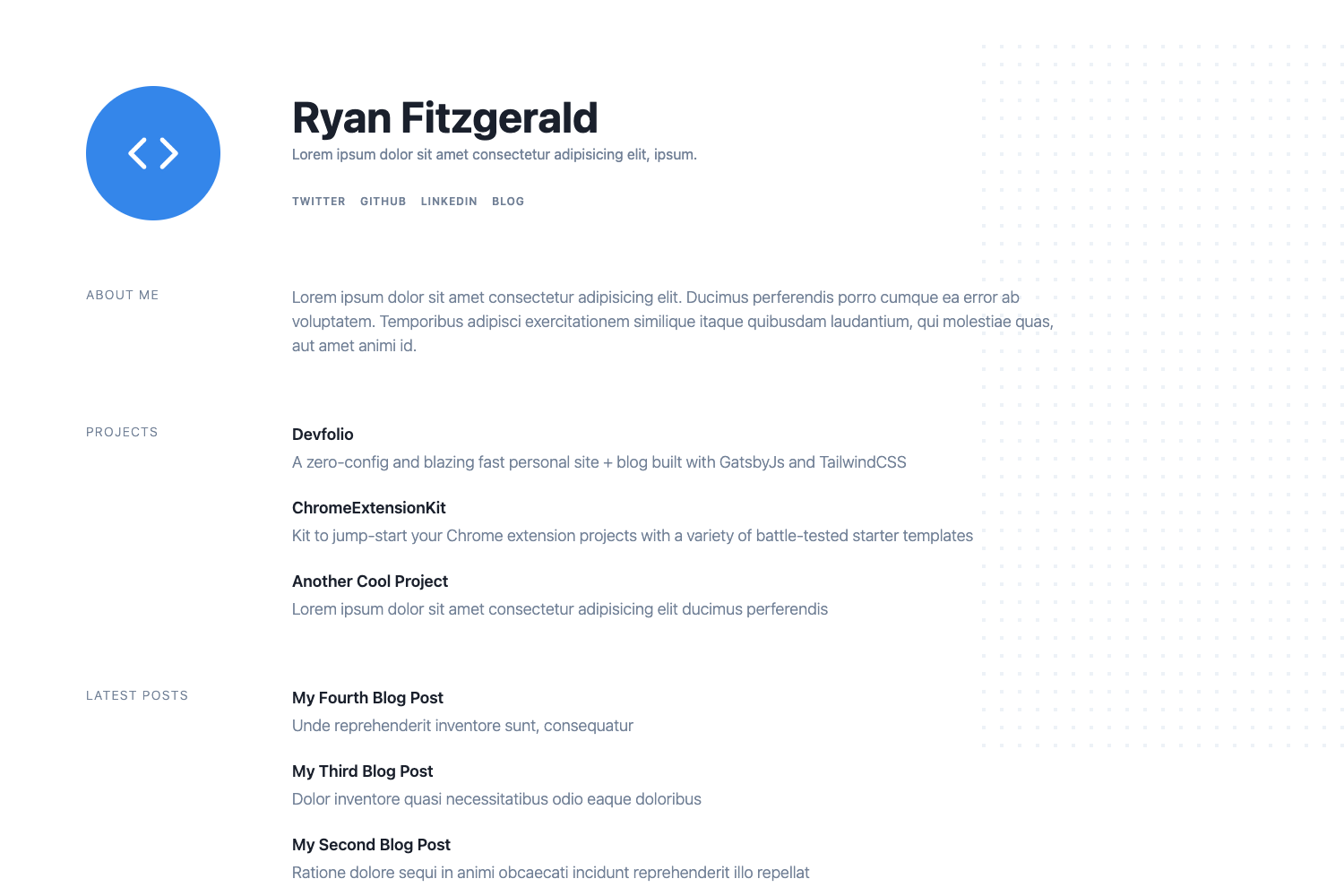
Astrolio is a one-page portfolio template for the Astro framework that turns a JSON Resume file into a printable, deployable personal website with a hotkey command palette.
What is Astrolio?
Astrolio is a static portfolio template built with Astro 5.17.x that takes a single JSON Resume file located at src/cv.json as input and renders a one-page portfolio website as output. The page includes a command palette, PDF export, and links to the resume's projects, publications, and websites. It was created by dakodonnell and is inspired by Bartosz Jarocki's JSON-based CV and Miguel Ángel Durán's minimalist-portfolio-json projects. The template ships with a sample CV and is licensed under MIT.
Key Features
- JSON Resume schema — Place your CV in
src/cv.jsonfollowing the official JSON Resume schema; the repo includes a sample CV for demo or editing. - Hotkey command palette — Open the quick-access menu on desktop with
Cmd+KorCtrl+K, or via a button on mobile, to trigger actions instantly. - PDF export — Use the command palette to export your entire portfolio as a PDF for printing or sharing.
- Resume link navigation — Jump directly to any project, publication, or external website link defined in the JSON Resume data.
- One-click deploy — Deploy to Netlify or Vercel using the buttons in the README; the repository even displays a Netlify deployment status badge.
- Lightweight Astro output — Astro's static generation produces a fast, zero-JavaScript-by-default one-page site.
- MIT license — The template is free to use, modify, and deploy for personal or commercial projects.
Who is it for?
- Developers and designers who want a code-based portfolio with no CMS or database setup, just JSON data.
- Job seekers who maintain a JSON Resume and want a polished one-page site that can also export to PDF for applications.
- Astro learners looking for a complete example of how to build a single-page site with Astro and structured data.
What can you do with Astrolio?
- Export your portfolio as a PDF from the command palette anytime.
- Navigate to a specific project or publication directly from the palette without scrolling the page.
- Deploy a live site to Netlify or Vercel in a couple of clicks using the provided deploy buttons.
How does Astrolio work?
- Ensure you have Node.js
v18.17.1orv20.3.0or later installed;v19is not supported. - Create a new project with
npm create astro@latest -- --template dakodonnell/astrolioor clone the template from GitHub. - Replace
src/cv.jsonwith your own JSON Resume; optional project attributes likeisActiveandGitHubare supported. - Run
npm run devand openhttp://localhost:4321to preview, then deploy to any static host.
FAQ
Does Astrolio require a specific Node.js version?
Yes, Astro requires Node.js v18.17.1 or v20.3.0 or later. Version v19 is not supported. You can check your installed version with the node -v command.
Is Astrolio free to use?
Yes, Astrolio is open source under the MIT license, so you can use, modify, and deploy it freely, including for commercial purposes. The README describes the license as "Go crazy."
Can Astrolio export my portfolio as a PDF?
Yes, the command palette includes an action to export your portfolio as a PDF. The palette is accessible via Cmd+K/Ctrl+K on desktop or a button on mobile.
What can I put in the projects section?
Each project entry in the JSON Resume data can include optional attributes such as isActive and GitHub to link the project card to an active repo or status, in addition to the standard resume fields.