Template details
Kross Jekyll
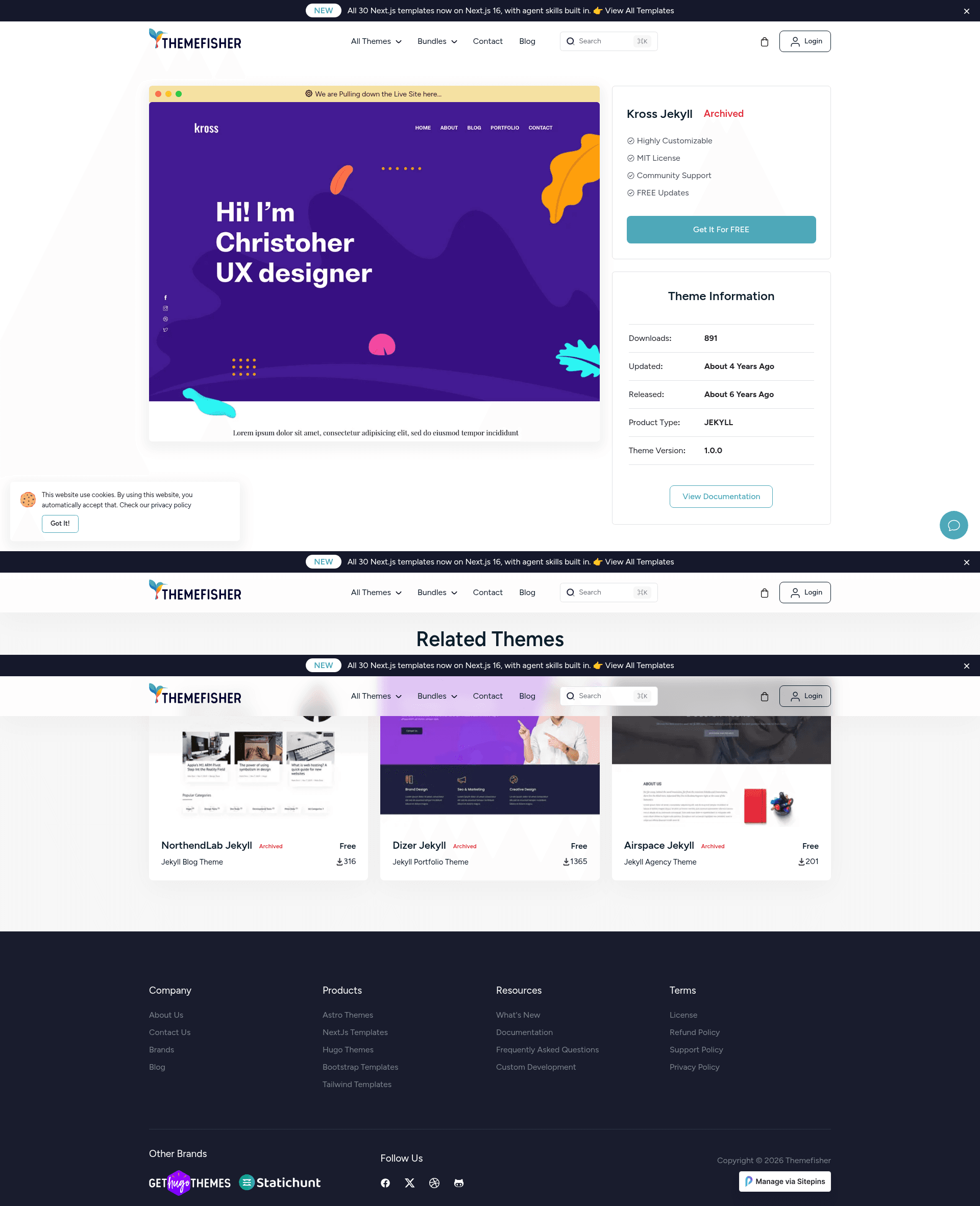
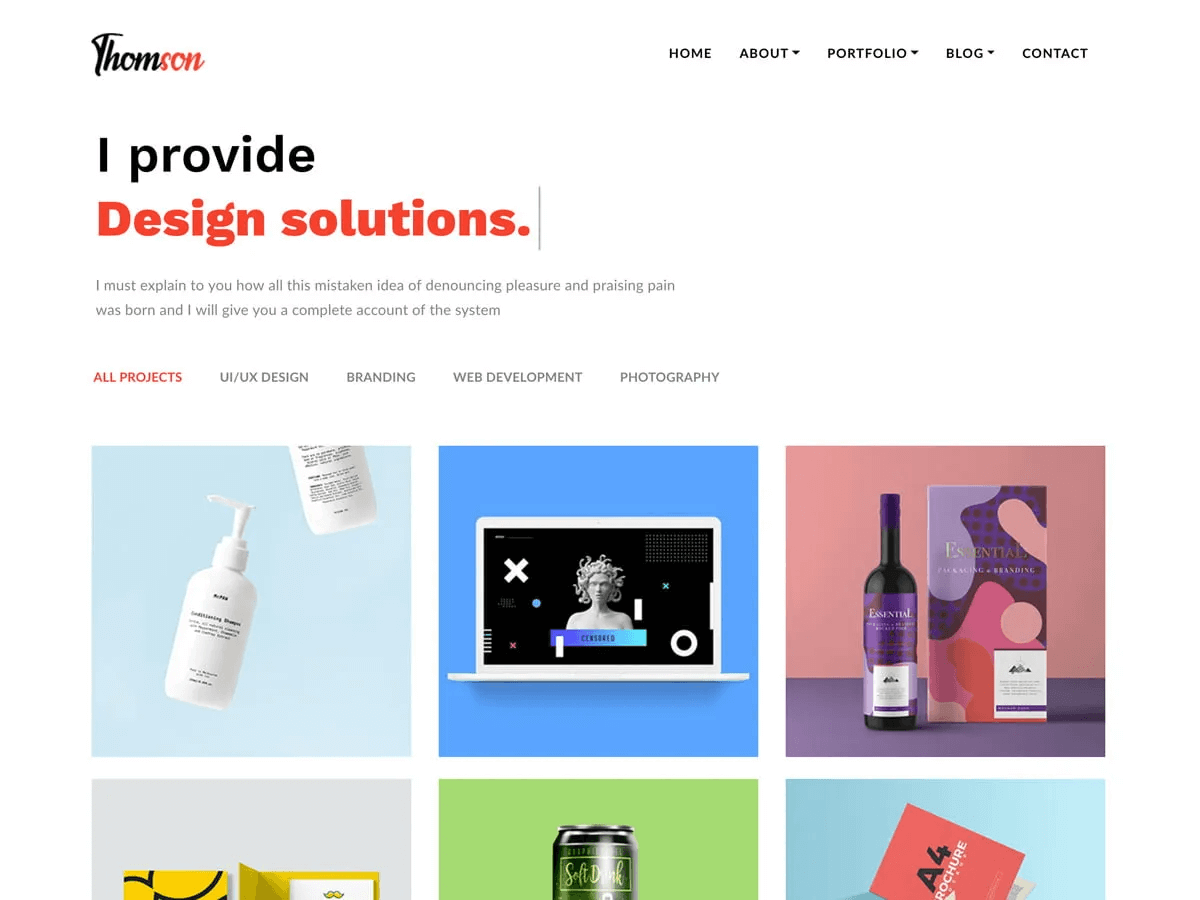
Kross is a creative portfolio theme for Jekyll, including blog, portfolio, and contact pages.
About this template
Kross Jekyll is an open-source Jekyll portfolio theme from Themefisher, ported from the Kross HTML Template, that packs a creative portfolio website into five pre-built pages: homepage, about, blog, portfolio, and contact.
What is Kross Jekyll?
Kross Jekyll is a static-site portfolio theme built on the Jekyll framework. It takes a repository of Jekyll files, YAML data files, and Markdown content as input and outputs a deployable HTML website suitable for hosting on GitHub Pages. The theme is developed and maintained by Themefisher, which also sells the original Kross HTML Template. It is distributed under the MIT license.
Key Features
- Jekyll-powered static site — Runs on the Jekyll static site generator, so the output is plain HTML and CSS with no server-side dependencies.
- Five ready-made pages — Includes homepage, about, blog, portfolio, and contact pages, each demonstrated in the live preview at http://demo.themefisher.com/kross.
- YAML-driven customization — All site content, including general settings, hero, about, team, skills, experience, education, services, portfolio, testimonials, client slider, and contact sections, is edited in
_data/settings.ymlwithout touching HTML or CSS. - Sitepins headless CMS integration — The repo is pre-configured with Sitepins, a Git-based CMS that lets you edit text, images, and configuration through a visual interface, accessible via the "Edit with Sitepins" button.
- GitHub Pages ready — After forking the repository, the site can go live immediately on a GitHub Pages URL like
https://yourusername.github.io/your-repo-name/. - Portfolio, blog, and contact sections — The theme includes content blocks for team, skills, experience, education, services, testimonials, and a client slider, covering an entire creative portfolio in one template.
- MIT licensed code — The code is free to use and modify under the MIT license; only the demonstration images carry their own licenses and are not permitted for redistribution.
Who is it for?
- Freelance designers and developers — Use the pre-built portfolio and contact pages to present their work and collect inquiries without building a site from scratch.
- Creative agencies — Use the team, services, and testimonials sections to showcase agency capabilities and client feedback on a static site.
- Jekyll users — Use the theme as a starting point and customize everything through YAML data files, or extend it with Jekyll plugins and layouts.
- GitHub Pages hobbyists — Fork the repo to get a free portfolio and blog hosted on GitHub Pages, editable through the Sitepins CMS.
What can you do with Kross Jekyll?
- Creative professionals: publish a portfolio with a hero, about, skills, experience, education, and portfolio gallery, all configured from
_data/settings.yml. - Bloggers: maintain a Jekyll blog within the same theme, with a dedicated blog page included in the template.
- Agencies: display team members, services, testimonials, and a client slider on a static site that loads quickly on any hosting.
- Non-technical site owners: edit content through the pre-configured Sitepins CMS instead of editing code, using the provided clone link to spin up the site.
How does Kross Jekyll work?
Start by forking the repository, which publishes the site to your GitHub Pages account automatically. To customize, edit _data/settings.yml to change general settings and all section content. For local development, run bundle install to install dependencies, then start a local server with jekyll serve or bundle exec jekyll serve.
Pricing
Kross Jekyll is free and open source under the MIT license. The code can be used and modified at no cost; only the bundled demonstration images are not freely redistributable.
FAQ
Is Kross Jekyll free?
Yes, the theme's code is released under the MIT license, so you can use, modify, and distribute it freely. The demo images included in the repository are for demonstration only and carry their own licenses, meaning you should replace them before going live.
How do I deploy Kross Jekyll?
The simplest way is to fork the repository and enable GitHub Pages for the forked repo. The site should then be available at a URL like https://yourusername.github.io/your-repo-name/. You can also run it locally using bundle exec jekyll serve.
Can I customize Kross Jekyll without coding?
Yes, most customization happens in _data/settings.yml, where you can update the theme name, logo, email, phone, address, and the content for every section. The template is also pre-configured with Sitepins, a headless CMS that provides a visual editing interface.
Does Kross Jekyll include a blog?
Yes, the theme includes a blog page alongside the homepage, about, portfolio, and contact pages. You can add standard Jekyll posts as Markdown files and they will appear in the blog section.
What is Sitepins?
Sitepins is a Git-based headless CMS that this template is pre-configured to use. By clicking the "Edit with Sitepins" button, you can clone the repository into Sitepins and edit your website's text, images, and configuration through a visual editor without writing code.