Template details
Prasad
Complete Jekyll theme for developer portfolios and blogs, forked from Affiliate Jekyll theme.
About this template
Prasad is a complete Jekyll theme built for developers who want a combined portfolio and blog, forked from the Affiliate Jekyll theme and released under the MIT license.
What is Prasad?
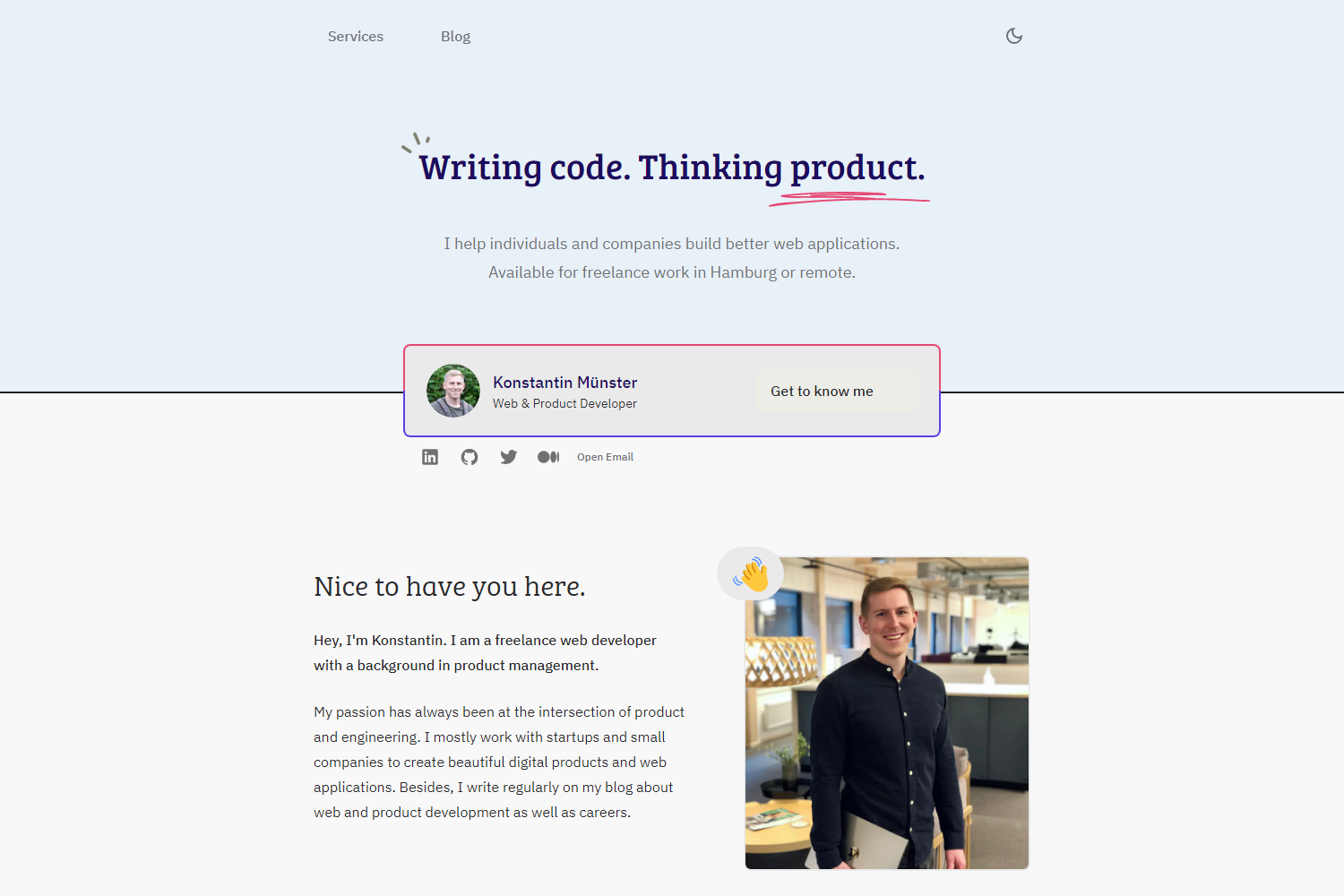
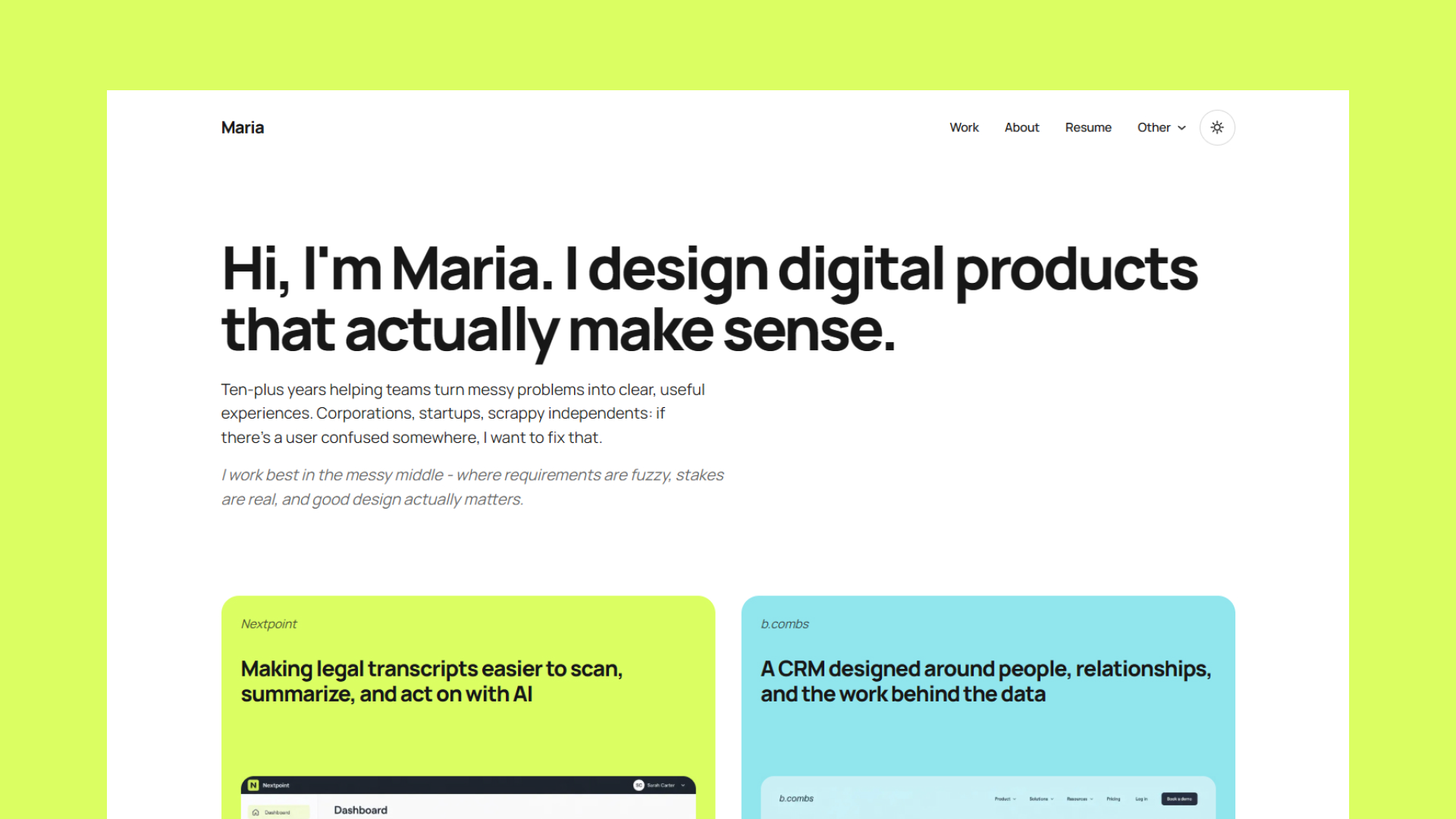
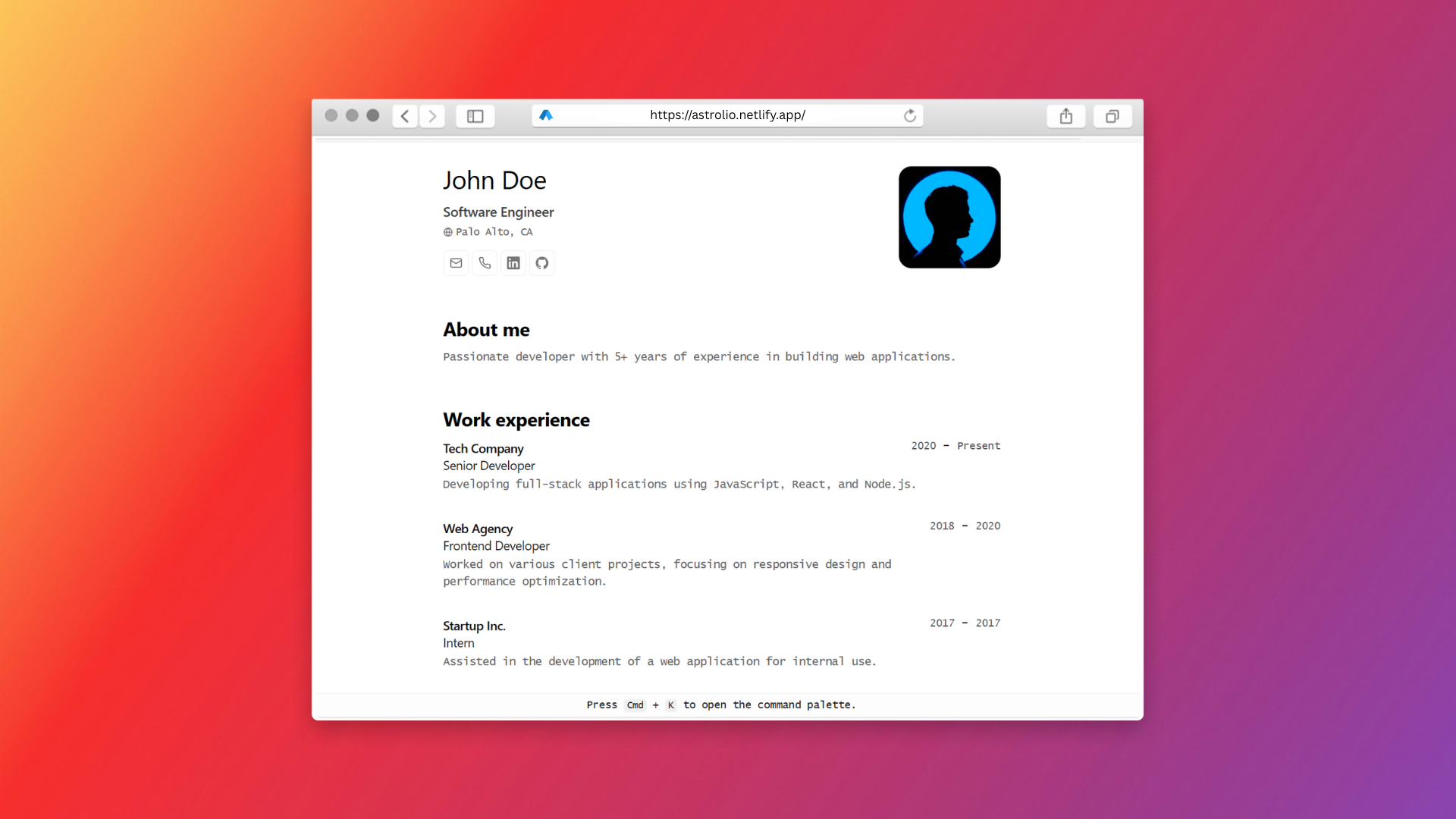
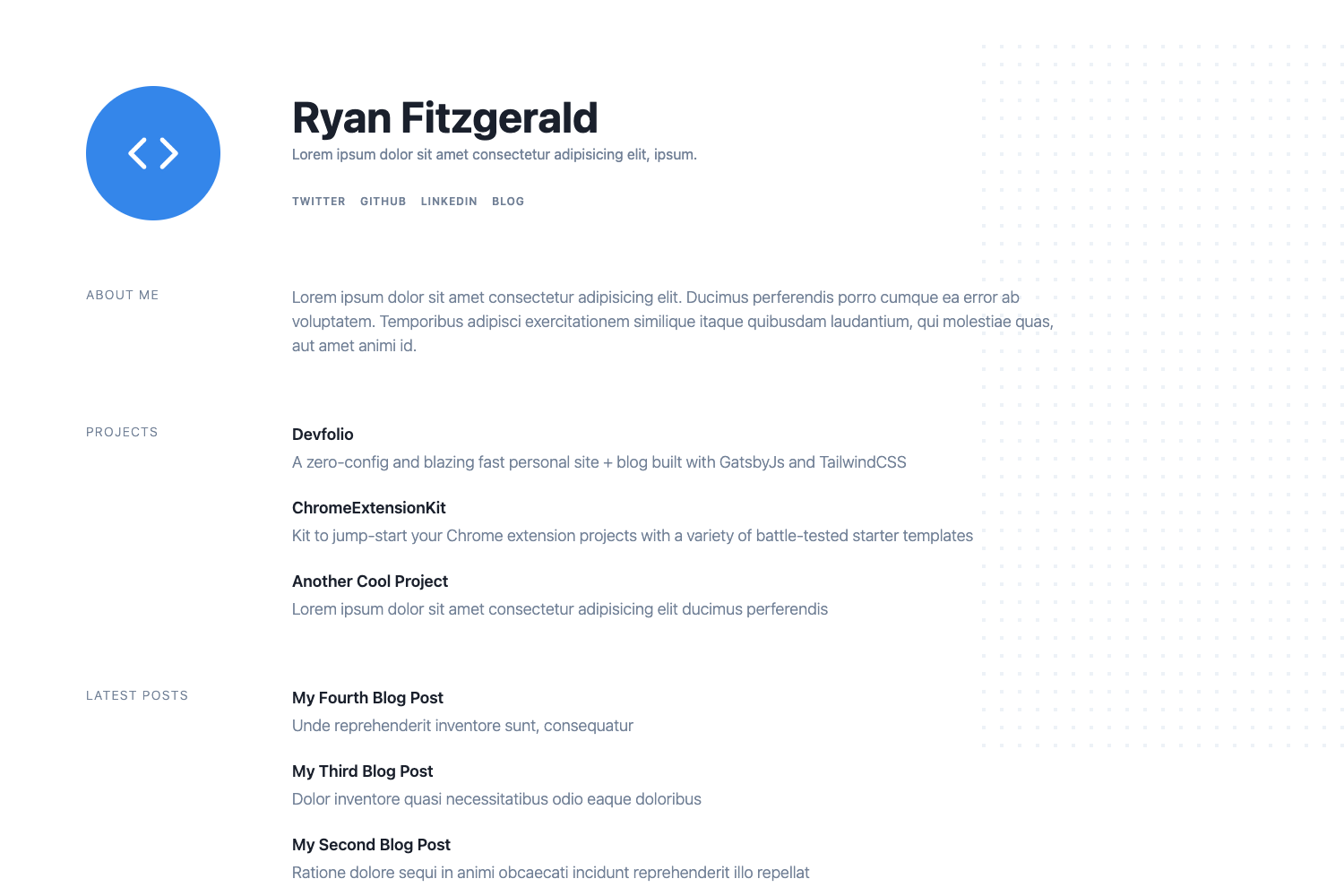
Prasad is a Jekyll theme designed specifically for developer portfolios and blogs. It is forked from the Affiliate Jekyll theme, which gives it a base of layouts and styles adapted for developer use. The theme is maintained by cdrrazan, the developer behind the live site at cdrrazan.com, and is distributed as an open-source project on GitHub. It takes standard Jekyll content written in Markdown and generates a static website with portfolio and blog sections, as showcased in the demo at prasad.cdrrazan.com.
Key Features
- Portfolio and blog combined — The theme is explicitly built for two content purposes: showcasing a developer's projects and publishing blog posts, so it includes structures for both.
- Fork of Affiliate Jekyll theme — Starting from the Affiliate Jekyll theme, Prasad extends that foundation with its own templates and assets for developer-oriented content.
- Jekyll static site generation — As a Jekyll theme, it converts Markdown and Liquid templates into static HTML, requiring no database and enabling hosting on any static host.
- MIT License — The theme is free to use, modify, and redistribute under the permissive MIT license, with the license file in the repository.
- Live demo and documentation — A working demo is hosted at prasad.cdrrazan.com, and the demo includes a theme-setup page at /theme-setup that documents configuration steps.
Who is it for?
- Developer freelancers who need a simple site to display their portfolio pieces and write technical blog posts without running a CMS.
- Open-source maintainers who want a quick personal homepage using Jekyll, leveraging the theme's ready-made structure.
- Technical bloggers who want a clean layout for code-focused articles, based on the Affiliate theme's design.
- Jekyll beginners who can study the source code to learn how a complete theme is organized and customized.
What can you do with Prasad?
- Showcase projects: Create portfolio pages that present your coding projects in a structured layout.
- Write a developer blog: Publish Markdown posts that render into a blog section, exactly as the demo site demonstrates.
- Run your personal homepage: Use Prasad to run a live site like cdrrazan.com, which is built with this theme.
- Learn and customize: Fork the repository on GitHub and modify theme files, using the theme-setup documentation for configuration guidance.
How does Prasad work?
Prasad works like any standard Jekyll theme: you install the theme, create content files in Markdown, and run Jekyll to build the static site. The demo's theme-setup page documents the setup steps, and the repository contains the required files such as layouts, includes, and assets. Because it is forked from Affiliate Jekyll, the file structure follows that theme's conventions.
Pricing
Prasad is free and open-source under the MIT License. There are no paid tiers or premium features; you can download, use, and modify it without cost.
FAQ
Is Prasad free to use?
Yes, Prasad is released under the MIT License, which allows free use, modification, and distribution. The license file is included in the GitHub repository.
What is Prasad forked from?
Prasad is forked from the Affiliate Jekyll theme, an existing open-source Jekyll theme, and is adapted for developer portfolios and blogs.
Where can I see a live demo of Prasad?
The demo is hosted at prasad.cdrrazan.com, and the theme's own live site is cdrrazan.com. The demo also includes a theme-setup page for documentation.
Does Prasad work with GitHub Pages?
Because it is a standard Jekyll theme, it is compatible with GitHub Pages, which natively builds Jekyll sites. You can use it by adding the theme to your site's configuration.