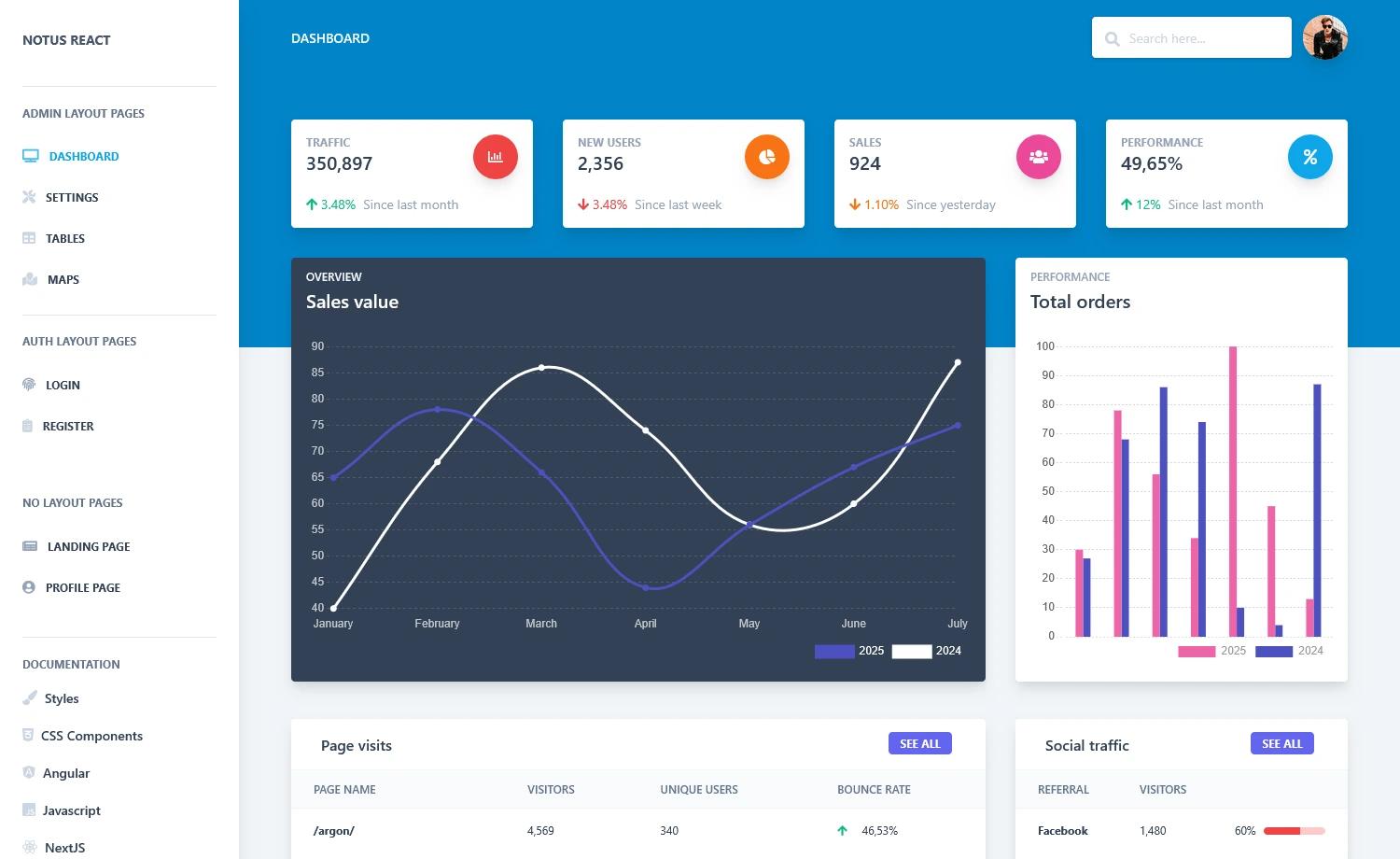
Template details
Aurora – Free Material UI Admin & WebApp Template
Free Material UI admin dashboard template built with React and Vite, featuring a multipage layout and fully responsive design.
About this template
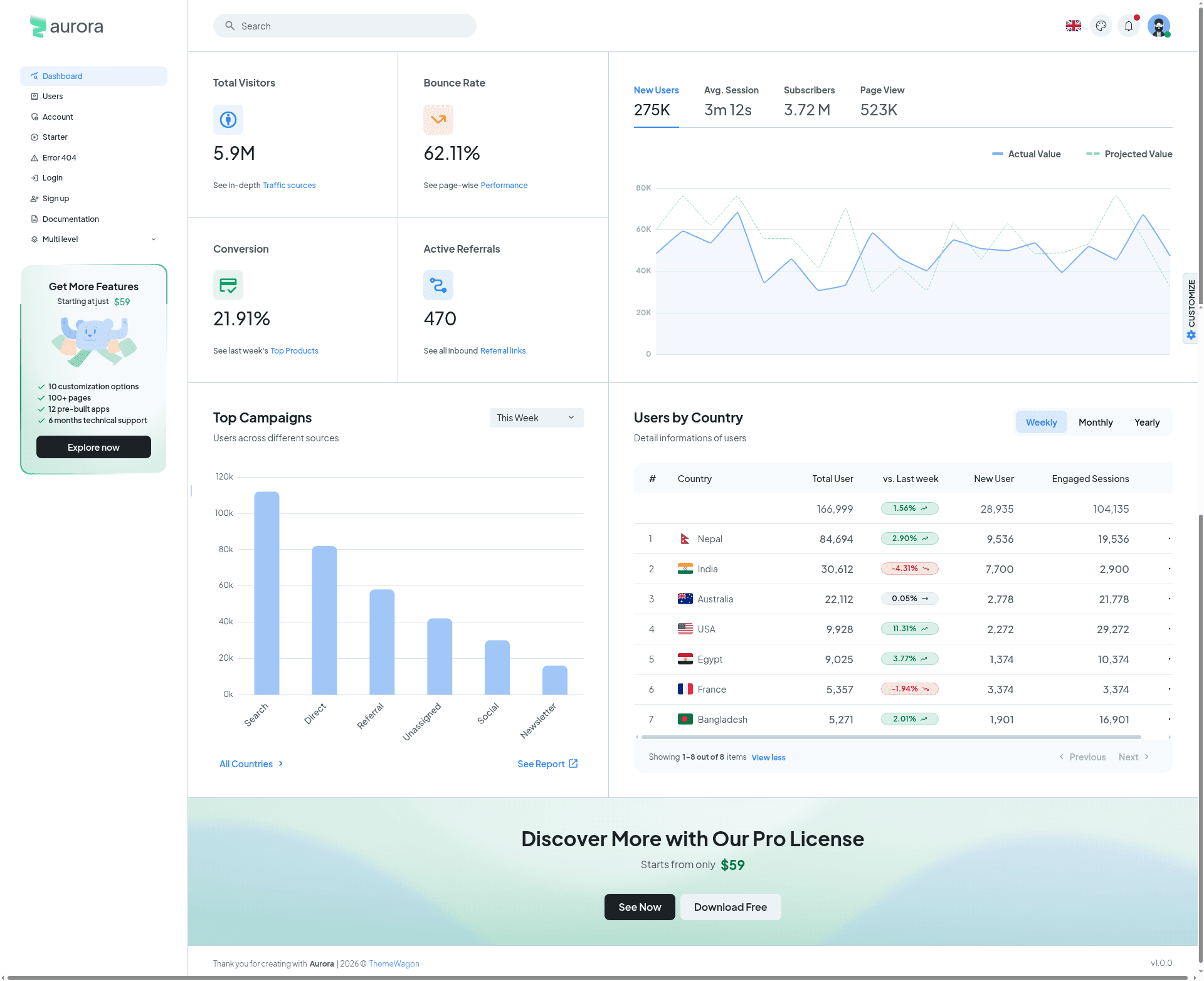
Aurora is a free Material UI admin and web app dashboard template built with React and Vite, offering seven pre-built pages and a fully responsive interface for managing web applications.
What is Aurora?
Aurora is a free admin dashboard template created by ThemeWagon, designed to give developers a starting point for building Material Design–based web admin panels. It ships as a React and Vite project that you clone, install, and run locally; the output is a clean, modern dashboard with pages for core admin tasks such as user management, account settings, authentication, and error handling.
Key Features
- React + Vite build — A modern development setup with instant hot reload; run
npm run devto start andnpm run buildto produce a production bundle. - Material UI components — Uses Google's Material Design system for buttons, forms, navigation, and layout components, keeping the UI consistent and accessible.
- Seven multipage routes — Includes Dashboards, Users, Account, Starter, Error 404, Login, and Sign up pages; all pages are included in the free download.
- Fully responsive layout — Adapts from large desktop monitors to mobile screens without extra configuration.
- Preloader and hover effects — Built-in loading state and on-hover interactions polish the user experience.
- Cross-browser support — Verified to run on Chrome, Edge, Firefox, Safari, Opera, Android, and iOS devices.
- Open-source license — Free to use in commercial projects, with lifetime free updates.
Who is it for?
Aurora is aimed at front-end developers and startups who need to ship an admin panel quickly. Developers can use it as a base to build custom dashboards, product teams can use it to prototype internal tools, and agencies can adapt it for client web apps that need a Material Design look.
What can you do with Aurora?
- Front-end developers: Build a feature-rich admin dashboard by extending the included pages with your own API calls and components.
- Startup founders: Get a polished UI for a web app without hiring a designer, using the prebuilt login, sign-up, and user management pages.
- UI/UX designers: Use the Starter page and Material UI components as a sandbox for experimenting with layouts and interactions.
- Agency developers: Reuse Aurora as a white-label template for multiple client projects, taking advantage of its commercial-use license.
How does Aurora work?
After downloading and unzipping the package, you'll need Node.js v20.x.x or newer. Run npm i to install dependencies, then npm run dev to launch the development server and open http://localhost:5005 to preview the template. npm run build creates an optimized production build.
Pricing
Aurora is free to download. The license permits use in commercial projects and includes lifetime free updates. There is no paid tier mentioned on the template page.
FAQ
Is Aurora free?
Yes, Aurora is free to download and use, including in commercial projects. The template is open source and comes with lifetime free updates from ThemeWagon.
What front-end stack does Aurora use?
Aurora is built with React and Vite, using Material UI for the component library. It also lists Next.js as a compatible framework in the template metadata.
What Node.js version is required?
The getting started guide recommends Node.js v20.x.x. After installing dependencies with npm i, you can run npm run dev to start the development server.
Which pages are included in Aurora?
Aurora includes seven pages: a main Dashboards view, Users, Account, Starter, Error 404, Login, and Sign up. All pages are responsive and included in the free download.
How do I preview Aurora locally?
Unzip the downloaded package, run npm i, then npm run dev. Open http://localhost:5005 in your browser to see the template running. Use npm run build to generate a production build.