Template details
Black Dashboard React
Free Bootstrap 4, React, and Reactstrap admin dashboard with dark/light modes, 16+ components, and example pages.
About this template
Black Dashboard React is a free admin dashboard template by Creative Tim, built with Bootstrap 4, React, Reactstrap, and create-react-app, that gives you a dark-themed UI toolkit for building data-heavy business interfaces.
What is Black Dashboard React?
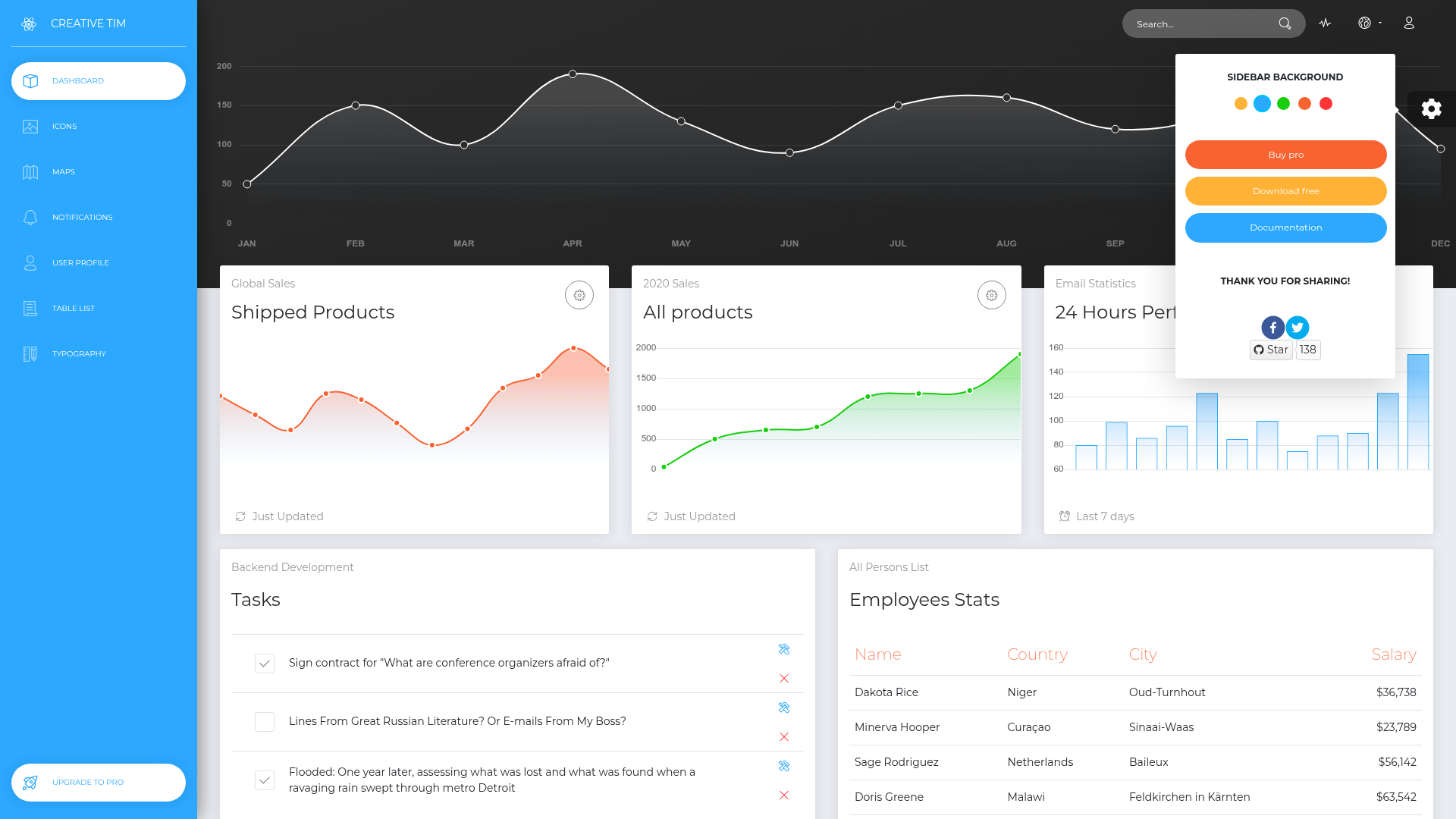
Black Dashboard React is a free admin dashboard template created by Creative Tim. It takes your business data and renders it through ready-made pages such as a dashboard, user profile, table list, maps, notifications, typography, icons, and an RTL layout, producing a complete React application that runs in the browser. The template is built on Bootstrap 4 with Reactstrap components and uses create-react-app as the project foundation, so it requires no separate build tooling setup.
Key Features
- Dark and Light Mode — Ships with two complete color themes that you can toggle directly in the demo, no extra build step needed.
- More than 16 individual components — Includes cards, tables, notifications, maps, typography, and icon elements, each accepting color variations that you can adjust through SASS files.
- Bootstrap 4 and Reactstrap — The UI layer uses Bootstrap 4's grid and components through Reactstrap, so responsive layout behavior follows Bootstrap's standard breakpoints.
- Example pages included — The download contains working examples for Dashboard, User Profile, Table List, Maps, Notifications, Typography, Icons, and RTL pages, with routes defined in src/routes.js.
- Chart.js integration — Charts are implemented with Chart.js using the react-chartjs-2 wrapper, and all chart configuration lives in src/variables/charts.js.
- Perfect Scrollbar — Custom Windows-style scrollbars are provided via the Perfect Scrollbar plugin, improving the look of scrollable regions.
- RTL layout support — A separate right-to-left layout is included for Arabic and Hebrew interfaces, alongside the default left-to-right admin layout.
- One-click deployment to Genezio — The repository includes a deploy button that lets you launch your own version on Genezio without configuring a build pipeline.
Who is it for?
Black Dashboard React is aimed at developers and teams that need a polished admin front end without building UI components from scratch. React developers can use it as a starting point for internal tools, SaaS dashboards, or analytics interfaces. Product teams can replace the sample data with their own metrics to demonstrate a working dashboard. It also suits Creative Tim users already familiar with Bootstrap who want a dark theme variant of the classic dashboard design.
What can you do with Black Dashboard React?
- Developers: Build a custom admin panel by reusing the component templates and then changing the color scheme via SASS variables.
- Startups: Deploy the template to Genezio with one click to publish a functional dashboard demo for clients or investors.
- Designers: Use the dark and light theme toggle to present both color versions of a product UI during design reviews.
How does Black Dashboard React work?
Quick start options are to clone the GitHub repository, download the zip archive from GitHub, or download the package from Creative Tim. The project follows the standard create-react-app structure: components live in src/components (Sidebar, Navbars, Footer, FixedPlugin), layouts in src/layouts (Admin and RTL), and page views in src/views. The documentation is bundled in the download as Documentation/documentation.html and also hosted on the demo site.
Pricing
Black Dashboard React is free to download and use. It is released under the MIT license, so both personal and commercial use are allowed without a paid license.
FAQ
Is Black Dashboard React free?
Yes, Black Dashboard React is free and MIT-licensed. You can download it from GitHub or Creative Tim and use it in personal and commercial projects without paying a license fee.
What technologies does Black Dashboard React use?
It uses Bootstrap 4, React, Reactstrap, and create-react-app. Charts are rendered with Chart.js through react-chartjs-2, and Perfect Scrollbar handles custom scrollbars.
Does Black Dashboard React include dark and light modes?
Yes, it ships with both a Dark Mode and a Light Mode. The demo includes a fixed plugin in the corner that lets you switch between the two themes instantly.
What example pages are included?
The template includes example pages for a dashboard, user profile, table list, maps, notifications, typography, icons, and a right-to-left (RTL) layout. All of them are visible in the live demo.
Which browsers does Black Dashboard React support?
The project officially aims to support the last two versions of Chrome, Firefox, Edge, Safari, and Opera.