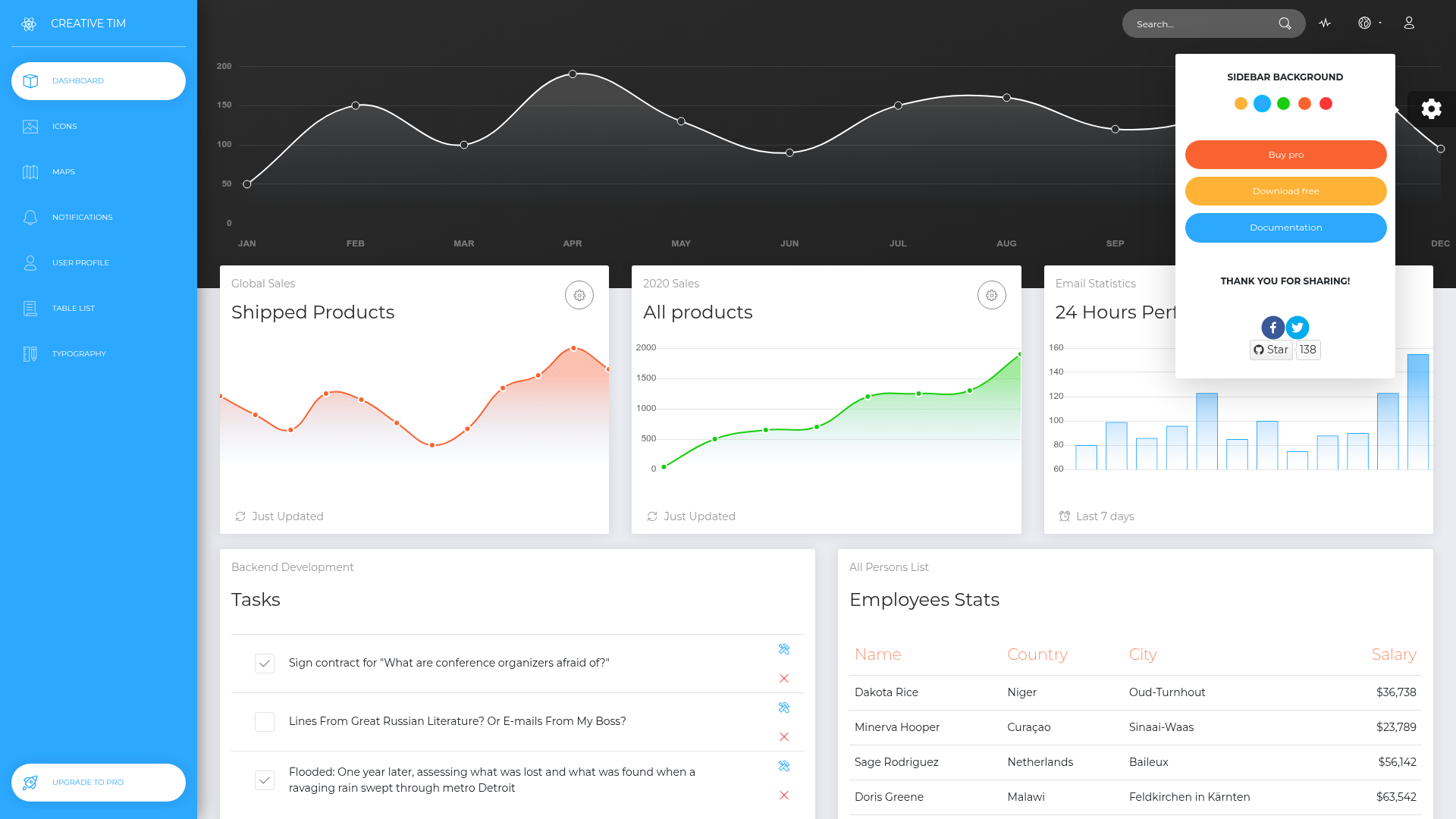
Template details
NextJS Argon Dashboard
Free MIT-licensed admin dashboard template built on Next.js, Bootstrap 4, React and Reactstrap with prebuilt pages and 100+ components.
About this template
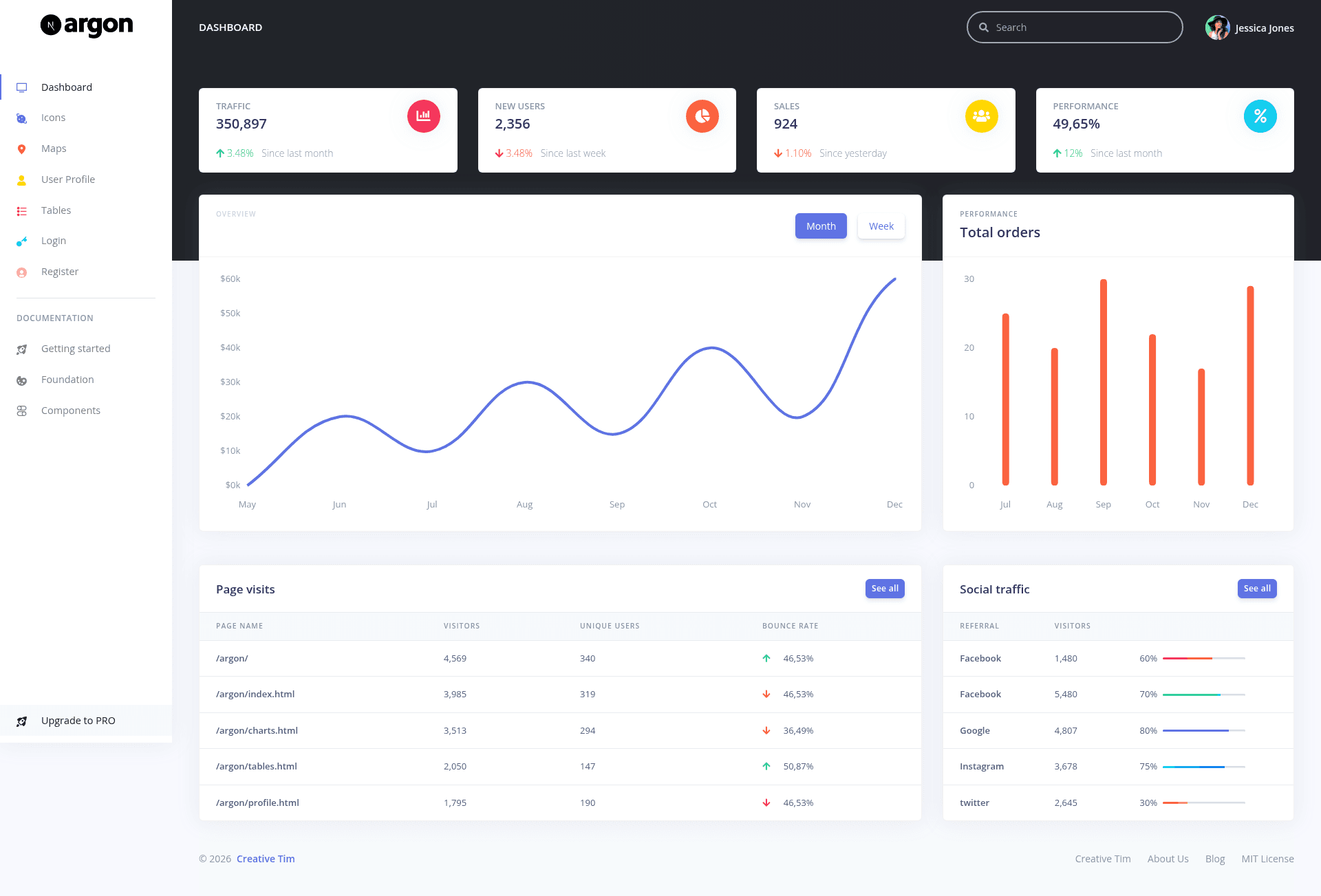
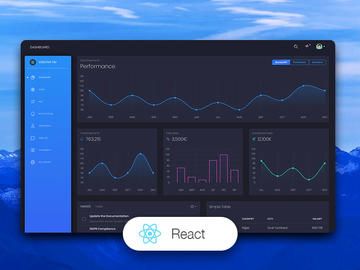
NextJS Argon Dashboard is a free, open-source admin dashboard template from Creative Tim, built on Next.js, Bootstrap 4, React, and Reactstrap, that gives developers a complete set of pages and components for launching administration interfaces.
What is NextJS Argon Dashboard?
This is a free, MIT-licensed admin dashboard template from Creative Tim that runs on Next.js with Bootstrap 4 styling. It takes a starting React project and provides fully coded pages, layouts, and components as output, including separate admin and authentication areas. Version 1.1.0 is distributed through npm, Bower, GitHub, and the Creative Tim website.
Key Features
- Prebuilt admin pages — Includes pages/admin/dashboard.js, profile.js, tables.js, maps.js, and icons.js, plus pages/auth/login.js and register.js, a 404 page, and an index landing page.
- Over 100 coded components — Alerts, avatars, badges, buttons, cards, charts, dropdowns, forms, modals, navbars, paginations, popovers, progress bars, tables, and more, each with color, hover, and focus states editable through SASS files.
- Two layout systems — layouts/Admin.js and layouts/Auth.js separate the admin and authentication areas; components include headers, footers, navbars, a sidebar, and a PageChange loader.
- SASS-based theming — assets/scss contains argon-dashboard custom styles and react-specific overrides, allowing global colors and component variants to be modified via SASS variables.
- Chart-ready structure — variables/charts.js centralizes chart configuration for the dashboard page.
- Documentation — A dedicated learning lab covers overview, components (e.g., alerts), and foundation (e.g., colors) specifically for this Argon Dashboard Next.js version.
- Multiple installation paths — Install via npm (npm i nextjs-argon-dashboard), Bower, direct download from GitHub or Creative Tim, or git clone.
Who should use NextJS Argon Dashboard?
- Developers building admin panels who need a starting point with routing, layouts, and authentication pages already wired together.
- Freelancers and agencies prototyping client dashboards who want prebuilt example pages to show and customize quickly.
- Next.js learners who want a reference implementation combining Next.js, Bootstrap 4, and Reactstrap in a real project structure.
What can you do with it?
- Product teams: Set up an admin dashboard with login, registration, profile, tables, and maps pages without building components from scratch.
- Designers: Use the documented SASS files and component states to re-skin the dashboard to match a client brand.
- Educators and learners: Inspect the file structure to see how Next.js pages, layouts, and components split across a modern React app.
Pricing
Free and open source under the MIT license. Creative Tim also sells a NextJS Argon Dashboard PRO version with additional pages and features.
FAQ
Is NextJS Argon Dashboard free?
Yes, it is free and released under the MIT license, so you can use it in commercial projects without paying license fees. The source code is available on GitHub.
How do I install NextJS Argon Dashboard?
Install it with npm (npm i nextjs-argon-dashboard), Bower (bower install nextjs-argon-dashboard), download the zip from GitHub or Creative Tim, or clone the repository with git.
Which browsers are supported?
The project officially supports the last two versions of Chrome, Firefox, Edge, Safari, and Opera, as stated in the README.
Does the template include example pages?
Yes — the pages directory contains admin/dashboard, admin/profile, admin/tables, admin/maps, admin/icons, auth/login, auth/register, plus 404 and index pages.