Template details
Awake Nuxt Blog
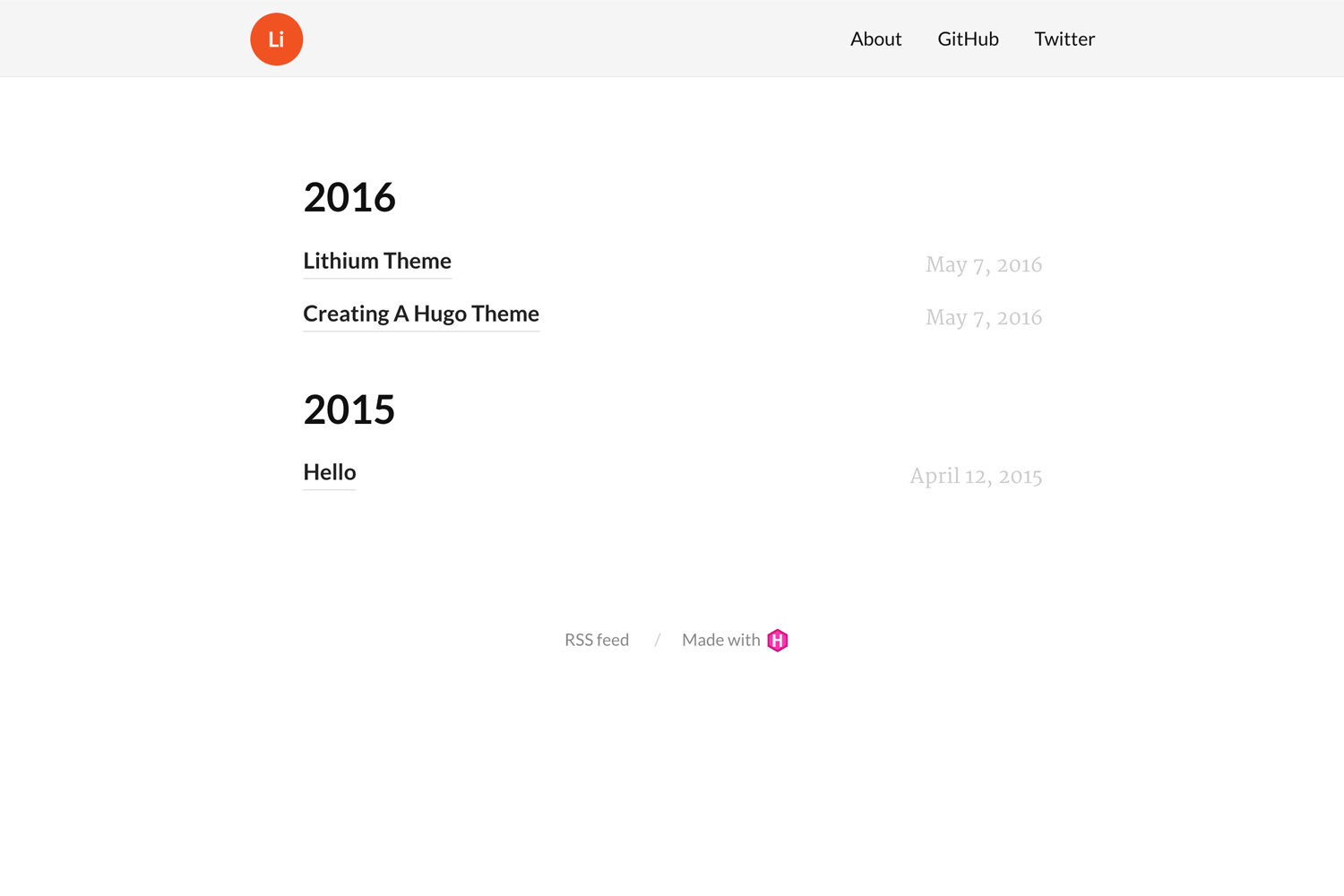
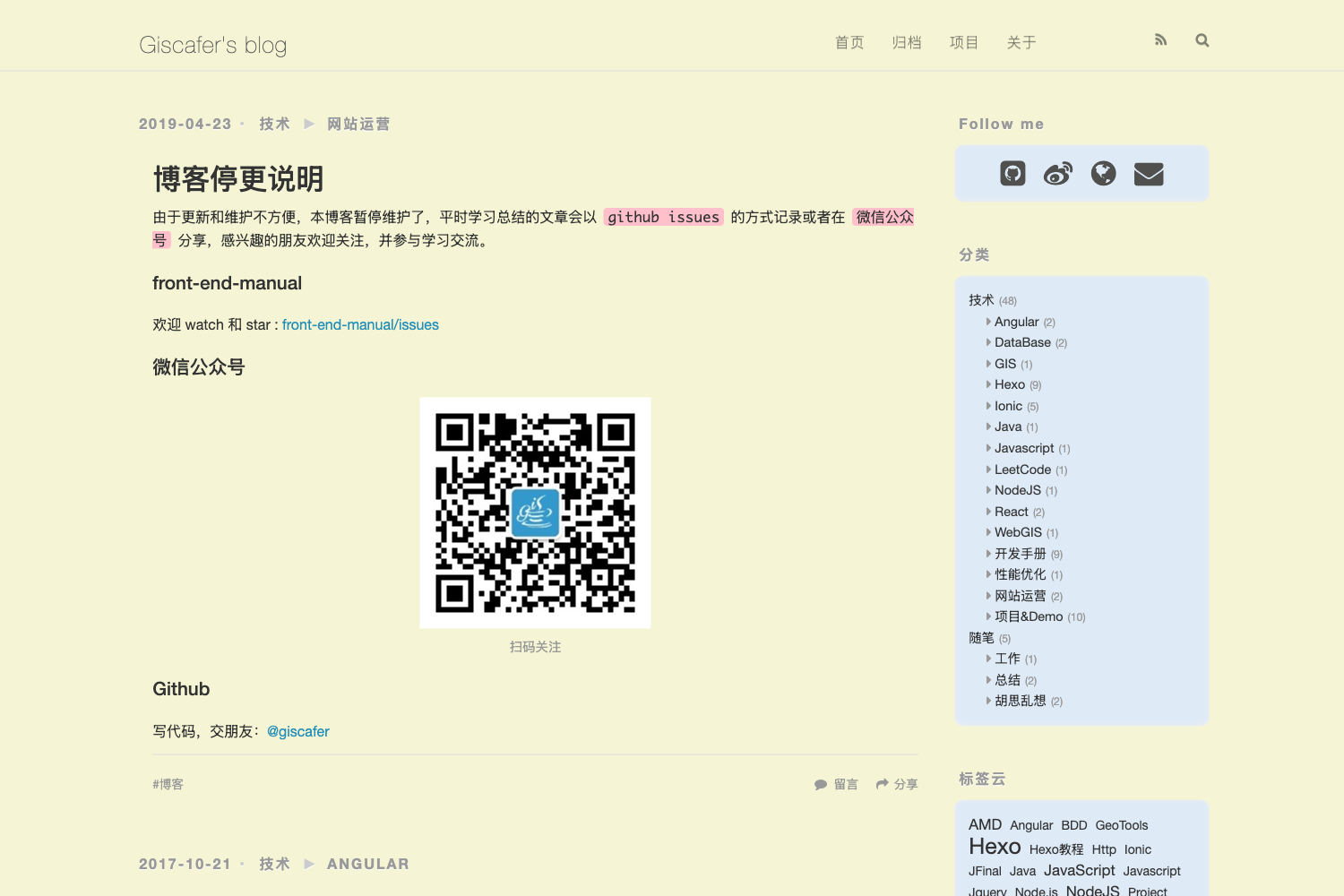
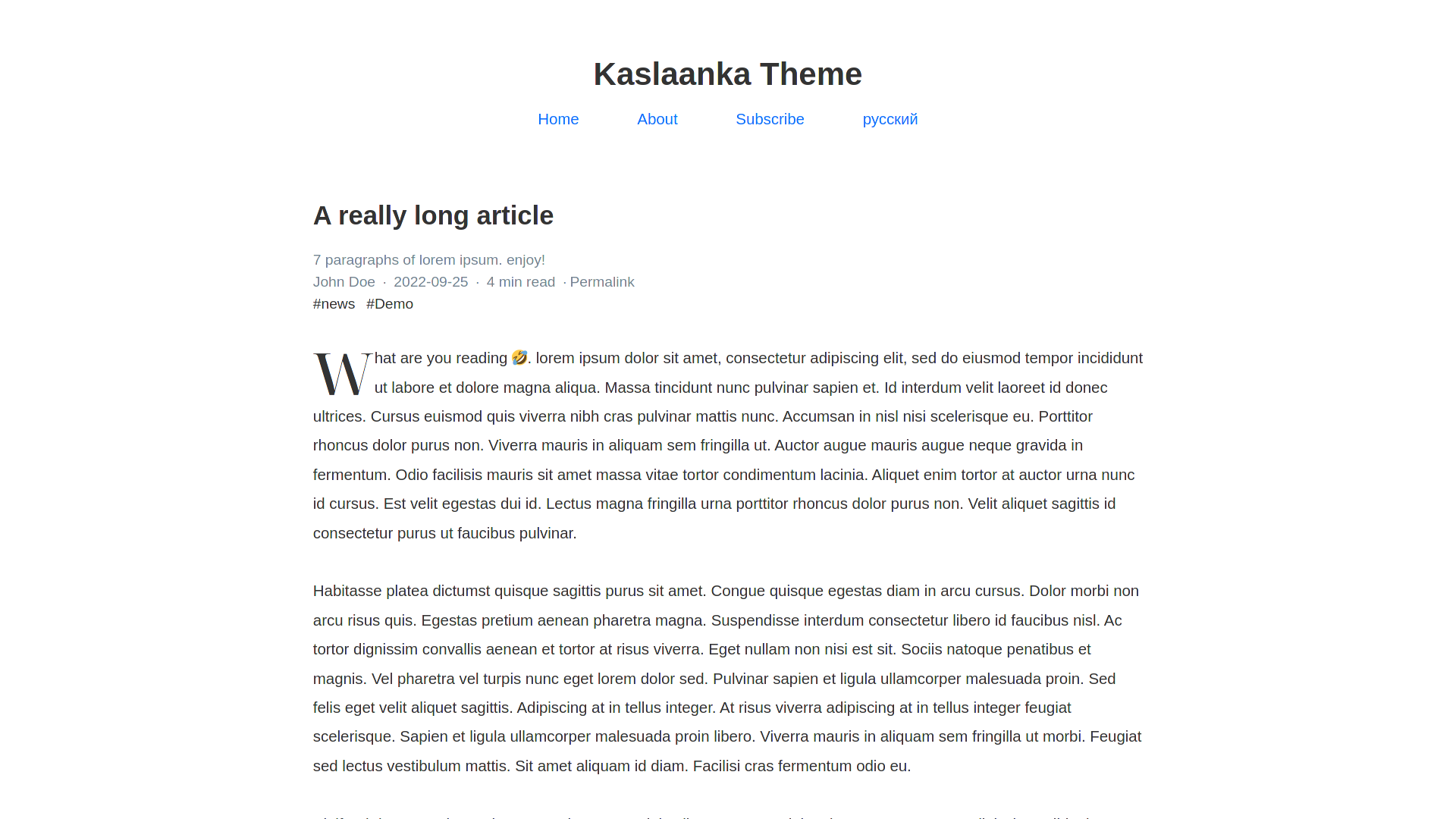
A Nuxt.js static site template with a blog, featuring Netlify CMS, site search, Disqus comments, and Mailchimp integration.
About this template
Awake is a Nuxt.js template for generating a statically built blog site that deploys directly to Netlify and uses Netlify CMS for content editing.
What is Awake?
Awake is a Nuxt.js template for generating a statically built blog site that deploys directly to Netlify and uses Netlify CMS for content editing. It takes Markdown content stored in a Git repository and outputs a static site with a blog, built-in site search, and a statically generated API for posts and categories. The template is developed by Daniel Kelly and is available as an open-source repository on GitHub.
Key Features
- Bulma CSS with PurgeCSS — The template uses the Bulma CSS framework and purges unused CSS via PurgeCSS to keep the generated stylesheets small.
- Site search — A built-in search feature is included, working against the statically generated content index.
- Statically generated API — Posts and categories are exposed as static JSON/API endpoints that can be consumed by components, eliminating the need for a server.
- Disqus comments — Disqus-powered comments are integrated into the blog layout, with the Disqus shortname configured in the site config file.
- Mailchimp newsletter — A newsletter signup form is wired to Mailchimp, with the API key and list ID set via environment variables in the site config.
- Netlify CMS integration — An isolated Netlify CMS driver is included so content can be edited at /admin; the driver is designed to allow swapping to other headless CMS providers in the future.
- Responsive images — Images are automatically resized for different screen sizes and given srcset attributes, reducing page weight on mobile.
- Environment variable support — Site configuration in /config/_siteConfig.js can reference environment variables (e.g., process.env.GOOGLE_ANALYTICS_ID) so settings can be managed from the Netlify dashboard.
Who is it for?
- Developers who want a Nuxt.js blog starter — They can clone the repository, run npm install and npm run dev, and start building with a working blog out of the box.
- Content editors and site owners — They can manage posts and categories through the Netlify CMS admin interface after setting up Netlify Identity and Git Gateway.
- Teams deploying static sites on Netlify — The one-click Deploy to Netlify button and environment-variable configuration make it easy to spin up a blog without manual server setup.
What can you do with Awake?
- Launch a blog quickly — Use the Deploy to Netlify button to get a live site, then customize the site name, layout, Disqus, and Mailchimp settings in the config file.
- Edit content visually — Navigate to /admin on your deployed site to write and publish posts and categories through Netlify CMS, with changes committed to the git repository automatically.
- Configure analytics and integrations — Set the Google Analytics ID as an environment variable in the Netlify UI to enable analytics without editing code.
How does Awake work?
The template is designed with a straightforward workflow. First, you deploy it to Netlify using the provided deploy button, which clones the GitHub repository and connects it to Netlify. Next, you configure site-wide settings in /config/_siteConfig.js, optionally referencing environment variables. For content editing, set up Netlify Identity and enable Git Gateway in the Netlify admin, then access /admin. For local development, install Node.js, clone the repo, run npm install, and start the development server with npm run dev.
Pricing
Awake is a free, open-source template hosted on GitHub. You only pay for the hosting and services you choose to connect, such as Netlify, Disqus, or Mailchimp.