Template details
brume
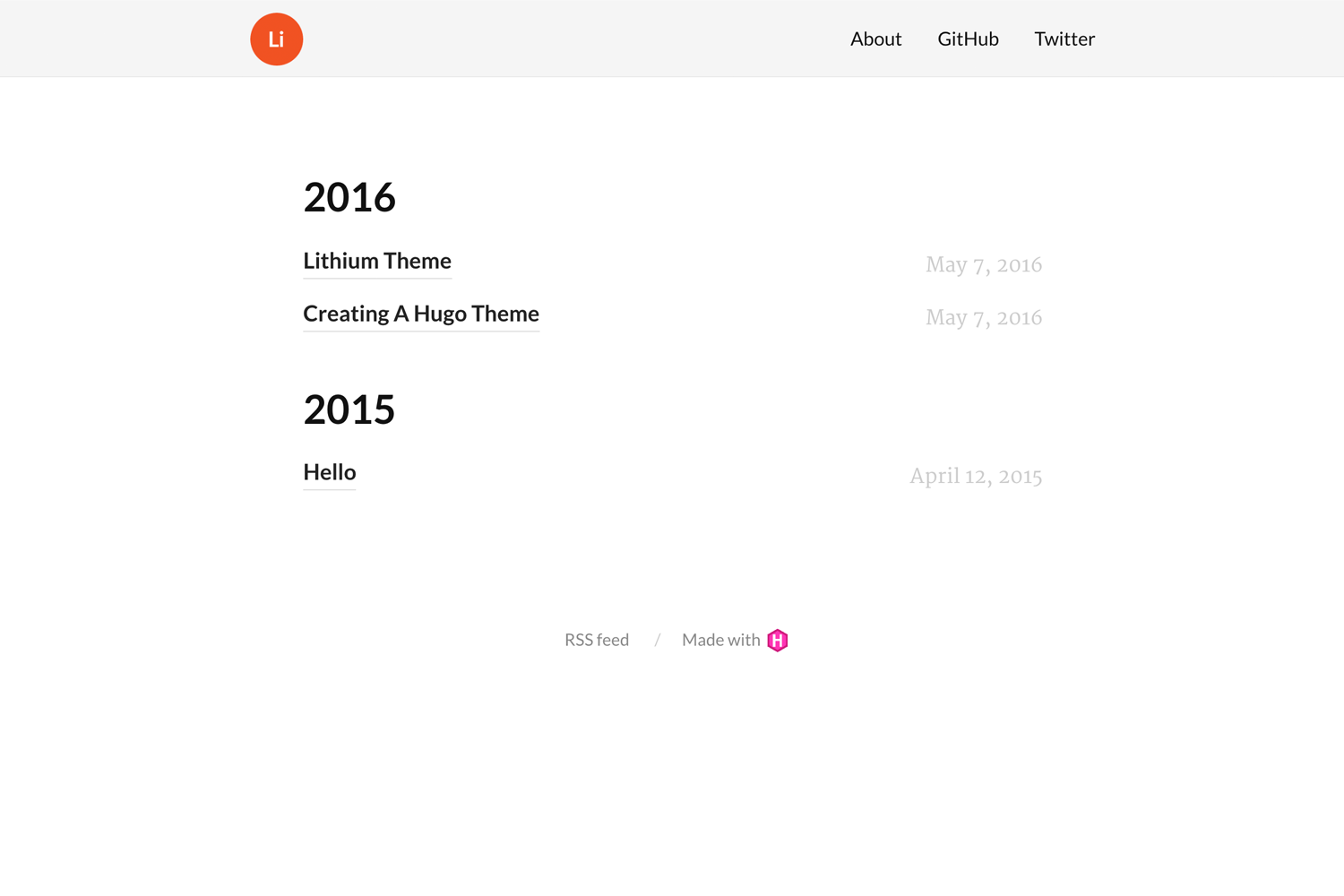
Clean and simple Jekyll blog theme with a year-grouped post index, single-post layout, and customizable color schemes.
About this template
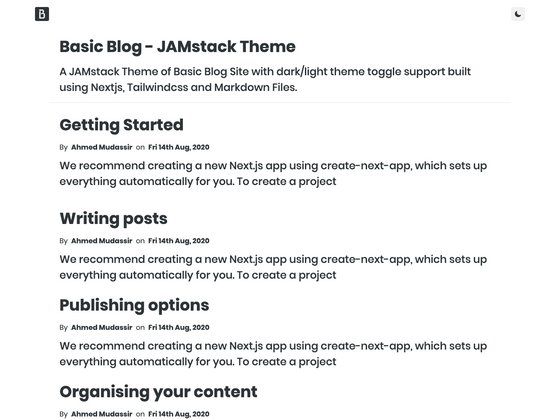
Brume is a minimal Jekyll blog theme by aigarsdz that groups all blog posts by year on the home page and provides a clean single-post layout plus a generic page layout for static content.
What is brume?
Brume is a clean and simple Jekyll theme designed for blogging. It takes your Markdown or HTML posts and renders a home page that lists posts divided by year, a single post page, and additional pages via a shared page layout. The theme is built by developer aigarsdz and distributed as a standard Jekyll theme, installable through the normal Jekyll theme installation workflow.
Key Features
- Year-grouped home page — the index page automatically lists every blog post, sorted and divided by year, so readers can browse archives chronologically.
- Single post layout — a dedicated layout for individual posts that displays the post content with clean, readable typography.
- Generic page layout — a reusable layout for any additional static pages, such as About, Contact, or Projects.
- YAML-based navigation — all links are defined in a
_data/links.ymlfile; creating this data file with the proper entries enables the navigation menu to appear. - Home layout integration — the home page uses the
homelayout, matching the default Jekyll theme convention; you just create anindex.htmlorindex.mdwithlayout: homein front matter. - Front-matter page highlighting — adding a
titleto the home page front matter that matches the link title inlinks.ymlmakes the current page indicator work in the navigation. - Four predefined color schemes — choose from azul, ruby, amber, or avocado for link colors by setting
color_schemein_config.yml; avocado is the default.
Who is it for?
- Jekyll bloggers who want a no-frills, readable theme to publish a personal blog without spending time on design.
- Developers who prefer Jekyll's static-site workflow and want a theme that is easy to inspect and customize with simple YAML and front matter.
- Minimalist writers who want an archive-style index grouped by year rather than a card-heavy or magazine-style layout.
What can you do with brume?
- Publish a personal blog: write posts in Markdown, drop them in the
_postsfolder, and brume renders a year-grouped archive on the home page. - Add static pages: use the generic page layout to create an About page, a contact page, or any other content page that fits the same clean style.
- Match your brand color: change the
color_schemesetting in_config.ymlto swap link colors between azul, ruby, amber, and avocado without touching CSS.
How does brume work?
Brume works like any standard Jekyll theme: install it, create an index.html or index.md with layout: home, and add a _data/links.yml file with your navigation links. The theme uses front matter to match the home page title to a navigation link, which highlights the current page. Posts placed in the Jekyll _posts directory are automatically grouped by year on the home page.