Template details
Bearnie
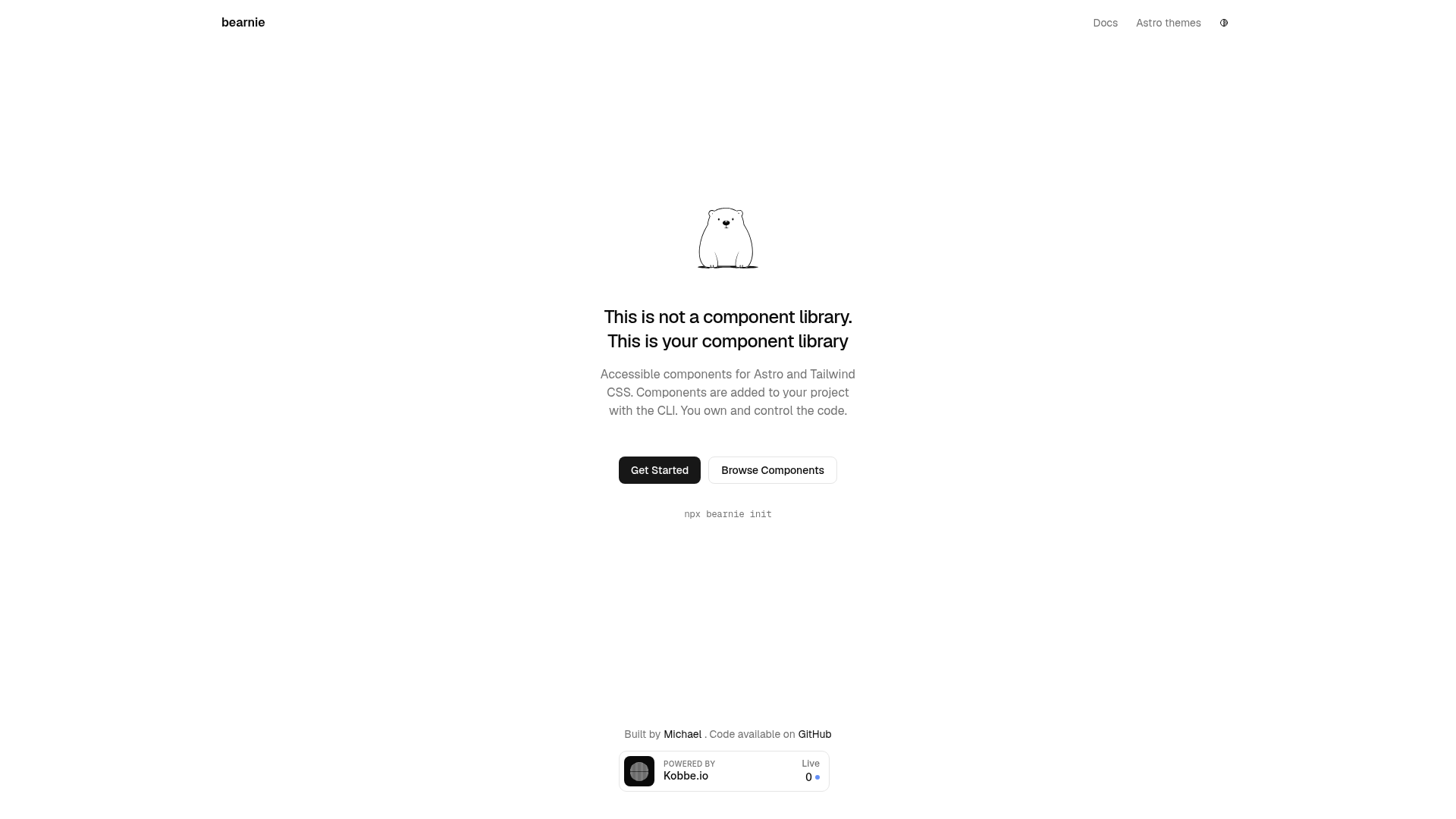
Accessible components for Astro and Tailwind CSS, copied into your project for full ownership.
About this template
Bearnie is an open-source set of accessible UI components built for Astro and Tailwind CSS, distributed as copy-paste source code so you own and control every file.
What is Bearnie?
Bearnie is a component library that you don't install — you copy its source files directly into your Astro project. It provides accessible components built with Tailwind CSS, and the entire set is open source under the MIT license. The project is maintained by Michael Andreuzza, with documentation available at bearnie.dev/docs. Instead of delivering a final theme, Bearnie gives you a starting point to build your own component library.
Key Features
- Accessible by default — Every component is designed with accessibility in mind, reducing the work needed to meet WCAG requirements.
- Built for Astro and Tailwind CSS — Components are implemented with Astro's component syntax and styled with Tailwind utility classes, so they fit naturally into those ecosystems.
- Copy-paste distribution — There is no npm package; you copy component code from the documentation or repository into your own project.
- You own the code — Because components live in your source tree, there is no lock-in to a third-party package and no dependency to update.
- MIT licensed — Free to use, modify, and redistribute, including in commercial projects.
- Open source with contributors — The project has a contributing guide and accepts community contributions; it has 337 stars on GitHub.
- Sponsor-backed — Development is supported through GitHub Sponsors, which keeps the project free.
Who is Bearnie for?
- Astro developers — Get a set of accessible components to drop into an existing Astro site without adding a dependency.
- Developers building a design system — Use Bearnie as a starting point to create your own component library with your own styling.
- Tailwind CSS users — Leverage utility-first styling directly in components that already use Tailwind.
- Open source contributors — Contribute to the project via its CONTRIBUTING guide.
What can you do with Bearnie?
- Start a component library fast — Copy the components into your Astro project and immediately have accessible building blocks for forms, navigation, and other UI patterns.
- Customize the look — Since you own the source, modify Tailwind classes and component markup to match your brand.
- Learn accessible patterns — Study how the components handle keyboard navigation, focus states, and ARIA to apply the same patterns to your own work.
How does Bearnie work?
Bearnie components are distributed as source code rather than a package. You browse the documentation at bearnie.dev/docs, copy the component files you need, and paste them into your project's source directory. From that point, the components behave like any other file in your codebase — you can edit them freely, and they update on your next build.
Pricing
Bearnie is free. It is an open-source project released under the MIT license, so there are no license fees, regardless of whether your projects are personal or commercial.
Alternatives
- shadcn/ui — A similar copy-paste component collection, but built for React and Tailwind CSS instead of Astro.
FAQ
Is Bearnie free?
Yes. Bearnie is open source under the MIT license, meaning you can use it in personal and commercial projects without paying fees. The source code is freely available, and you can modify it.
Do I need to install a package to use Bearnie?
No. Bearnie is not distributed as an npm package. You copy component source files from the project's documentation or repository into your own Astro project.
Can I customize the Bearnie components?
Yes. Because the components are copied into your project, you own the code. You can change any markup, Tailwind classes, or logic without waiting for an upstream release.
What framework does Bearnie support?
Bearnie is built specifically for Astro with Tailwind CSS for styling. It is not a framework-agnostic library; it uses Astro's component format.
Who maintains Bearnie?
Michael Andreuzza created and maintains Bearnie, and the project is sponsored through GitHub Sponsors. It also accepts contributions from the community via a contributing guide.