Template details
Jekyll Pinboard Plugin
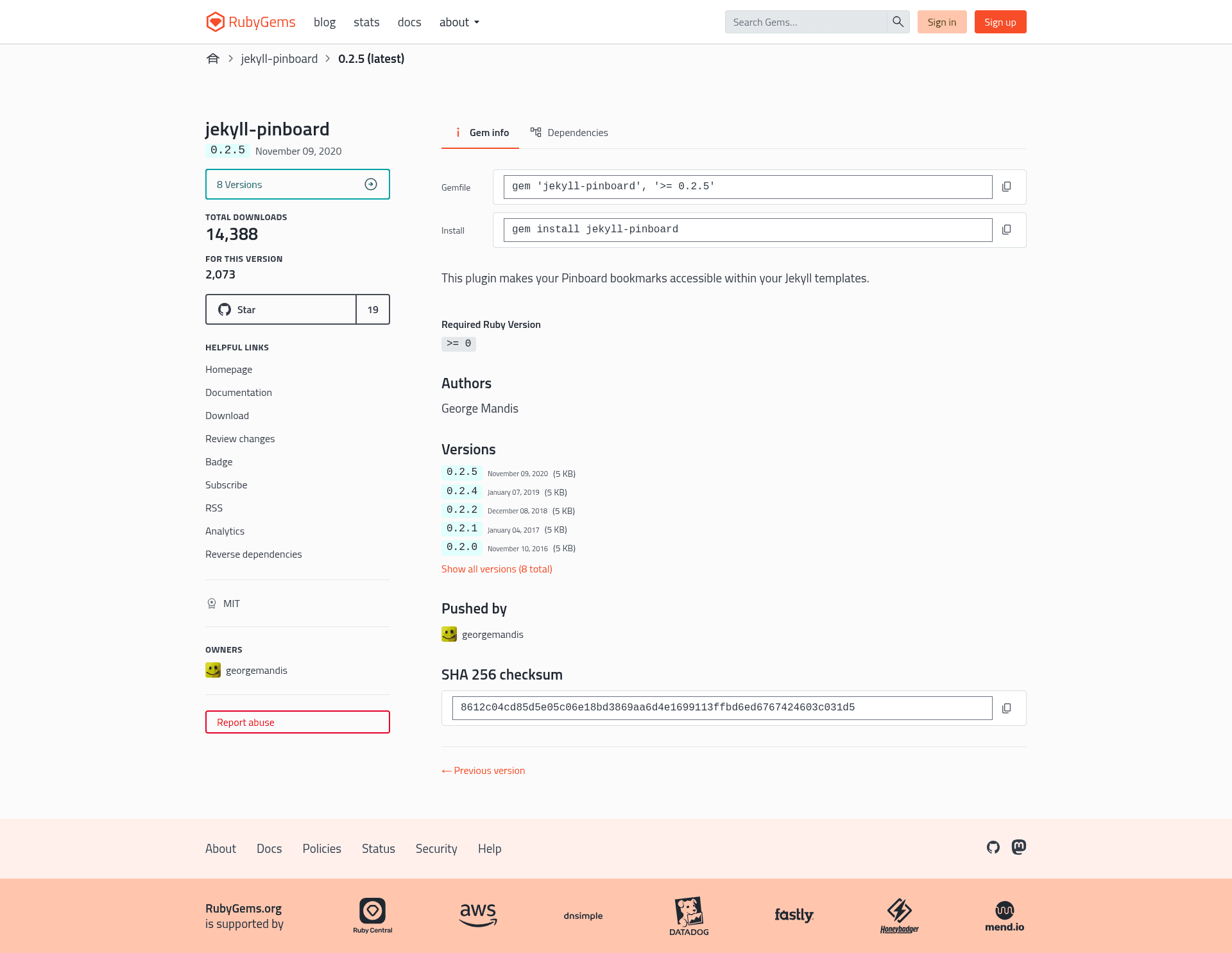
A plugin that makes your tagged Pinboard bookmarks accessible as a template variable.
About this template
The Jekyll Pinboard Plugin is a Ruby gem that loads tagged Pinboard bookmarks into a Jekyll site's template variables during the static site build. It registers a Jekyll Hook that fetches your bookmarks from the Pinboard API and makes them available as the site.pinboard.posts Liquid variable, so you can render them anywhere in your templates.
What is the Jekyll Pinboard Plugin?
The Jekyll Pinboard Plugin is an open-source Ruby plugin for Jekyll that connects your Pinboard account to your static site. It reads a Pinboard API token and a list of tags from your _config.yml file, then pulls all matching bookmarks from the Pinboard API at build time. The result is a Liquid-accessible variable containing every bookmark's full metadata, including href, description, extended, meta, hash, time, shared, toread, and tags. The plugin is designed for people who host Jekyll sites and want to publish or repurpose their Pinboard bookmarks without manually copying links.
Key Features
- Remote data loading — Fetches bookmarks from the Pinboard API on every Jekyll build, so your site stays up to date with your Pinboard account.
- Tag-based filtering — Specify one or more tags in
_config.ymlunder thepinboard.tagskey, and only those bookmarks are loaded. - Template variable access — All bookmarks are available at
site.pinboard.posts.all, and per-tag collections atsite.pinboard.posts.tags.tagname. - Complete bookmark attributes — Each bookmark exposes the full Pinboard API fields: href, description, extended, meta, hash, time, shared, toread, and tags.
- Avoids excessive API calls — While running
jekyll serve --watchlocally, the Pinboard data does not refresh on content changes, preventing unnecessary API requests. - Safe-mode compatible — Works when you run Jekyll with the
--safeflag, as a registered gem plugin. - Two installation paths — Install as a gem via your Gemfile, or copy
lib/jekyll-pinboard.rbinto your site's_pluginsfolder for a lazy install. - Not supported on GitHub Pages — GitHub Pages does not allow this plugin; you must build your site locally and push the generated files.
Who is it for?
Jekyll site owners who want to feature their Pinboard bookmarks publicly. A developer managing a bookmarks page can keep it synchronized with their Pinboard tags automatically. A portfolio owner can tag projects in Pinboard and have those links appear on a portfolio page. A blogger can surface a reading list or recommended links in a sidebar by iterating over site.pinboard.posts.tags.reading in their layout.
What can you do with it?
- Bookmark directory — Publish all or selected tagged bookmarks as a browsable page on your Jekyll site, with links, descriptions, and metadata.
- Portfolio page — Use a specific Pinboard tag to drive a portfolio grid that updates whenever you add a new tagged link.
- Reading list widget — Display a curated reading list in a sidebar or footer by pulling bookmarks from tags like "to-read" or "recommended".
- Format republishing — Because the data is available as a Liquid variable, you can output your Pinboard bookmarks as JSON, RSS, or any other format supported by Jekyll templates.
How does it work?
Install the gem by adding gem 'jekyll-pinboard' to your Gemfile and running bundle, then add jekyll-pinboard to your gems: list in _config.yml. Set your Pinboard token from pinboard.in/settings/password and list the tags you want to pull. In any template, access the bookmarks through site.pinboard.posts.all or site.pinboard.posts.tags.tagname and loop over them with Liquid to generate HTML.
FAQ
Does the Jekyll Pinboard Plugin work on GitHub Pages?
No. GitHub Pages does not include this plugin in its supported plugin list. You need to generate your site locally and push the output to host on GitHub.
Is my Pinboard API token safe?
The token is stored in plain text in your _config.yml, so if you publish your repository or the config file publicly, your Pinboard account credentials are exposed. Keep the file private if you host on GitHub.
Can I install it without a Gemfile?
Yes. Copy lib/jekyll-pinboard.rb from the repository into your Jekyll site's _plugins directory and the plugin will load automatically.
Will the data refresh when I use jekyll serve --watch?
No. To avoid gratuitous API calls and slow rebuilds, the Pinboard data is loaded once at startup and is not refreshed as you edit content locally.