Template details
Black Dashboard Angular
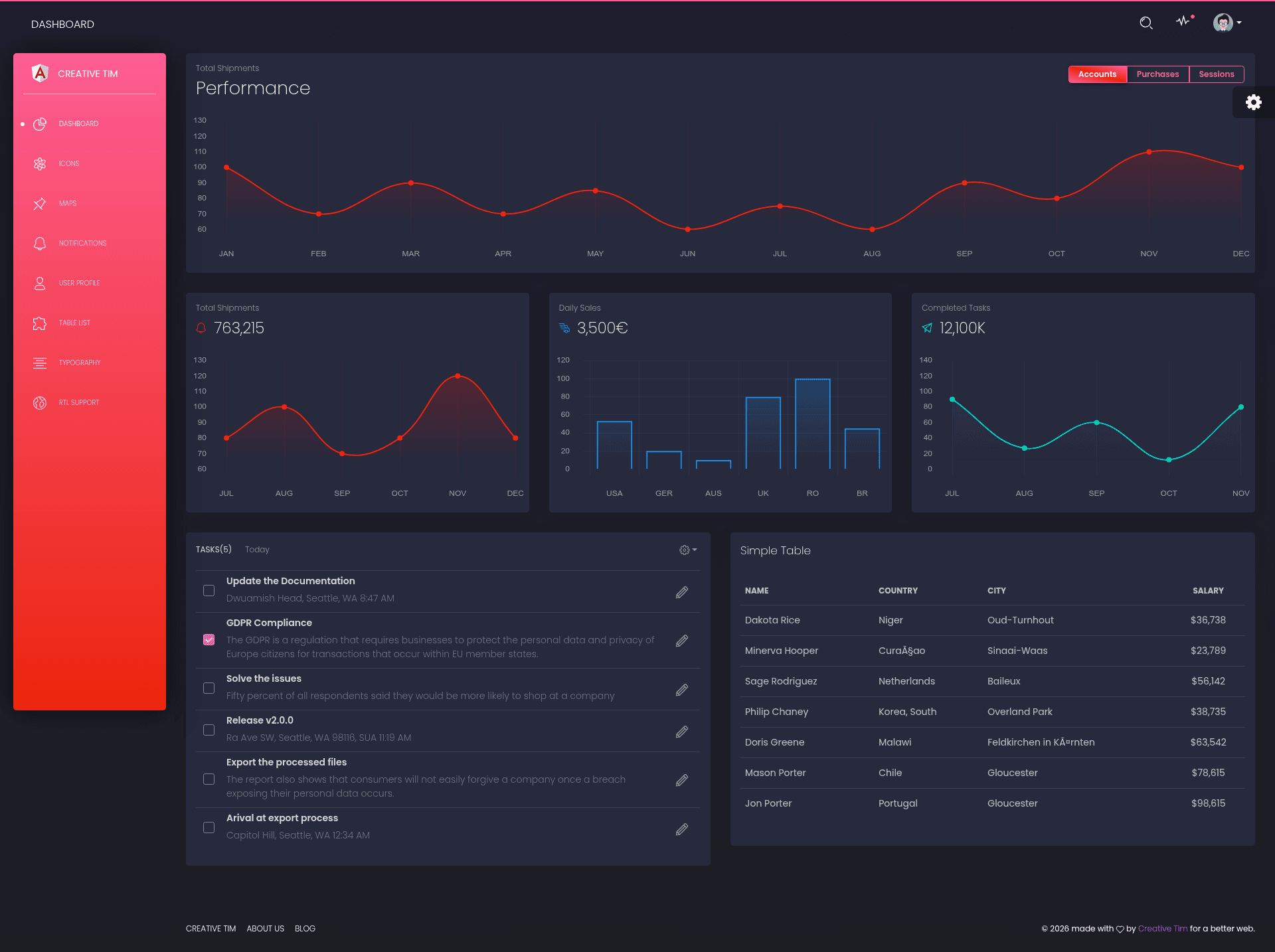
Free Bootstrap 4 and Angular admin dashboard with 16+ components, dark/light modes, and example pages.
About this template
Black Dashboard Angular is a free, MIT-licensed admin dashboard template from Creative Tim that combines Bootstrap 4 and Angular to give developers a pre-built dark-themed UI for managing and visualizing business data. It is one of four framework variants of Creative Tim's Black Dashboard, with matching HTML, React, and Vue editions available.
What is Black Dashboard Angular?
Black Dashboard Angular is a Bootstrap 4 and Angular admin dashboard template distributed under the MIT license by Creative Tim. It takes a standard Angular CLI project structure and extends it with a library of over 16 UI components, example pages, and SASS-based theming to produce a complete single-page administration interface. The output includes dashboard, user profile, tables, maps, icons, typography, notifications, and RTL pages, all runnable through the Angular development server.
Key Features
- 16+ individual components — Over sixteen components that can be combined in thousands of possible ways and recolored by editing SASS variables.
- Dark Mode and Light Mode — Both color schemes are included, letting users switch the whole interface without downloading a separate build.
- Bootstrap 4 foundation — Built on Bootstrap 4, so grid layout, responsive behavior, and utility classes follow standard Bootstrap conventions.
- Angular + TypeScript structure — Organized into components, layouts, and pages modules with separate routing files for admin-layout and auth-layout areas.
- Chart.js integration — Chart.js powers the data visualizations used on the dashboard page.
- Ng Bootstrap and Perfect Scrollbar — Ng Bootstrap supplies UI components, while Perfect Scrollbar provides custom scrollbars for windows.
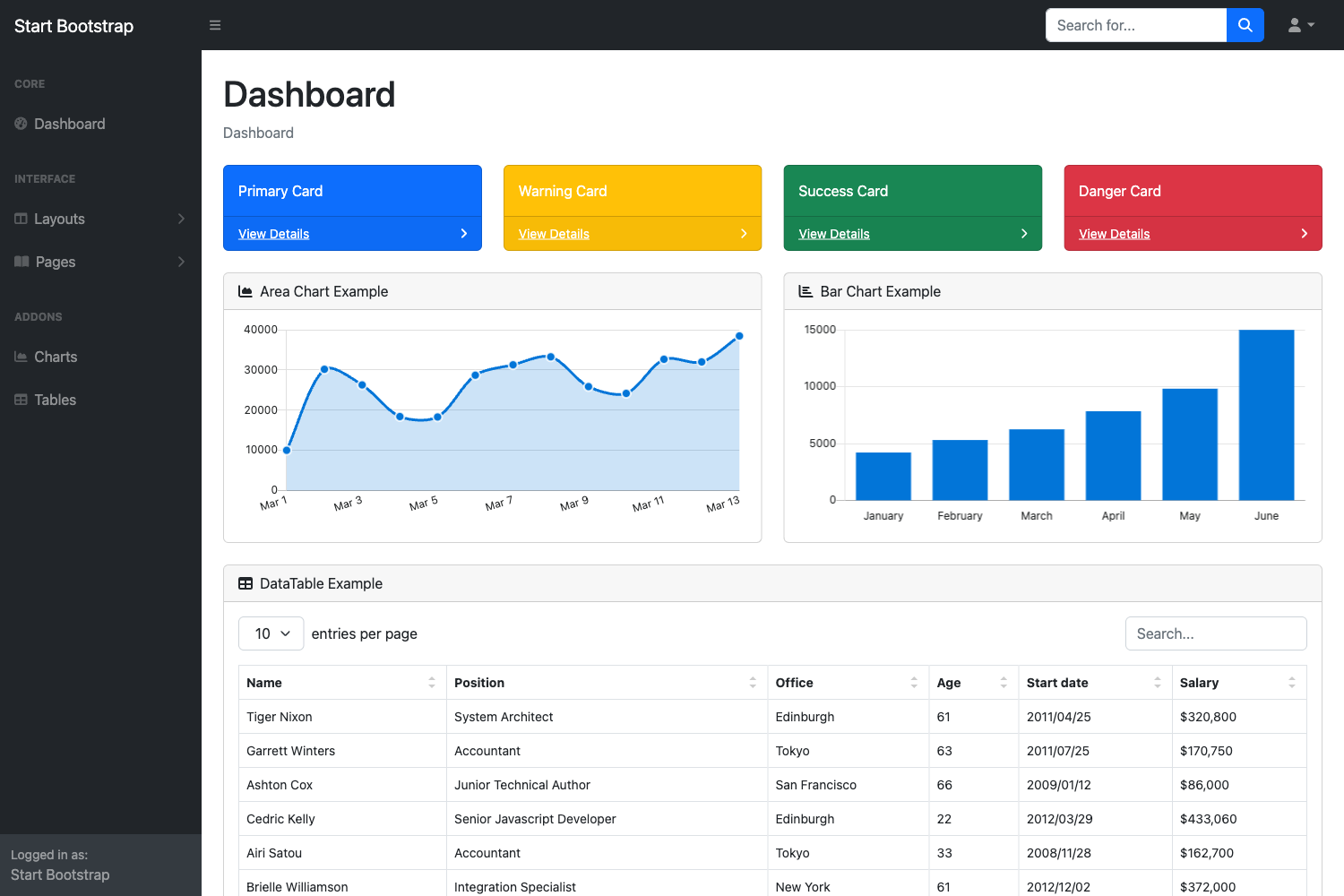
- Example pages included — Ready-to-run examples cover dashboard, user profile, tables, map, icons, notifications, typography, and RTL layout.
- One-click deploy to Genezio — A deploy button in the README builds and hosts the project on Genezio directly from the GitHub repository.
Who is it for?
- Developers starting an admin panel — They get a pre-built Angular project with routing, example pages, and modular components, so they can replace the placeholder data and add their own business logic.
- Startups and SaaS product teams — They can use the dashboard as the shell for internal analytics, customer management, or billing screens without building a UI from scratch.
- Agencies building client portals — They can change the SASS color variables and component styles to match a client brand and deliver a working Angular admin quickly.
What can you do with Black Dashboard Angular?
- Product managers and data analysts: Display key business metrics on the dashboard page using the included Chart.js charts and statistic cards.
- Backend developers: Connect the pre-built tables page to an API to list, sort, and manage database records in an Angular interface.
- UI designers prototyping admin flows: Use the RTL page and notification examples to test multilingual layouts and alert patterns before final design.
How does Black Dashboard Angular work?
To run the template locally, install Node.js and Angular CLI, then run npm install and ng serve in the project folder; the app opens at http://localhost:4200/. The repository also includes one-click deploy to Genezio for hosting the project without manual server setup.
FAQ
Is Black Dashboard Angular free?
Yes, Black Dashboard Angular is free to download and is licensed under MIT, so it can be used in personal and commercial projects. The download is available from the Creative Tim product page.
Does Black Dashboard Angular include dark mode?
Yes, the template ships with both Dark Mode and Light Mode built in, allowing the entire admin interface to switch between dark and light color schemes.
What browsers are supported?
Creative Tim officially supports the last two versions of Chrome, Firefox, Edge, Safari, and Opera for this template.
What plugins does Black Dashboard Angular use?
The project credits Perfect Scrollbar for scrollbars, Ng Bootstrap for UI components, and Chart.js for charts.
How do I start the project?
Download the files, install Node.js, run npm install -g @angular/cli, then within the project folder run npm install and ng serve, and open http://localhost:4200/.