Template details
Figma Admin Dashboard Template
Free and open-source Figma design kit for admin dashboards, with Tailwind CSS-based components and mobile screens.
About this template
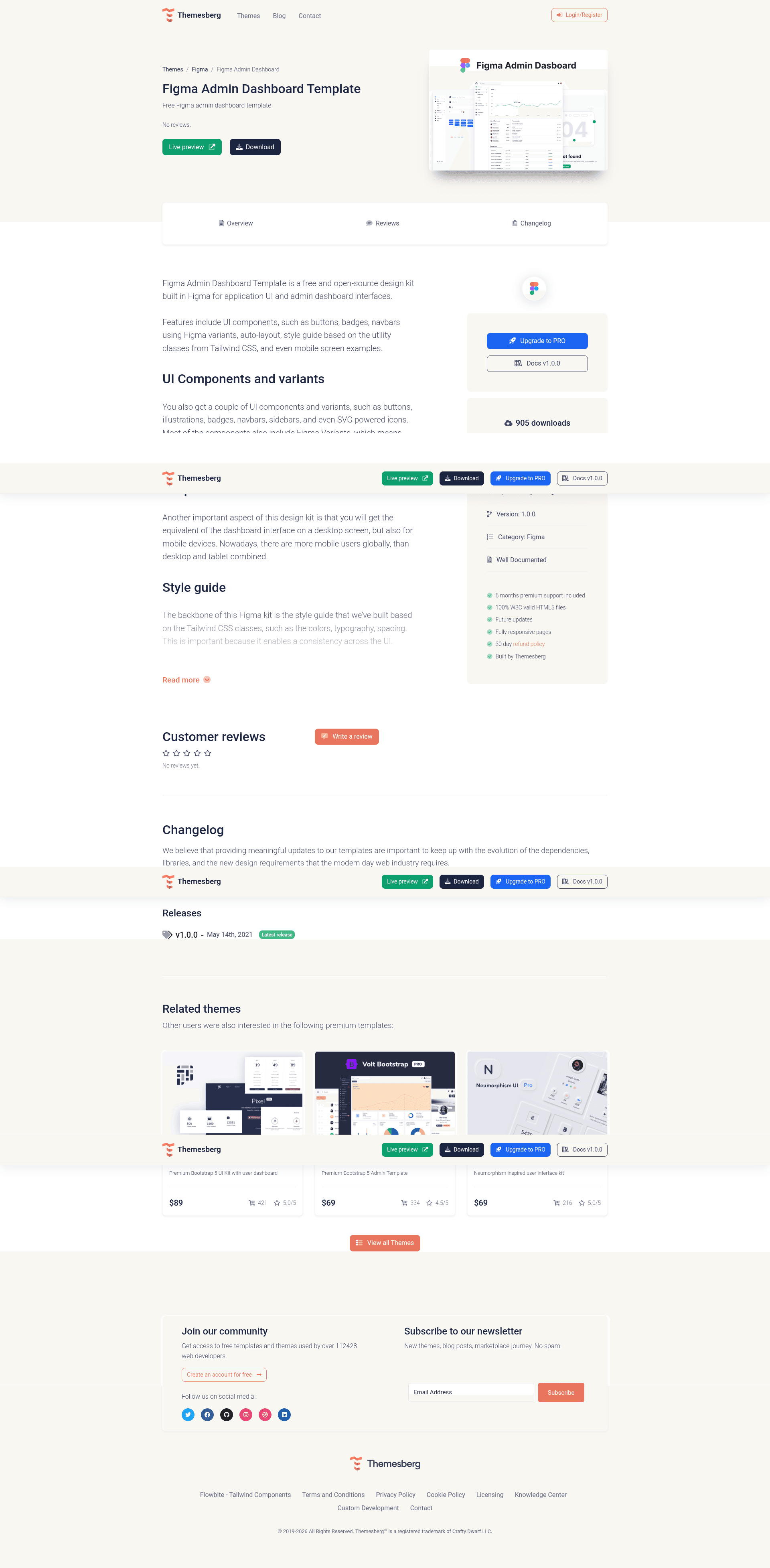
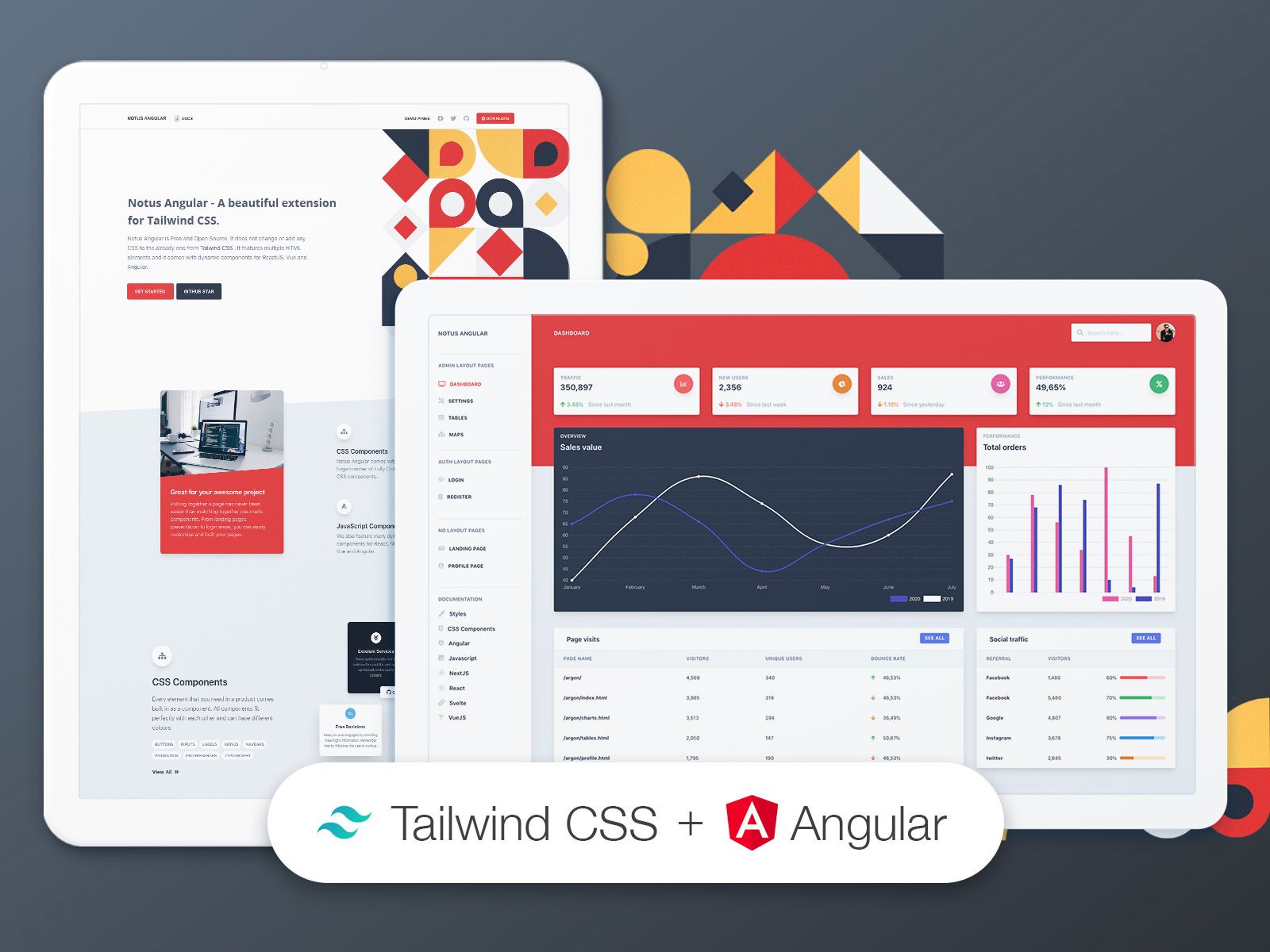
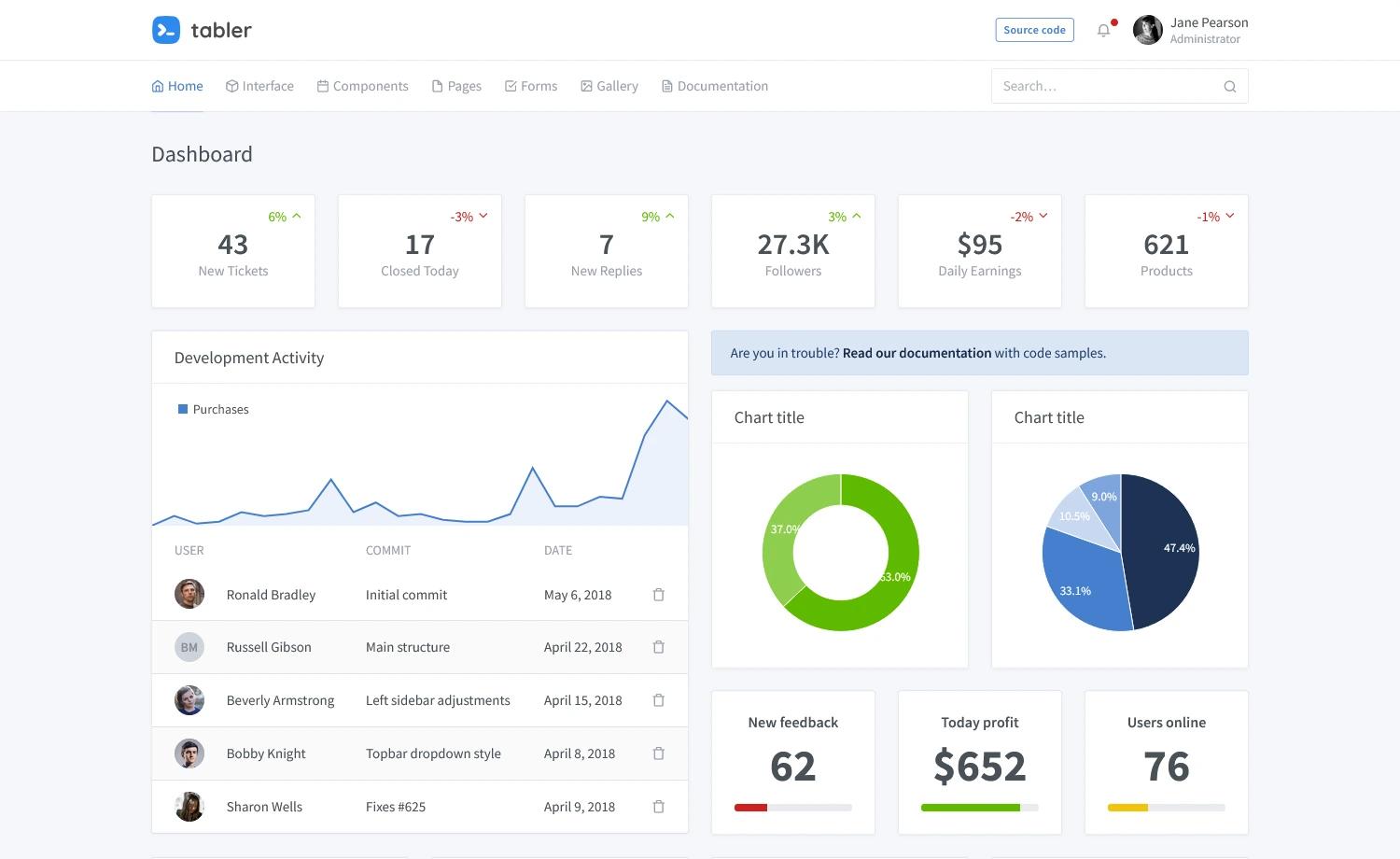
Figma Admin Dashboard Template is a free and open-source design kit built in Figma for creating application UI and admin dashboard interfaces. It provides UI components like buttons, badges, and navbars constructed with Figma variants and auto-layout, plus a style guide that mirrors the utility classes of Tailwind CSS, and includes mobile screen examples. The template was created by the Themesberg team and is released under the MIT license.
What is the Figma Admin Dashboard Template?
The Figma Admin Dashboard Template is a free, open-source Figma design kit for building admin dashboard and application UI mockups. It takes a downloadable .fig file as input and produces a structured Figma project with reusable components, a Tailwind-CSS-based style guide, and mobile screen layouts. It runs on Figma, which requires a free account and optionally the desktop application. The template is made by Themesberg, the team behind the open-source UI library.
Key Features
- Figma variants — Buttons, badges, and navbars are built as component variants, so designers can switch styles and sizes without duplicating frames.
- Auto-layout — Frames use auto-layout constraints, making it easier to build responsive layouts that adapt as content changes.
- Tailwind CSS style guide — The design tokens and utility classes follow Tailwind CSS conventions, easing handoff to developers who use Tailwind.
- Mobile screen examples — The kit includes small-screen layouts in addition to desktop dashboard views.
- Inter font bundled — The
inter/folder containsInter-VariableFont_slnt,wght.ttffor local installation so the design renders as intended. - MIT license — The template can be used freely for personal and commercial projects without licensing fees.
- Free download — Available to anyone who signs up for a free Themesberg account.
Who is it for?
The template suits UI/UX designers who need a ready-made starting point for admin dashboards in Figma. It also helps front-end developers who want a visual reference of Tailwind CSS utility patterns to translate into code. Product teams can use the components and mobile examples to prototype application interfaces quickly and consistently.
What can you do with the Figma Admin Dashboard Template?
- UI/UX designers: Assemble admin dashboard screens in Figma by dragging pre-built variant components onto the canvas and adjusting styles through the auto-layout frames.
- Front-end developers: Copy the utility class names and spacing from the style guide to implement the same design in a Tailwind CSS project.
- Product teams: Create high-fidelity mockups for sprint reviews, using the included mobile examples to demonstrate responsive behavior.
- Freelancers and startups: Use the free MIT-licensed kit as a foundation for client projects without paying for a design system.
How does the template work?
After downloading the .fig file from Themesberg, unzip it and drag the file into an open Figma window to import the project. To render the design correctly, install the Inter font by double-clicking Inter-VariableFont_slnt,wght.ttf in the inter/ folder and choosing "Install." The component variants and auto-layout frames are then ready to edit, restyle, and reuse in your own dashboard designs.
FAQ
Is the Figma Admin Dashboard Template free?
Yes. The template is free to download and open-source under the MIT license. You only need a free account on Themesberg.com to access the download, and a Figma account to open and edit the file.
What do I need to use this template?
You need Figma software, which is available as a web app or desktop app at figma.com. Create a Figma account, then download the .fig file from the Themesberg page, unzip it, and drag it into Figma.
Does the template include mobile screens?
Yes. The kit includes mobile screen examples in addition to desktop admin dashboard layouts. These mobile frames use the same auto-layout and component variants, so you can extend them for small-screen prototypes.
What font does the template use?
The template uses the Inter font. The download includes a font file at inter/Inter-VariableFont_slnt,wght.ttf, and the setup instructions ask you to install it locally so text layers display with the correct typeface.
Who created the template?
The template was built by the Themesberg team and is distributed through the Themesberg product page. The kit is named "Tailwind Figma" in parts of the documentation, reflecting its use of Tailwind CSS utility classes as the design foundation.