Template details
Light Bootstrap Dashboard PRO
A Bootstrap 4 admin dashboard theme from Creative Tim, packed with components, pages, and 6 sidebar color filters.
About this template
Light Bootstrap Dashboard PRO is a Bootstrap 4 admin dashboard theme from Creative Tim that gives developers a ready-made visual foundation for building admin panels, content management systems, and internal tools.
What is Light Bootstrap Dashboard PRO?
Light Bootstrap Dashboard PRO is a premium admin theme built on Bootstrap 4, with an additional Bootstrap 3 version available for legacy projects. It is distributed as a static HTML/CSS/JS package containing dashboard pages, UI components, tables, forms, maps, and calendar views, and it comes from Creative Tim, the UI kit and template vendor. The theme takes a plain Bootstrap project and adds a consistent design system, navigation, and page layouts so developers can start from a polished interface instead of a blank page.
Key Features
- Built on Bootstrap 4 — The theme uses Bootstrap 4 grid, utilities, and JavaScript components, and a separate Bootstrap 3 version is linked for older stacks.
- Six sidebar color filters — Choose between black, azure, green, orange, red, or purple for the sidebar, plus an option to set a background image.
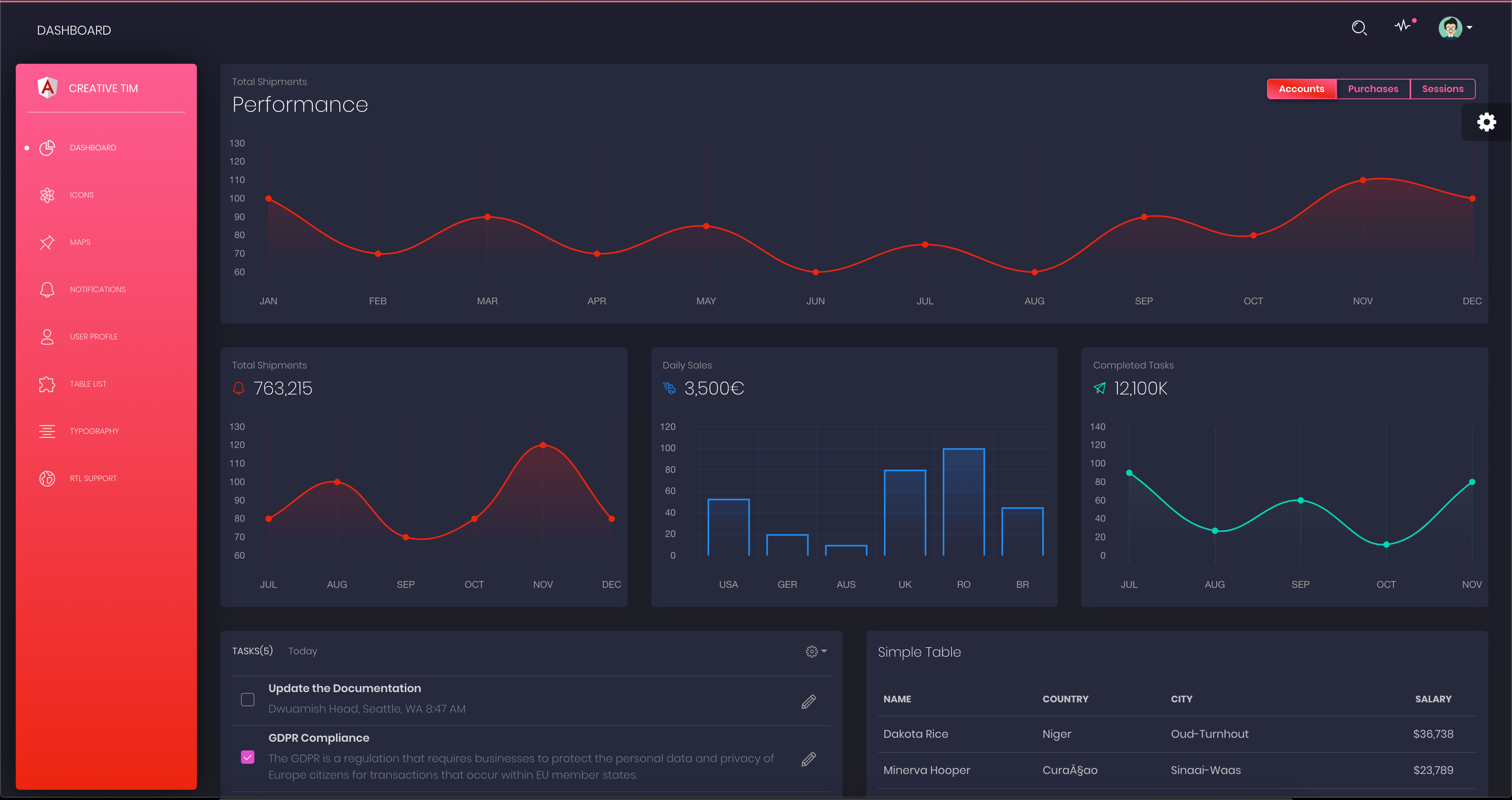
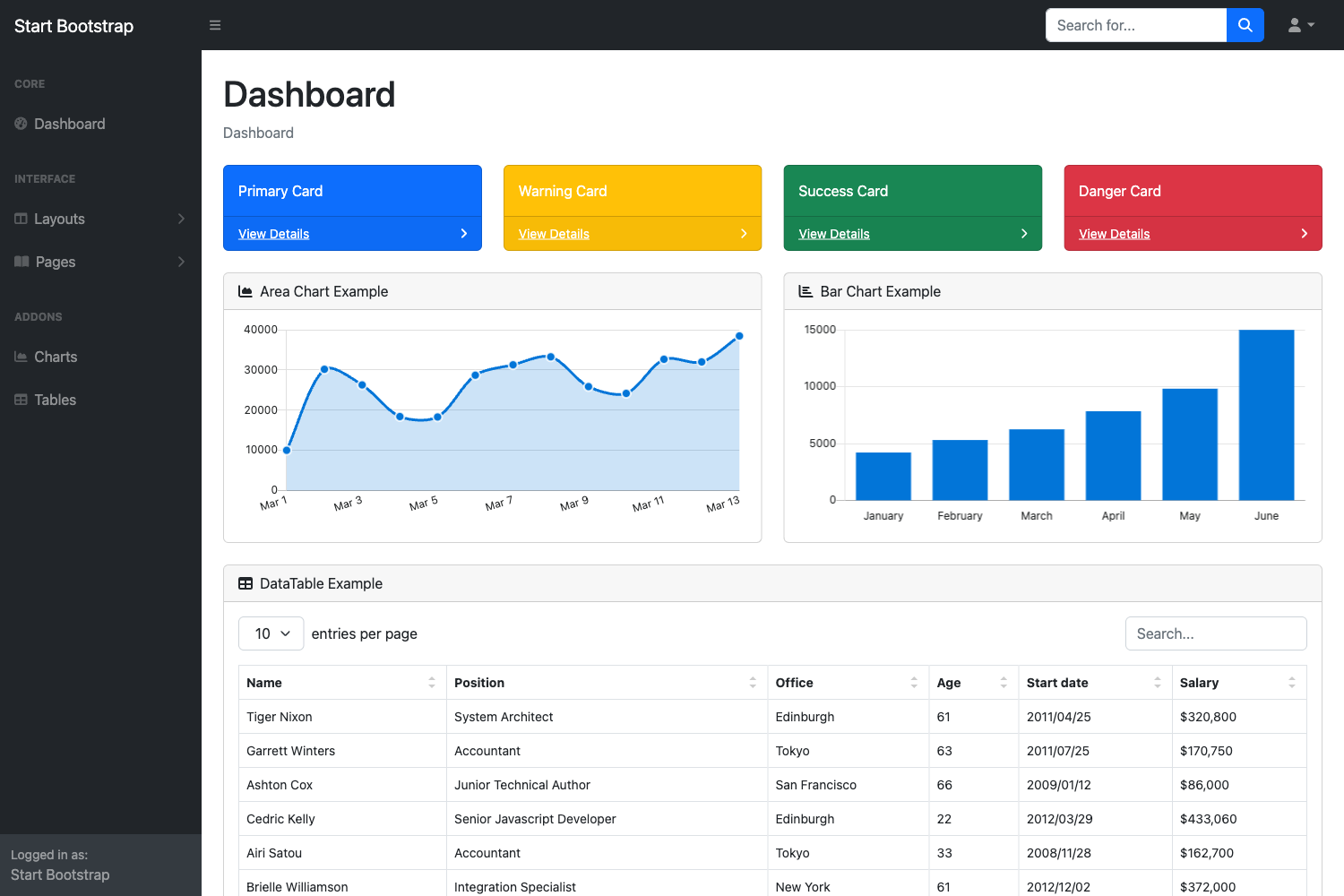
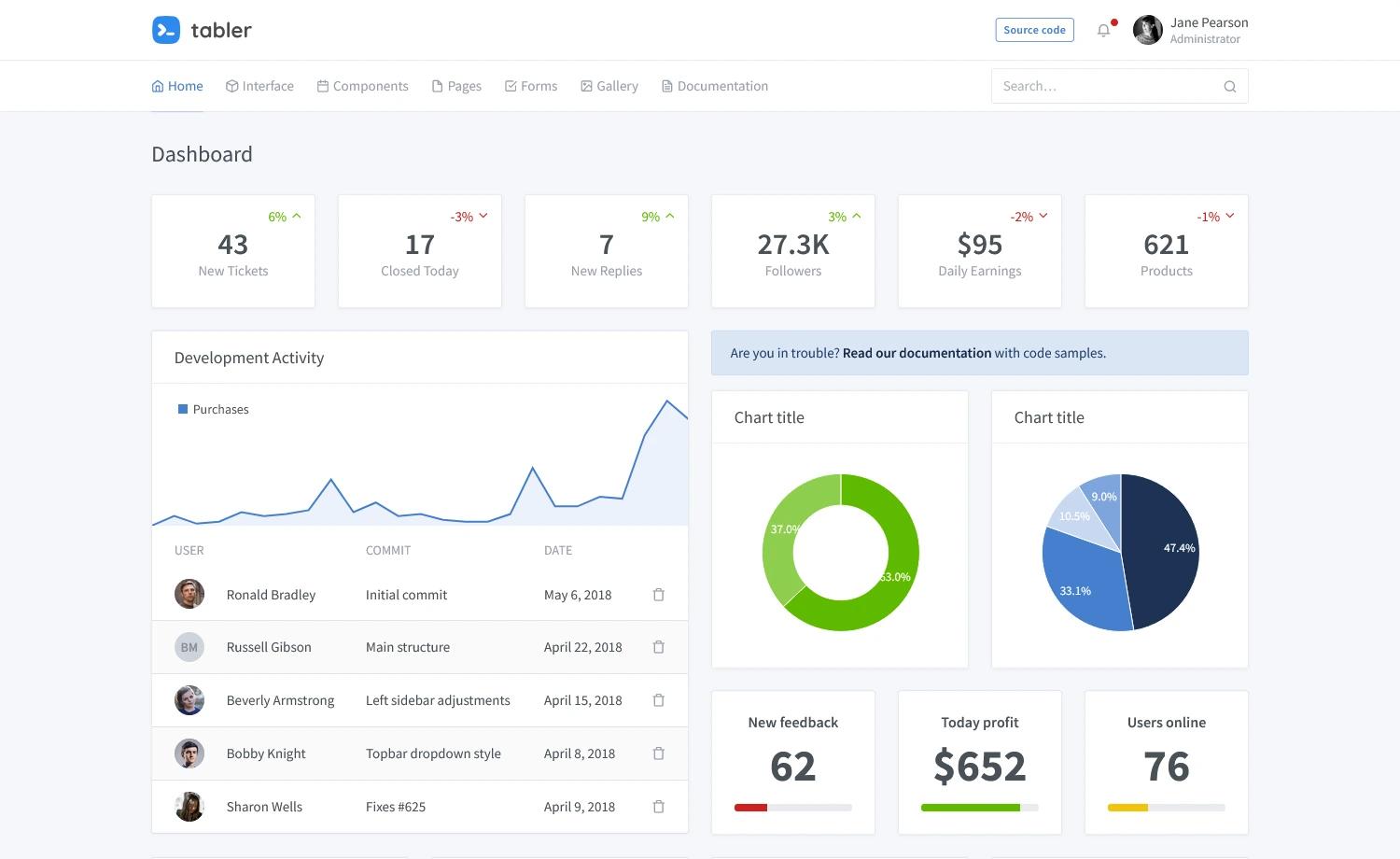
- Curated example pages — Includes examples for dashboard, calendar, charts, notifications, sweet alerts, typography, forms (regular, extended, validation, wizard), maps (Google, vector, fullscreen), and multiple table setups (regular, extended, Bootstrap Table, DataTables.net).
- Third-party apps redesigned — Integrated plugins and libraries are restyled to match the theme's look, covering charts, tables, maps, alerts, and form widgets.
- Authentication and user pages — Prebuilt login, register, lock screen, and user profile pages are included under the examples/pages folder.
- Documentation and tutorial — A full documentation folder contains tutorial-components.html and template.html, plus a demo.js and core/plugin JavaScript files.
- Structured assets — The download includes assets/css, assets/js/core, assets/js/plugins, fonts, and img directories, making it easy to modify or extend.
Who is it for?
- Full-stack developers who need a front-end admin interface quickly and want a Bootstrap-based theme they can drop into an existing project.
- Startups and small teams building an MVP admin panel or a content management system and want a consistent UI without hiring a dedicated designer.
- Agency developers producing multiple client dashboards can use the theme as a repeatable starting point, swapping sidebar colors and page components per project.
- Backend developers who know HTML/CSS but not a JavaScript framework can use the static version directly, or pair it with the Angular and React versions linked on the page.
What can you do with Light Bootstrap Dashboard PRO?
- Build an admin dashboard: Use the dashboard.html example with charts, tables, and notifications to present KPIs and user activity.
- Create a content management system: Combine the forms, tables, and plain-page examples to build CRUD interfaces for managing content.
- Prototype internal tools: Take the login, register, lock, and user pages to wire up authentication flows for a SaaS product.
- Extend with Angular or React: The README links to Angular 2+ and React versions of both the free and PRO dashboard, so you can migrate to a component framework without redesigning the UI.
How does Light Bootstrap Dashboard PRO work?
The theme is a static HTML/CSS/JS product. You download it from Creative Tim, open the examples/dashboard.html file in a browser, and then edit the markup and assets as needed. The file structure places all styling in assets/css/light-bootstrap-dashboard.css, JavaScript in assets/js/light-bootstrap-dashboard.js plus core and plugin folders, and page examples in the examples directory. The quick start options include a direct download from Creative Tim and links to the Bootstrap 3 and Bootstrap 4 documentation.
Pricing
The basic Light Bootstrap Dashboard HTML version is free to download. The PRO version, with the expanded set of pages and components described here, is a paid product sold through Creative Tim; the page does not list a specific price in the README.
FAQ
Is Light Bootstrap Dashboard PRO free?
The basic HTML version of Light Bootstrap Dashboard is free to download, while the PRO version is a commercial product available from Creative Tim. The README directs you to the free version to evaluate the look and feel before upgrading.
What versions of Bootstrap does it support?
The README links to both a Bootstrap 3 version and a Bootstrap 4 version of the PRO theme, along with separate documentation for each. The main product is built on Bootstrap 4, and legacy projects can use the Bootstrap 3 release.
Does the theme include Angular or React versions?
Yes. Creative Tim offers Angular 2+ and React versions of both the free and PRO Light Bootstrap Dashboard, and those links are listed in the README's quick start and other products sections.
What sidebar color options are available?
The sidebar supports six filter colors — black, azure, green, orange, red, and purple — and you can also add a background image to the sidebar.
What page templates come with the PRO version?
The examples directory contains dashboard, calendar, charts, components (buttons, grid, icons, notifications, panels, sweet-alert, typography), forms (regular, extended, validation, wizard), maps (fullscreen, Google, vector), pages (login, register, lock, user), tables (regular, extended, Bootstrap Table, DataTables.net), plus a plain page, mini sidebar example, and upgrade page.