Template details
BLK Design System Angular
Free Angular + Bootstrap 4 UI kit by Creative Tim with 70+ elements and landing, profile, and register pages.
About this template
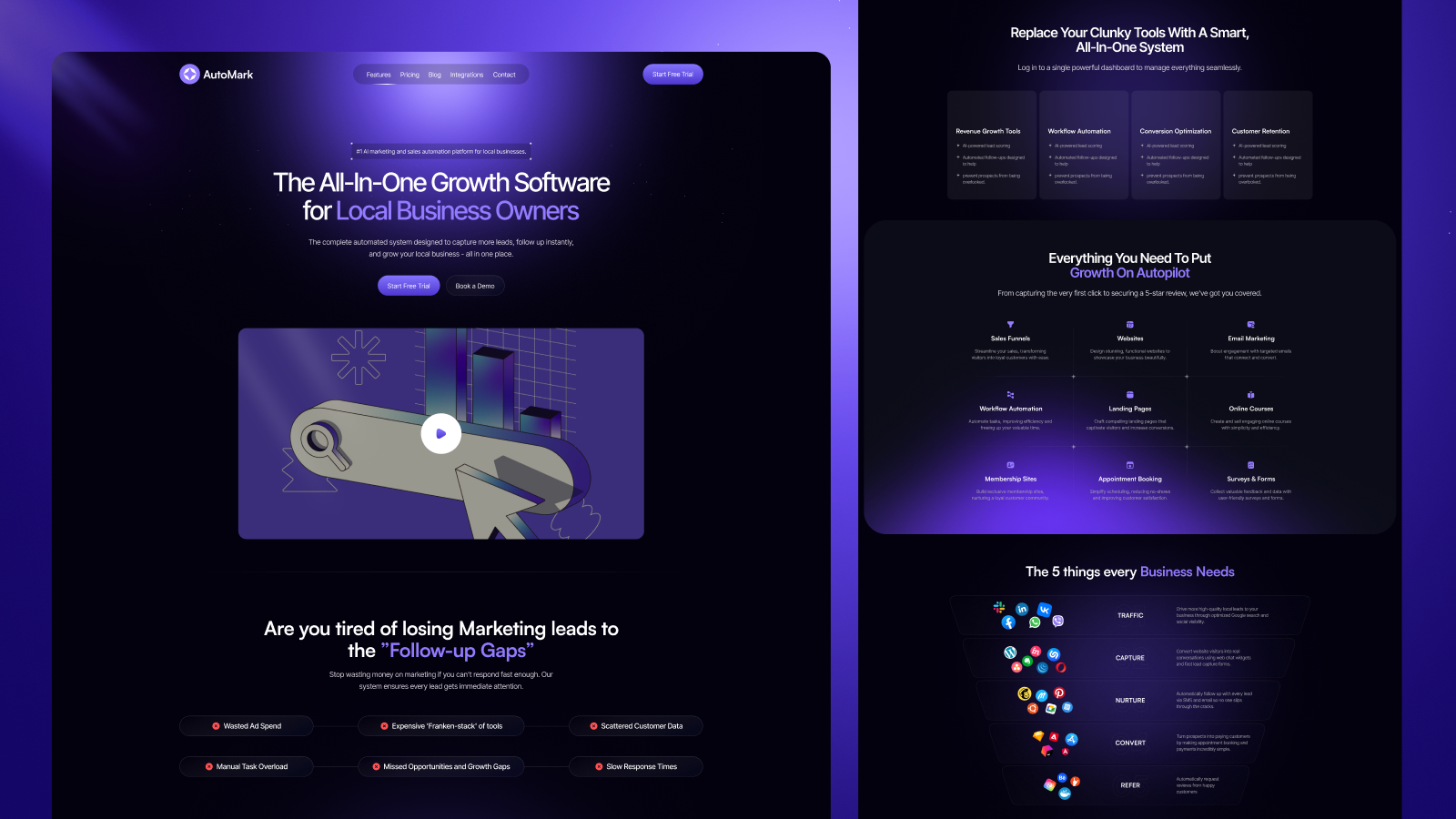
BLK Design System Angular is a free, MIT-licensed Angular UI kit created by Creative Tim, built on Bootstrap 4, that gives you over 70 UI elements and three ready-made pages for building dark-themed websites.
What is BLK Design System Angular?
BLK Design System Angular is a free, MIT-licensed front-end design system from Creative Tim, built on Angular and Bootstrap 4, that packages over 70 components and three page templates into a single downloadable Angular project. It takes a black-and-white visual style with bold colours and clear typography and turns it into responsive web pages using the Bootstrap 12-column grid. The kit includes the complete source code, SCSS styling, and Angular routing (app-routing.module.ts) with pages for landing, profile, and registration. You can get it via npm (npm i blk-design-system-angular), download the zip from GitHub or Creative Tim, or clone the repository.
Key Features
- 70+ UI elements — redesigned buttons, inputs, navbars, and typography that fall back to Bootstrap defaults for components you haven't customised.
- Three example pages — landing, profile, and register, each implemented as an Angular component under
src/app/pages/examples/. - Bootstrap 4 + Angular stack — built on Angular with SCSS, a modular file structure (app.module.ts, pages.module.ts), and Bootstrap 4 grid and utilities.
- Responsive 12-column grid — layouts adapt across desktop and mobile via the Bootstrap grid system.
- Complex documentation — a hosted documentation site covers the design idea, foundation, and each component at the demo URL.
- One-click deployment — the repository includes a Genezio deploy button for publishing your own version.
- Multi-framework versions — Creative Tim also publishes HTML, React, and Sketch versions of the same design system.
- MIT license — free to use for personal and commercial projects.
Who is it for?
- Angular developers — need a pre-styled Bootstrap 4 UI kit to assemble landing pages or marketing websites without hand-writing CSS for every component.
- Freelancers and studios — want a fast starting point for client sites, using the included landing and profile templates as a base.
- Startup founders — can spin up a product landing page or registration flow quickly, then deploy directly to Genezio.
Use cases
- Launch a product page: start with the landing page component, swap in your copy and screenshots, and publish a responsive site with the included navbar and footer elements.
- Build a sign-up flow: use the register page component with form inputs and buttons to create a clean registration experience.
- Create a personal profile: customise the profile page for an individual or team bio with photos and social links.
How does it work?
Install the template by running npm i blk-design-system-angular, downloading the zip from GitHub, or cloning the repository. After setup, run the Angular dev server, edit the components in src/app/pages/, and build your site. The template includes routing, environments, and tests (karma.conf.js, tslint.json) so it slots into a standard Angular CLI project.
FAQ
Is BLK Design System Angular free?
Yes, it is free and licensed under MIT, so you can use it for personal and commercial projects without paying licensing fees.
What framework does it use?
It is built with Angular and Bootstrap 4. You need an Angular CLI environment to run the project, and it supports the last two versions of Chrome, Firefox, Edge, Safari, and Opera.
What pages are included?
The template includes three example pages: a landing page, a profile page, and a register page, plus an index page and a documentation overview.
How do I install it?
You can install it with npm i blk-design-system-angular, download the archive from GitHub or Creative Tim, or clone the repository with git clone.
Can I deploy it easily?
Yes, the repository includes a one-click deploy button that publishes the template to Genezio directly from GitHub.