Template details
Blog Anzhiyu
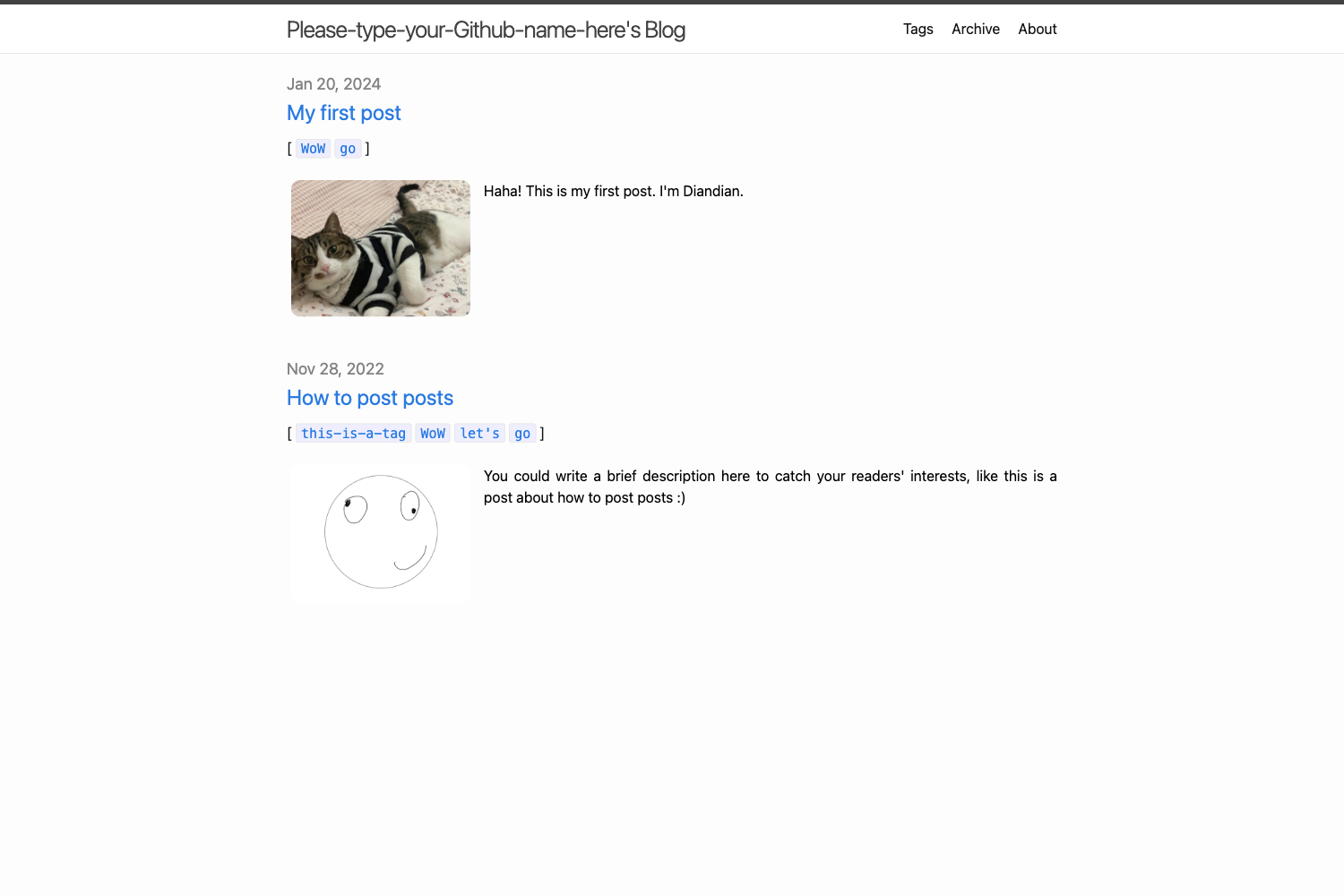
Hexo blog template for launching a stylish static blog in seconds using the anzhiyu theme.
About this template
Blog Anzhiyu is a Hexo blog template repository that combines the hexo-theme-anzhiyu theme with a preconfigured _config.anzhyu.yml to let you launch a static blog in minutes.
What is Blog Anzhiyu?
Blog Anzhiyu is a Hexo blog boilerplate that ships with the anzhiyu theme installed as a git submodule and a ready-to-edit theme configuration file. It takes Markdown posts written under source/_posts/ as input and outputs a static blog that can be deployed to GitHub Pages by simply pushing to the master branch. The repository acts as a starter template, meaning you click "Use this template" and get a working blog base without writing any theme code yourself.
Key Features
- Preconfigured theme config —
_config.anzhyu.ymlalready enables most of the anzhiyu theme’s features; you only need to change values, not chase code. - Submodule-based theme installation — the theme is added as a git submodule on the dev branch, keeping the theme source intact and making upgrades clean.
- Custom CSS/JS hooks — drop your own code into
custom/custom.cssandcustom/custom.jsto personalize the blog without modifying theme files. - One-command deployment to GitHub Pages — commit to the master branch and the repository automatically deploys the built site to the gh-pages branch; you then set GitHub Pages to serve that branch.
- Two branch options — main branch is stable for everyday use; dev branch includes the latest features but may carry bugs.
- Built on Hexo — the blog is generated with the Hexo static site generator and uses HTML5, CSS3, and JavaScript; the theme is written in Stylus.
- Quick start workflow — the README gives a step-by-step path: click “Use this template,” delete the sample posts, edit the config, and push to deploy.
- Official documentation — the preview site links to the full anzhiyu theme documentation for advanced configuration.
Who is it for?
- Beginners who want a personal blog — they can skip the hours-long setup and complex theme configuration, getting a working Hexo blog with many features turned on in seconds.
- Hobbyist developers who like the anzhiyu theme — they get a ready-made base with the theme installed via submodule, so they can focus on writing posts and customizing only what they need.
- Experienced Hexo users — they can use the template as a reference for clean configuration, or adopt the submodule plus custom file pattern for their own setups.
Use cases
- Personal blogging: publish Markdown posts under
source/_postsand have them automatically built and deployed to GitHub Pages. - Portfolio / project site: use the theme’s cards, menus, and homepage layouts to showcase projects or a portfolio.
- Learning Hexo: study a working
_config.anzhyu.ymlto see what an enabled feature looks like, then tweak settings safely. - Team / organization blog: benefit from the automated deploy flow so non-developer contributors only need to write posts and commit.
How does it work?
The README gives a direct recipe: (1) click “Use this template” to create your own repository; (2) delete the sample posts in source/_posts/; (3) pick the theme branch — main for stable or dev for new features; (4) edit _config.anzhyu.yml to your site’s values; (5) push to the master branch, which triggers a deployment to the gh-pages branch; (6) point GitHub Pages at gh-pages. The template keeps the theme as a submodule, so you never touch theme source code and can still update it later.
FAQ
Is Blog Anzhiyu free?
Yes. It is an open-source template repository; you can use it as a starting point for your own Hexo blog without paying a license fee. You only need a GitHub account for hosting and, optionally, a custom domain.
What is the difference between the main and dev branches?
The README states that main is the stable branch, while dev contains newer features that you can try but may come with more bugs. Choose main for reliability or dev for early access to theme updates.
Why doesn’t the theme source code appear in my repository?
The theme is installed as a git submodule; the repository tracks a pointer to the theme’s commit on its dev branch. This keeps the template small and lets you pull theme updates without merging conflicts.
Can I customize the blog without touching theme files?
Yes. The template is set up so you can add your own CSS in custom/custom.css and your own JavaScript in custom/custom.js. This personalizes the look and behavior while keeping the theme upgradeable.