Template details
Blogsmith Free
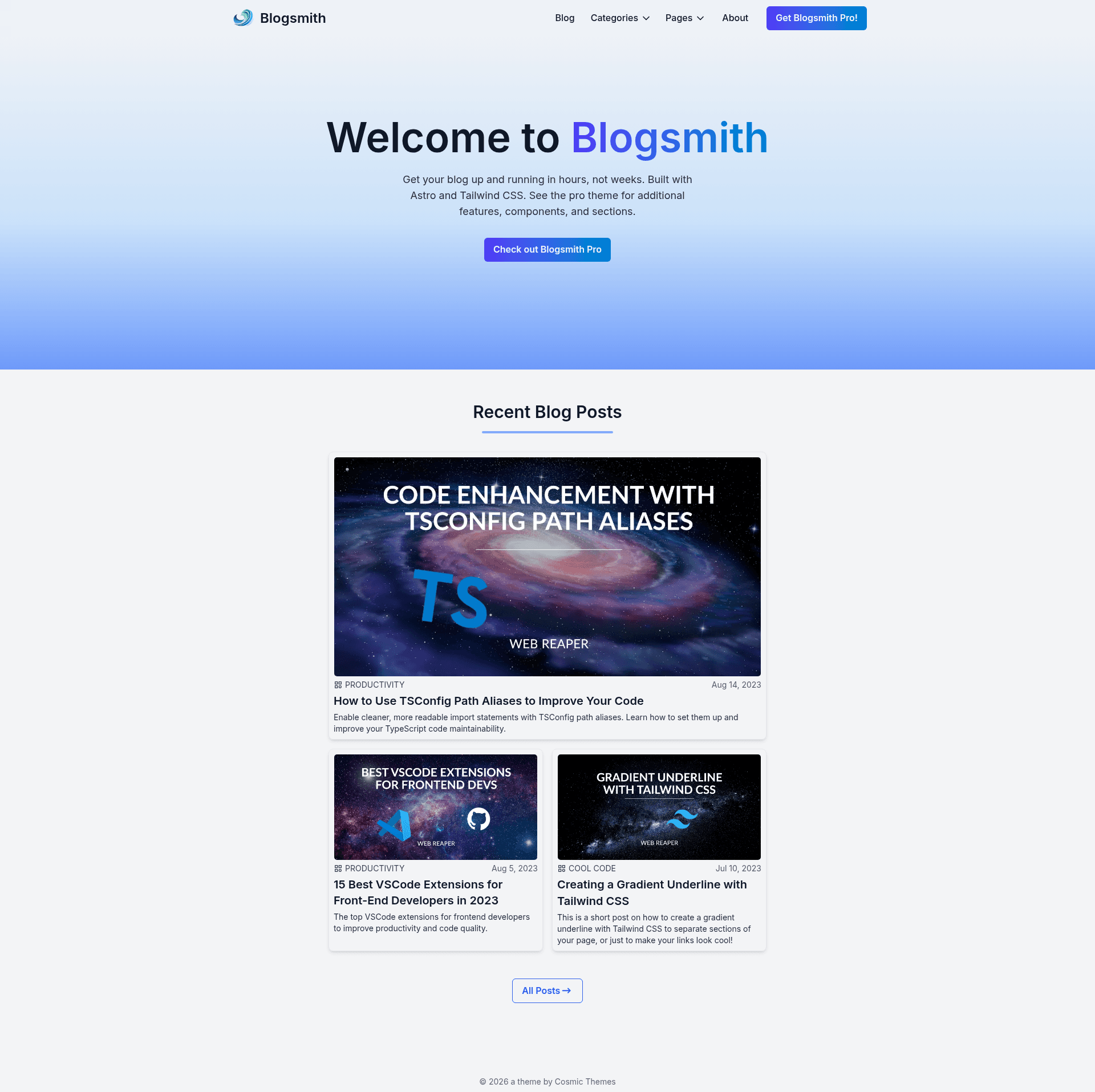
A free and open source blog template by Cosmic Themes. Built with Astro and Tailwind CSS.
About this template
Blogsmith Free is a free, open-source Astro blog template by Cosmic Themes, built with Tailwind CSS, that gives you a complete blogging site with pagination, categories, RSS, and a Keystatic CMS config out of the box.
What is Blogsmith Free?
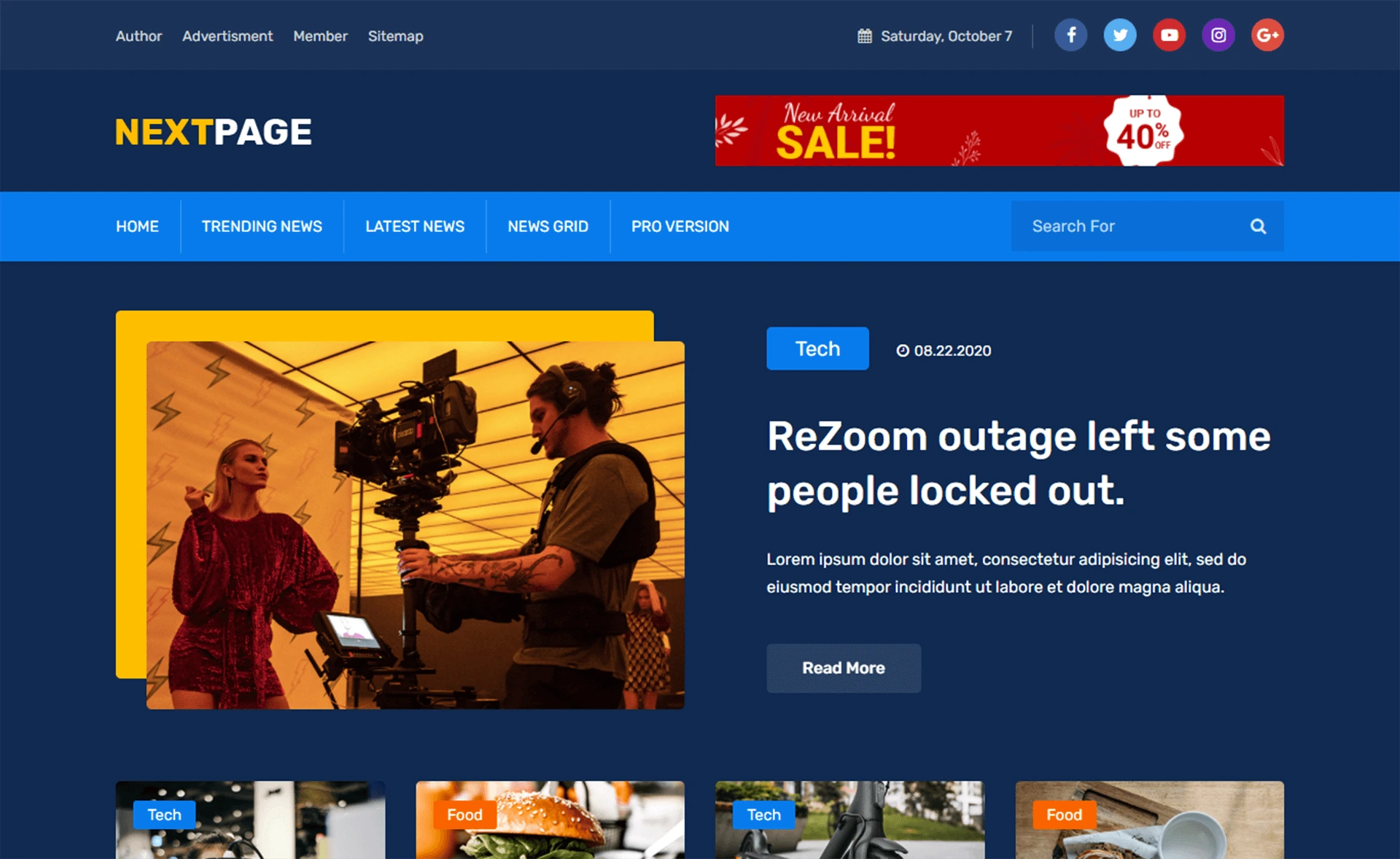
Blogsmith Free is a starter theme for Astro that produces a multi-page blog website. It takes content files from a structured data folder (authors, blog posts, and other pages) and renders them as a site with a home page, blog listing with pagination, category pages, a 404 page, and an RSS feed. The template is created by Cosmic Themes and is distributed under the GPL-3.0 license.
Key Features
- Astro framework — The template is built on Astro, with routes defined by
.astroand.mdfiles insrc/pages/, and usesastro.config.mjsfor site URL configuration. - Tailwind CSS styling — Global styles live in
src/styles/global.cssand Cosmic Themes provides a style customization guide for changing the look. - Blog pagination — The
src/pages/blog/[...page].astroroute handles paginated blog listings, while[...slug].astrorenders individual posts from the data folder. - Category pages — A
src/pages/categories/directory generates category index and paginated per-category archive pages. - RSS feed — An
rss.xml.tsfile insrc/pages/generates an RSS feed for your blog automatically. - Keystatic CMS integration — The included
keystatic.config.tsxsets up the Keystatic content management system for editing site content. - Navigation config — Site navigation is managed through
src/config/navData.json.ts, a single JSON configuration file. - Deployment ready — A
netlify.tomlfile is included, and Cosmic Themes documents deployment to Netlify, Vercel, and Cloudflare.
Who is it for?
- Independent bloggers — Publish a personal blog with categories and RSS without writing layout code from scratch.
- Astro learners — Study a well-structured Astro project that separates components, layouts, data, and config, and includes a VSCode Code Tour to explain the codebase.
- Agency developers — Use the theme as a starting point for client blogs, then customize styles and content through the included documentation and Keystatic CMS.
- Open-source hobbyists — Fork the repository on GitHub, modify it, and deploy it for free to Netlify, Vercel, or Cloudflare.
What can you do with Blogsmith Free?
- Launch a blog quickly — Fork the repo, run
npm installandnpm run dev, then edit the content data files and navigation config to publish your first post. - Organize posts by category — Use the built-in category pages to group your content, with separate paginated archive URLs for each category.
- Share posts via RSS — Let readers subscribe through the auto-generated RSS feed without adding a plugin.
- Add a contact form — Follow the Cosmic Themes forms documentation to wire up form handling on the included pages.
How does Blogsmith Free work?
The quickstart is a four-step process: fork the repository to your own GitHub account and clone it locally, install dependencies with npm install or pnpm install, start the dev server with npm run dev, then customize the site. After editing content and styles, you update the site URL in astro.config.mjs and public/robots.txt, commit your changes, and deploy to Netlify, Vercel, Cloudflare, or any other static host.
Pricing
Blogsmith Free is free and open source under the GPL-3.0 License. Cosmic Themes also sells an All Access pass that includes a no-attribution license for this theme.
FAQ
Is Blogsmith Free really free?
Yes. The theme is released under the GPL-3.0 License, so you can use, modify, and redistribute it at no cost. If you purchase the All Access bundle from Cosmic Themes, you get a separate no-attribution license.
What CMS does Blogsmith Free use?
The repository includes a keystatic.config.tsx file, which sets up Keystatic, a Git-based CMS that works with Astro. Content is stored in the src/data/ folder, with separate subfolders for authors, blog posts, and other pages.
Can I deploy Blogsmith Free to Netlify or Vercel?
Yes. The project includes a netlify.toml file for Netlify, and Cosmic Themes documents deployment to Netlify, Vercel, and Cloudflare. After building with npm run build, the static output in dist/ can be hosted anywhere.
Does Blogsmith Free include an RSS feed?
Yes, the template generates RSS via src/pages/rss.xml.ts. You should update the site URL in astro.config.mjs and public/robots.txt to your own domain so search engines and feed readers see correct links.