Template details
Hugo Ladder ExampleSite
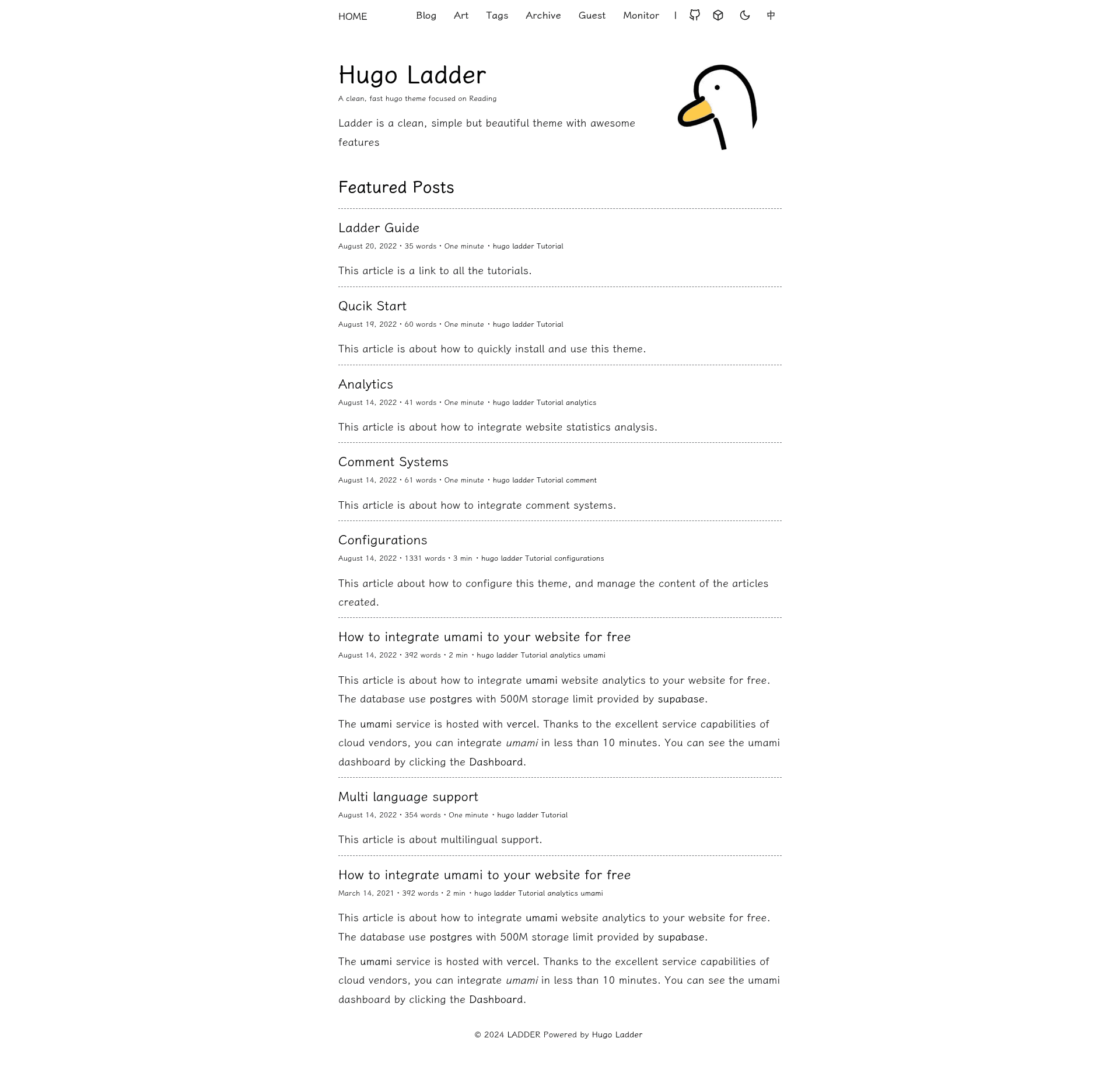
A pre-configured example site for the Hugo Ladder theme, deployable to GitHub Pages with the 'Use this template' button.
About this template
Hugo Ladder ExampleSite is a GitHub template for deploying a pre-configured Hugo blog to GitHub Pages, built as the example site for the Ladder Hugo theme.
What is the Hugo Ladder ExampleSite?
Hugo Ladder ExampleSite is a starter repository that demonstrates the Ladder theme for Hugo, a static site generator. The template is hosted on GitHub and is meant to be copied via the "Use this template" button. Once copied, the new repository contains an example Hugo site with the Ladder theme already applied, ready to be published on GitHub Pages at a username.github.io address.
The repository was created by guangzhengli, the same developer behind the hugo-theme-ladder repository. Its metadata describes it as "A example site for https://github.com/guangzhengli/hugo-theme-ladder", making it the official example for that theme.
Key Features
- One-click setup — Clicking "Use this template" creates a new GitHub repository pre-populated with the example site files.
- GitHub Pages ready — The template expects the repository to be renamed to your-username.github.io, which turns it into a live website served over HTTPS.
- Built with Hugo — Hugo compiles the markdown content and theme templates into a static site that requires no server-side processing.
- Pre-configured theme — The Ladder theme is included and wired up, so the site renders with its default design without extra configuration.
- Free hosting path — The workflow relies on GitHub Pages, which provides free static hosting for public repositories.
Who is it for?
- Bloggers who want a fast, static blog without managing a database or server.
- Hugo developers who want to inspect a working example of the Ladder theme before adopting it for their own projects.
- GitHub users who want a personal website at a predictable URL like username.github.io with a few clicks.
What can you do with the Hugo Ladder ExampleSite?
- Launch a personal blog: Copy the template, rename the repo to your own GitHub Pages address, and start adding markdown posts to the content directory.
- Explore theme customization: Use the example as a reference to see how the Ladder theme structures layouts, content types, and configuration.
- Set up a landing page: Publish a simple one-page site about yourself or a project without writing HTML from scratch.
How does the Hugo Ladder ExampleSite work?
- Click "Use this template" on the repository page and create a new repository with a name matching your GitHub Pages URL (e.g., your-username.github.io).
- In the new repository's Settings, configure the GitHub Pages source to deploy from the main branch.
- Open your browser and visit https://your-username.github.io to see the generated site.