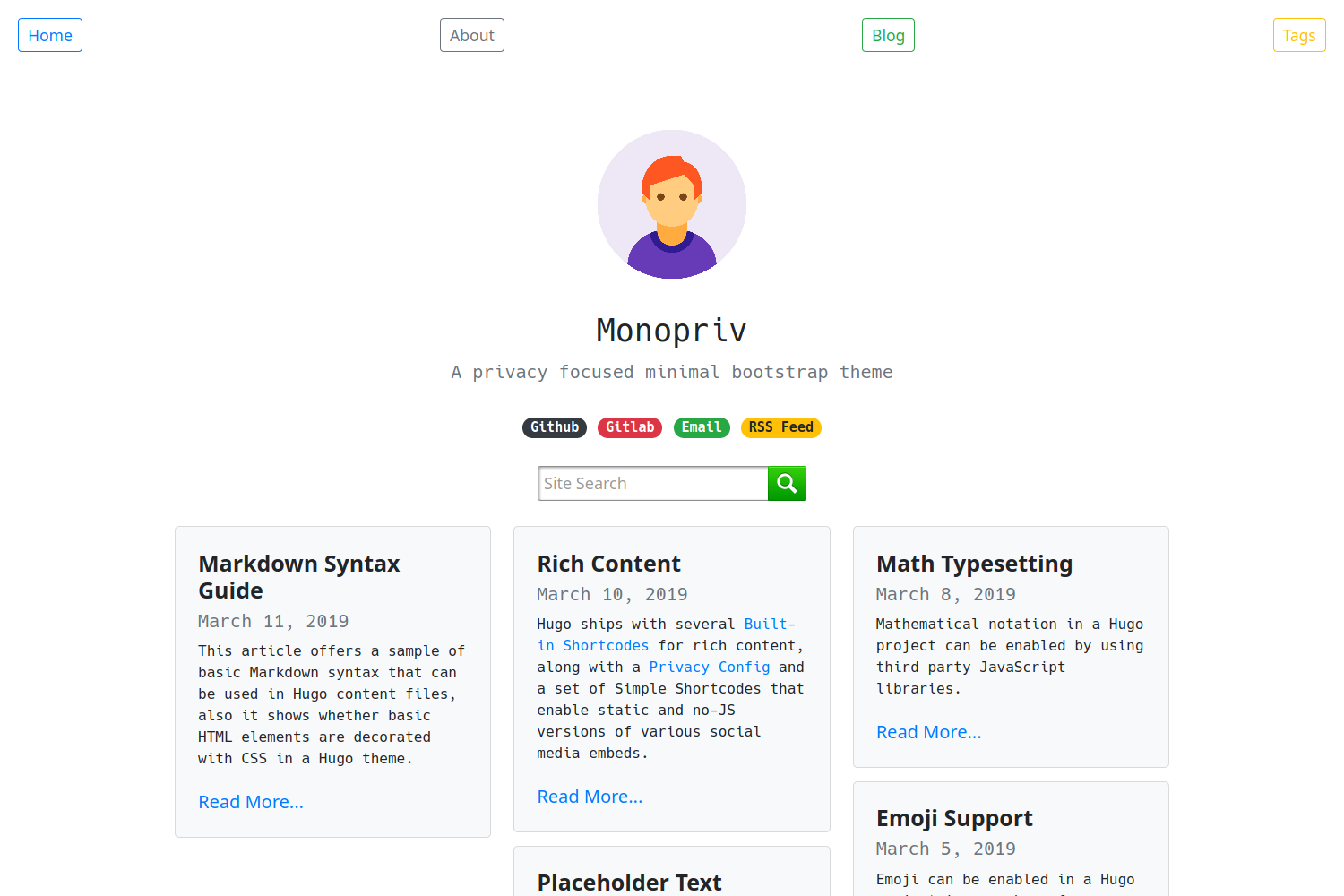
Template details
brutalist-blog
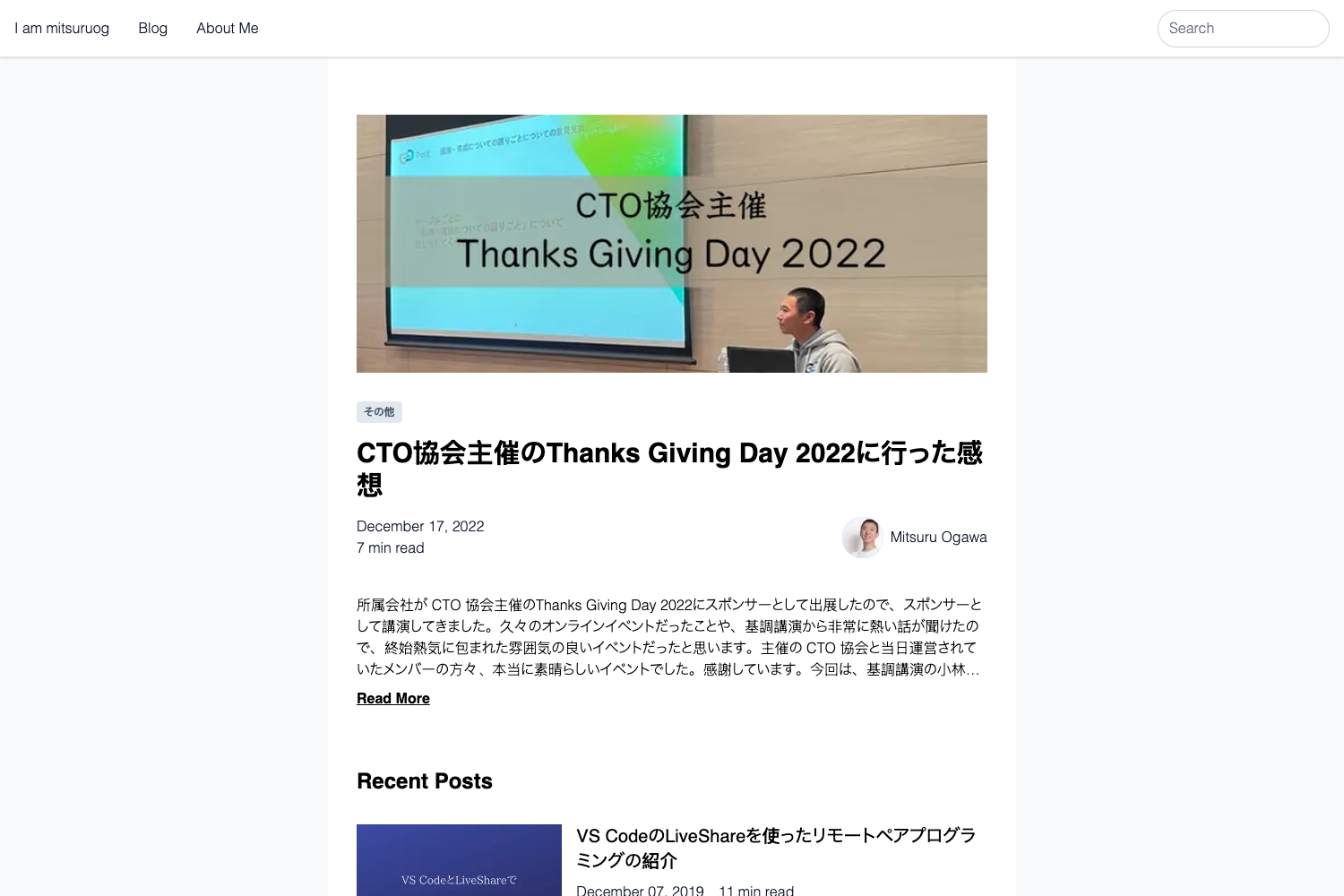
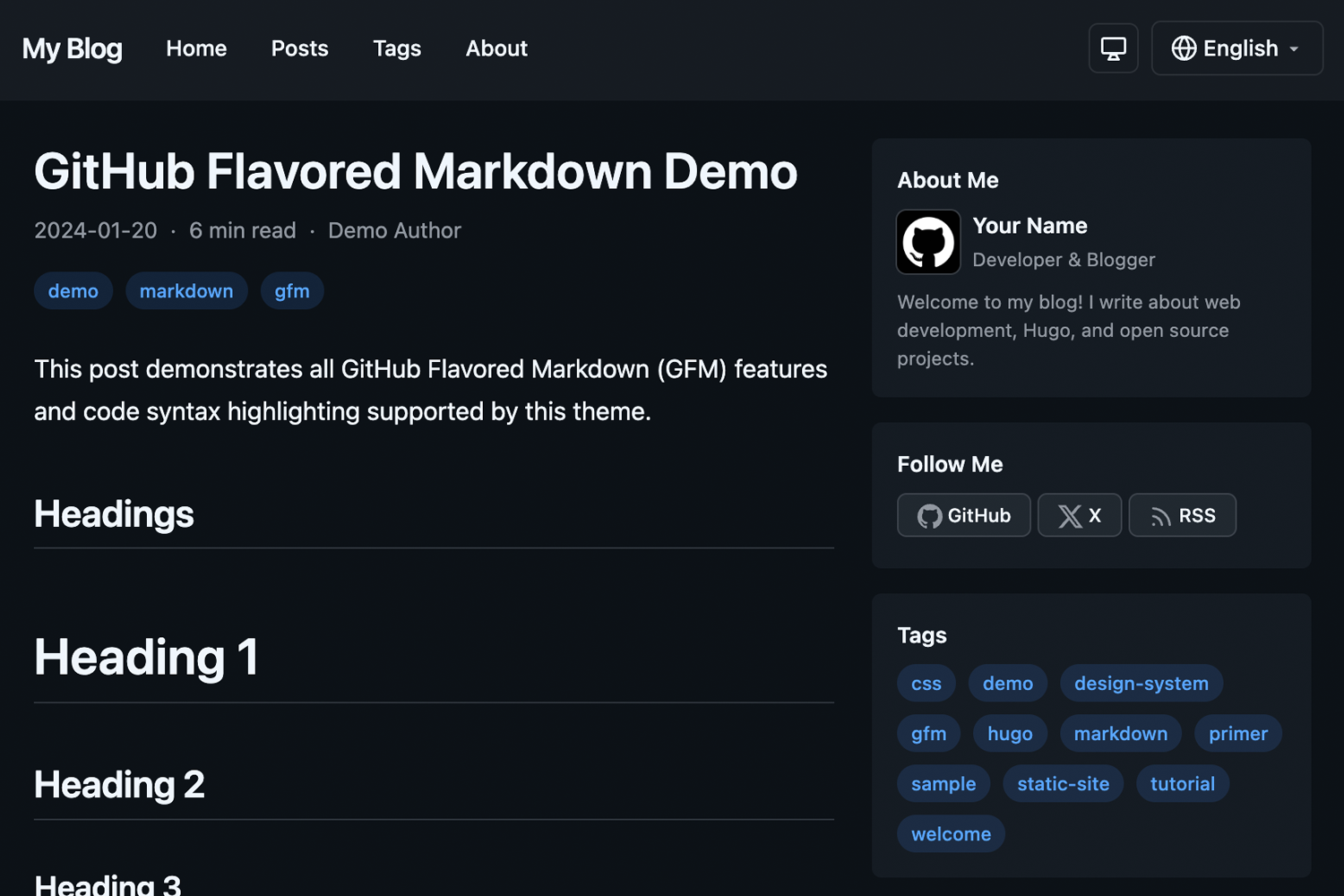
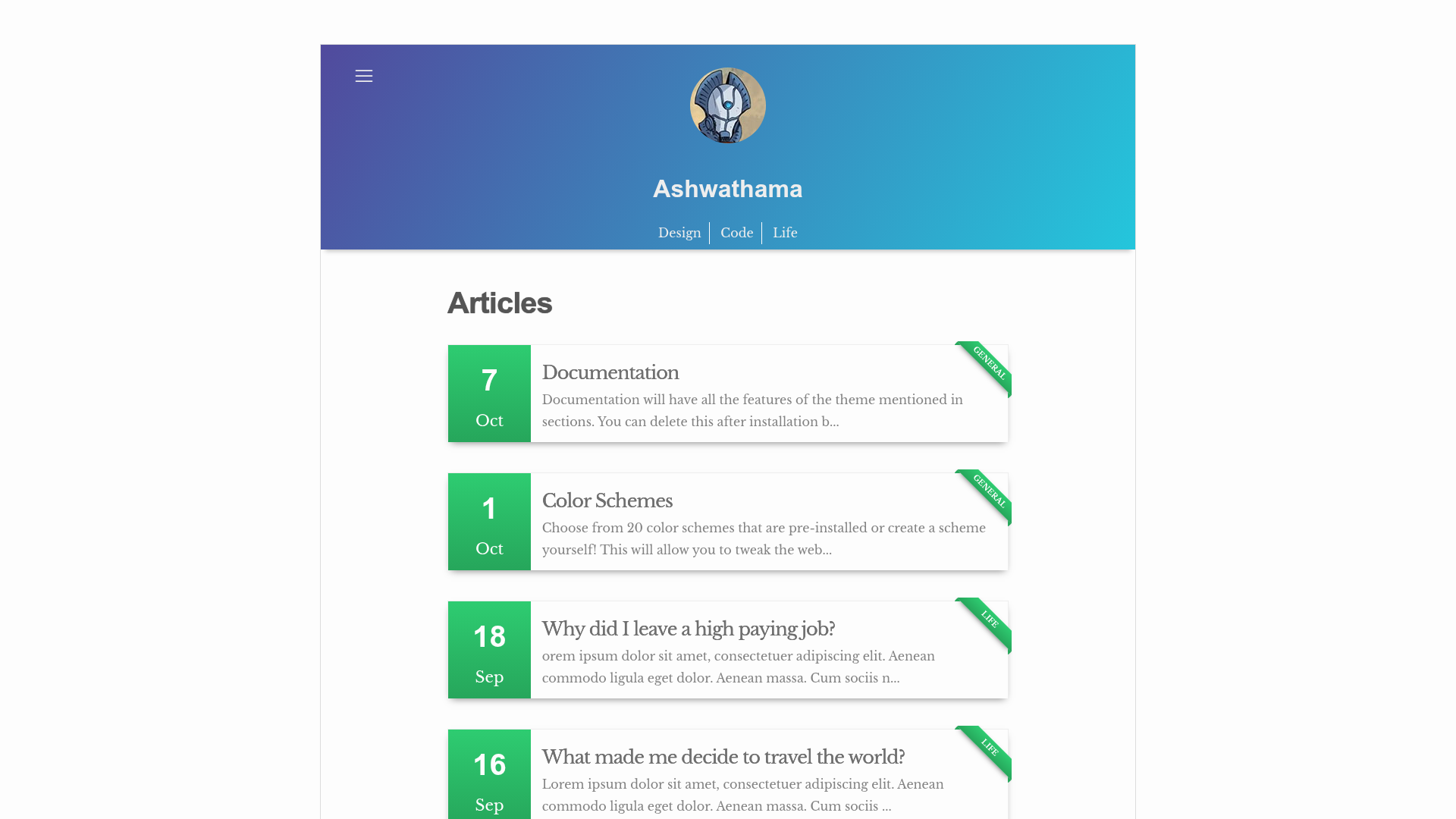
Minimalistic Jekyll blog theme with automatic dark/light mode, Bootstrap styling, and GitHub Pages support.
About this template
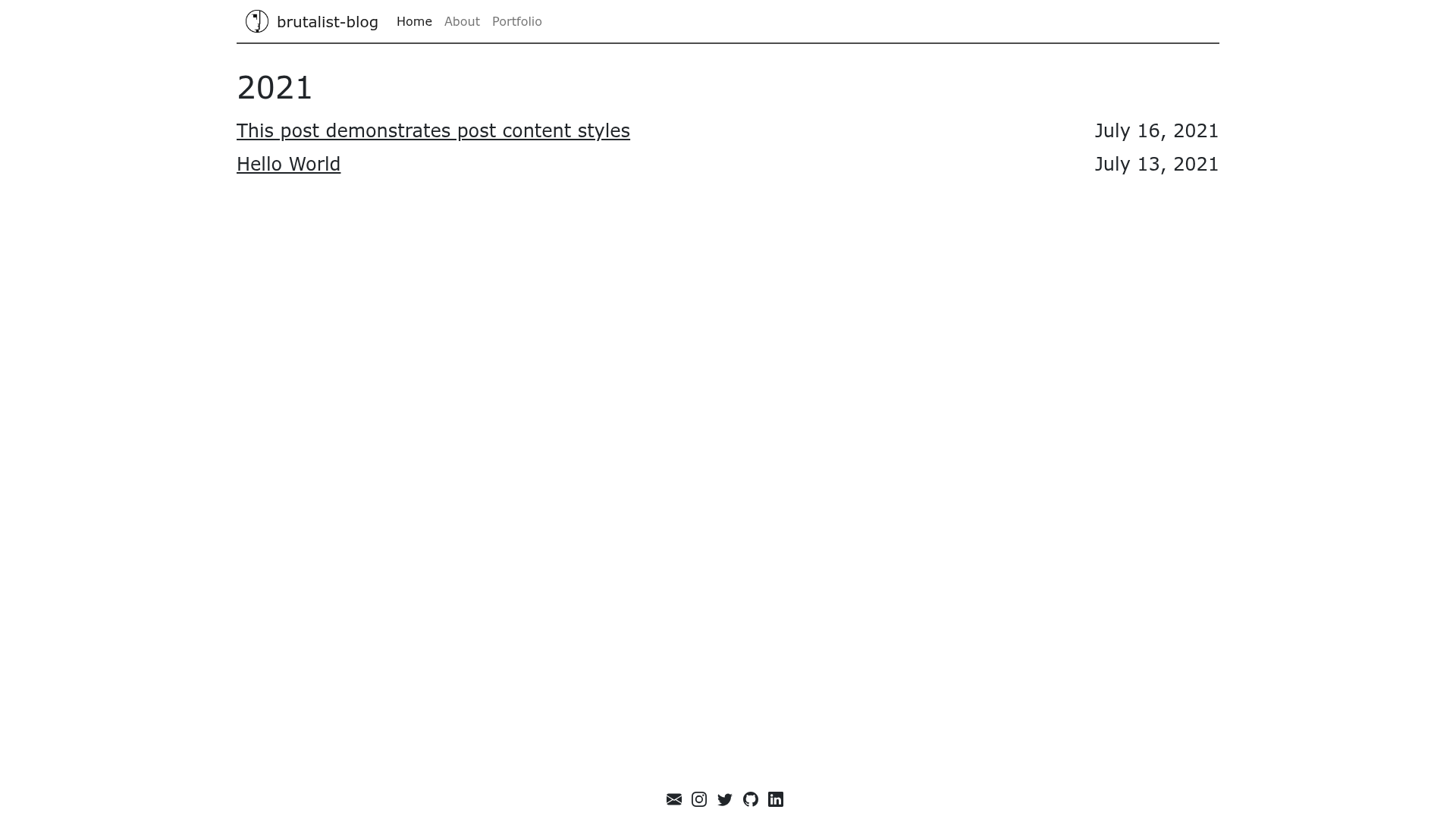
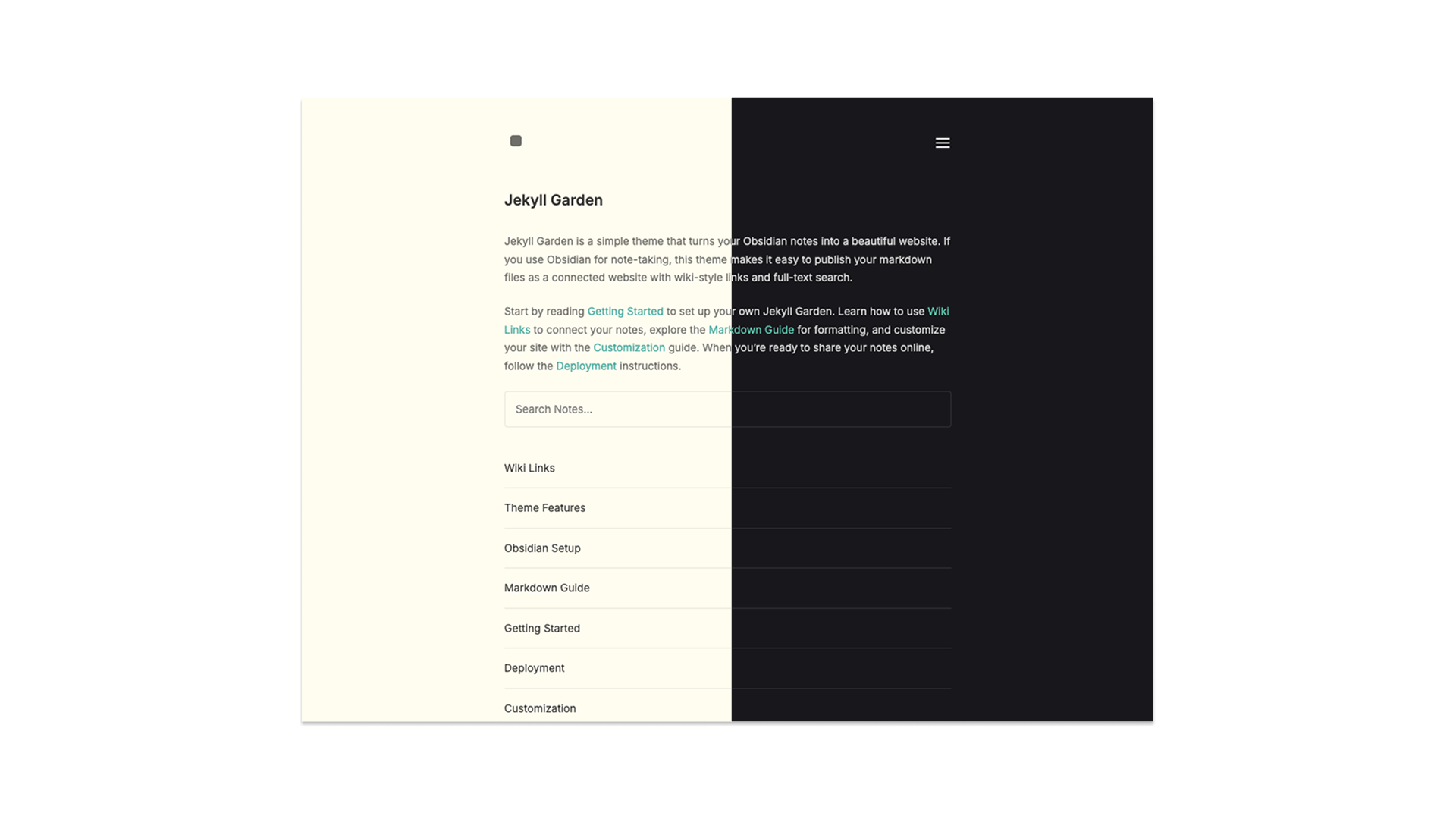
brutalist-blog is a free, open-source Jekyll theme that creates a no-frills, fully-responsive, hyper-minimalistic blog with automatic dark and light modes based on the visitor's operating system settings.
What is brutalist-blog?
brutalist-blog is a Jekyll theme designed for personal blogs and portfolios. It takes standard Jekyll content — Markdown posts and pages, a _config.yml file, and YAML data files — and renders a static website with a brutalist-inspired, minimal aesthetic. The theme was created by Andrew Park and is heavily inspired by Mark Otto's personal site at markdotto.com. It runs on Jekyll, a Ruby-based static site generator, and is compatible with GitHub Pages via the gh-pages branch.
Key Features
brutalist-blog includes built-in features that are normally set up manually: an automatic color scheme, analytics, sitemap, RSS, SEO metadata, and Bootstrap-styled content.
- Automatic dark/light mode — The theme detects the OS-level color scheme using prefers-color-scheme and switches the entire site's palette without user interaction.
- Google Analytics integration — Add your tracking ID to the configuration and the theme injects the analytics snippet automatically.
- XML sitemap and RSS Atom feed — The theme generates a sitemap.xml and an Atom feed for your posts, helping with search engine indexing and content syndication.
- jekyll-seo-tag — Metadata tags are automatically added to each page for search engines and social networks to display rich previews.
- Bootstrap-styled content — Code blocks and tables are automatically styled with Bootstrap components, giving them a clean, responsive look.
- Minimalist layout — The theme includes a homepage, about page, portfolio page, and a blog index, with a navigation bar driven by _data/navigation.yml.
- Customizable styling — Add your own SCSS or CSS by editing _sass/main.scss.
- MIT licensed — The theme is open source under the MIT License, so it can be freely used and modified.
Who is it for?
brutalist-blog targets anyone who wants a clean, fast blog without extra clutter.
- Personal bloggers who want a simple, distraction-free site that looks good in both light and dark mode.
- Developers who prefer a static-site workflow with Jekyll and want a starting point for a portfolio or tech blog.
- Designers who appreciate the brutalist aesthetic and want a minimal canvas to showcase their writing.
- GitHub Pages users — The theme is designed to work with GitHub Pages; the repository includes a gh-pages branch for quick publishing.
What can you do with brutalist-blog?
With brutalist-blog you can publish a personal journal, launch a portfolio, or write a technical blog using plain Markdown and a few configuration files.
- Personal bloggers: write Markdown posts in the _posts folder and get a chronologically ordered blog index with RSS support.
- Developers: create static pages like About and Portfolio by following the existing templates and update navigation in _data/navigation.yml.
- Designers: override global styles in _sass/main.scss to change colors and typography while keeping the responsive layout.
- Portfolio owners: use the included portfolio page to list projects with minimal markup.
How does brutalist-blog work?
brutalist-blog works like any standard Jekyll site: write content in Markdown, configure site data in _config.yml and _data/navigation.yml, and Jekyll builds a static HTML site.
For local development, clone the repository, run bundle install, then bundle exec jekyll serve to preview. For GitHub Pages, check out the gh-pages branch and enable Pages under the repository Settings. The theme reads the configuration for social links, avatar, and site title, then renders the final HTML.
Pricing
brutalist-blog is free and open source under the MIT License. There are no paid tiers or premium features; you can use it for personal and commercial projects without restrictions.
FAQ
These are the answers to the most common setup questions for brutalist-blog.
Is brutalist-blog free?
Yes, the theme is open source and released under the MIT License. You can use it on personal or commercial sites at no cost.
Can I use brutalist-blog with GitHub Pages?
Yes, the repository includes a gh-pages branch and the theme is designed to work with GitHub Pages. Enable Pages in your repository settings after pushing the branch.
How do I change the colors or fonts?
Edit _sass/main.scss in the theme folder. The file contains the global SCSS variables and styles that control the site's appearance.
Does brutalist-blog support dark mode?
Yes, it automatically switches between dark and light based on the visitor's operating system color scheme preference. There is no manual toggle.
How do I add a new blog post?
Create a new Markdown file in the _posts directory following the naming convention YEAR-MONTH-DAY-title.md. The theme will automatically include it in the blog listing and RSS feed.