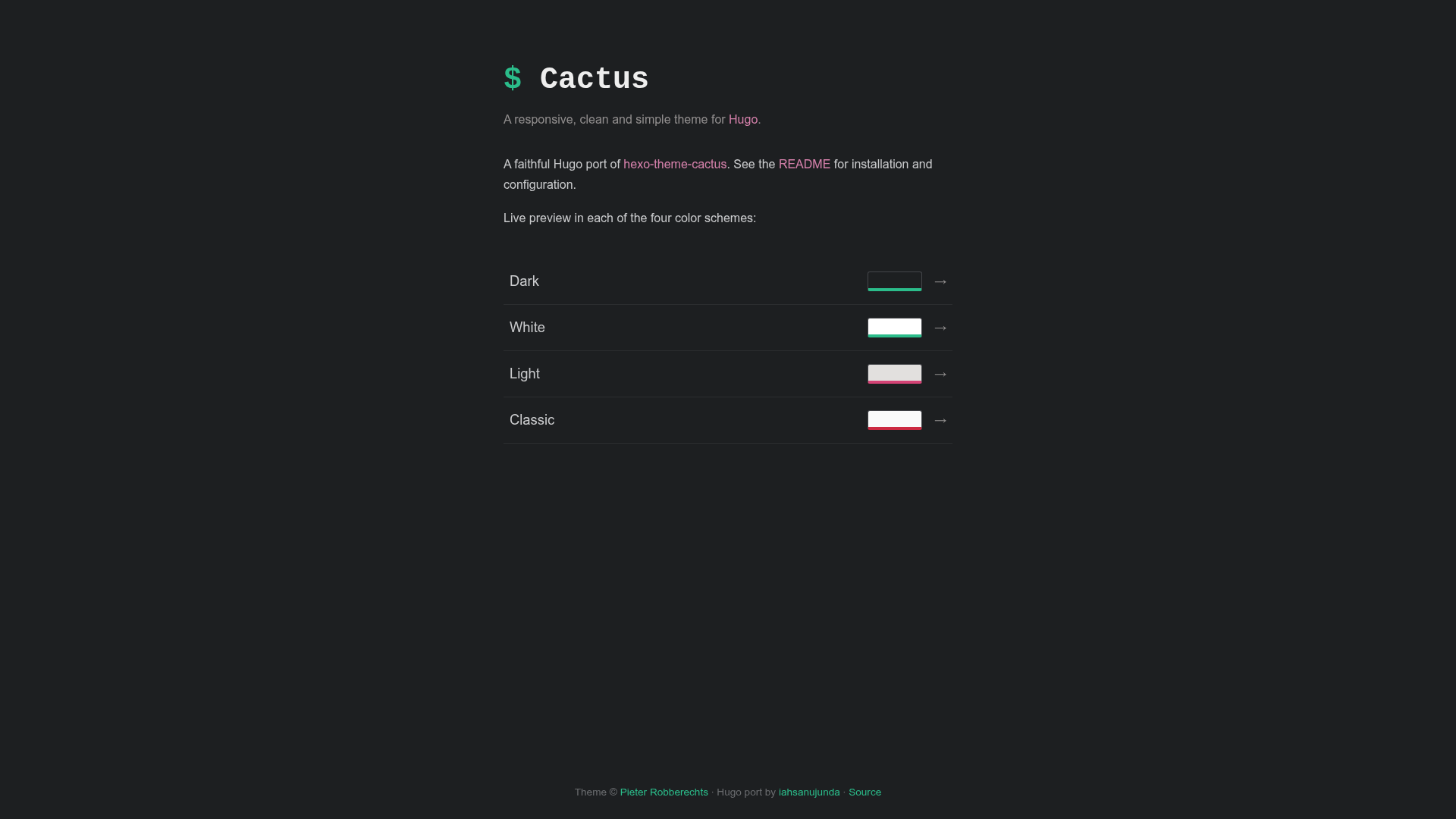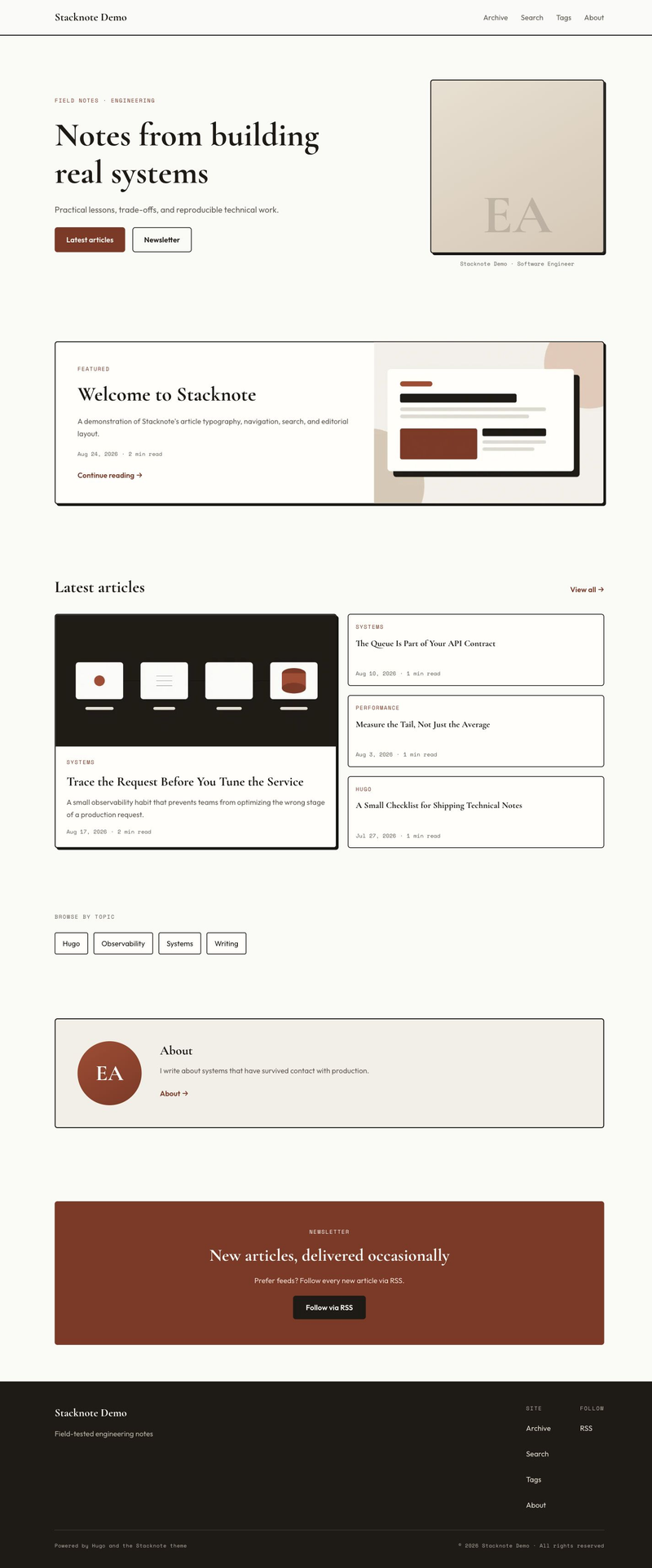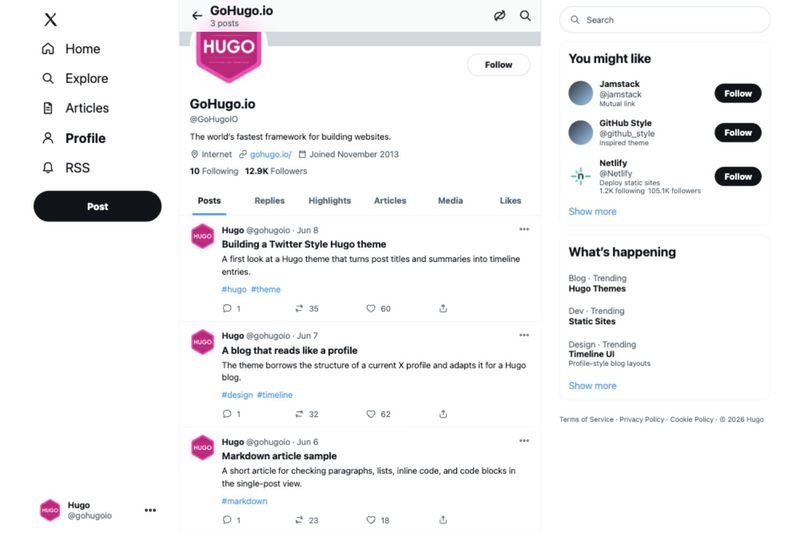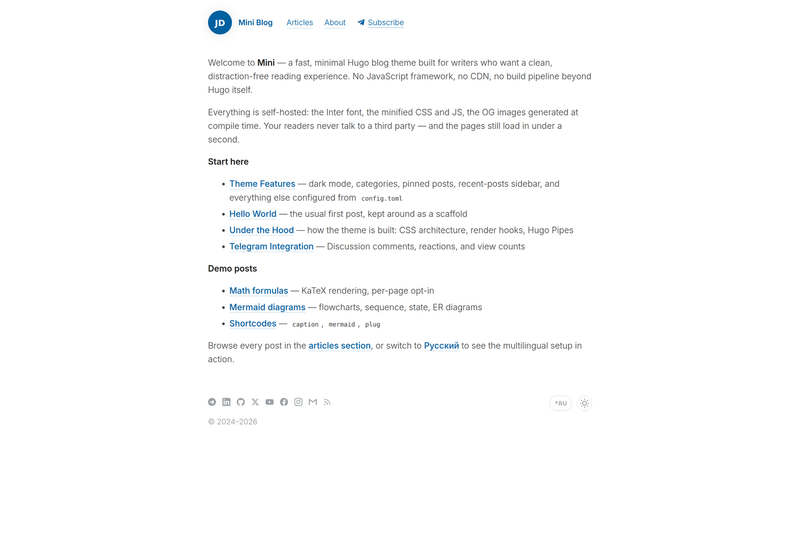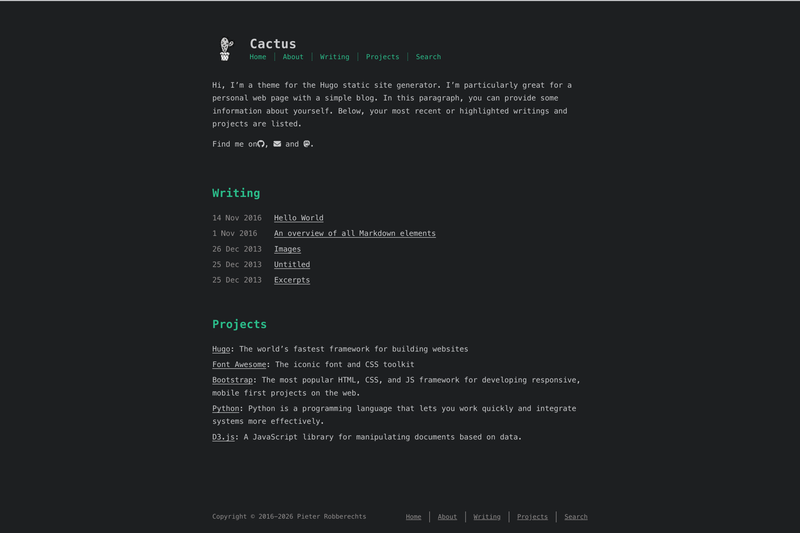
Cactus is a responsive Hugo theme—a faithful port of the Hexo theme hexo-theme-cactus by Pieter Robberechts—that turns Markdown content into a clean personal blog or portfolio with four color schemes, fully client-side search, and flexible comment options.
What is Cactus Hugo theme?
Cactus is a Hugo theme that transforms Hugo content files and site configuration into a static personal blog or portfolio website. The port is maintained on GitHub under iahsanujunda/hugo-theme-cactus. It requires Hugo extended (version 0.158 or newer) and a separate Dart Sass install because the SCSS source uses Sass modules and Hugo's css.Sass function with the vars option; the older LibSass transpiler will not build it.
Key Features
- Four color schemes — dark, light, classic, and white; chosen by setting the
colorschemeparam and compiled into the stylesheet by Dart Sass. - Client-side search — a search page consumes a
/index.jsonindex generated at build time, with zero server or external search dependencies. - Comment engines — Disqus and utterances are both supported; the utterances block exposes repo, issue-term, label, and theme settings.
- Analytics integrations — Google, Umami, Baidu, and Cloudflare analytics can each be enabled in the site params via their own ID.
- Tags, categories, and archive — posts use a logarithmic tag cloud and a paginated, year-grouped archive page; homepage can show a tags overview or a selected number of recent posts.
- Localization — 17 languages are built in, with RTL support that loads the Vazir font when
directionis set tortl. - Post page extras — each post can show a table of contents, social share links, a justified photo gallery (from
photosfront matter), banner/thumbnail images, and a link-style layout for off-site titles. - Zero jQuery —
main.jsis vanilla JavaScript; the gallery is a vanilla justified layout and the copy button uses the native Clipboard API.
Who should use Cactus Hugo theme?
Cactus suits Hugo users who want a straightforward blog theme without a Node build step or a CSS framework. Static-site bloggers can publish with tags, categories, recent posts, and archives, while developer-portfolio owners can pair an about page with a GitHub projects link and Chroma-syntax-highlighted code samples. Multilingual authors benefit from the 17 included languages and right-to-left script support.
What can you do with Cactus Hugo theme?
- Personal bloggers: publish posts with category and tag pages, a logarithmic tag cloud, and a homepage that shows the latest posts or all posts paginated.
- Developer portfolios: add an about page, a projects menu item pointing to a GitHub page or external site, and code blocks highlighted with any Chroma style such as
monokai. - Multilingual sites: write in any of the 17 locales, toggle
direction: rtl, and get automatic Vazir font loading for Persian or Arabic content. - Privacy-leaning site owners: search stays on the client by reading
/index.json, and Umami analytics can replace Google Analytics for lighter tracking.
How do I install Cactus Hugo theme?
Install by adding a git submodule (git submodule add ... themes/cactus) or importing it as a Hugo Module; both options appear in the repository README. After that, set the theme value in the site configuration and copy the annotated TOML blocks from exampleSite/hugo.toml. The build environment must include Dart Sass, so deployment services (GitHub Actions, Netlify, Cloudflare Pages, Vercel) need a step such as npm install -g sass before hugo --minify.
How does Cactus differ from the original Hexo theme?
The port keeps the same minimalist look but removes jQuery from the JavaScript, replaces Stylus with SCSS compiled by Dart Sass, uses Hugo's Chroma for syntax highlighting instead of seventy bundled themes, and fixes the utterances issue-term so it honors the configured value rather than hard-coding pathname.
FAQ
Does Cactus require Dart Sass?
Yes. The theme's SCSS uses Sass modules and the css.Sass vars option, so Hugo must be the extended edition (at least 0.158) and Dart Sass must be installed on the machine or CI environment. If the Sass transpiler is missing, the site fails with a TOCSS-DART error.
Can I use Cactus with any Hugo site content?
It expects Hugo content files with date, title, and taxonomies and it reads optional front matter such as thumbnail, banner, photos, and comments. The site config must include JSON in the home outputs for the search index; the archive is paginated and grouping is by year.
Is Cactus free to use?
Yes, the theme is released under the MIT license. The original Hexo theme is copyrighted by Pieter Robberechts and the port carries attribution back to it.
Does Cactus support comments?
Yes, you can enable either Disqus (set shortname) or utterances (set repo, issueTerm, label, and theme) in the site params. Comments are disabled by default on each post; a post's front matter must include comments: true to turn them on.
Which analytics can Cactus integrate?
Google, Umami, Baidu, and Cloudflare analytics are all included. Each is disabled by default and enabled by setting its own ID string in the params; for Umami you also provide a host and script name.