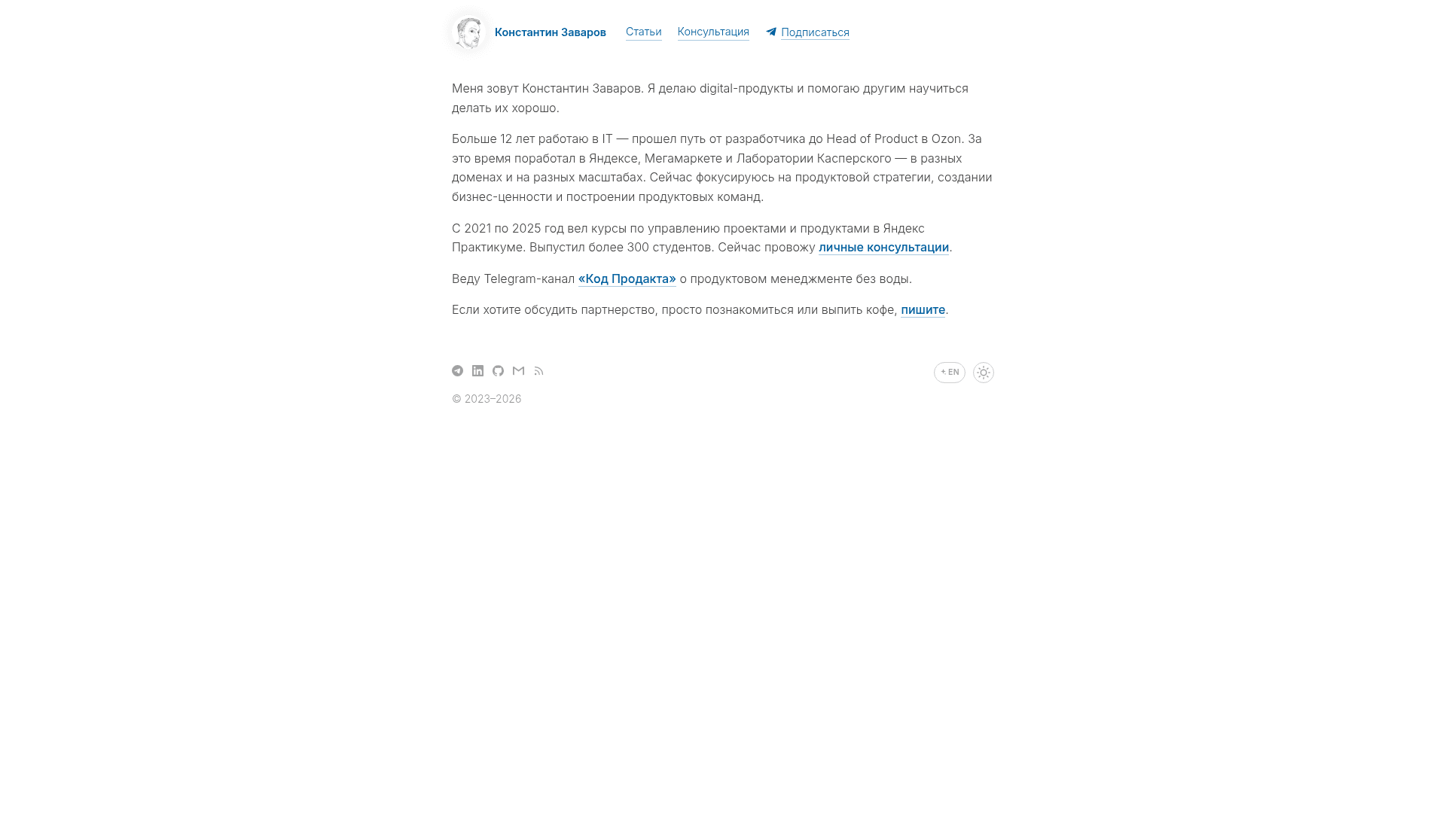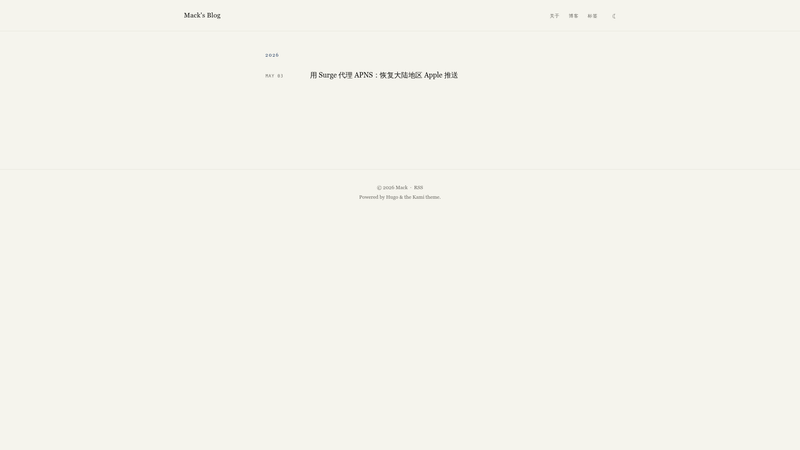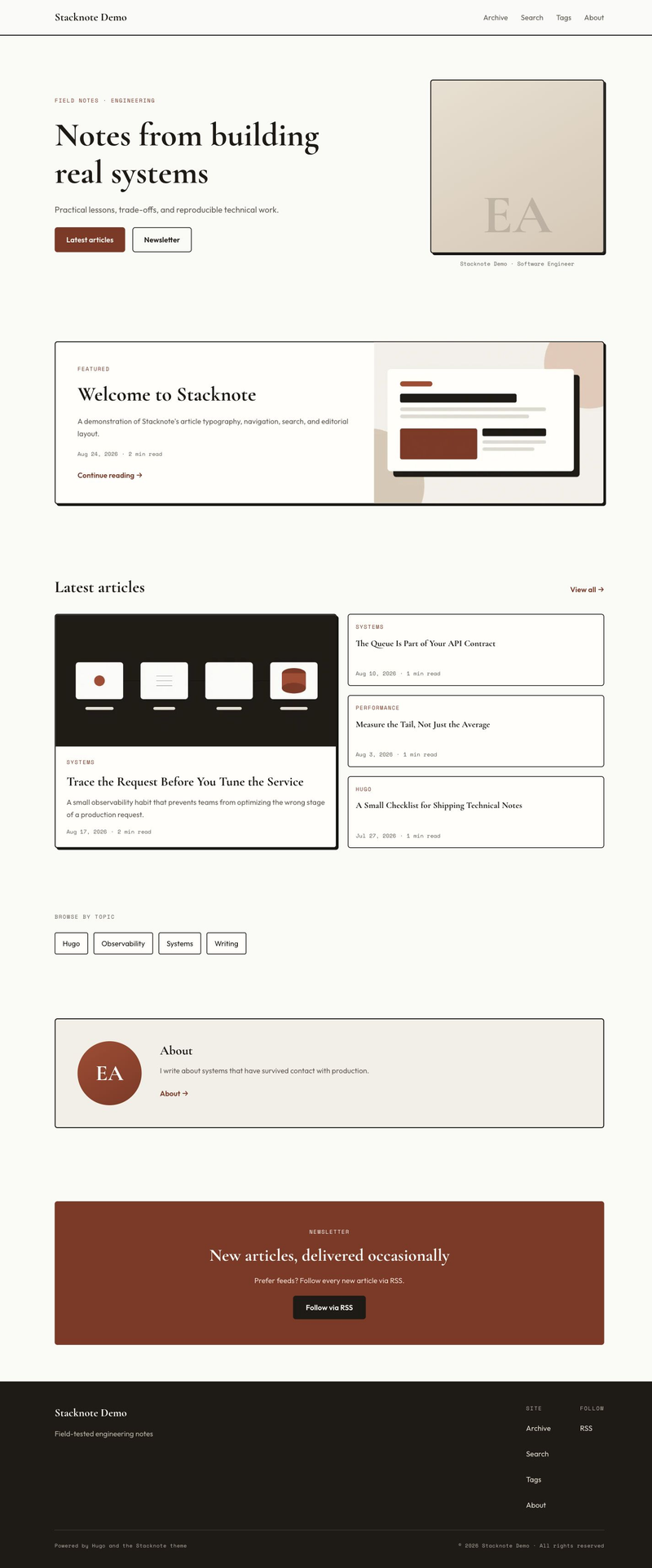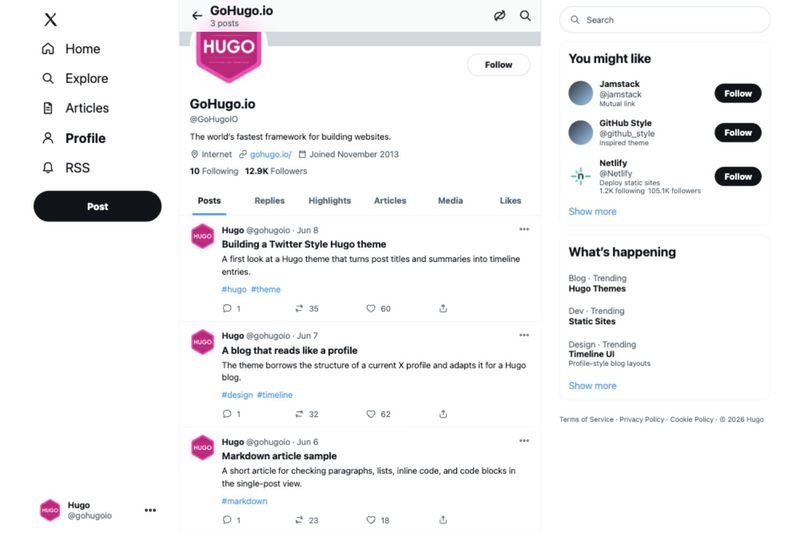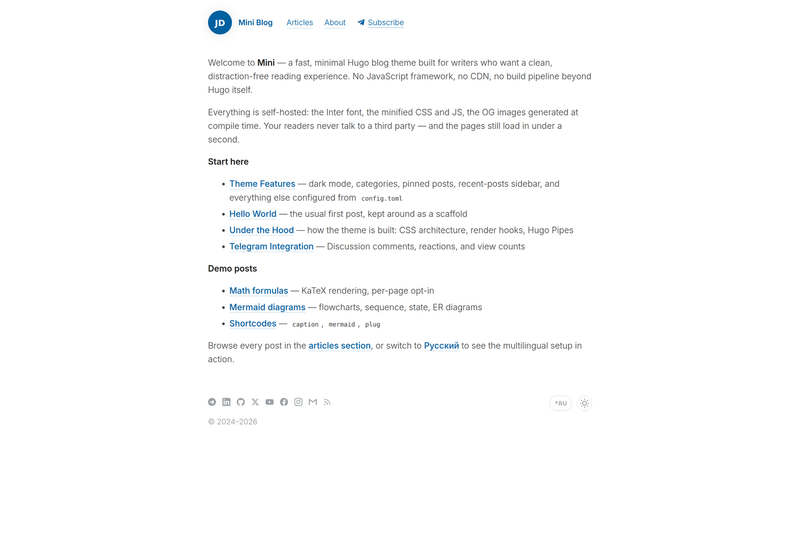
Hugo Mini is a writer-first Hugo theme for building fast, multilingual personal blogs, pairing clean typography with self-hosted assets, dark mode, and an optional Telegram integration — all without a frontend JavaScript framework.
What is Hugo Mini?
Hugo Mini is a static-site theme for Hugo, created by the GitHub user zavarovkv and distributed under the MIT license. It takes Markdown content and Hugo configuration as input and generates a static website featuring a responsive reading layout, RSS and JSON feeds, JSON-LD structured data, and an LLMs.txt file. It requires Hugo Extended version 0.146 or newer. Installation uses the standard Hugo workflow: add this repository as a git submodule under themes/hugo-mini and set the theme parameter in your site configuration. A live demo is available at zavarov.com, and an example site is included in the repository.
What makes Hugo Mini stand out?
- Self-hosted assets — CSS, JavaScript, and fonts are bundled and fingerprinted so they load from your own domain instead of external CDNs.
- System-aware dark mode — The responsive layout automatically switches light and dark themes based on the visitor's operating-system setting.
- Multilingual support — Per-language menus, translated interface strings, a footer language switcher, and
hreflangtags make multi-language blogs first-class. - Built-in discovery features — Open Graph images, JSON-LD, RSS, JSON Feed, and an
llms.txtoutput are generated with no extra configuration. - Opt-in KaTeX and Mermaid — Math typesetting and Mermaid diagrams load only on pages that set the corresponding front-matter flag, keeping other pages lightweight.
- Optional Telegram comments and reactions — Lazy-loaded discussion plus build-time view and reaction counts work without a third-party comment service.
- Plug-in-free analytics choices — Yandex Metrika, Google Analytics, Plausible, and Umami are all supported but remain disabled until explicitly configured.
- Small customization surface — Design tokens, partial template hooks, named layout blocks, and custom SVG menu icons cover the common extension points.
Who should use Hugo Mini?
Independent writers and bloggers who want a typography-first personal site and prefer Hugo over a JavaScript application are the primary audience. Developers already comfortable with Hugo will find the theme's design tokens, template hooks, and front-matter options easy to adapt. The theme also suits multilingual publishers who need per-language menus and correct hreflang without manual work. On the other hand, it is probably not the right starting point for a magazine homepage, a visual portfolio, or a site that needs a component library and application-style interactions.
What can you do with Hugo Mini?
- Write Markdown articles with heading links, code copy, image captions, and optional mathematics or flowcharts via KaTeX and Mermaid.
- Run a multilingual blog with per-language menus, translated interface strings, and a language switcher in the footer.
- Engage readers through Telegram by attaching comments and reactions to posts and showing view and reaction counts.
- Enable social sharing by setting
socialSharing = trueso readers can share posts through the channels you define. - Deploy a fast static website that serves its own CSS, JavaScript, and fonts, and exposes RSS, JSON Feed, Open Graph, JSON-LD, and LLMs.txt for discovery.
- Keep a page public but hidden from listings and feeds with the front-matter flag
hidden = true, or use Hugo'sdraft = truefor unpublished pages.
FAQ
Is Hugo Mini free?
Yes. Hugo Mini is released under the MIT license, so you can download it, modify it, and include it in personal or commercial projects. There is no feature-gated paid tier or licensing fee mentioned anywhere in the repository.
What Hugo version does Hugo Mini need?
Hugo Mini requires Hugo Extended version 0.146 or newer. The repository's example site is tested with that minimum version before each release, and the theme documentation covers configuration and deployment.
Does Hugo Mini support comments?
There is no built-in native comment system. Instead, Hugo Mini offers optional Telegram comments and reactions, which are lazy-loaded and can show view and reaction counts generated at build time. Both are absent until you configure them.
Is Hugo Mini good for portfolios?
Probably not. Hugo Mini is designed for text-led personal sites, and its documentation advises against using it for visual portfolios or magazine-style homepages. If you need a component library and application-style interactions, another theme will fit better.