Template details
Hulga
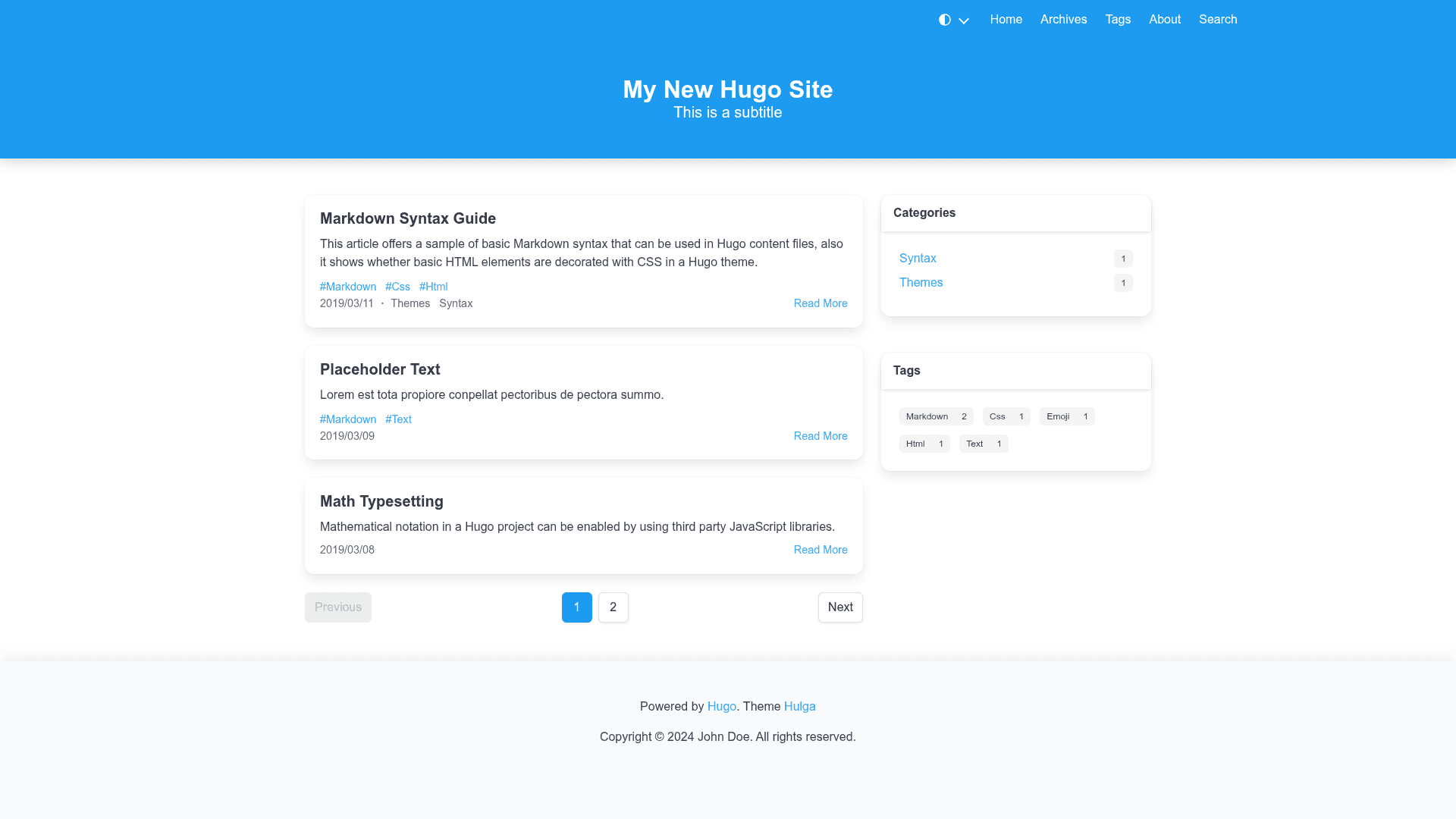
A fast, small Hugo blog theme built on Bulma CSS with dark mode, TOC, static search, and PWA support.
About this template
Hulga is an open-source Hugo blog theme built on Bulma CSS that outputs a static site with built-in dark mode, a table-of-contents sidebar, static full-text search via Pagefind, and PWA support.
What is Hulga?
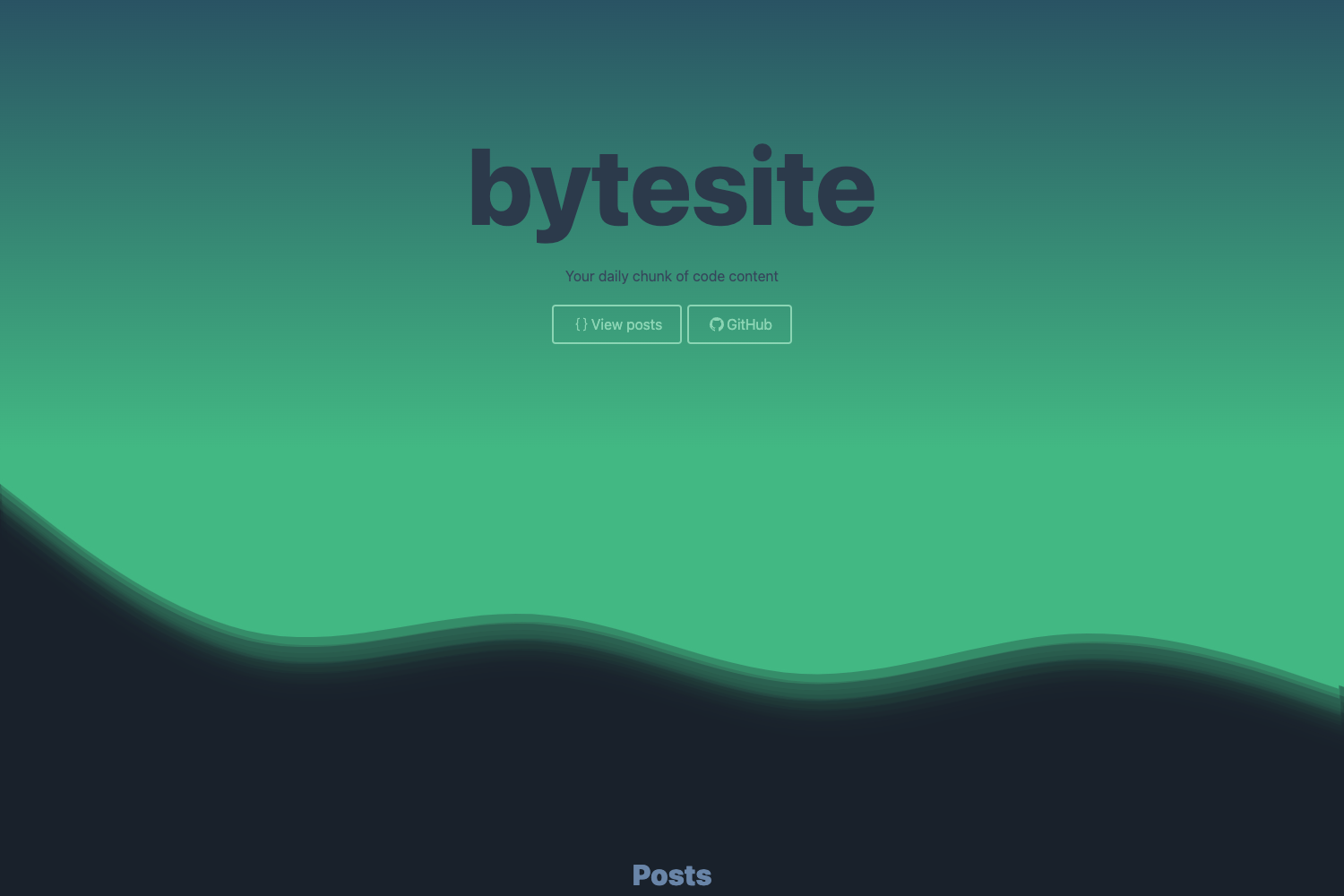
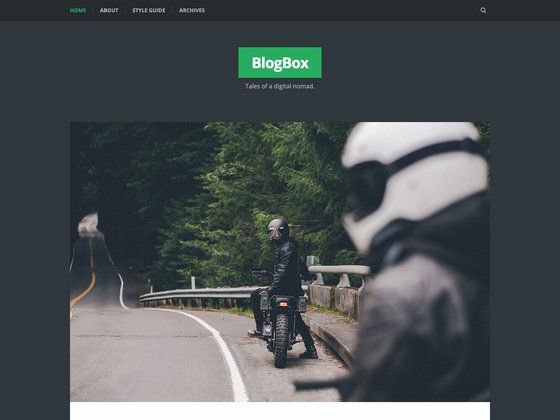
Hulga is a Hugo theme that pairs the Hugo static site generator with the Bulma v1 CSS framework. It takes Markdown content placed in a post directory and generates a blog with category and tag taxonomy pages, archives, and a homepage hero section. The theme is maintained by wlh320 and is available on GitHub under the hugo-theme-hulga repository.
Key Features
- Small and fast — The theme's CSS can be purged with PostCSS from 746 kB to 56 kB and then to 9 kB gzipped, keeping pages lightweight.
- Dark mode — Uses modern CSS variables with support for
prefers-color-schememedia queries, plus a manual light/dark toggle. - Table of contents sidebar — Generates a TOC on post pages using tocbot, with an optional auto-collapse feature.
- Static search — Integrates Pagefind to build a client-side search index; run
npx pagefind --site publicafterhugo build. - PWA support — Enable the
pwaparameter to turn the site into a progressive web app; you provide the icons and editmanifest.json. - Taxonomy pages — Automatic category list and term pages, tag list and term pages, and an archives page.
- Customizable colors — Change Bulma's primary color globally or use a separate link color, set even per the Steam Deck hero style.
- Math rendering — Optional KaTeX rendering on every post page via the
mathparameter.
Who is it for?
- Hugo bloggers — Developers who want a minimal, Bulma-styled blog without pulling in a heavy framework.
- Content writers — Users who want a TOC sidebar, dark mode, and search without configuring JavaScript tooling manually.
- Self-hosters — Those who want a free, open-source theme with PWA capabilities and full control over the layout.
What can you do with Hulga?
- Personal blogging — Publish posts under the
postdirectory and get a clean blog with tags, categories, and archives. - Technical documentation — Use the TOC sidebar and KaTeX math to write technical articles with equations.
- Portfolio or resume site — The theme includes a hero section and menus, but it is primarily blog-oriented; you can add pages using Hugo's menu system.
How does Hulga work?
- Add the theme as a git submodule:
git submodule add https://github.com/wlh320/hugo-theme-hulga.git themes/hulga. - Set
theme = "hulga"in your site'sconfig.tomland configure the available parameters. - If you enable PostCSS, install Hugo extended, copy
package.jsonandpostcss.config.jsto your site root, and runnpm install. - For non-English or non-Chinese sites, add i18n files in the
i18nfolder to localize theme strings. - To enable search, install Pagefind and run
npx pagefind --site publicafter building.
Pros and cons
- Pros: Lightweight output, flexible color theming, dark mode with media and manual toggles, built-in TOC, Pagefind search, PWA support, and open-source licensing.
- Cons: Content must be placed in a specific
postdirectory for the theme to populate articles; PostCSS requires the Hugo extended edition; only English and Chinese (zh-cn) strings are bundled by default.
Pricing
Hulga is free and open source. There are no paid tiers or premium features; all configuration is done through your Hugo site's parameters.
Alternatives
- PaperMod — A popular Hugo theme known for its speed and minimal design, with similar features such as dark mode and search, but not Bulma-based.
FAQ
Is Hulga free?
Yes, Hulga is released as open-source software on GitHub. You can use it for personal or commercial projects without cost, and you can modify it under the terms of its license.
How do I enable dark mode?
Enable the darkMedia parameter to respect the user's prefers-color-scheme setting, or enable darkToggle to add a manual dark-mode switch in the menu. Both default to false.
Does Hulga require Hugo extended?
Only if you enable PostCSS-based CSS purging. Standard Hugo works for all other features. The Readme suggests using Hugo extended when you copy package.json and postcss.config.js for CSS optimization.
What content structure does Hulga expect?
All blog articles must be placed in a directory named post at the root of your content folder (for example, content/post). Taxonomy pages for category and tag are generated automatically from the front matter.
How do I add search to my site?
Install Pagefind, build your Hugo site, then run npx pagefind --site public from your project root. The theme includes a search page that connects to the generated index.